decompile-apk
Introduction: Why to use?1.同类工具相比,一键自动反编译;2.集成多个工具,你想要的这里都有;3.最新的工具,完美兼容 Android O。
Tags:
反编译工具-反编译apk-反编译-English | 简体中文

The decompile-apk tool consists of scripts and various tools. It can provide automated decompilation to produce Java source code and resources from Android APK files that are displayed on a GUI.

Run decompile-apk.sh, pick jadx from the menu, and browse the decompiled source of the WheelView sample app.
| jd-gui | jadx |
|---|---|
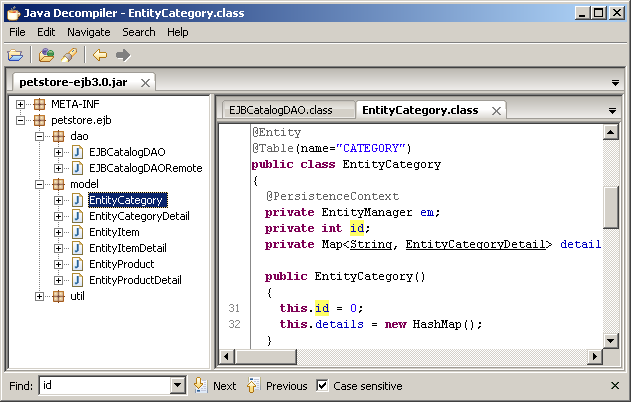 |
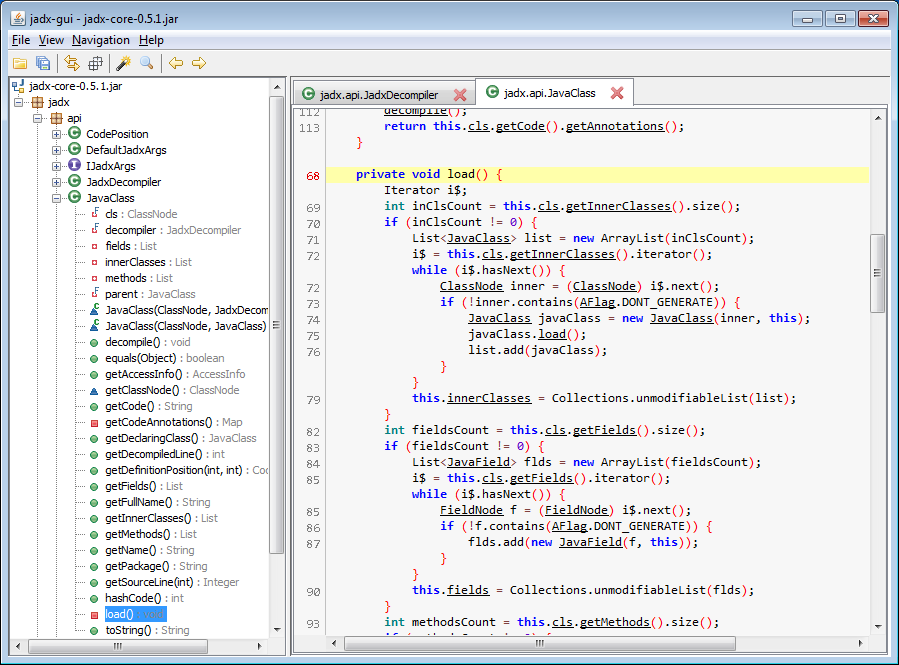 |
| classyshark | bytecode-viewer |
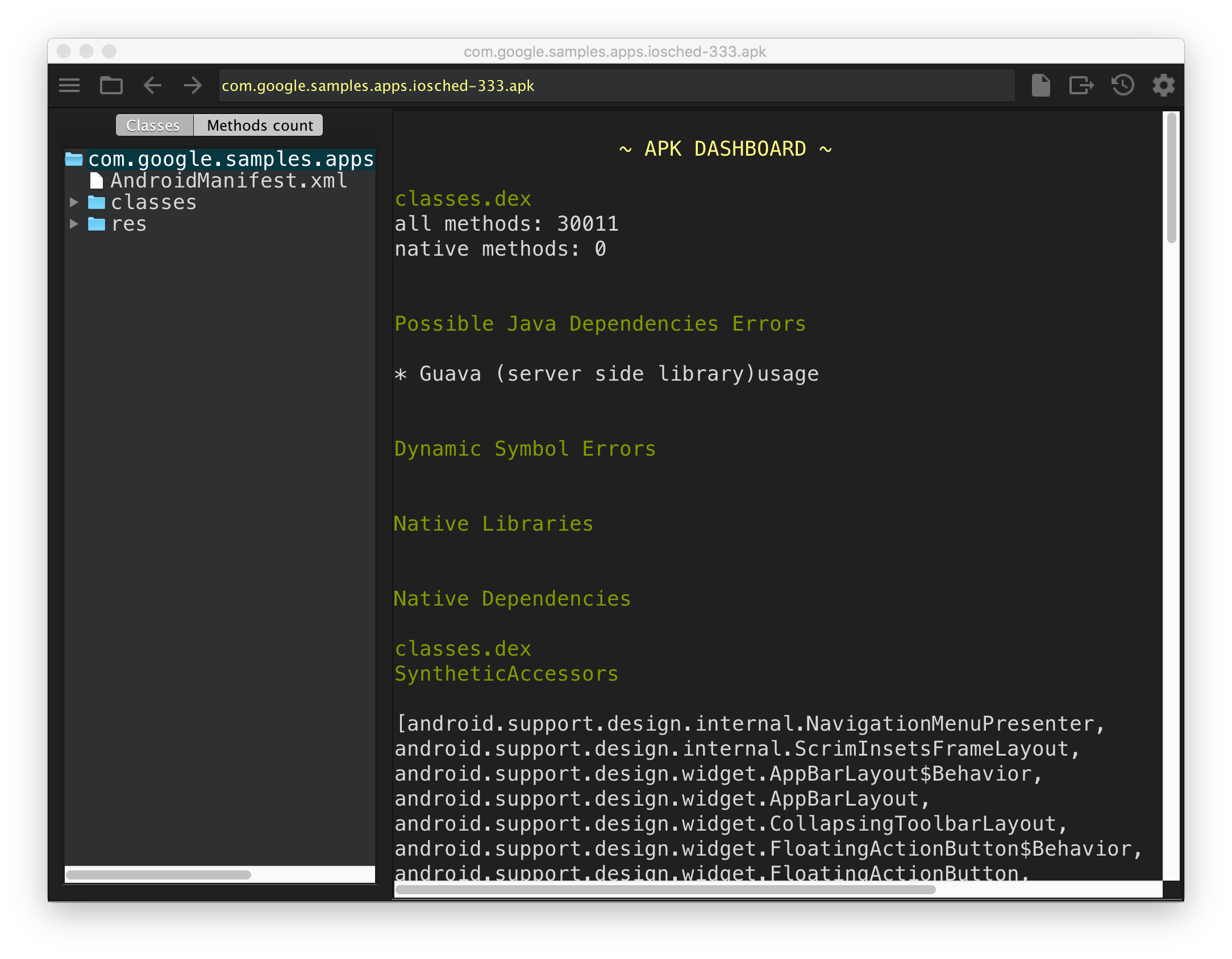 |
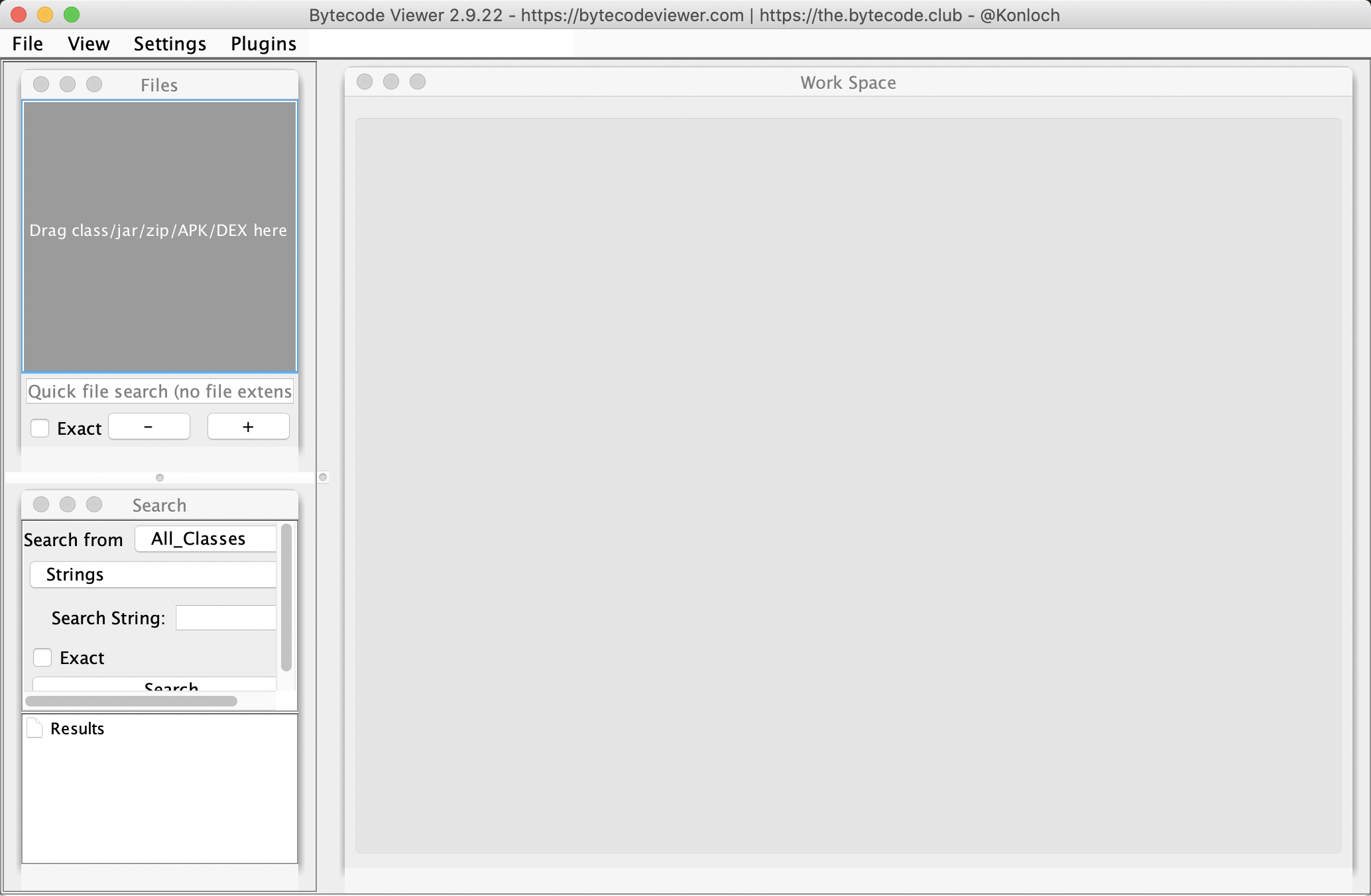 |
Tools
The tools are no longer bundled in this repository. On first use, each script downloads the tool it needs from the official GitHub release and verifies its SHA-256 checksum (see setup.sh).
- Apktool : v3.0.3
- dex2jar : v2.4.38 (the actively maintained fork of pxb1988/dex2jar)
- jd-gui : v1.6.6 (no new release since 2019)
- jadx : v1.5.6
- android-classyshark : v8.2 (archived by Google, no longer maintained)
- bytecode-viewer : v2.13.2
Requirements
- Bash, curl, unzip
- JDK 17 or later (tested with JDK 21)
Platforms
- Mac
- Linux / Unix
Download
Usage
# optional: download all tools in advance (otherwise they are downloaded on first use)
bash setup.sh

# using integrated tools to decompile apk (recommend)
# dex / jar / aar files are opened with jadx directly
bash decompile-apk.sh *.apk

# using apktool/dex2jar/jd-gui to decompile apk
bash jdgui-apk.sh *.apk

# using jadx to decompile apk, dex, jar or aar
bash jadx-apk.sh *.apk
bash jadx-apk.sh classes.dex
bash jadx-apk.sh library.jar
bash jadx-apk.sh library.aar

# using classyshark to decompile apk
bash classyshark-apk.sh *.apk

# using bytecode-viewer to decompile apk
bash bytecode-viewer.sh *.apk
Summary
Apktool
- advantage
- complete resource files
- source code in detail
- disadvantage
- using more complex, need for a combination of multiple tools
- cannot better view the APK architecture logic
- advantage
classyshark
- advantage
- easy to use, just a command line
- source directory structure is clear, view the entire APK architecture graphically
- disadvantage
- source code too simple
- cannot get resource files
- advantage
jadx
- advantage
- convenient and quick
- more perfect GUI interface, with more practical functions
- decompile code readability is high
- disadvantage
- resource files partially missing
- advantage
bytecode-viewer
- advantage
- support apk, dex, jar, and so on
- better visual feedback
- disadvantage
- analyse file slower
- advantage