pacemaker

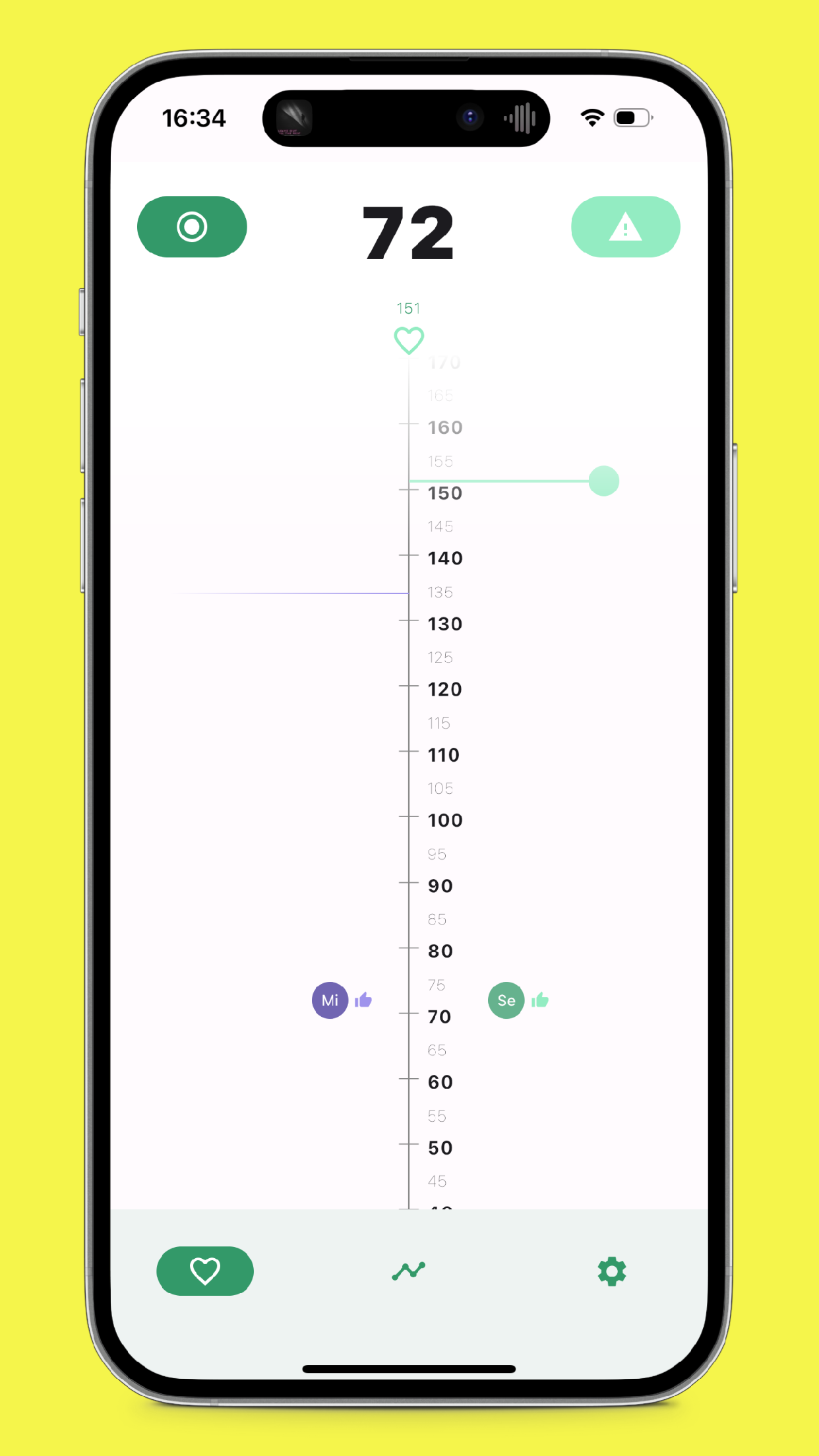
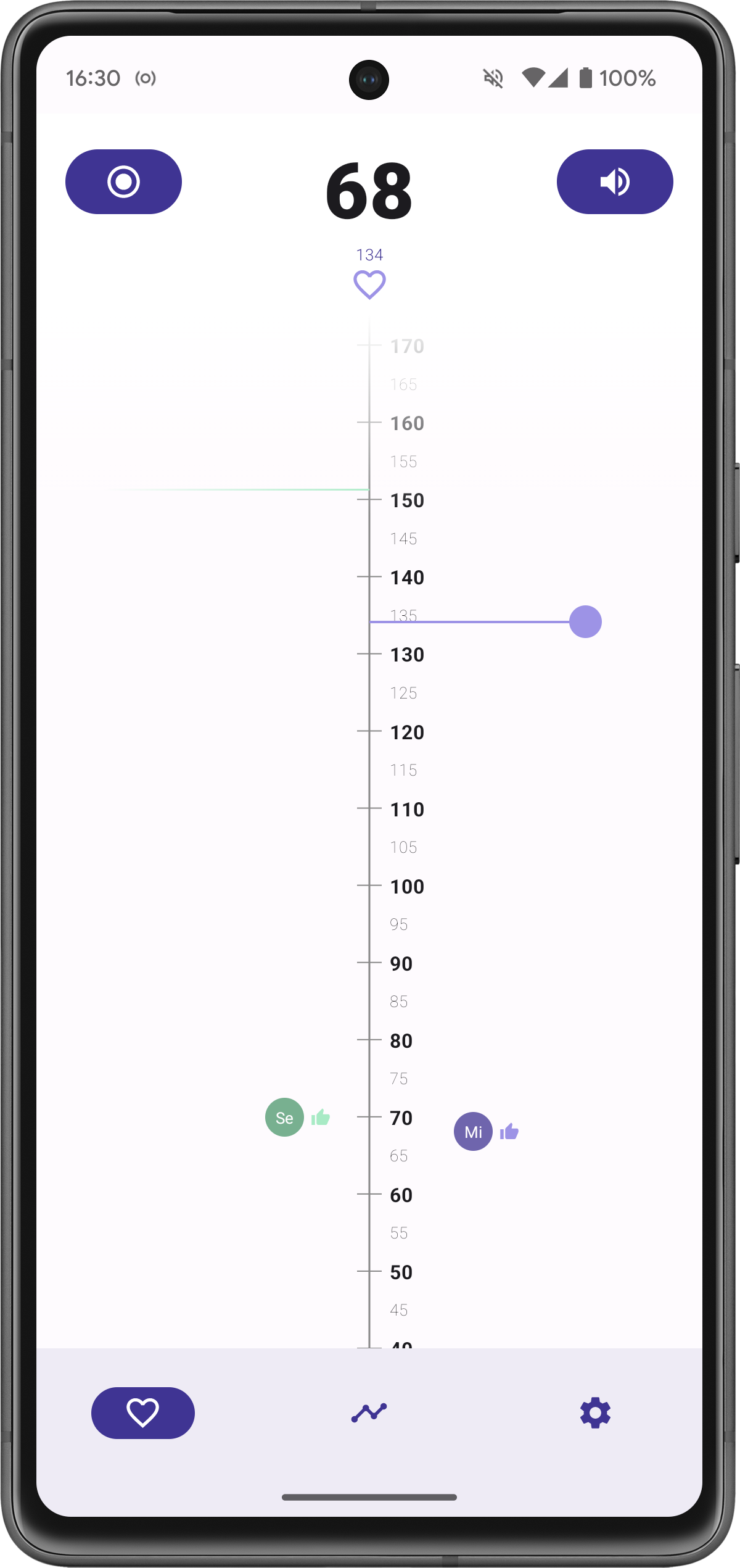
Run together! A running companion monitoring the heart rate of a group of people doing sports together.
Supports
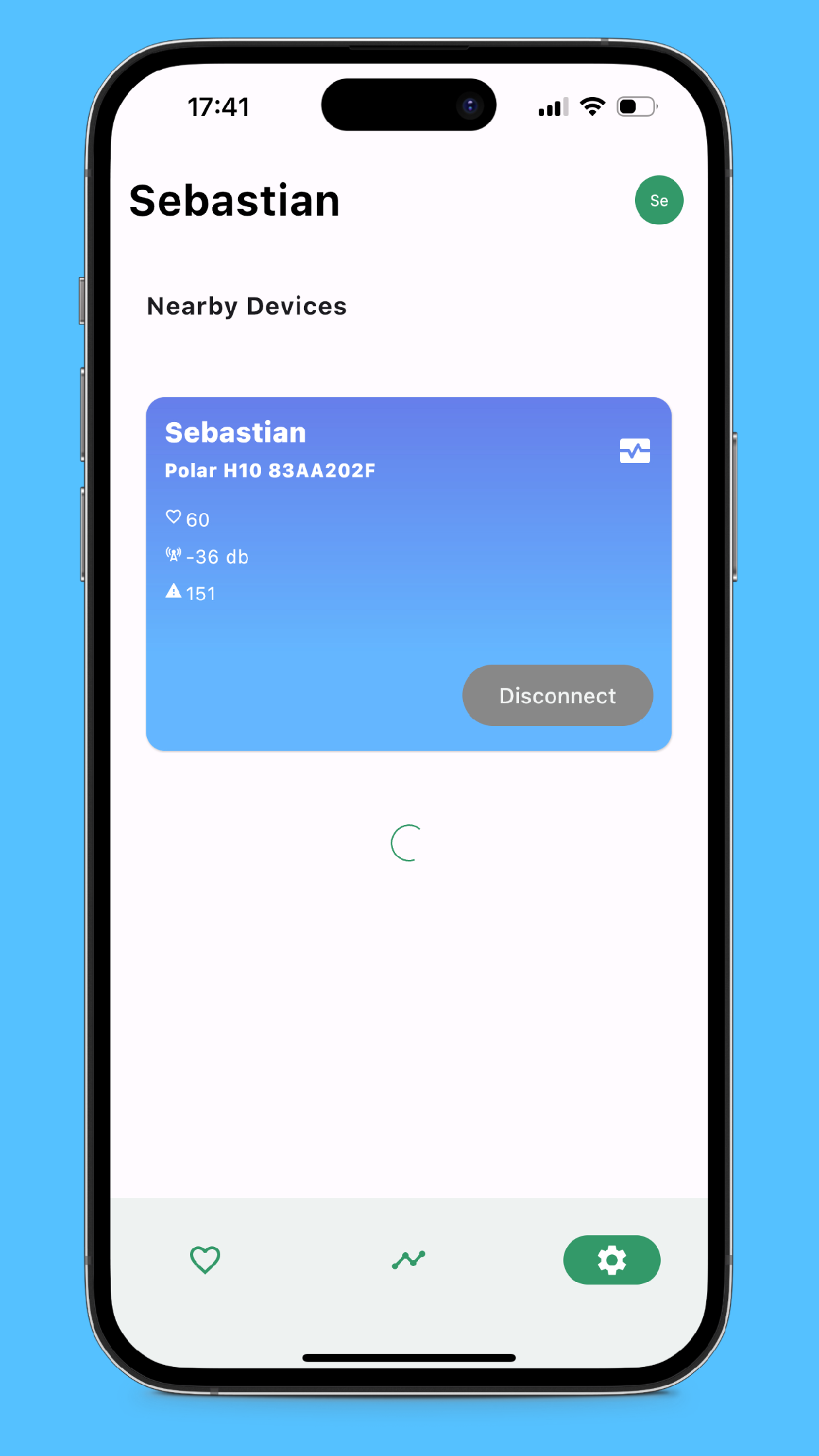
- External Bluetooth (LE) heart rate monitors (tested with Polar H10)
- iPhone <-> iPhone connections (No internet necessary, BLE)
- Android <-> Android connections (No internet necessary, BLE)
- iPhone <-> Android connections (No internet necessary, BLE)
- Wear OS companion for live wrist heart rate, group alerts, and measurement controls (current Android work; validation in progress)
- Apple Watch live companion code is present but has not had current paired-device validation
Wear OS exchanges live heart rate and measurement control messages with the paired Pacemaker phone through Google's Wearable Data Layer. The operating system may use its encrypted internet relay when a direct connection is unavailable. Pacemaker sends no watch heart-rate history or GPS data. The phone remains responsible for nearby group sharing. Current app code does not record workout sessions; previously stored phone database rows remain on the device. The Apple Watch path has not had current paired-device validation.
For local data handling details, see DataProtection.md.
For automated coverage and reusable manual watch scenarios, see WATCH_TESTING.md.
For code ownership and state flow, see ARCHITECTURE.md.
Screenshots
Install
- Google Play: https://play.google.com/store/apps/details?id=io.sellmair.pacemaker
- Apple App Store: https://apps.apple.com/us/app/pacemaker-heart-rate-monitor/id6446760560
Technical Details
Kotlin Multiplatform
This application is built as a Test/Dogfooding project for Kotlin/Multiplatform, Compose and JetBrains Fleet.
Architecture
No! ViewModels!: This project uses 'State Actors' instead.
The State Actor pattern used in 'Pacemaker' can be defined by two high level concepts:
Events
Every component in the application can emit any kind of event, including intents. Example: Some UI button that emits an event to the application
@Composable
fun MyButton() {
    Button(
        onClick = Launching { LoginIntent.emit() }
    ) {
        // ...
    }
}
State Producers
States can be produced and observed. Lets look at the producing site first:
Lets take the classic login example:
data class LoginState(val email: String, val password: String, val isLoggedIn: Boolean) : State {
    companion object Key : State.Key<LoginState> {
        val default get() = LoginState(email = "", password = "", isLoggedIn = false)
    }
}

fun CoroutineScope.launchLoginStateActor() = launchState(LoginState) {
    var state = LoginState.default

    collectEventsAsync<EmailChangedEvent> {
        state = state.copy(email = it.email)
        state.emit()
    }

    collectEventsAsync<PasswordChangedEvent> {
        state = state.copy(password = it.password)
        state.emit()
    }

    collectEventsAsync<LoginIntent> {
        val isLoggedIn = attemptLogin(state.email, state.password)
        state = state.copy(isLoggedIn = isLoggedIn)
        state.emit()
    }
}
Such states can then be used in the Application UI/Frontend easily
@Composable
fun MyLoginScreen() {
    val loginState by LoginState.collectAsState()
    MyLoginScreen(
        email = loginState.email,
        password = loginState.password
    )
}

@Composable
fun MyLoginScreen(
    email: String,
    password: String
) {
    Text(email)
    Text(password)
    Button(
        onClick = Launching { LoginIntent.emit() }
    ) {
        Text("Login")
    }
}
Libraries used
- kotlinx.coroutines
- kotlinx.datetime
- SQLDelight
- Multiplatform Settings
- Okio
