clicky
Update: April 27, 2026.
Hi there! I'm Farza, the guy that made Clicky.
The existing codebase remains open source. Tinker with it, make it yours, start a company out of it, do whatever you want I don't mind. But, for all the new stuff I'm hacking on, gonna keep it private. To get the latest Clicky, you can go here.
I also tweeted about this here.
Go crazy with this repo!! It's an MIT license.
It's an AI teacher that lives as a buddy next to your cursor. It can see your screen, talk to you, and even point at stuff. Kinda like having a real teacher next to you.
Download it here for free.
Here's the original tweet that kinda blew up for a demo for more context.
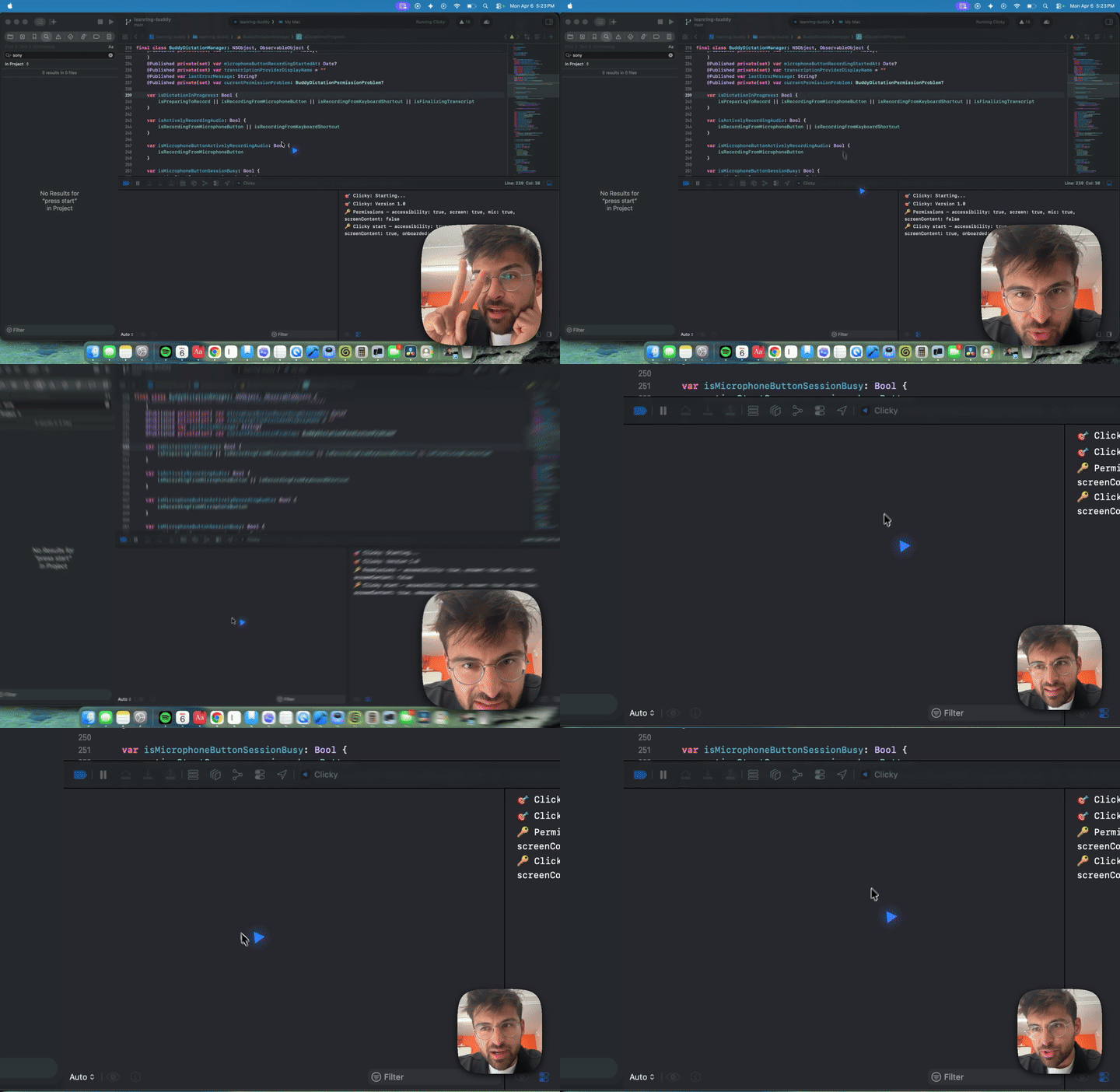
This is the open-source version of Clicky for those that want to hack on it, build their own features, or just see how it works under the hood.
Get started with Claude Code
The fastest way to get this running is with Claude Code.
Once you get Claude running, paste this:
Hi Claude.

Clone https://github.com/farzaa/clicky.git into my current directory.

Then read the CLAUDE.md. I want to get Clicky running locally on my Mac.

Help me set up everything — the Cloudflare Worker with my own API keys, the proxy URLs, and getting it building in Xcode. Walk me through it.
That's it. It'll clone the repo, read the docs, and walk you through the whole setup. Once you're running you can just keep talking to it — build features, fix bugs, whatever. Go crazy.
Manual setup
If you want to do it yourself, here's the deal.
Prerequisites
- macOS 14.2+ (for ScreenCaptureKit)
- Xcode 15+
- Node.js 18+ (for the Cloudflare Worker)
- A Cloudflare account (free tier works)
- API keys for: Anthropic, AssemblyAI, ElevenLabs
1. Set up the Cloudflare Worker
The Worker is a tiny proxy that holds your API keys. The app talks to the Worker, the Worker talks to the APIs. This way your keys never ship in the app binary.
cd worker
npm install
Now add your secrets. Wrangler will prompt you to paste each one:
npx wrangler secret put ANTHROPIC_API_KEY
npx wrangler secret put ASSEMBLYAI_API_KEY
npx wrangler secret put ELEVENLABS_API_KEY
For the ElevenLabs voice ID, open wrangler.toml and set it there (it's not sensitive):
[vars]
ELEVENLABS_VOICE_ID = "your-voice-id-here"
Deploy it:
npx wrangler deploy
It'll give you a URL like https://your-worker-name.your-subdomain.workers.dev. Copy that.
2. Run the Worker locally (for development)
If you want to test changes to the Worker without deploying:
cd worker
npx wrangler dev
This starts a local server (usually http://localhost:8787) that behaves exactly like the deployed Worker. You'll need to create a .dev.vars file in the worker/ directory with your keys:
ANTHROPIC_API_KEY=sk-ant-...
ASSEMBLYAI_API_KEY=...
ELEVENLABS_API_KEY=...
ELEVENLABS_VOICE_ID=...
Then update the proxy URLs in the Swift code to point to http://localhost:8787 instead of the deployed Worker URL while developing. Grep for clicky-proxy to find them all.
3. Update the proxy URLs in the app
The app has the Worker URL hardcoded in a few places. Search for your-worker-name.your-subdomain.workers.dev and replace it with your Worker URL:
grep -r "clicky-proxy" leanring-buddy/
You'll find it in:
CompanionManager.swift— Claude chat + ElevenLabs TTSAssemblyAIStreamingTranscriptionProvider.swift— AssemblyAI token endpoint
4. Open in Xcode and run
open leanring-buddy.xcodeproj
In Xcode:
- Select the
leanring-buddyscheme (yes, the typo is intentional, long story) - Set your signing team under Signing & Capabilities
- Hit Cmd + R to build and run
The app will appear in your menu bar (not the dock). Click the icon to open the panel, grant the permissions it asks for, and you're good.
Permissions the app needs
- Microphone — for push-to-talk voice capture
- Accessibility — for the global keyboard shortcut (Control + Option)
- Screen Recording — for taking screenshots when you use the hotkey
- Screen Content — for ScreenCaptureKit access
Architecture
If you want the full technical breakdown, read CLAUDE.md. But here's the short version:
Menu bar app (no dock icon) with two NSPanel windows — one for the control panel dropdown, one for the full-screen transparent cursor overlay. Push-to-talk streams audio over a websocket to AssemblyAI, sends the transcript + screenshot to Claude via streaming SSE, and plays the response through ElevenLabs TTS. Claude can embed [POINT:x,y:label:screenN] tags in its responses to make the cursor fly to specific UI elements across multiple monitors. All three APIs are proxied through a Cloudflare Worker.
Project structure
leanring-buddy/          # Swift source (yes, the typo stays)
  CompanionManager.swift    # Central state machine
  CompanionPanelView.swift  # Menu bar panel UI
  ClaudeAPI.swift           # Claude streaming client
  ElevenLabsTTSClient.swift # Text-to-speech playback
  OverlayWindow.swift       # Blue cursor overlay
  AssemblyAI*.swift         # Real-time transcription
  BuddyDictation*.swift     # Push-to-talk pipeline
worker/                  # Cloudflare Worker proxy
  src/index.ts              # Three routes: /chat, /tts, /transcribe-token
CLAUDE.md                # Full architecture doc (agents read this)
Contributing
PRs welcome. If you're using Claude Code, it already knows the codebase — just tell it what you want to build and point it at CLAUDE.md.
Got feedback? DM me on X @farzatv.
