diagram-design
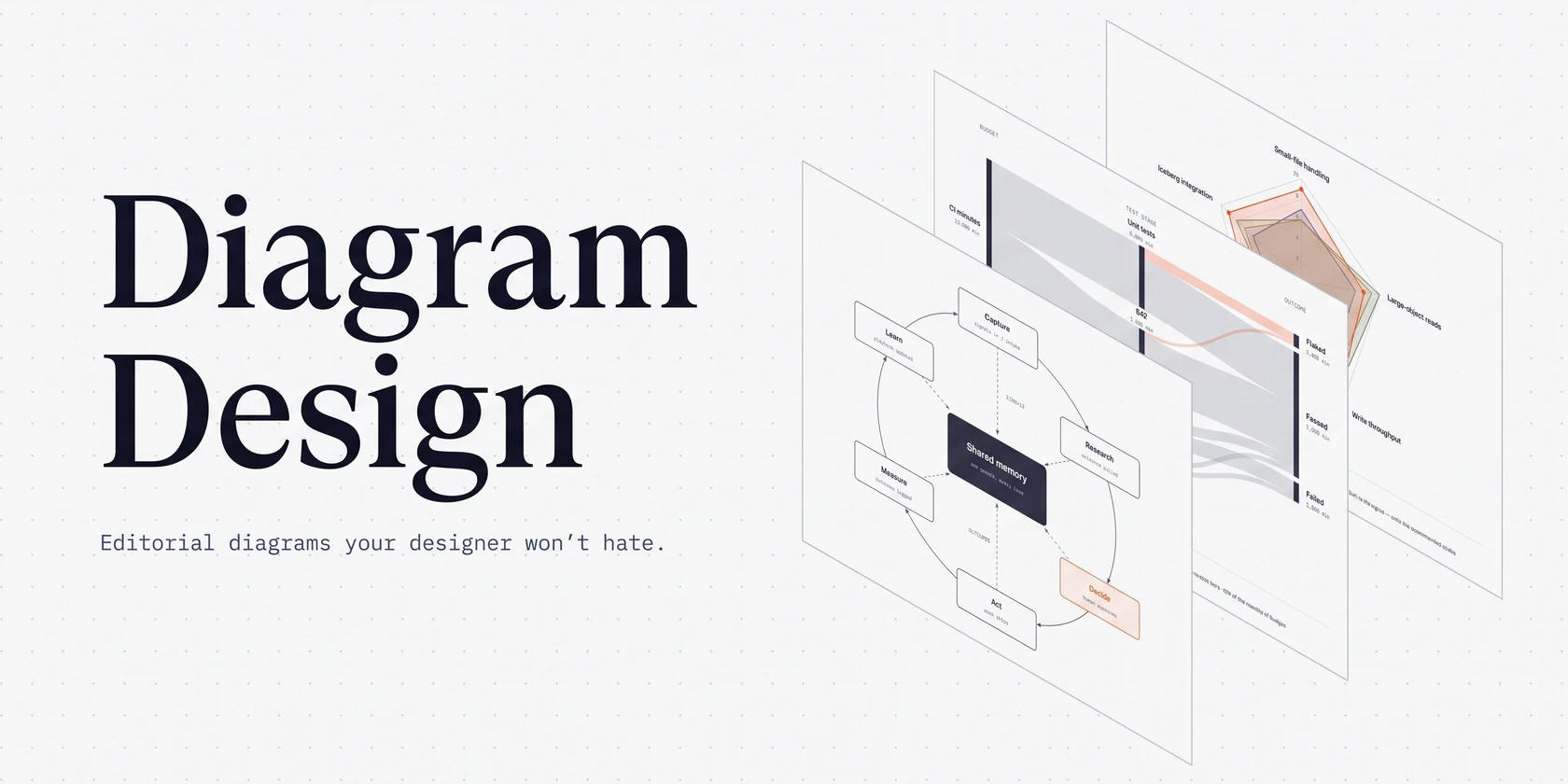

An agent skill that draws diagrams as one self-contained HTML + SVG file, in your brand.
45 diagram types. No shadows. No Mermaid slop.




Install · What it makes · Quickstart · Match your brand · Import · Export · Contributing
npx skills add cathrynlavery/diagram-design
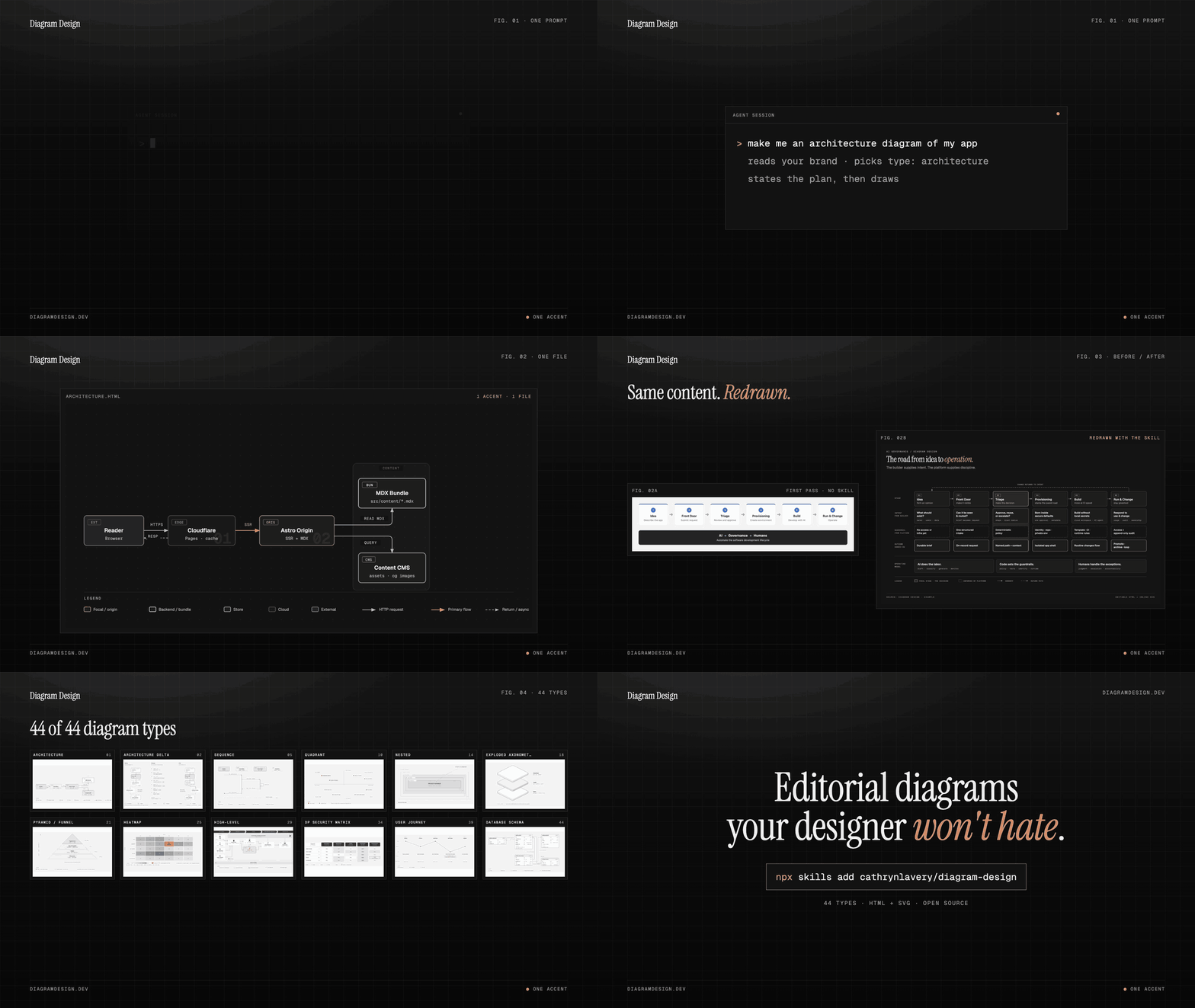
Ask your agent in plain words:
- "Make me an architecture diagram of my app: frontend, backend, database, Redis cache."
- "I need a quadrant showing Q2 projects by impact vs effort."
- "Give me a sequence of a bearer call with token refresh on 401."
- "Onboard diagram-design to https://yoursite.com" (pulls your palette and fonts so every diagram after this one matches your site)
The agent picks the type, states its plan, and writes one .html file you can open by double-clicking.
Works with any host that reads Agent Skills, including Cursor, Claude Code, Codex, Qoder, GitHub Copilot, Gemini CLI, Cline, Windsurf and Amp:
npx skills add cathrynlavery/diagram-design
In Claude Code, the plugin marketplace gets you updates and the slash commands:
/plugin marketplace add cathrynlavery/diagram-design
/plugin install diagram-design@diagram-design
Official builds come only from this repository. LittleMight, Cathryn Lavery's company, publishes the plugin directory listings; a listing under any other name is an unofficial copy. PRIVACY.md lists what the skill sends over the network.
Claude Code: turn on auto-update
After installing, run /plugin, open Marketplaces, select diagram-design, and choose Enable auto-update. Claude Code disables auto-update by default for third-party marketplaces; after this toggle, it refreshes the marketplace and installed plugin in the background after startup. Run /reload-plugins when prompted, or let the next session load the update.
Cursor, Cline, Gemini CLI, Windsurf, Amp, Zed, Warp, Roo, Kilo and other Agent Skills hosts
The cross-agent skills CLI resolves this repository, detects skills/diagram-design/SKILL.md, and installs the whole skill (references/, assets/, scripts/) into every host root you select, including Cursor's:
npx skills add cathrynlavery/diagram-design
When the selected roots resolve to more than one skills directory, the CLI asks for an installation method and recommends Symlink: one canonical copy, linked into each root, so a later update reaches all of them at once. Pass --copy for independent copies per host instead. A selection that resolves to a single directory is copied, because the distinction is immaterial there. Where symlinks are unavailable (Windows without Developer Mode) the CLI falls back to copies and reports which roots it copied.
This is a standalone install, separate from the marketplaces below: it does not follow marketplace updates automatically. Pull merged updates with npx skills update diagram-design. It also installs the Agent Skill only, so the /export-diagram, /import-mermaid, /profile, and /doctor command surfaces stay with the native packages. On a host that has one of the marketplaces below, prefer the marketplace.
One-time migration: an existing standalone
npx skills addcopy will not start following the Codex marketplace automatically. Remove that standalone copy, then use the Codex marketplace commands. Likewise, uninstall a personal Cowork copy and reinstall Diagram Design from your organization's marketplace. Future marketplace version bumps then flow through each client's native update path.
Codex
codex plugin marketplace add cathrynlavery/diagram-design
codex plugin add diagram-design@diagram-design
Codex refreshes configured Git marketplaces at startup. To fetch immediately, run codex plugin marketplace upgrade diagram-design and start a new session.
Qoder
Clone the repository, validate the native plugin, and install it locally:
git clone https://github.com/cathrynlavery/diagram-design.git
qoder plugins validate ./diagram-design
qoder plugins install ./diagram-design
qoder plugins list
Qoder loads the canonical skills/diagram-design/ tree and the shared command
definitions directly; no Qoder-specific copy is maintained. For Qoder IDE,
build a bounded ZIP from the tracked plugin surfaces and import it through
Extensions → Plugins → Add Plugins → Upload Plugin:
git -C diagram-design archive --format=zip \
  --output=../diagram-design-qoder.zip HEAD \
  .qoder-plugin commands skills LICENSE
Start a new task after installing or updating the plugin.
GitHub Copilot
copilot plugin marketplace add cathrynlavery/diagram-design
copilot plugin install diagram-design@diagram-design
Copilot installs the shared Diagram Design skill plus its doctor, export, import, and profile capabilities from the existing repository marketplace. Confirm discovery with copilot skill list (or /skills in an interactive session), then ask for a diagram in natural language. To fetch a merged update, run copilot plugin marketplace update diagram-design, then copilot plugin update diagram-design@diagram-design.
Factory Droid
droid plugin marketplace add https://github.com/cathrynlavery/diagram-design
droid plugin install diagram-design@diagram-design --scope user
Droid tracks Git plugins by commit rather than the manifest's display version. To fetch a merged update, run droid plugin marketplace update diagram-design, then droid plugin update diagram-design@diagram-design --scope user, and start a new session.
Claude Cowork (organization marketplace)
Organization GitHub marketplaces currently require a private or internal repository, so first mirror this public repository into one owned by your organization. In Organization settings → Plugins, choose Add plugin → GitHub, connect that mirror, and enable Sync automatically from the marketplace menu. Automatic sync runs when a pull request containing a plugin version bump is merged to the mirror's default branch; direct pushes do not trigger the webhook. Install Diagram Design from the resulting organization marketplace.
Pi
pi install https://github.com/cathrynlavery/diagram-design
Run /reload in an open Pi session. Pi makes the skill available for matching diagram requests; use /skill:diagram-design to invoke it explicitly. Pi also loads the /export-diagram, /import-mermaid, /import-excalidraw, /profile, and /doctor prompt templates. The unpinned Git install is intentional: Pi has no automatic package refresh, so run pi update --extensions to pull merged updates.
Kiro
Import the Agent Skill from the repository subdirectory URL:
https://github.com/cathrynlavery/diagram-design/tree/main/skills/diagram-design
Kiro copies imported skills into .kiro/skills/ for a workspace or ~/.kiro/skills/ globally, so re-import the URL to pick up updates. Custom agents that declare resources should include skill://diagram-design/**/SKILL.md.
OpenCode
Copy or symlink skills/diagram-design/ to .opencode/skills/diagram-design in a project or ~/.config/opencode/skills/diagram-design globally. OpenCode has no Diagram Design marketplace package; copied installs update only when you replace the directory from a newer checkout.
Editable install (customize the style guide in a clone)
Managed installs are convenient, but changes to references/style-guide.md may be replaced by package updates. Saved profiles in ~/.diagram-design/profiles/ survive updates, and projects with a .diagram-design marker are unaffected. Clone the repo and install the local path if you plan to customize the working style guide directly:
git clone git@github.com:cathrynlavery/diagram-design.git ~/code/diagram-design

# Pi: register the checkout as a local package
pi install ~/code/diagram-design

# Claude Code: symlink the inner skill
ln -s ~/code/diagram-design/skills/diagram-design ~/.claude/skills/diagram-design

# Other Agent Skills hosts: create only the roots you use
mkdir -p ~/.agents/skills ~/.cursor/skills ~/.cline/skills ~/.kiro/skills ~/.config/opencode/skills ~/.copilot/skills
ln -s ~/code/diagram-design/skills/diagram-design ~/.agents/skills/diagram-design
ln -s ~/code/diagram-design/skills/diagram-design ~/.cursor/skills/diagram-design
ln -s ~/code/diagram-design/skills/diagram-design ~/.cline/skills/diagram-design
ln -s ~/code/diagram-design/skills/diagram-design ~/.kiro/skills/diagram-design
ln -s ~/code/diagram-design/skills/diagram-design ~/.config/opencode/skills/diagram-design
ln -s ~/code/diagram-design/skills/diagram-design ~/.copilot/skills/diagram-design
The shared skill lives at skills/diagram-design/. Pi discovers it through the repo's standard skills/ package directory; Claude Code, GitHub Copilot, Codex, Factory Droid, Cursor, and other Agent Skills-compatible tools use the same files.
How it compares
| Mermaid / PlantUML | draw.io / Excalidraw | Diagram Design | |
|---|---|---|---|
| You make it by | Writing text | Dragging shapes by hand | Describing it to your agent |
| Layout | Automatic | Manual | Placed by the agent on a 4px grid, with CI checks for overlaps and clipping |
| Look | The renderer's theme | Whatever you draw | One opinionated editorial style, matched to your brand |
| Output | Text that renders on GitHub | An editable .drawio or .excalidraw file |
One HTML file with inline SVG, exportable to SVG or PNG |
| Change it later | Edit the text | Edit the canvas | Ask the agent again, or edit the SVG |
| Existing diagrams | Redraws Mermaid, draw.io and Excalidraw files |
The downsides are real. Output quality depends on the model you run it with, and the same prompt can lay out differently twice. The result is not an editable source format: there is no text to diff in a pull request and no canvas to drag a box on. For docs that live in Git and change every sprint, Mermaid is still the better fit. Diagram Design is for the diagram you are going to publish.
Why I built it
I wanted diagrams I actually liked for my blog posts on littlemight.com. Every time I needed one, whether an architecture sketch, a flowchart, or a pyramid of what matters most, I'd ask Claude and get back a generic rounded-box thing that looked nothing like the rest of the site. I'd either fight with Figma for 30 minutes or skip the diagram.
The model already understood the content. What it was missing was taste, so I wrote the taste down: one accent color for the one or two things that matter, 1px hairlines, no shadows, every coordinate on a 4px grid.
The highest-quality move is usually deletion. Every node earns its place. The accent color is reserved for the 1 or 2 things the reader should look at first. Target density: 4/10.
What it makes
45 diagram types, each in three static variants: minimal light, minimal dark, and full-editorial. Open any of them directly in a browser. There is no build step, JavaScript, or external image dependency.
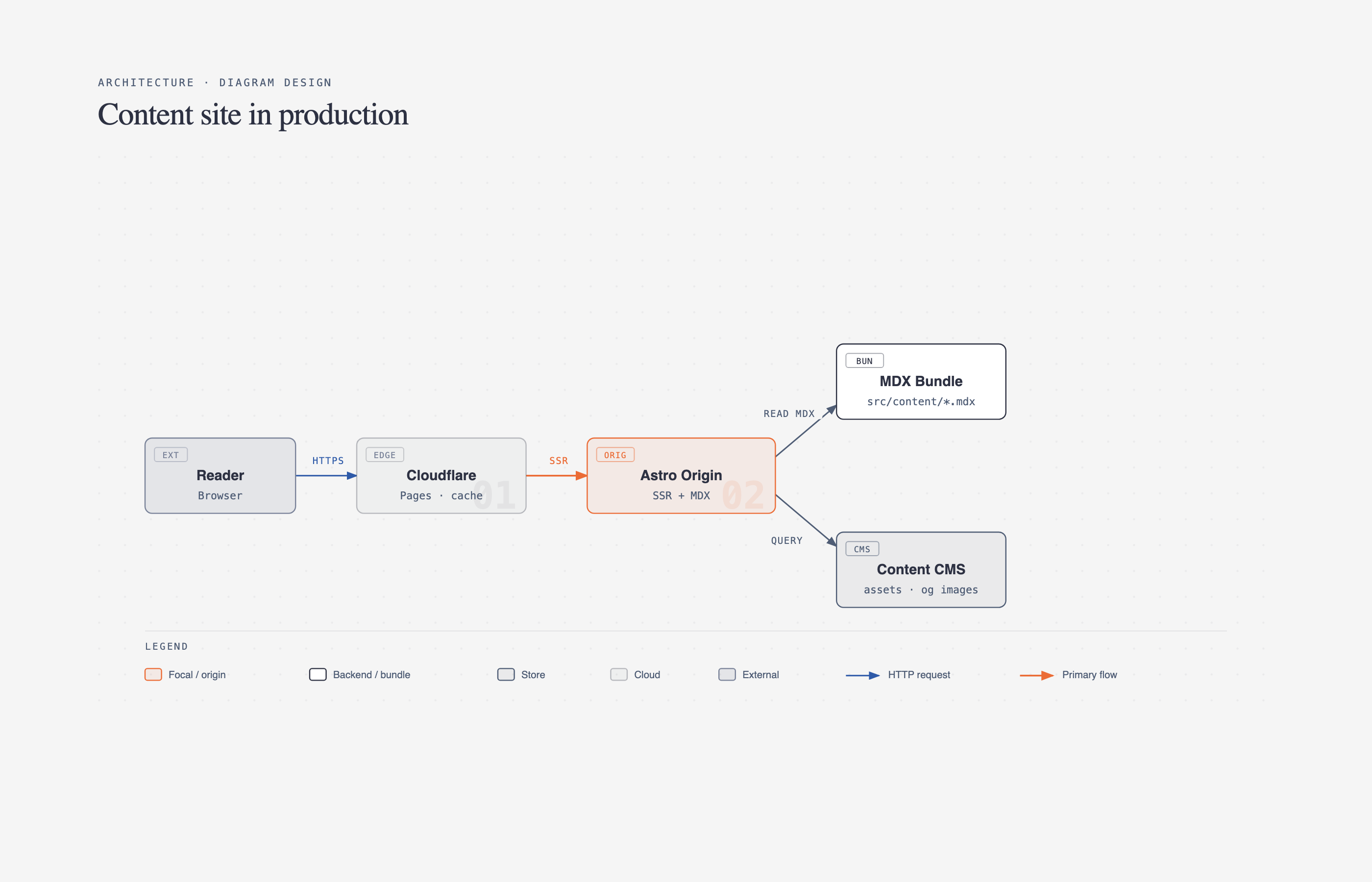 Architecture Components + connections |
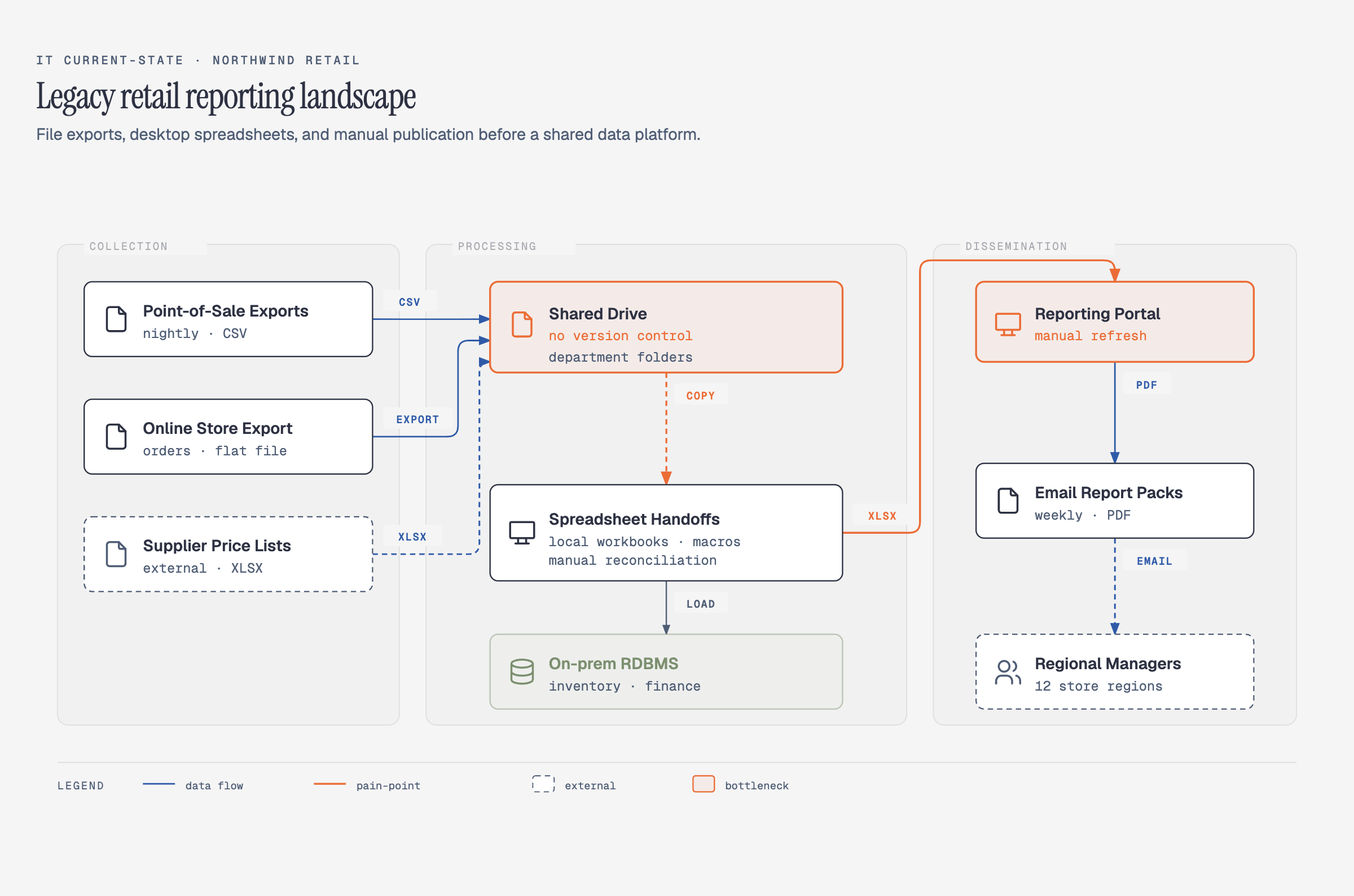 IT current-state Legacy landscape + modernization |
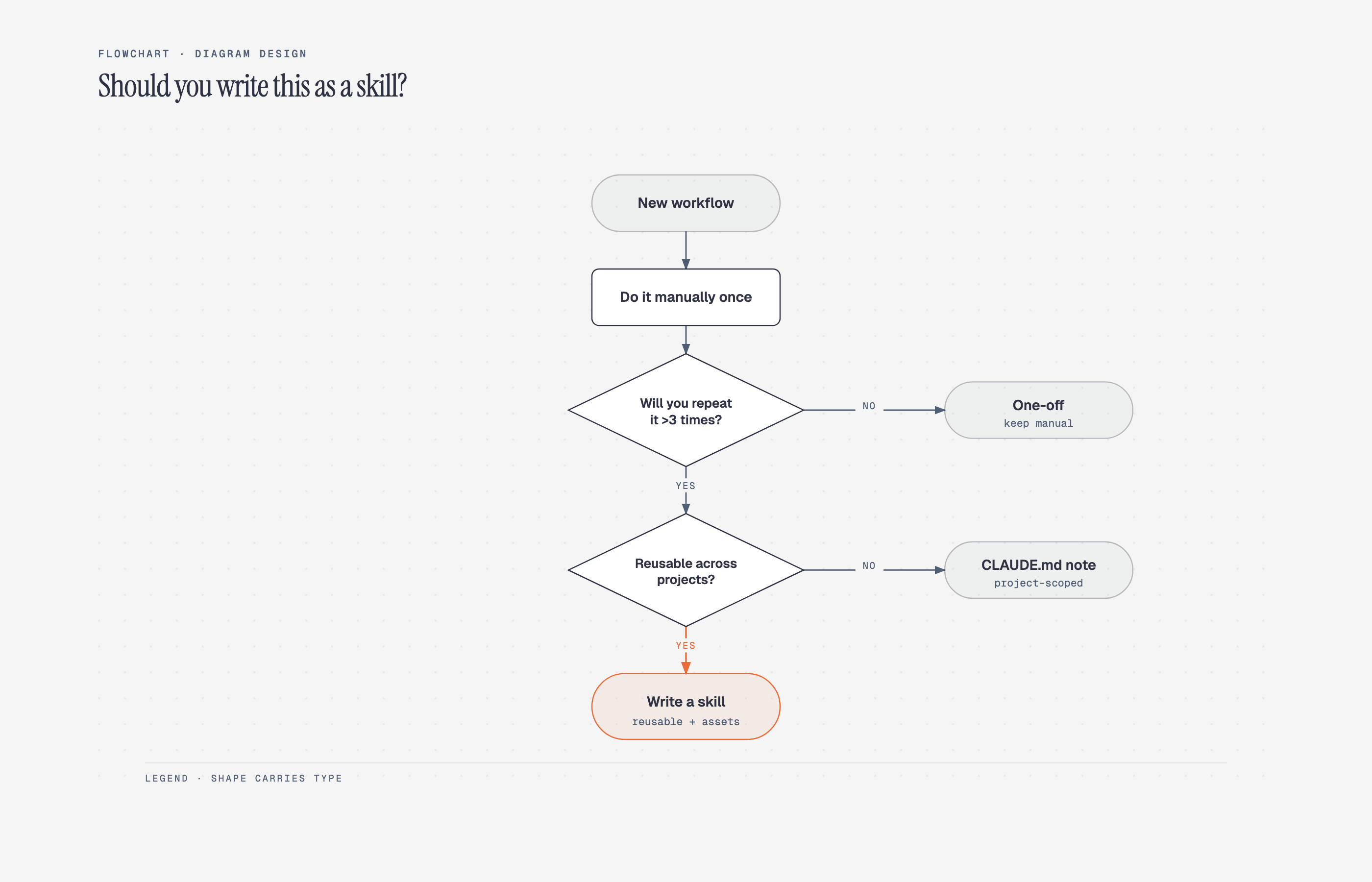 Flowchart Decision logic |
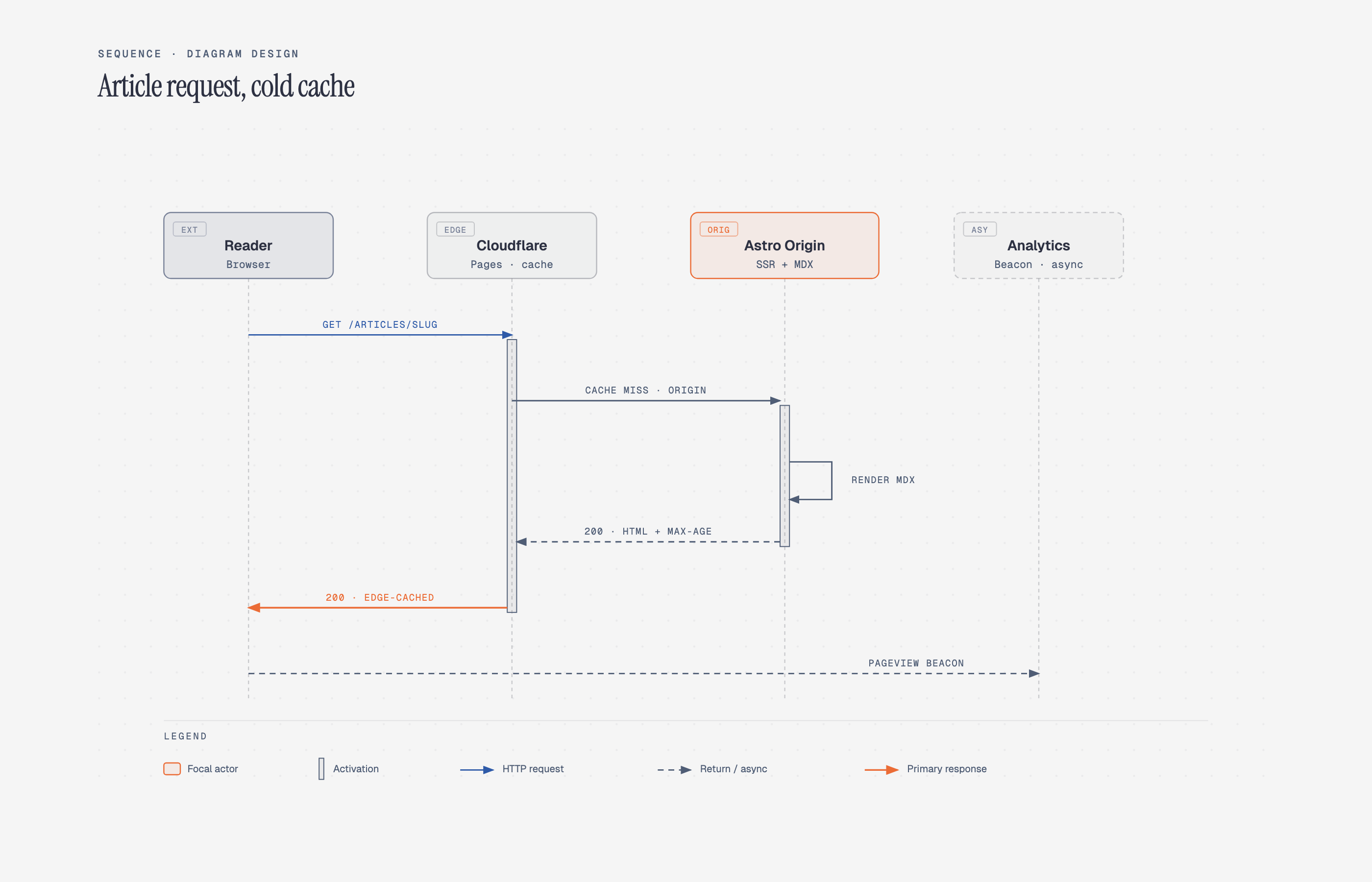 Sequence Messages over time |
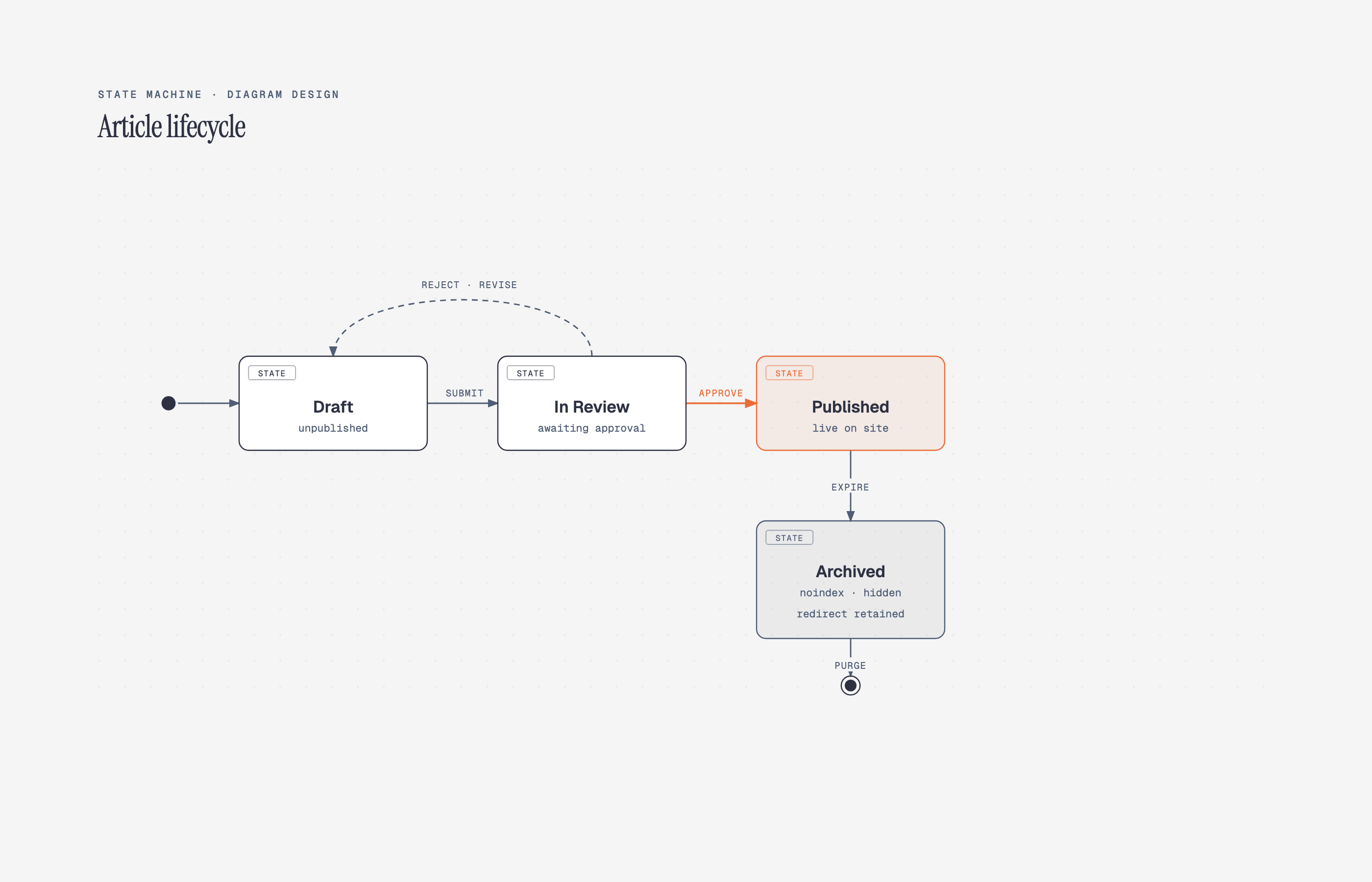 State machine States + transitions |
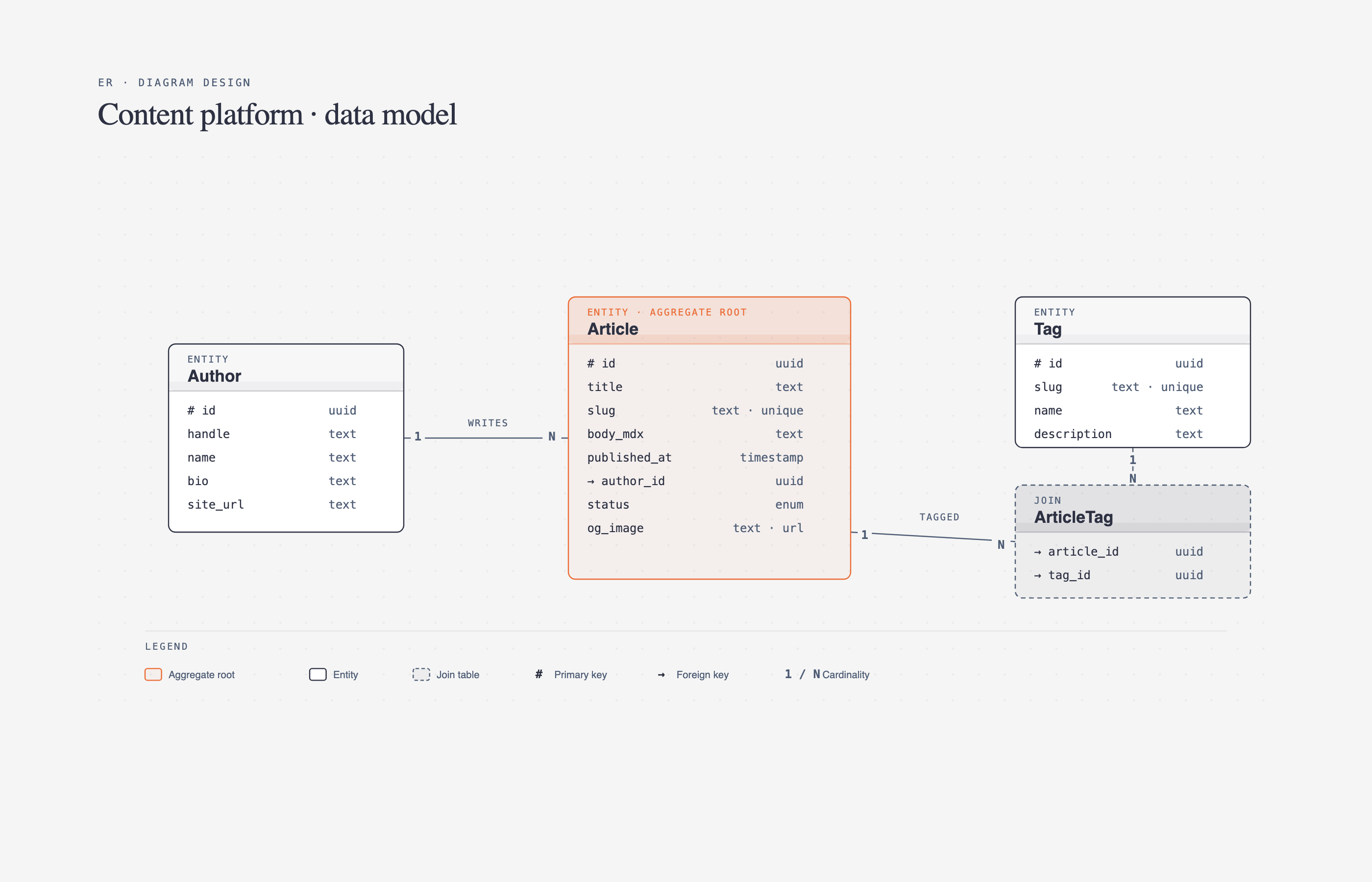 ER / data model Entities + fields |
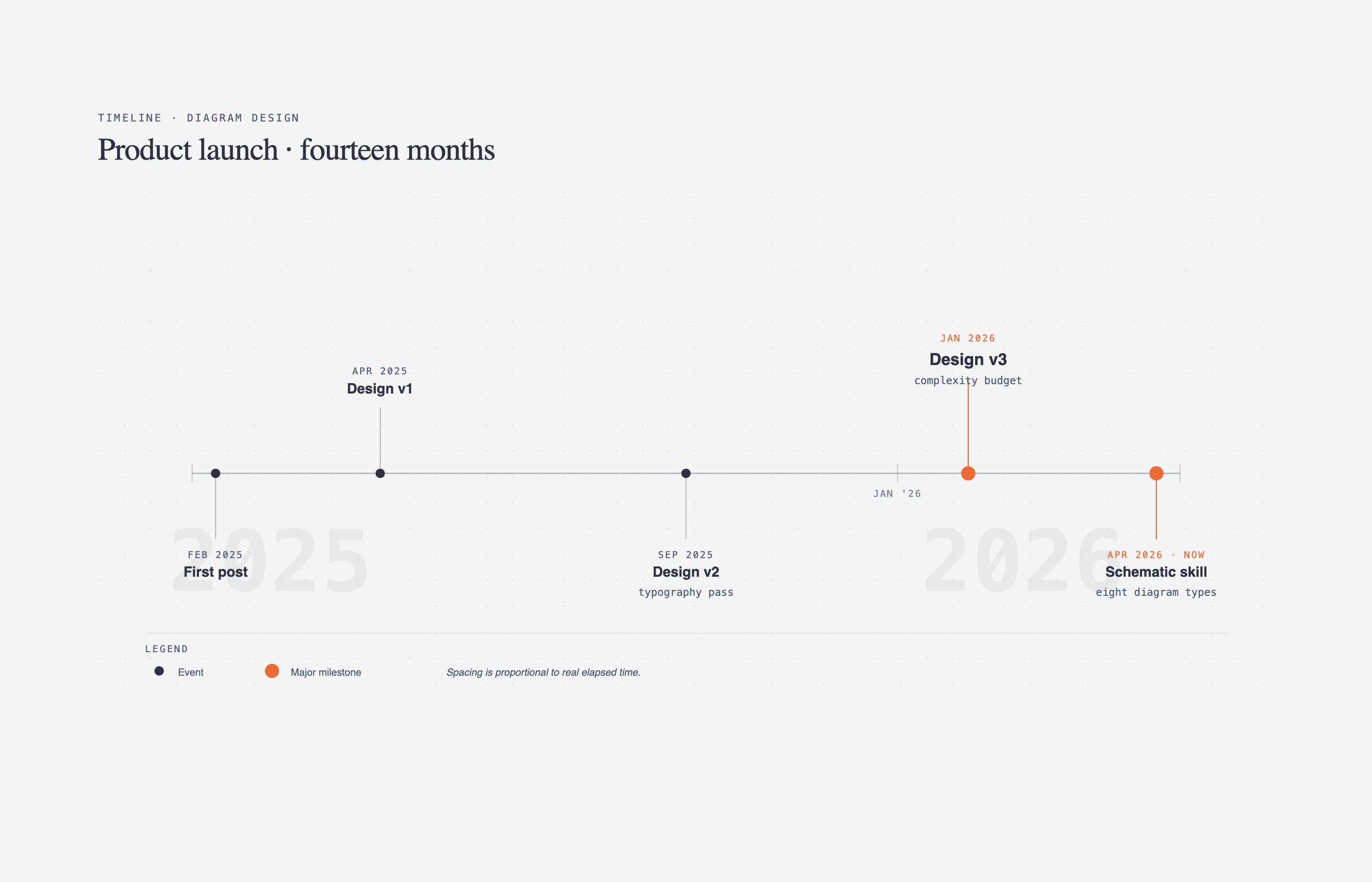 Timeline Events on an axis |
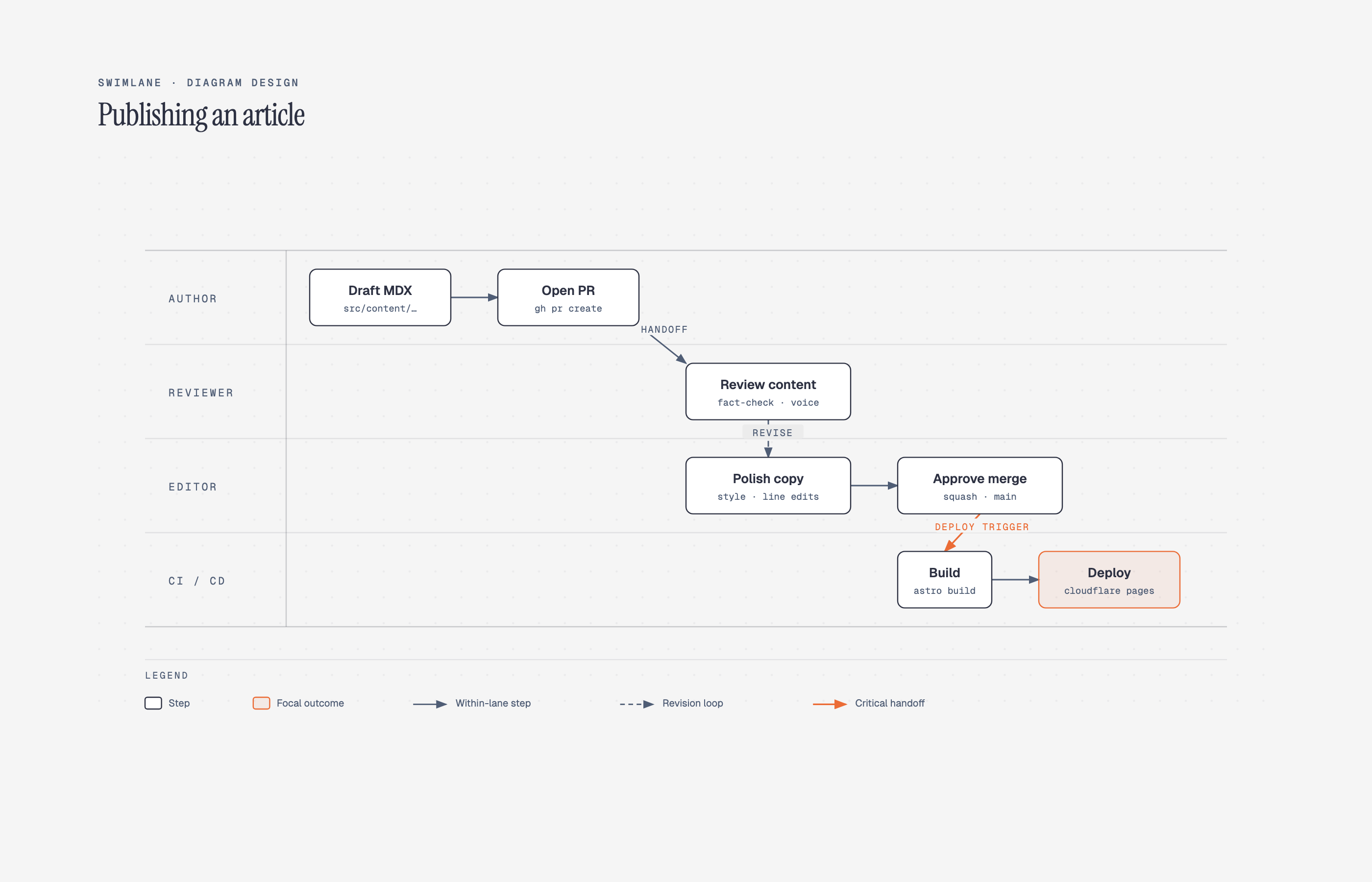 Swimlane Cross-functional flow |
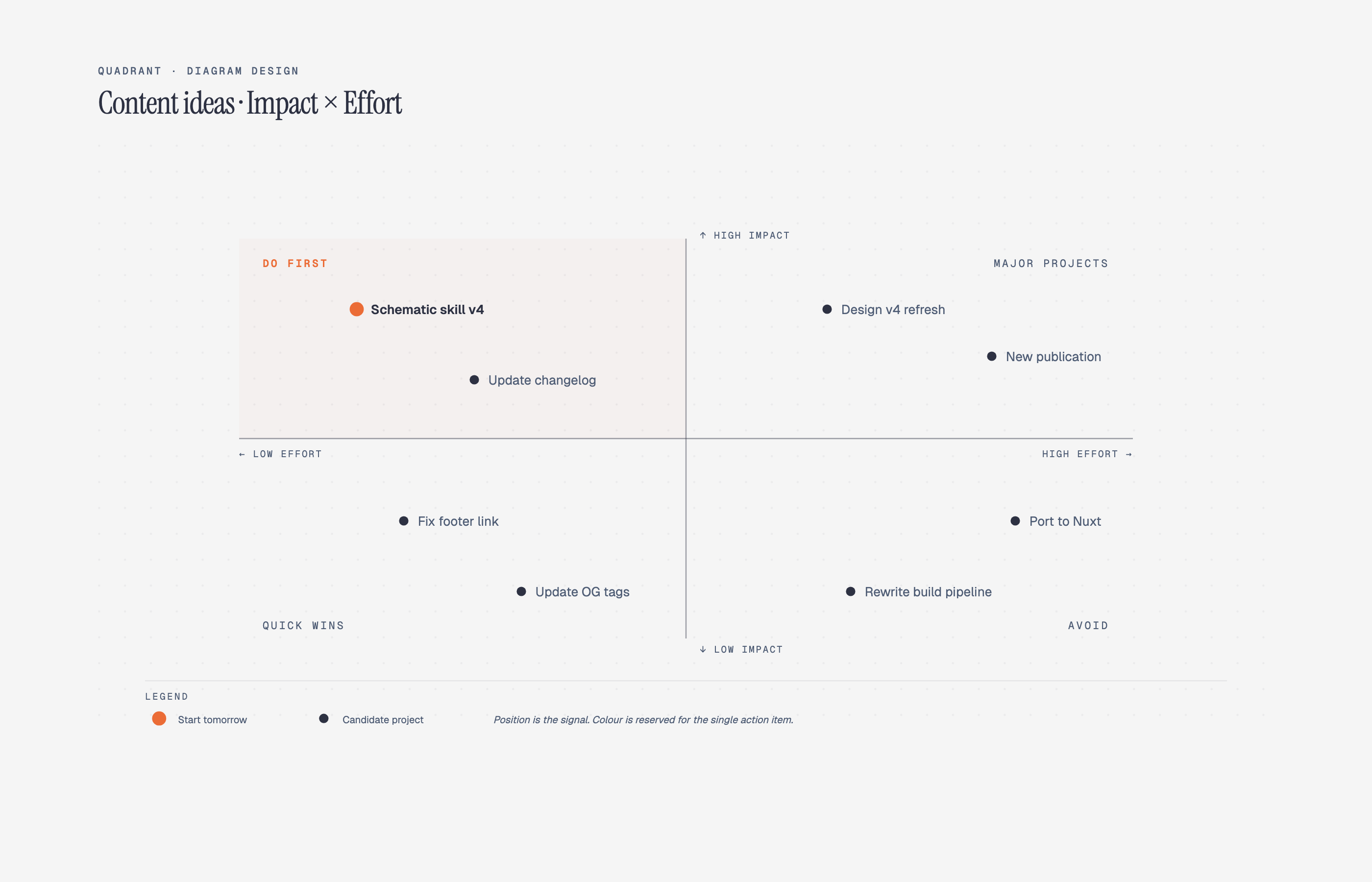 Quadrant Two-axis positioning |
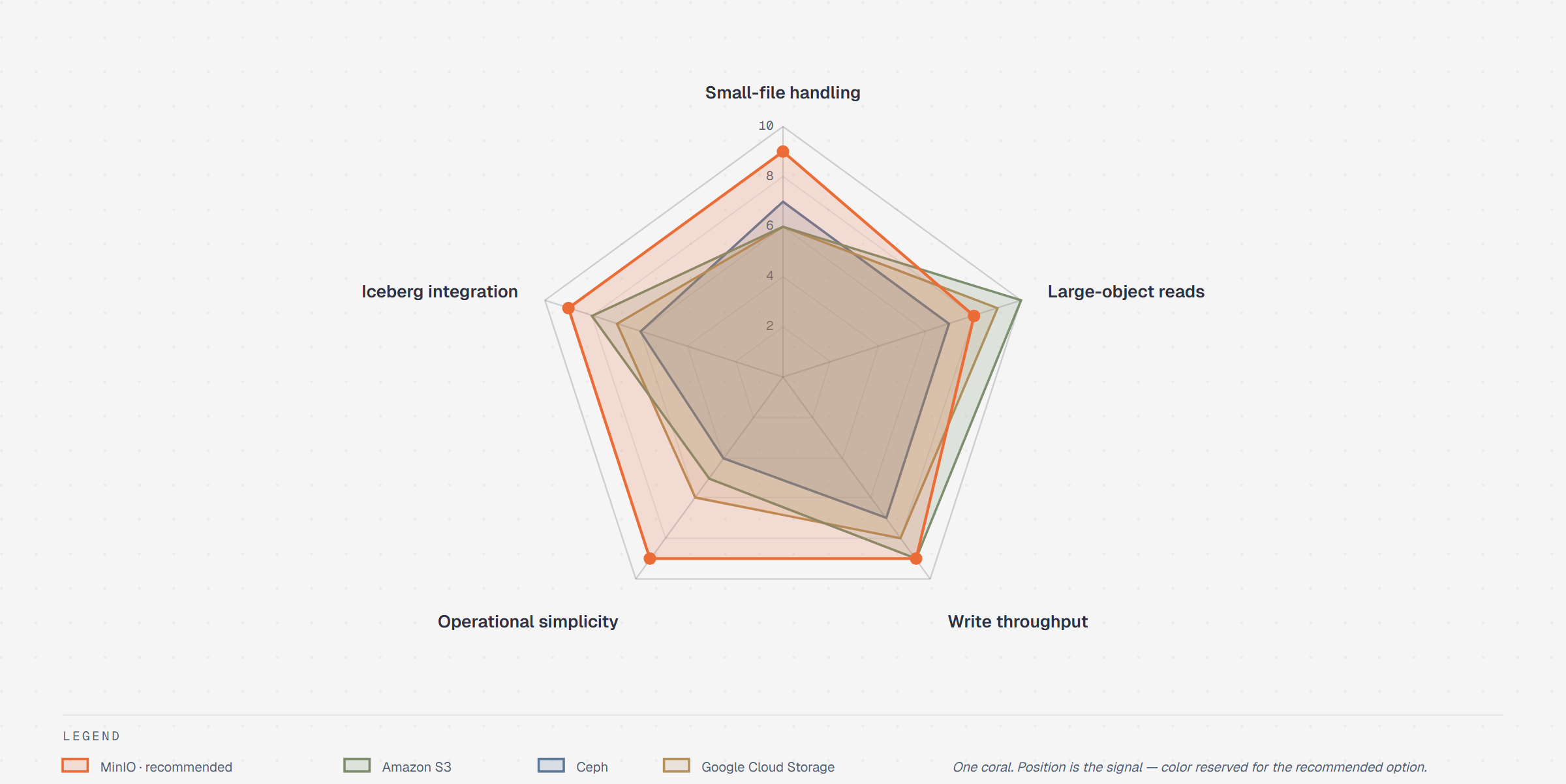 Radar / spider Multi-axis comparison |
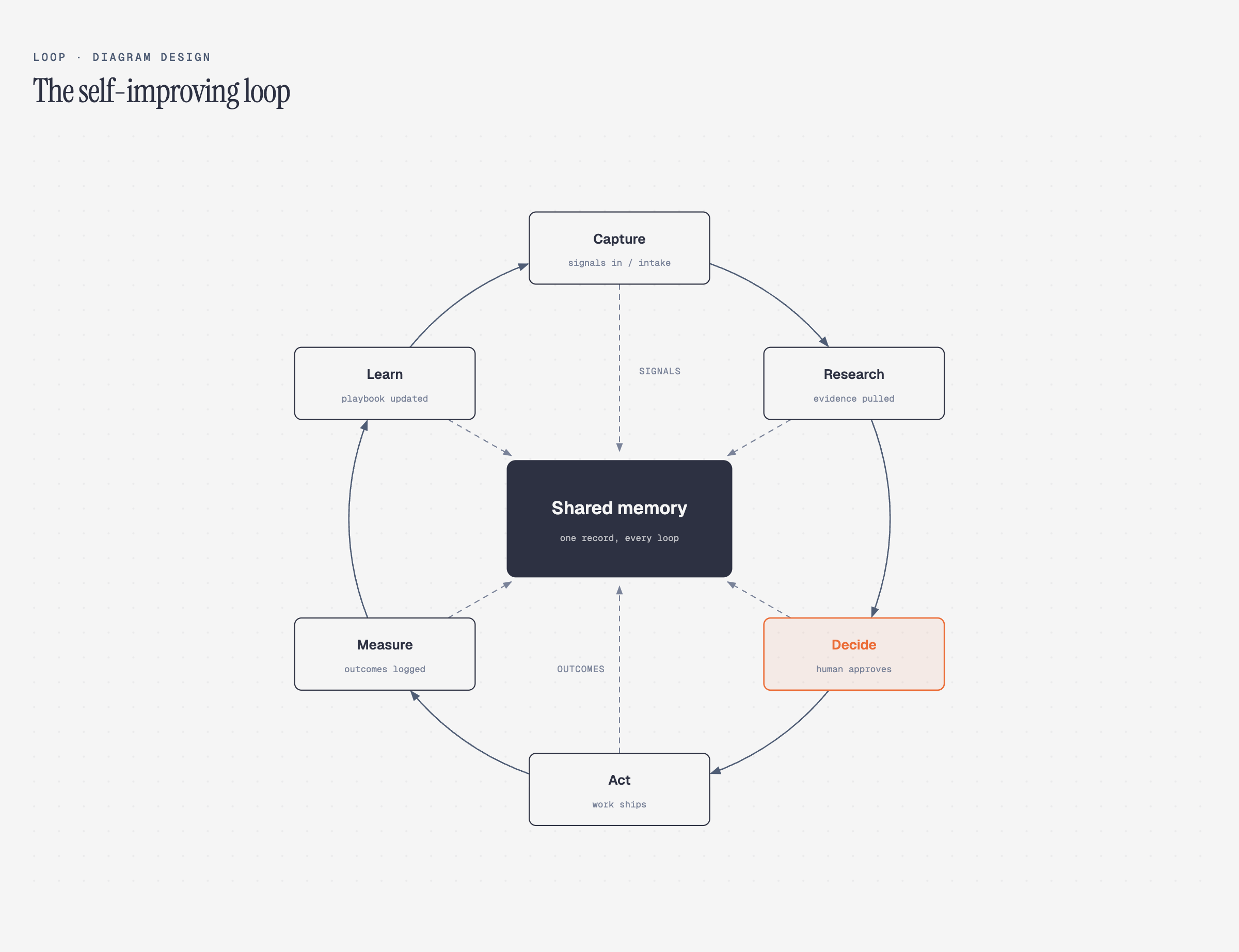 Loop / flywheel Reinforcing cycle + shared hub |
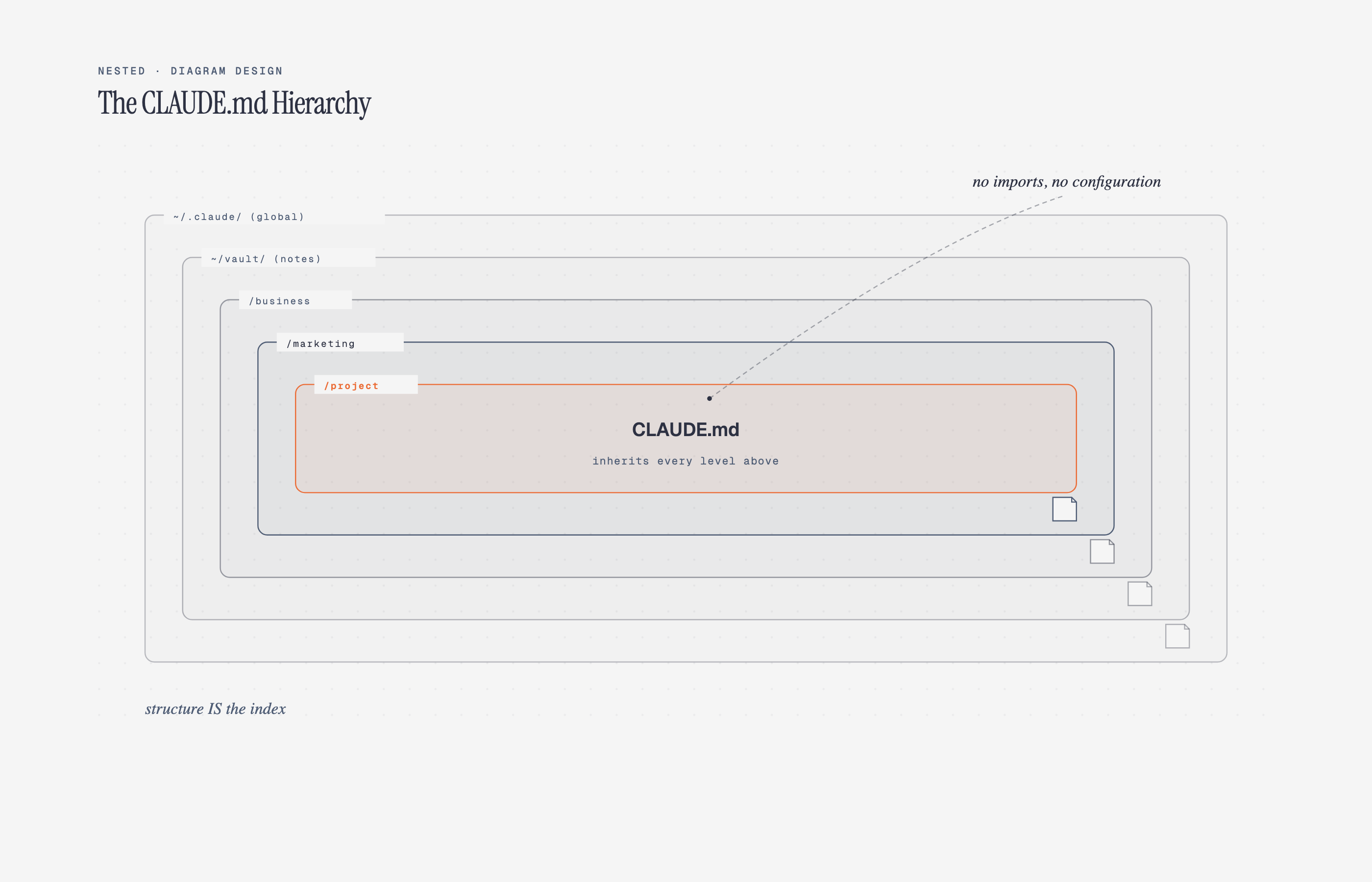 Nested Hierarchy by containment |
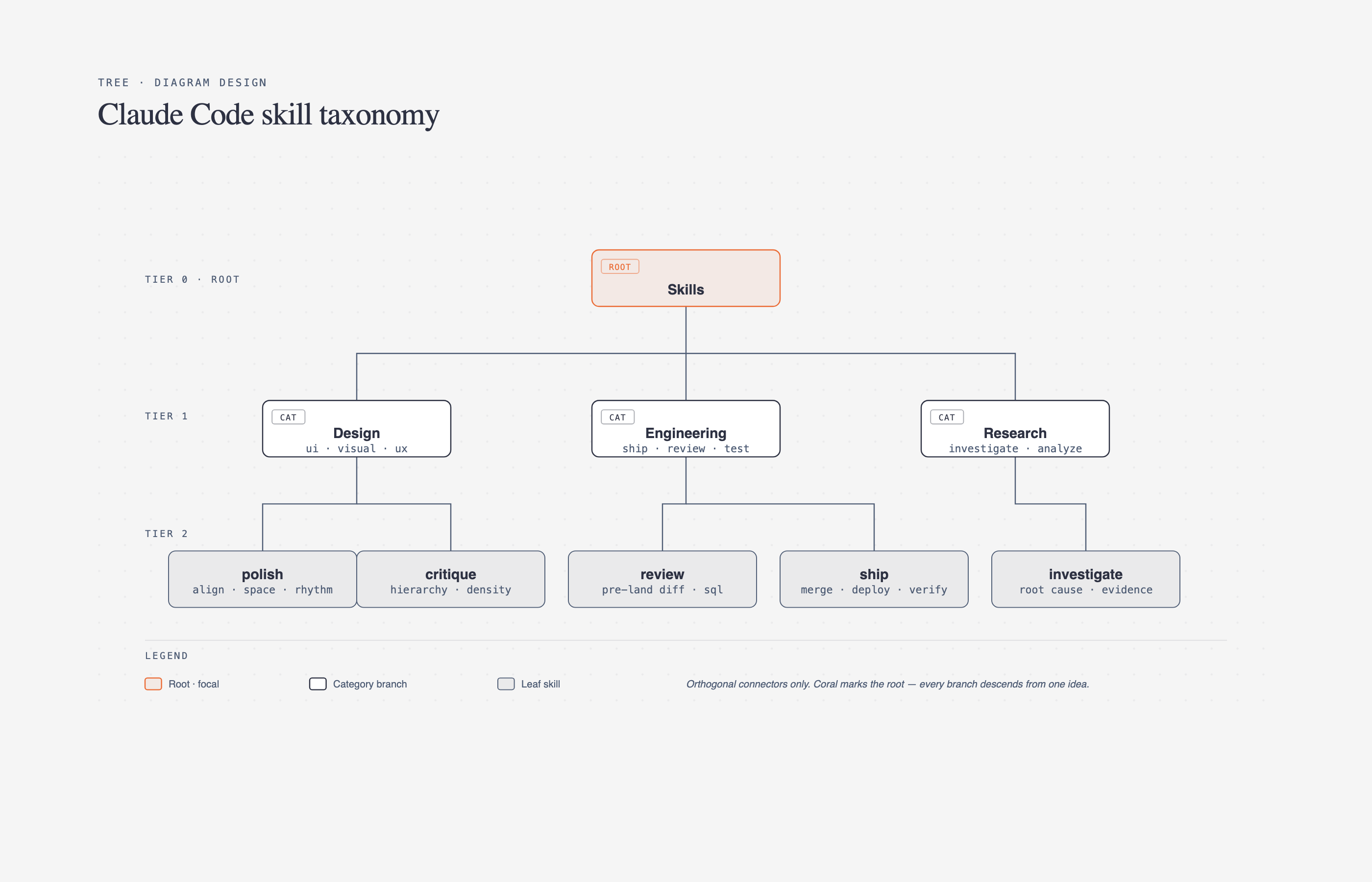 Tree Parent → children |
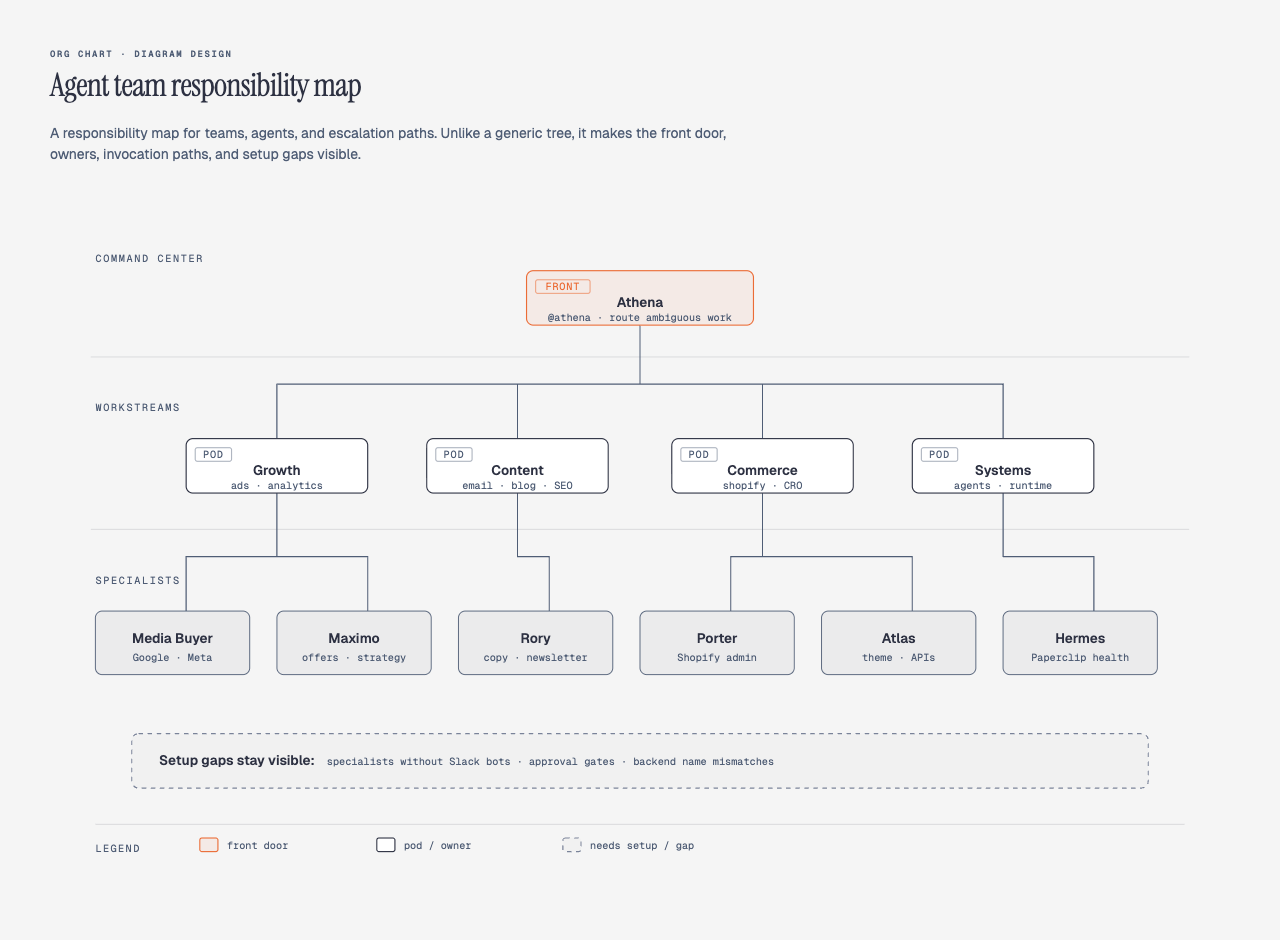 Org chart Ownership + routing |
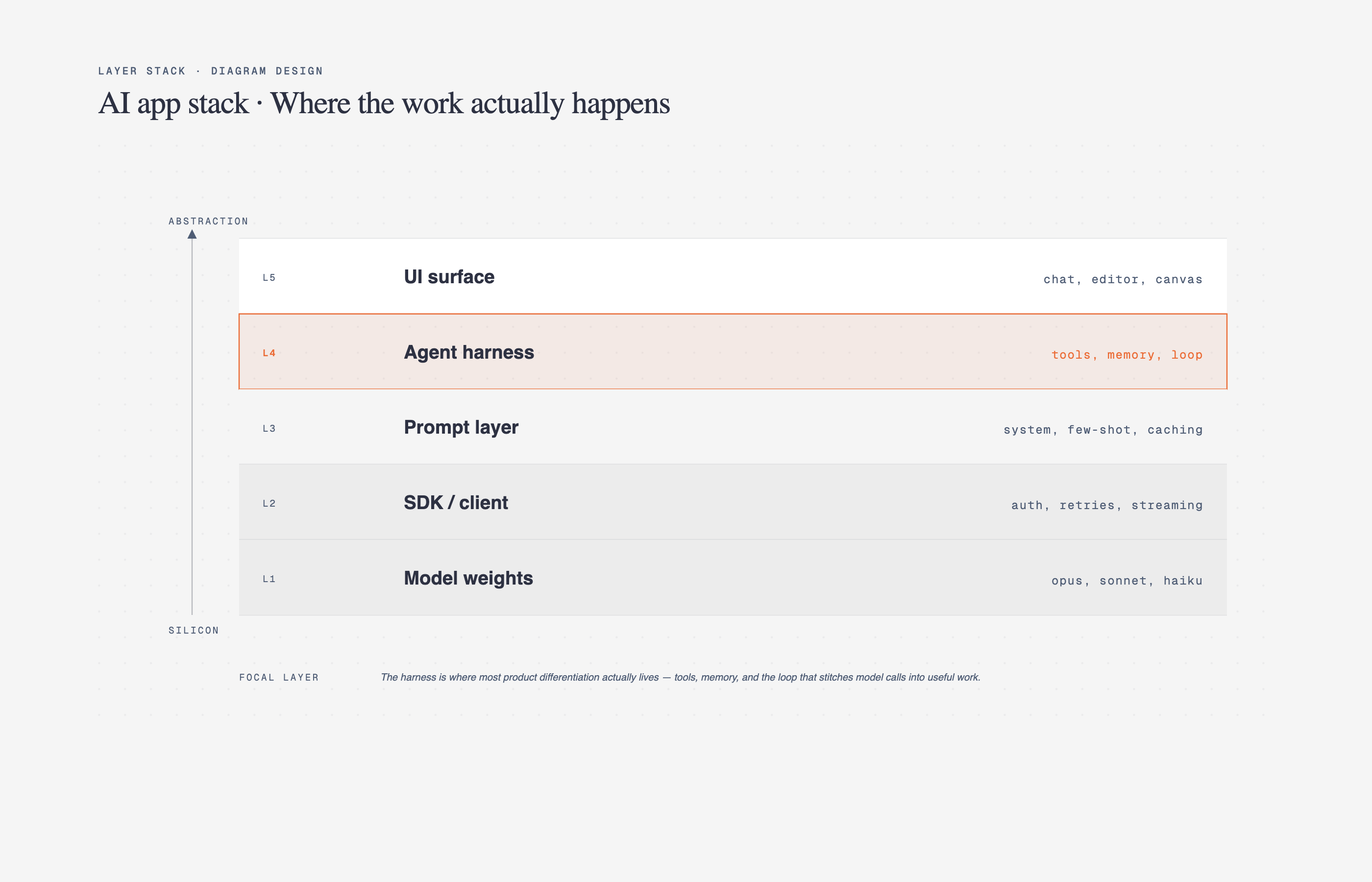 Layer stack Stacked abstractions |
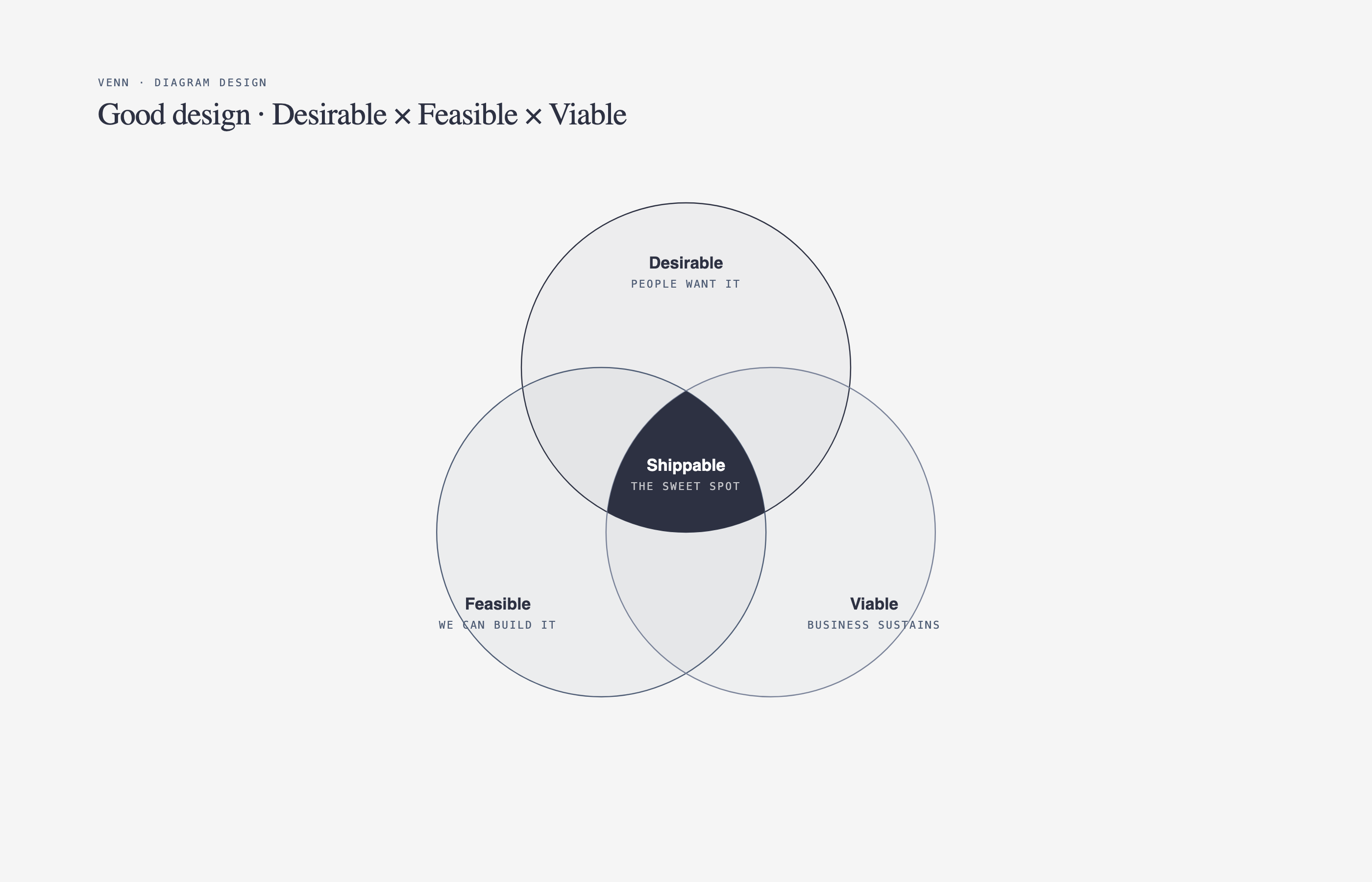 Venn Set overlap |
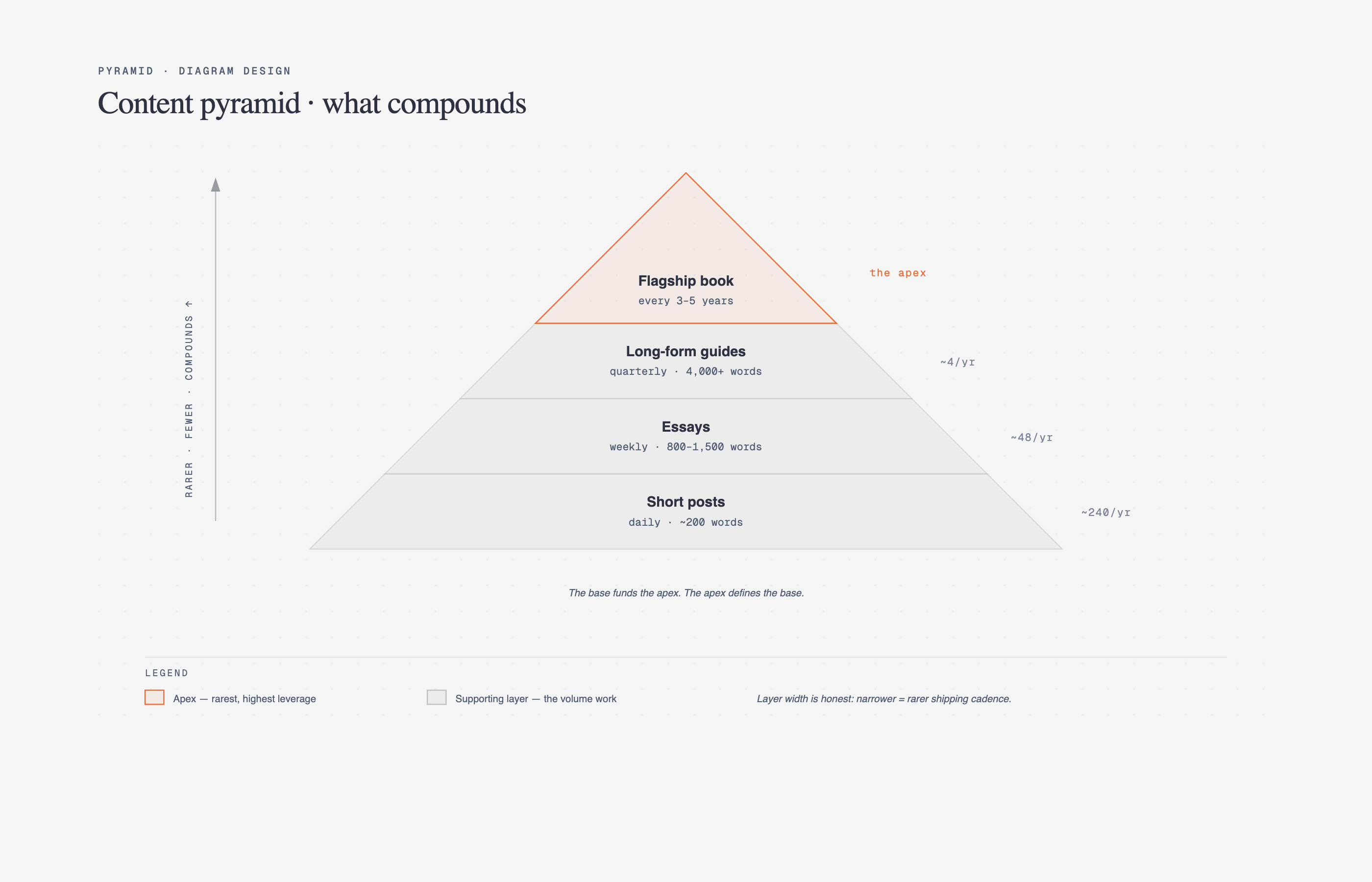 Pyramid / funnel Ranked hierarchy or drop-off |
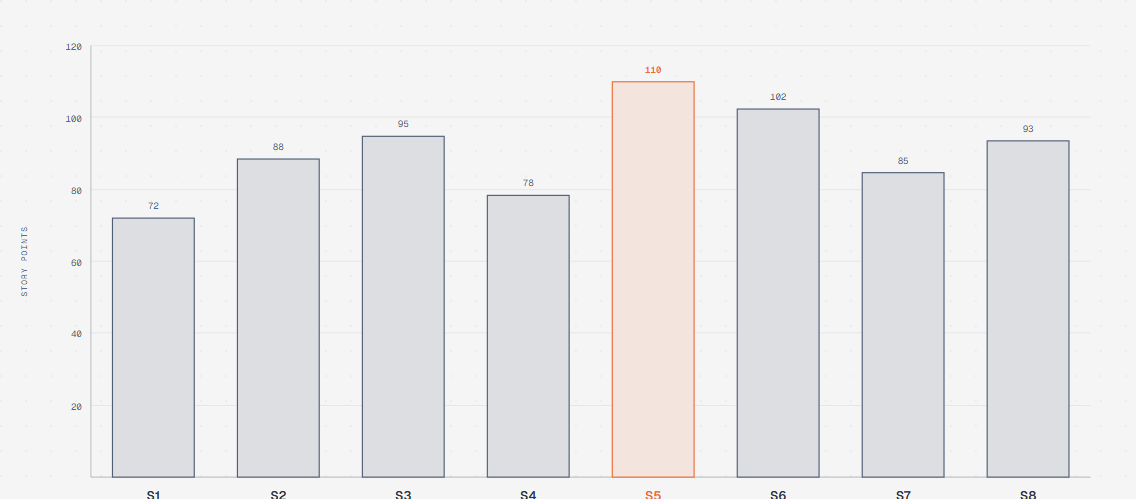 Bar chart Categorical comparison |
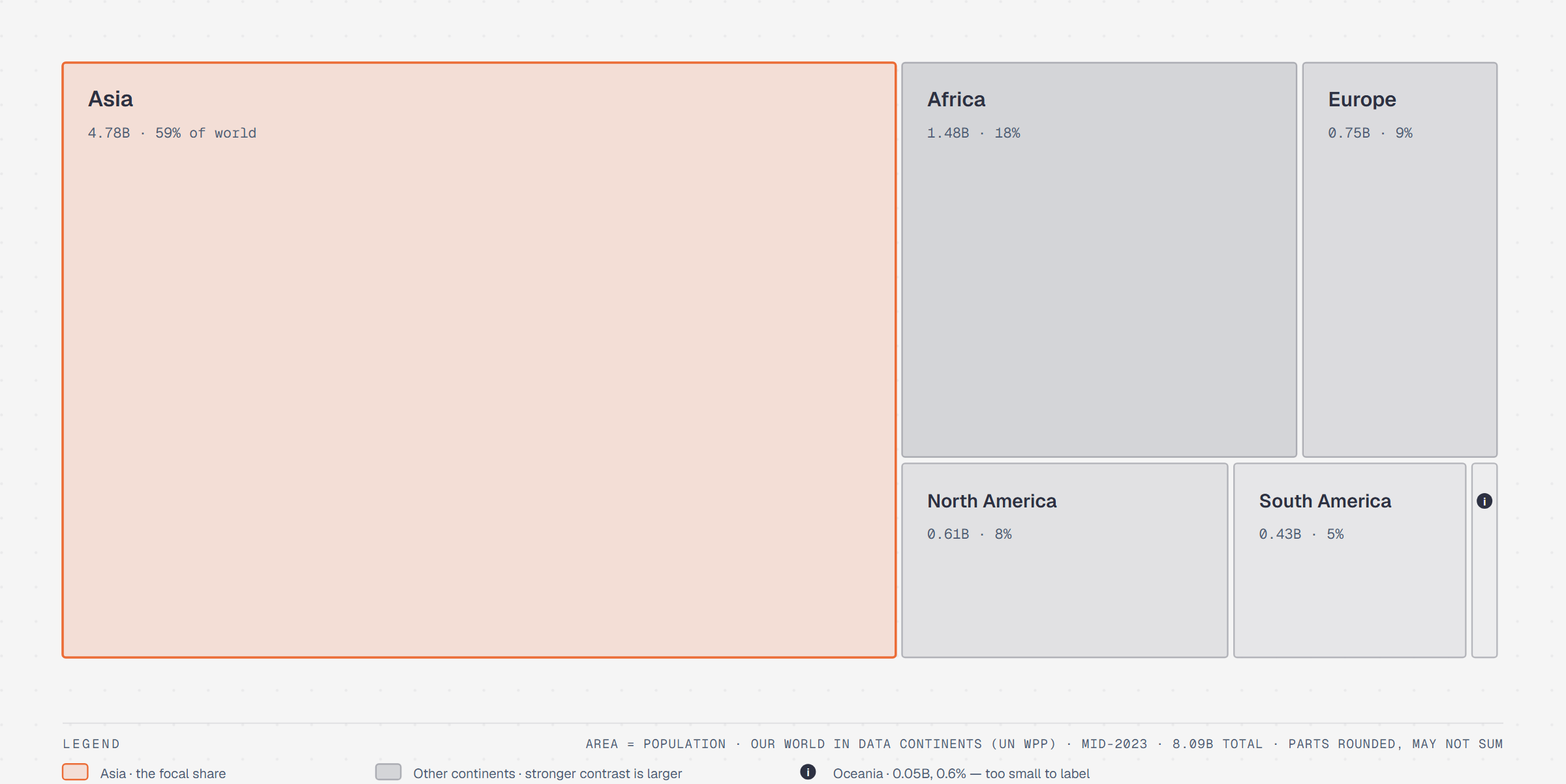 Treemap Part-of-whole by area |
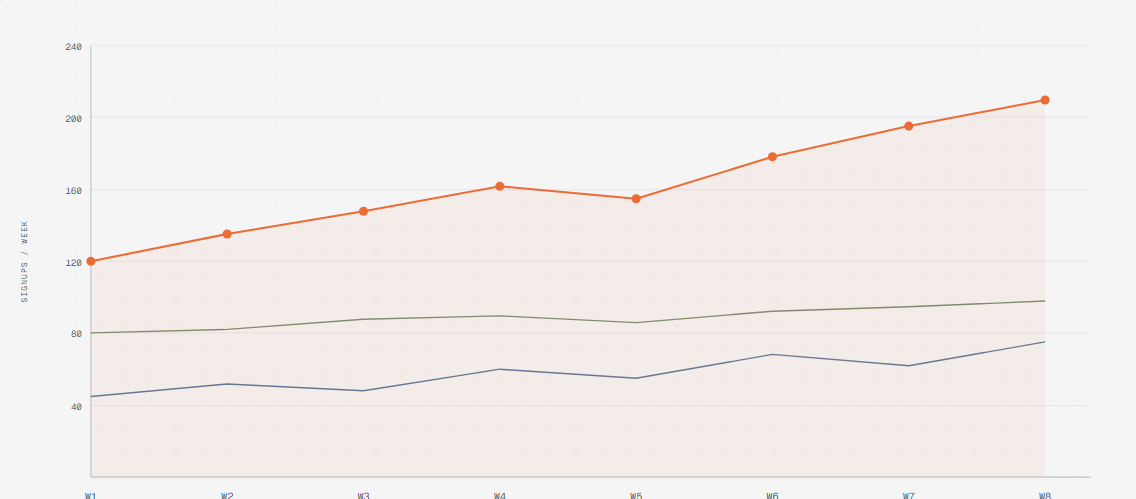 Line chart Trends over time |
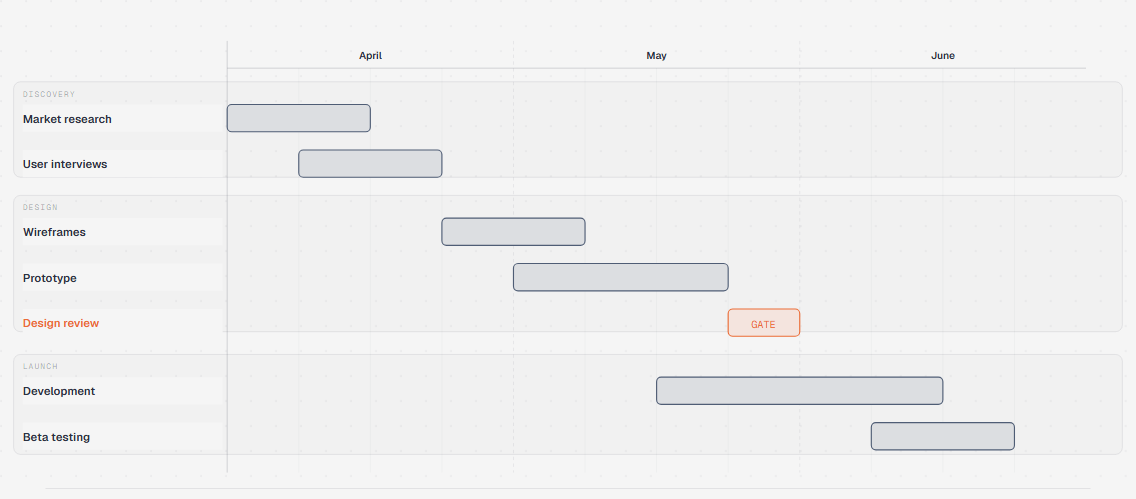 Gantt Tasks + phases on a timeline |
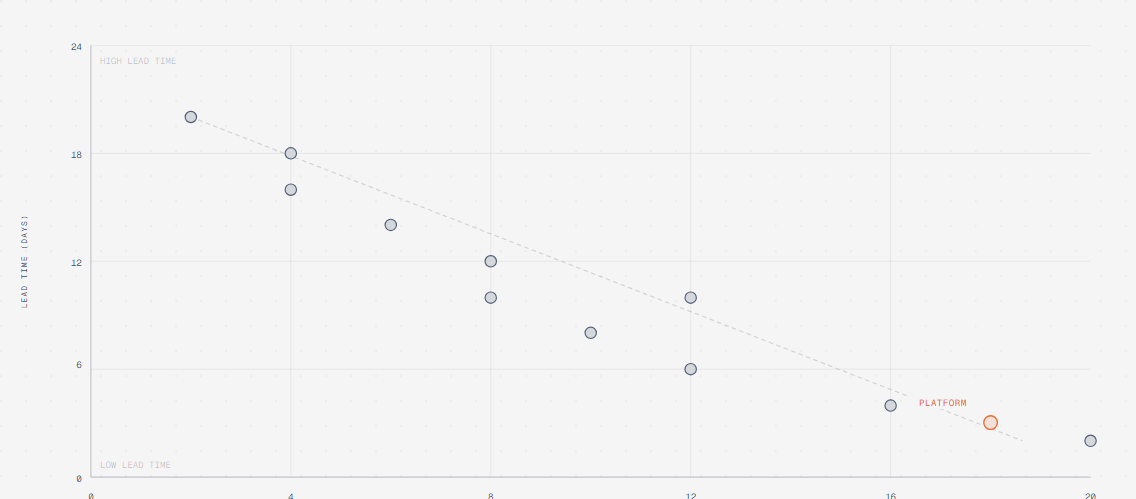 Scatter plot Distribution + correlation |
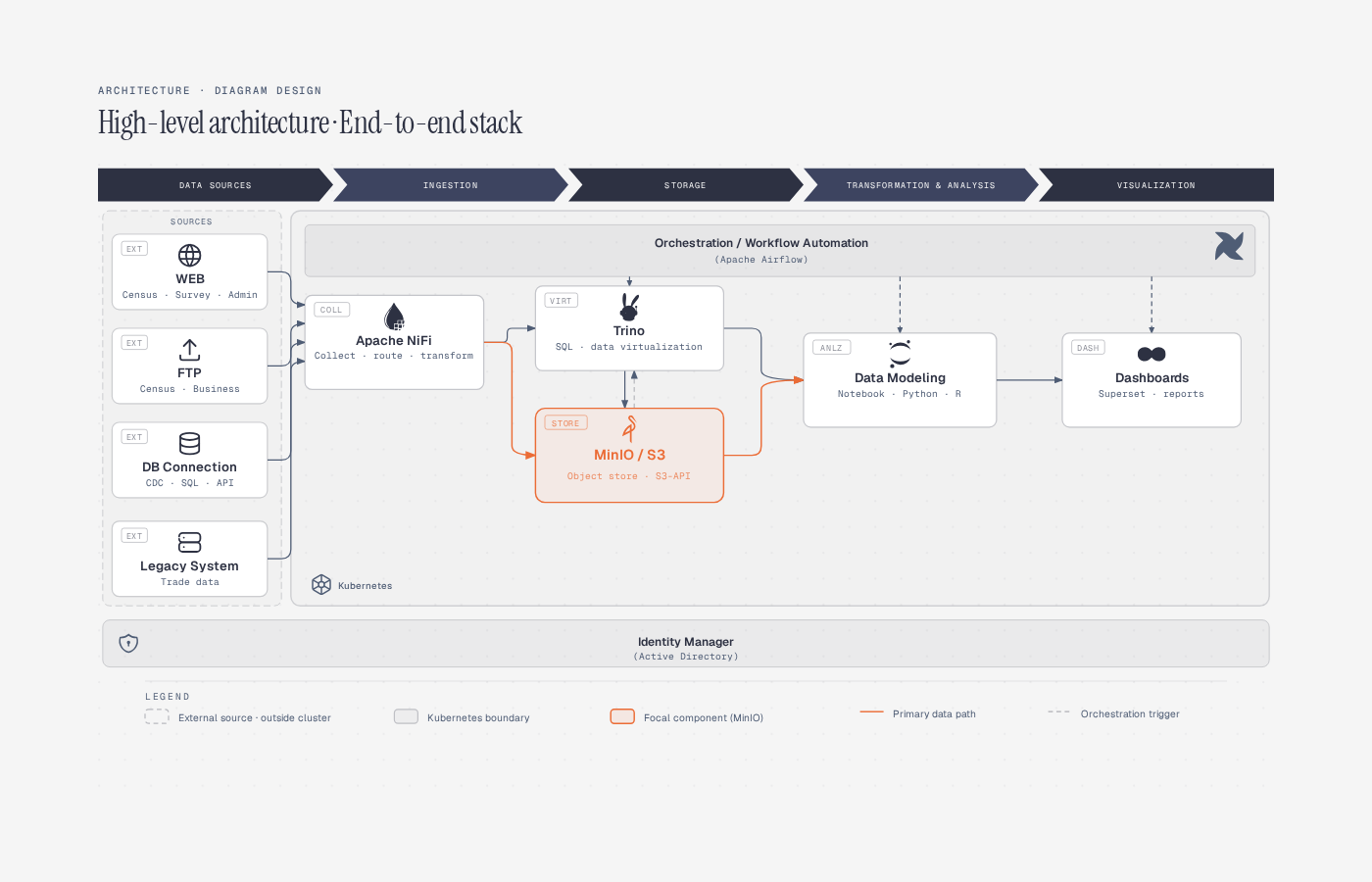 High-Level End-to-end stack on a cluster |
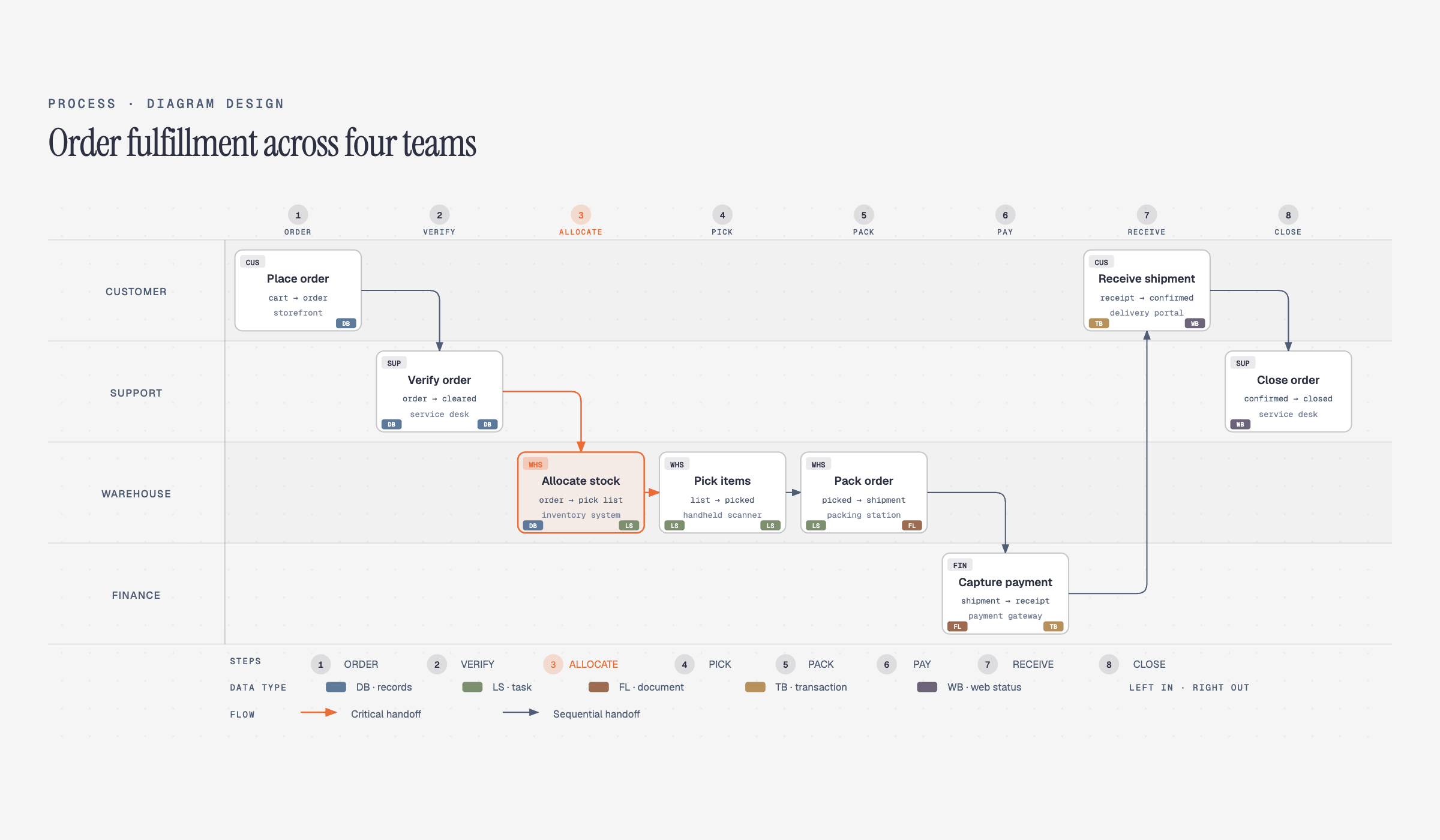 Process Multi-actor sequential workflow |
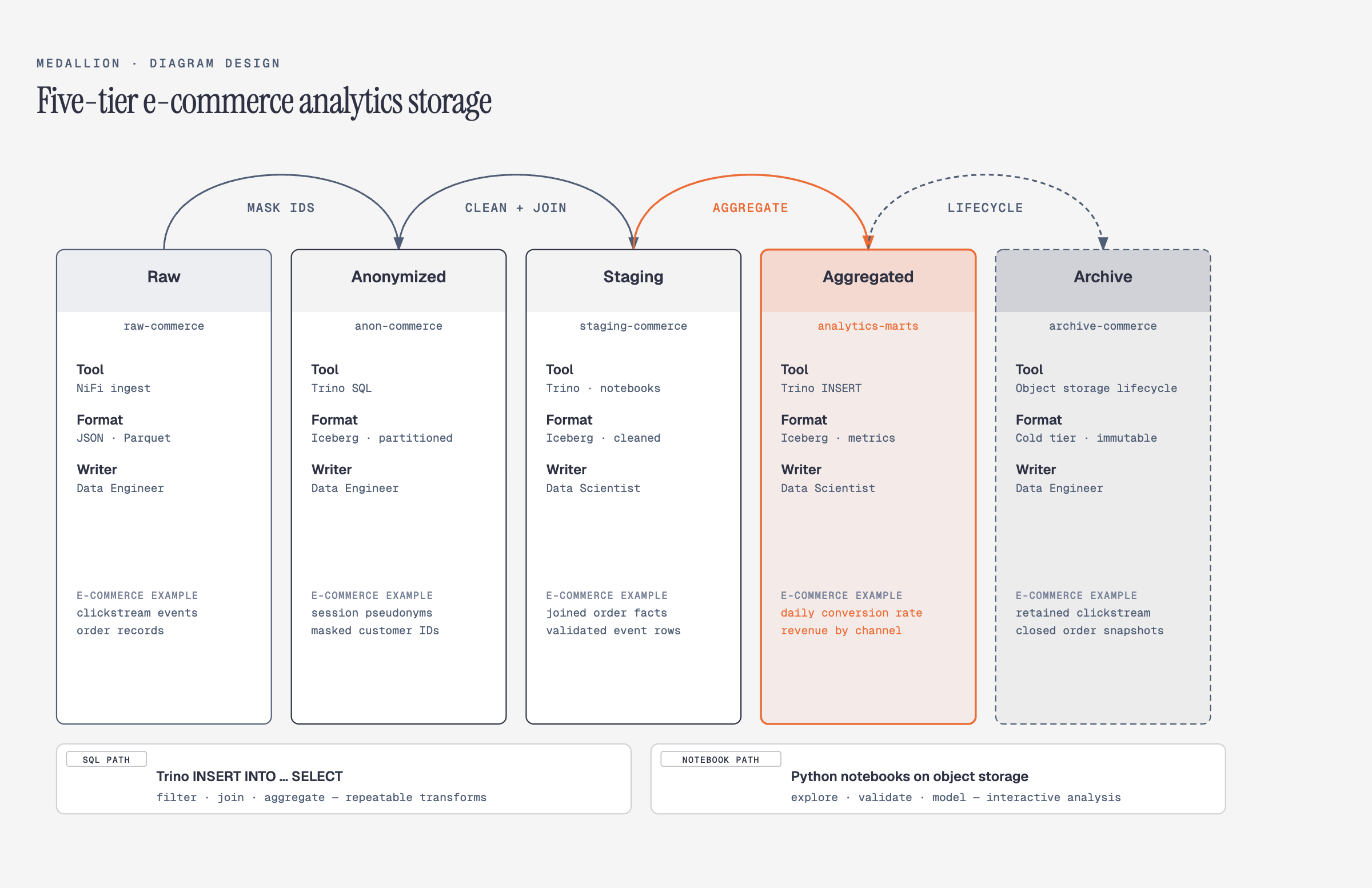 Medallion Multi-tier data storage |
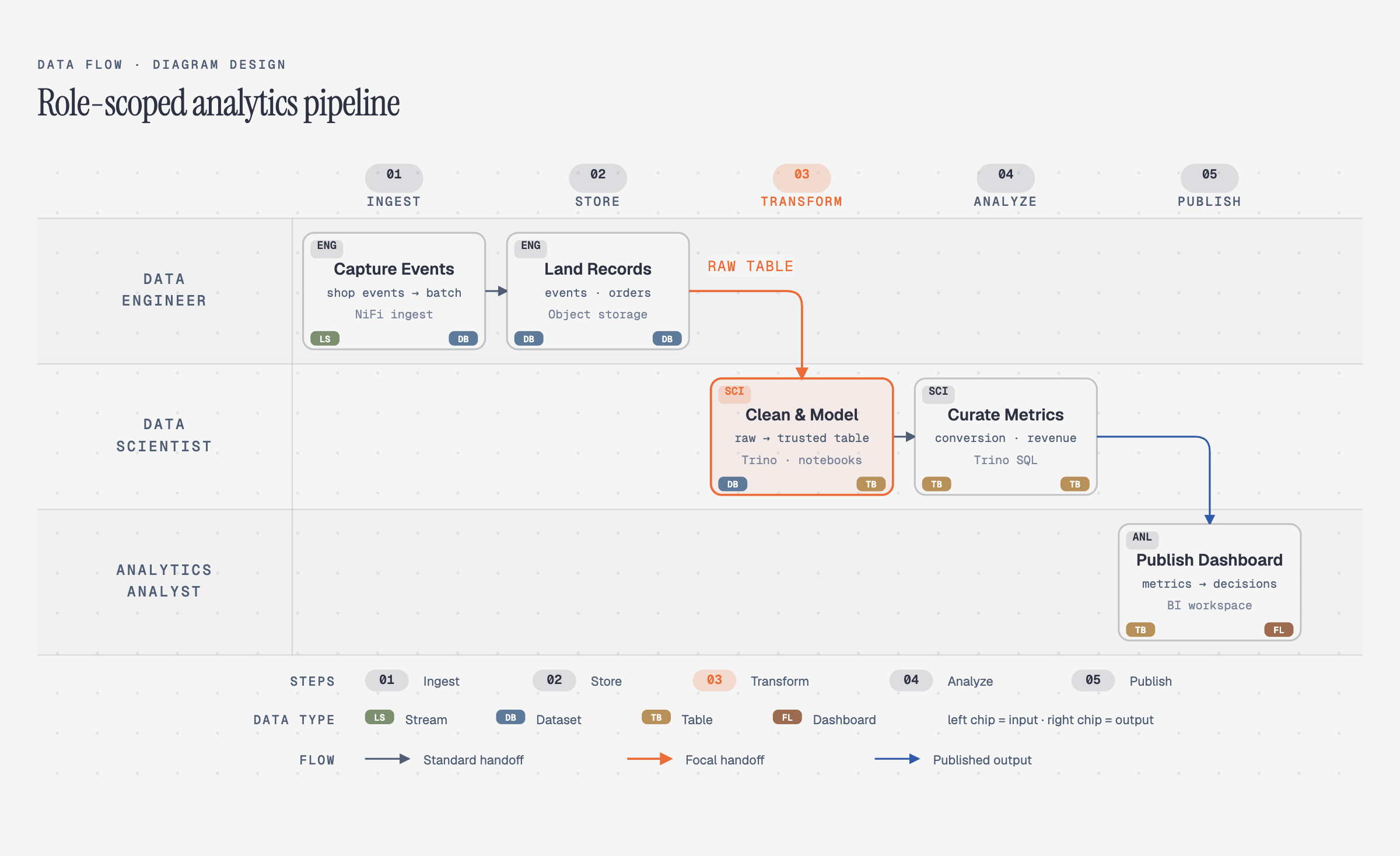 Data flow Role-scoped pipeline steps |
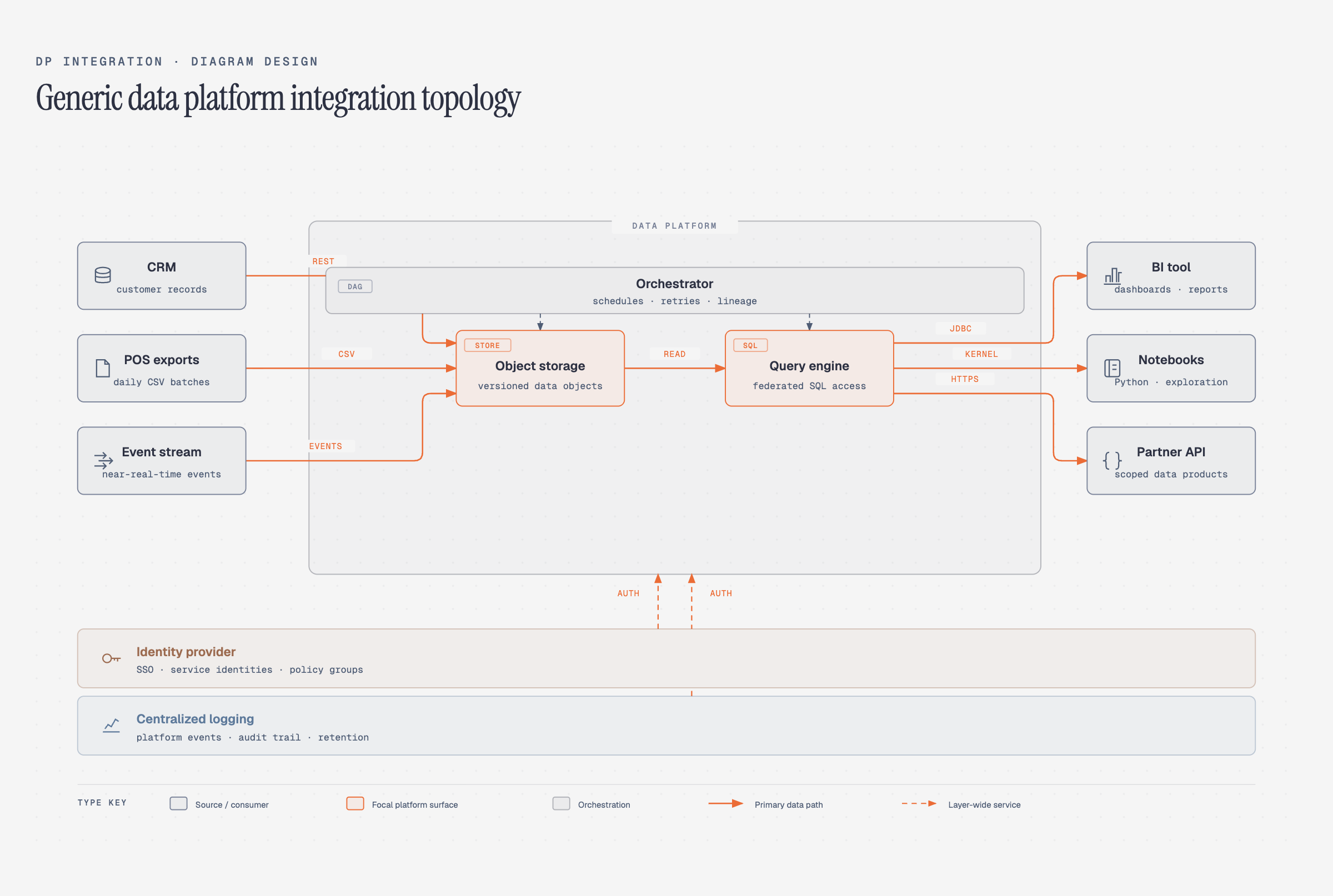 DP integration Sources → core → consumers |
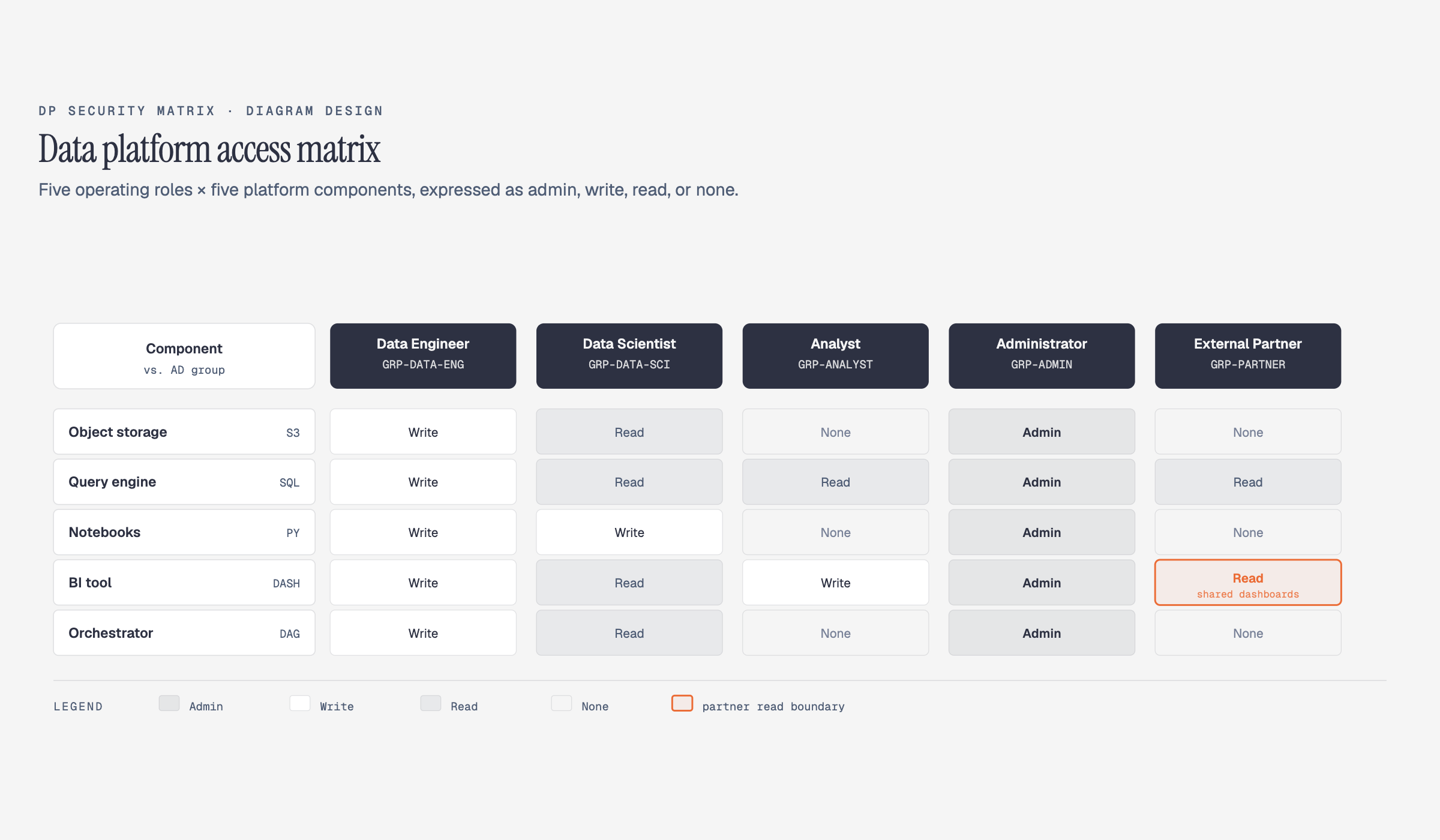 DP security matrix Per-role access permissions |
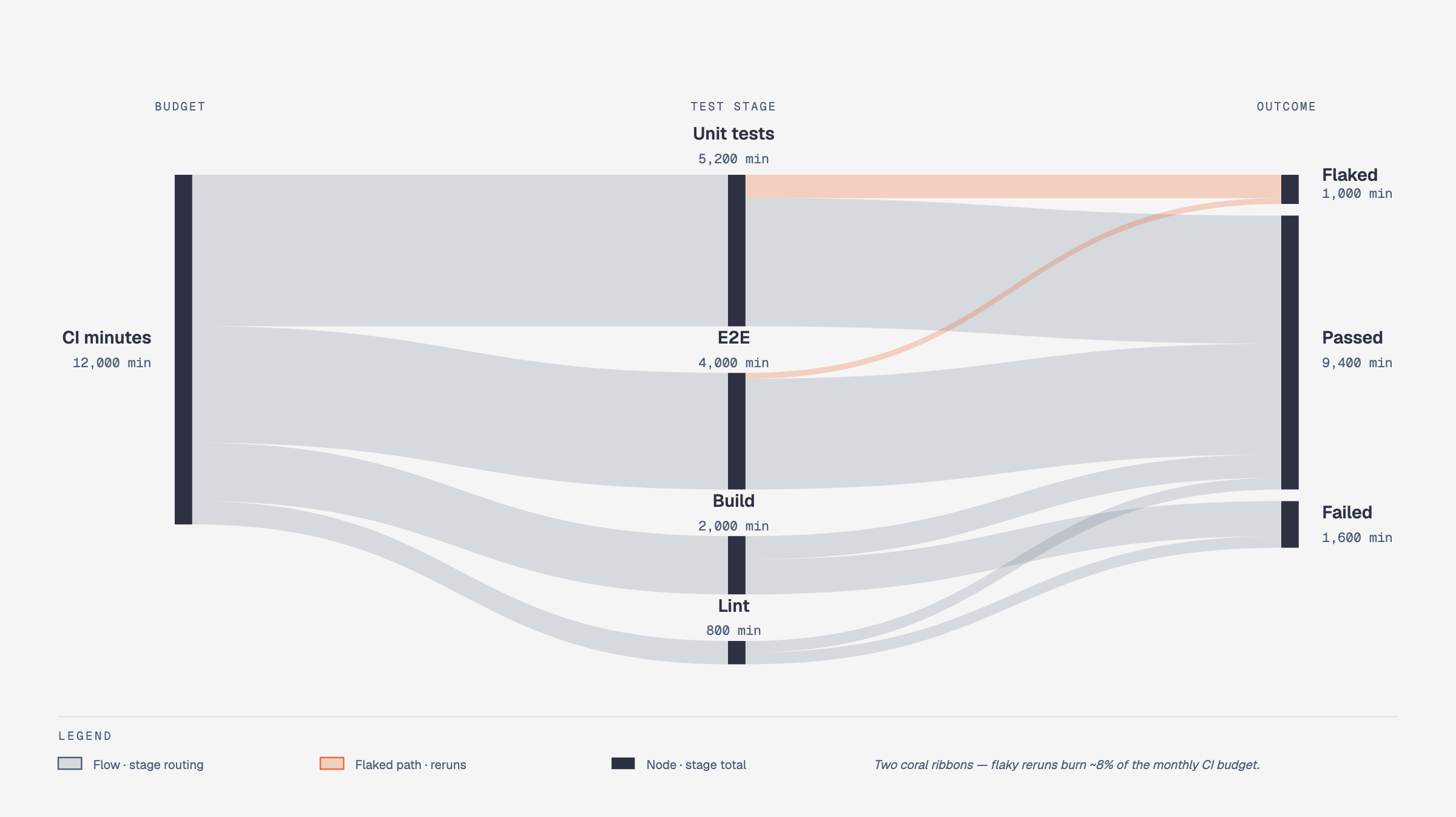 Sankey Quantities that split + merge |
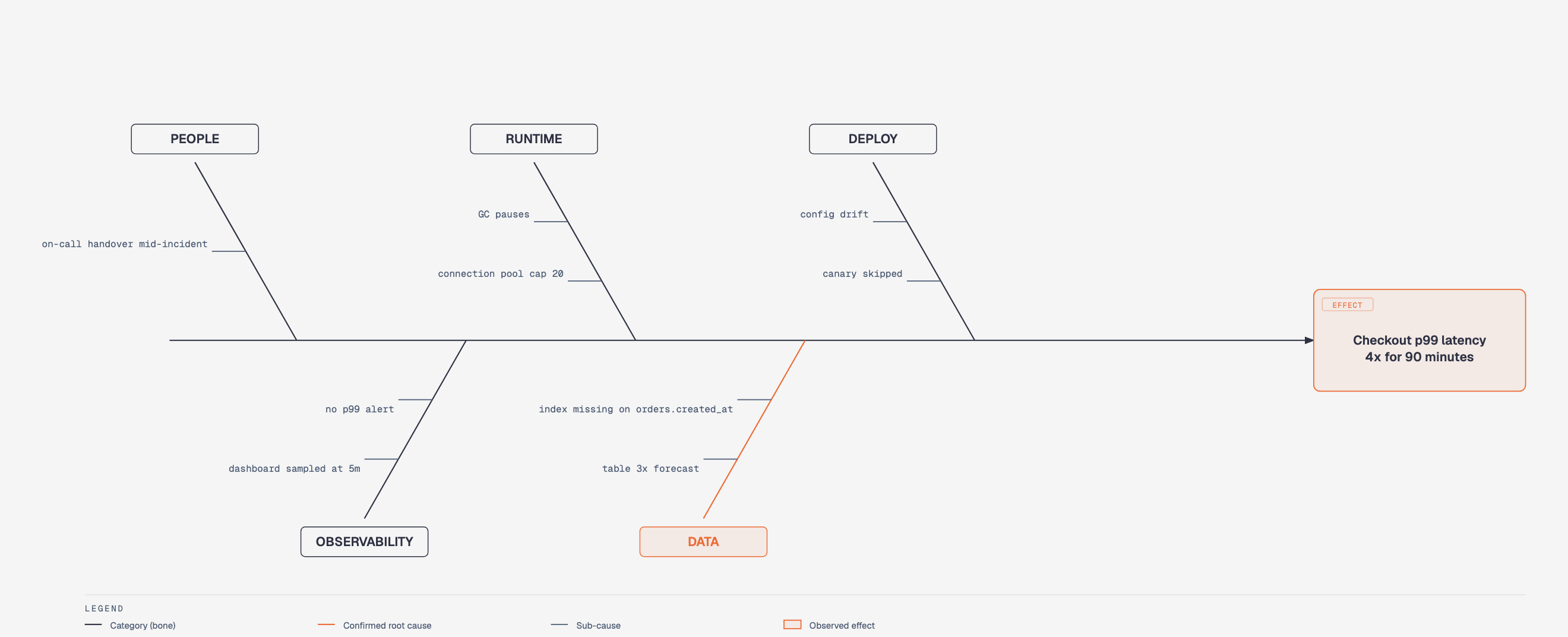 Fishbone Grouped causes → one effect |
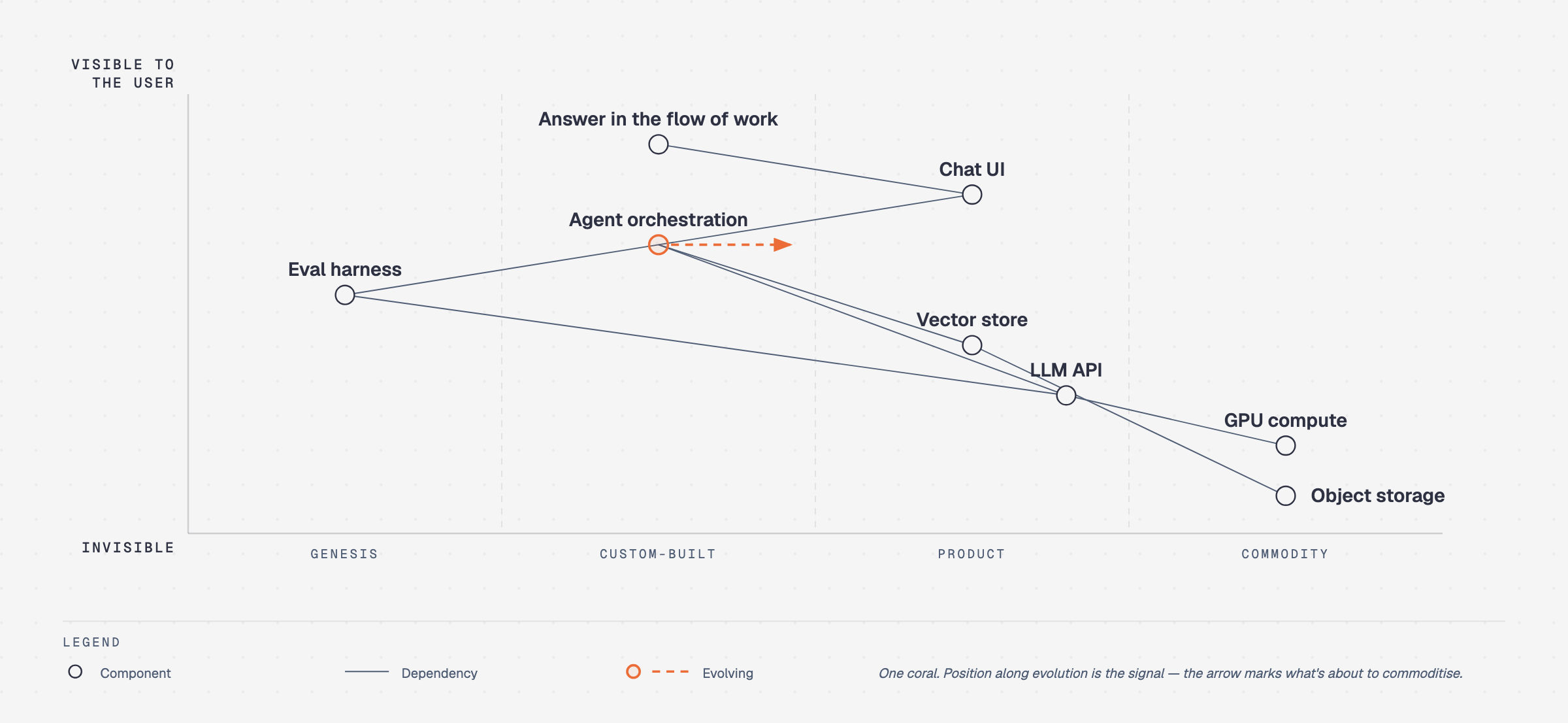 Wardley map Value chain × evolution |
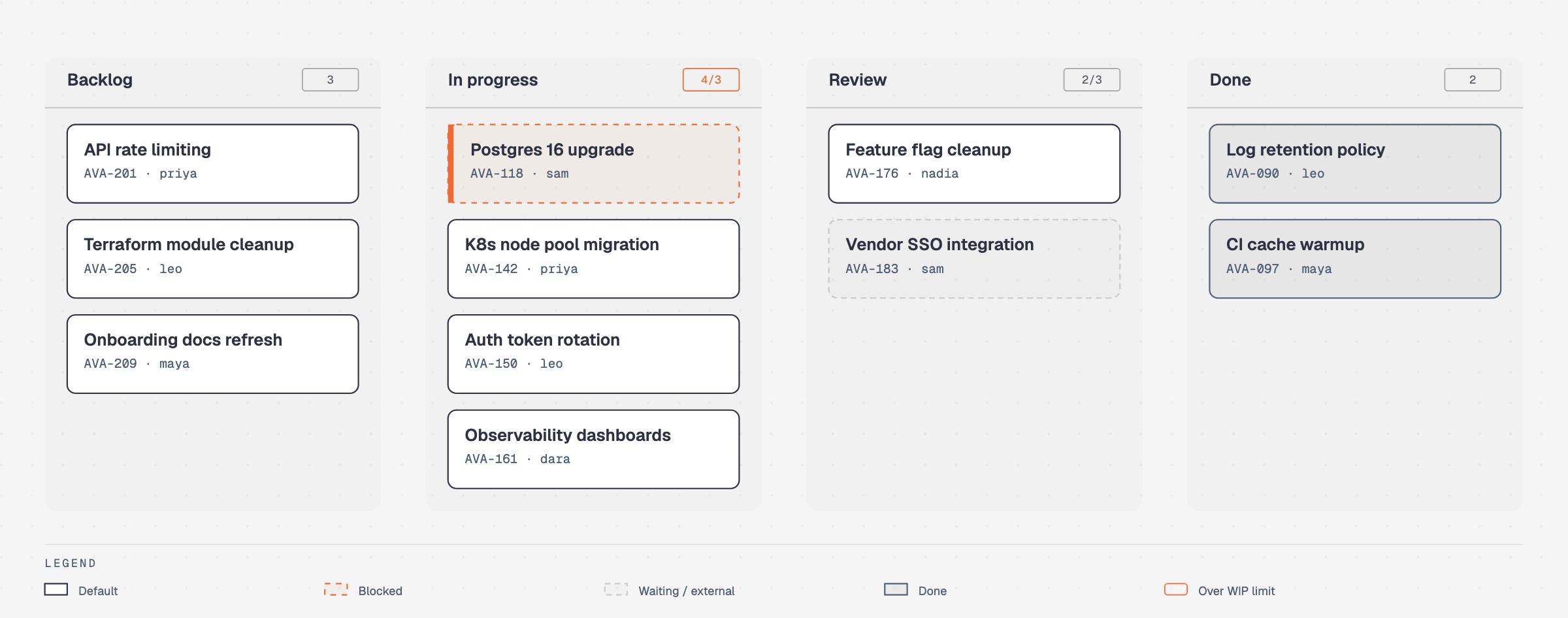 Kanban Work in progress by state |
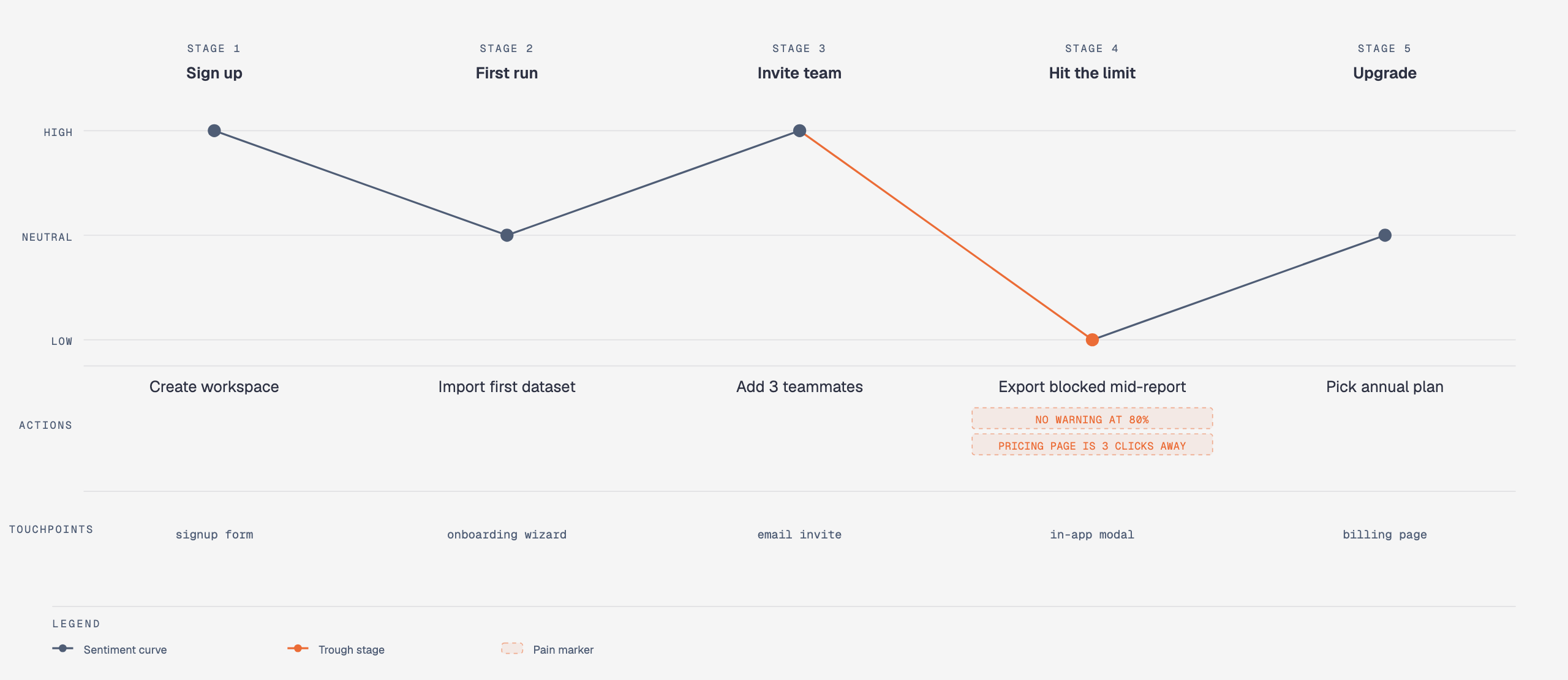 User journey Stages, actions + sentiment |
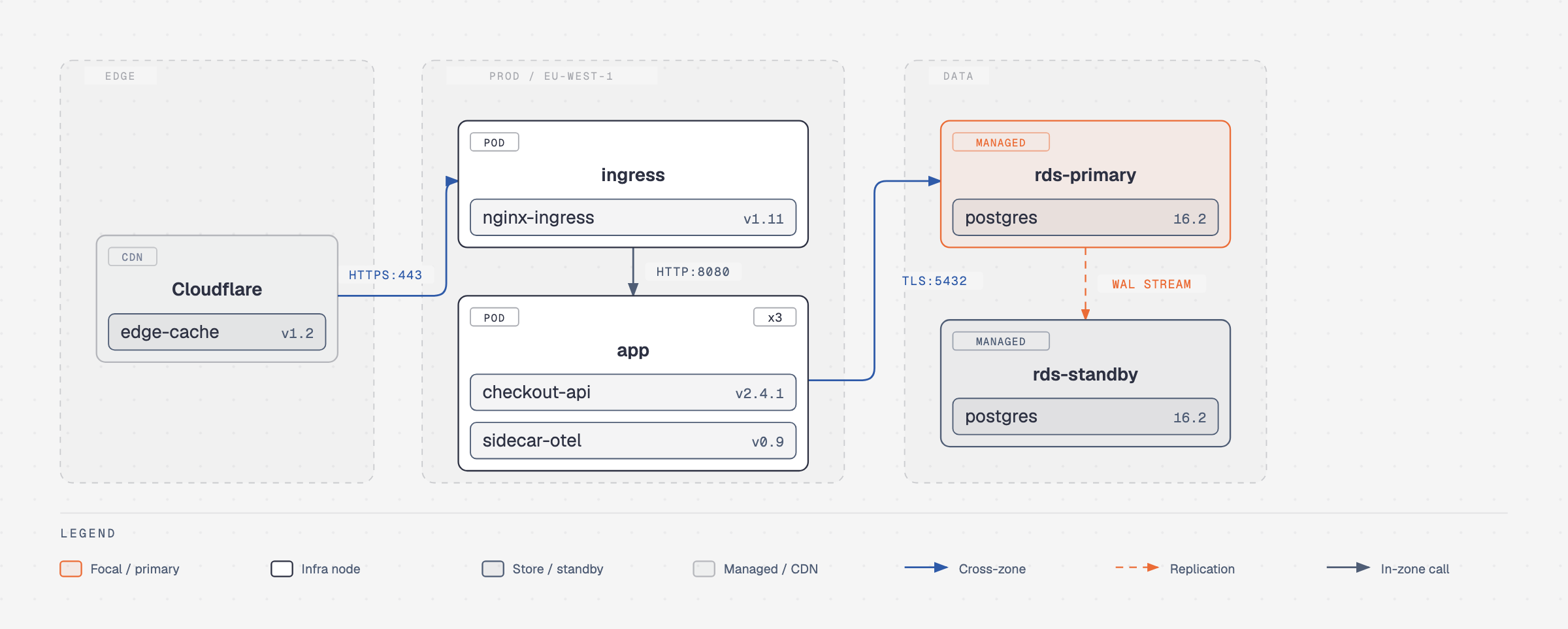 Deployment Zones, hosts + artifacts |
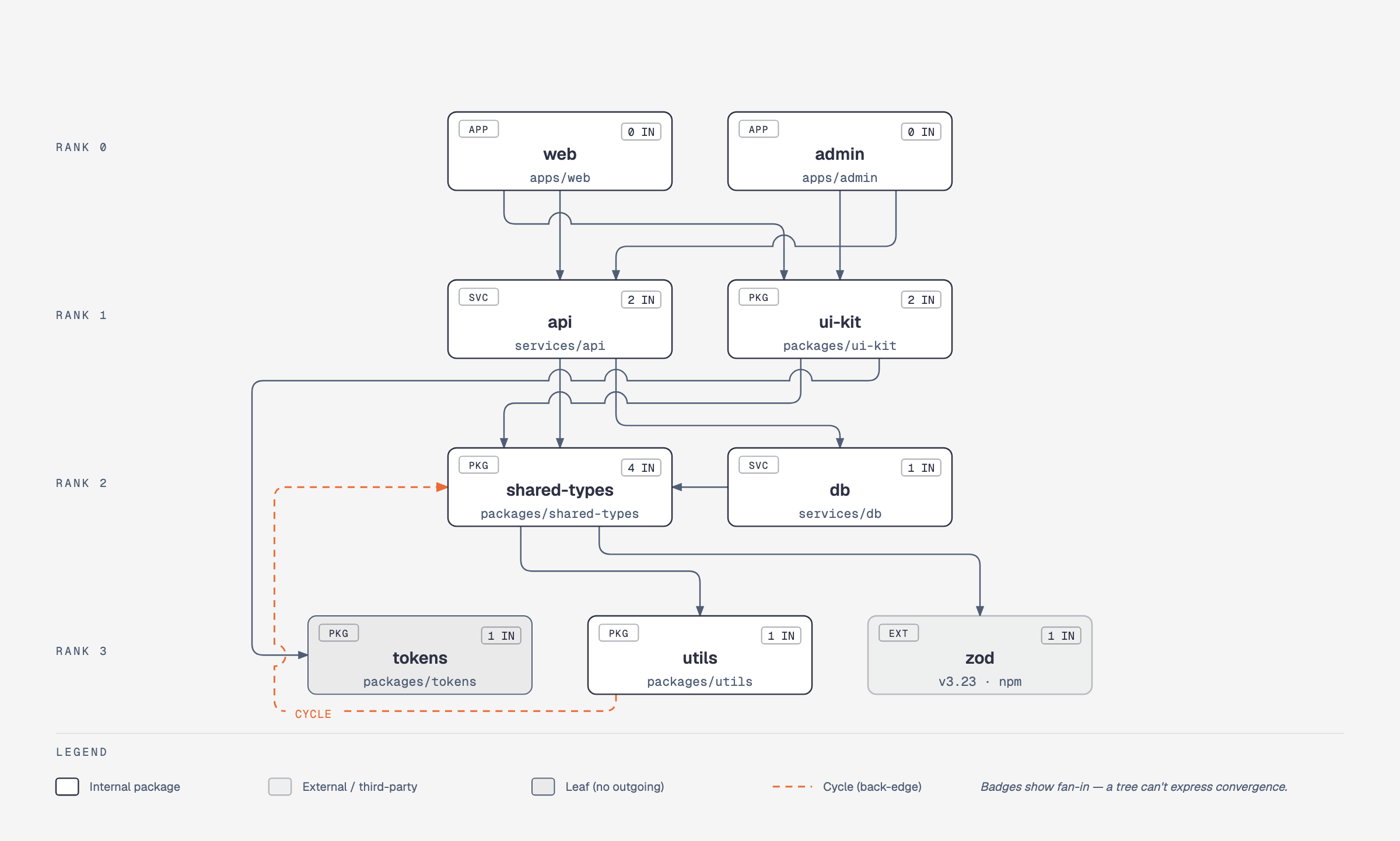 Dependency graph Fan-in, ranks + cycles |
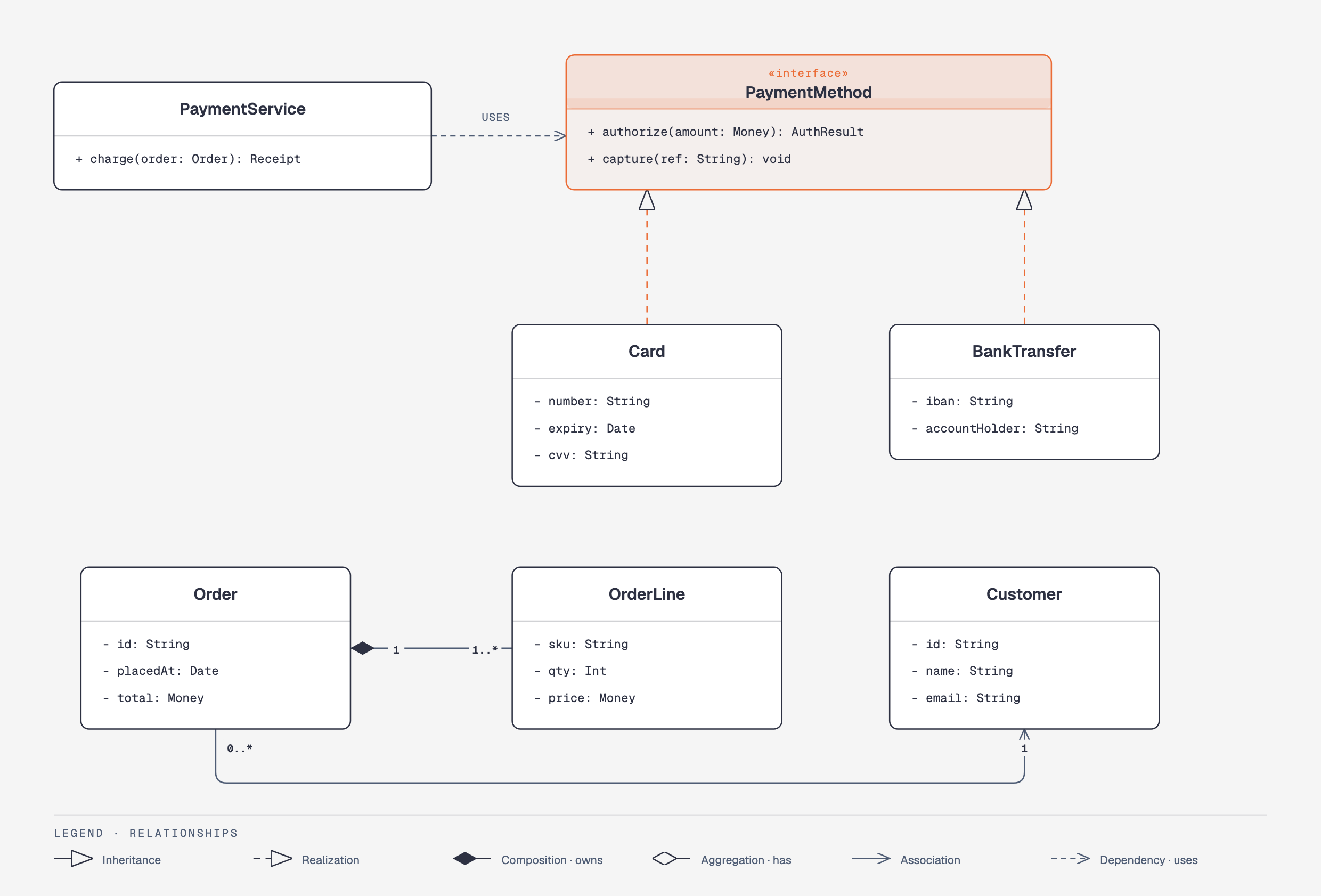 UML class Classes, operations + typed relations |
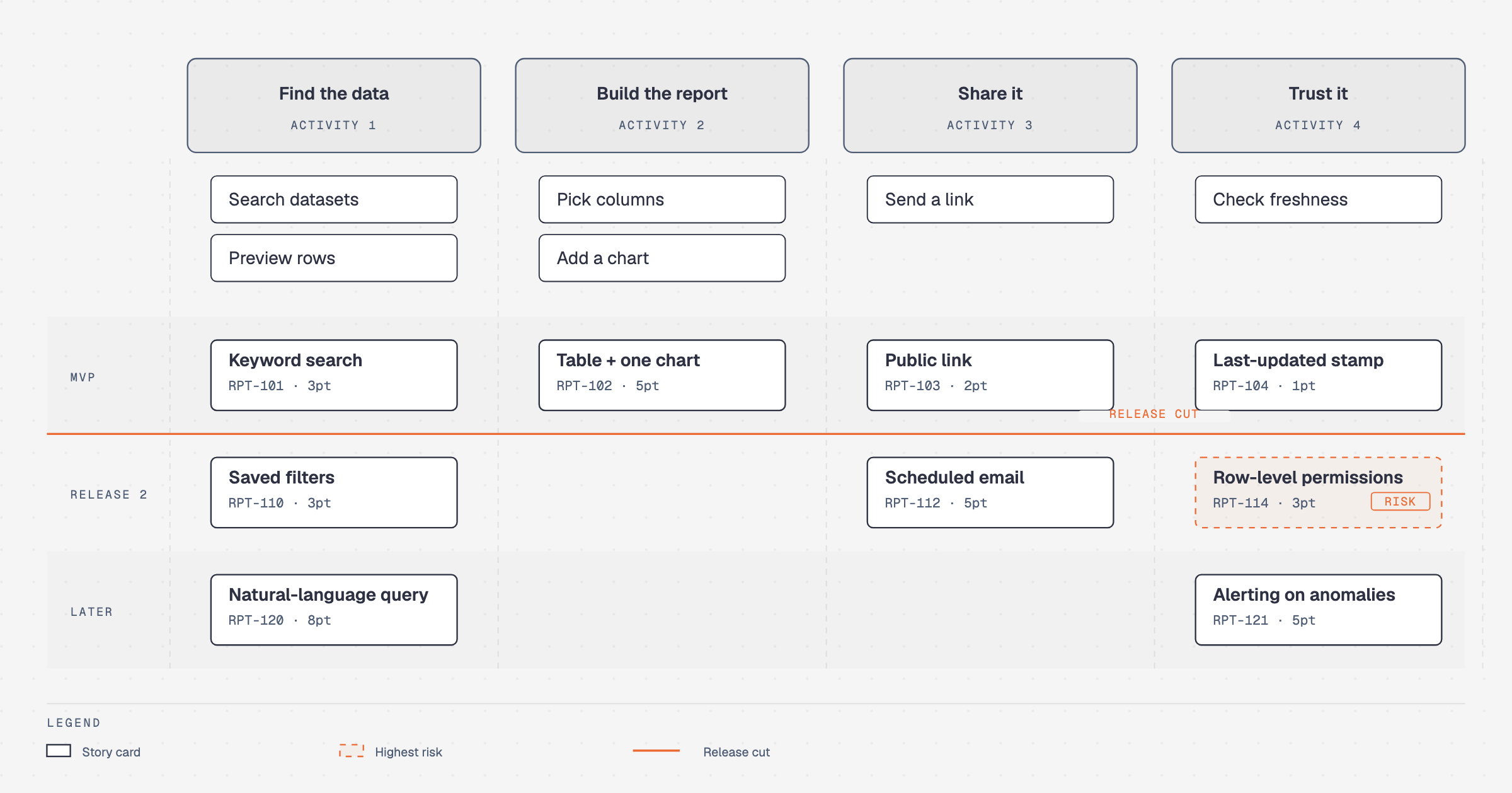 Story map Backbone × release slices |
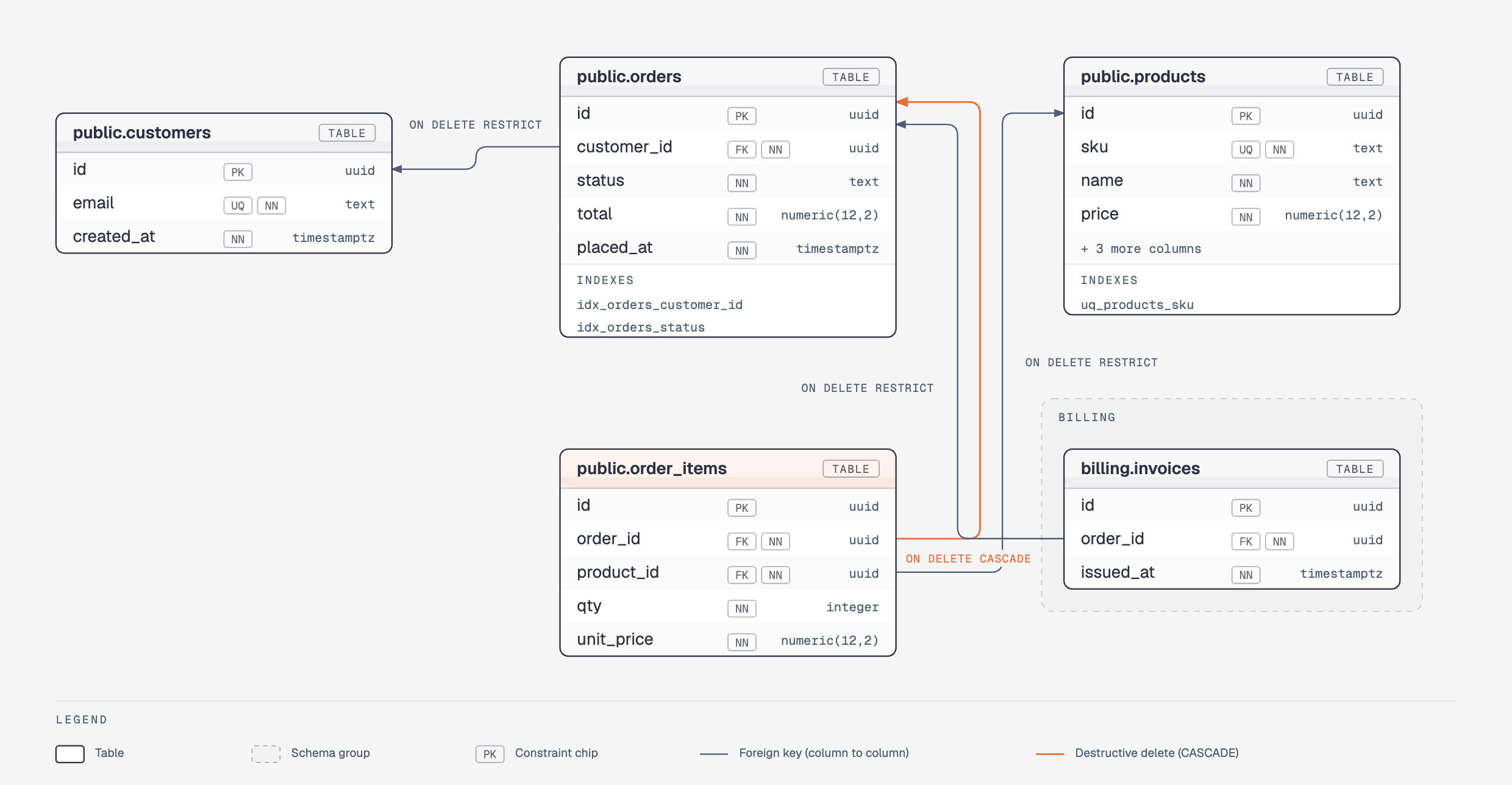 Database schema Physical tables + column FKs |
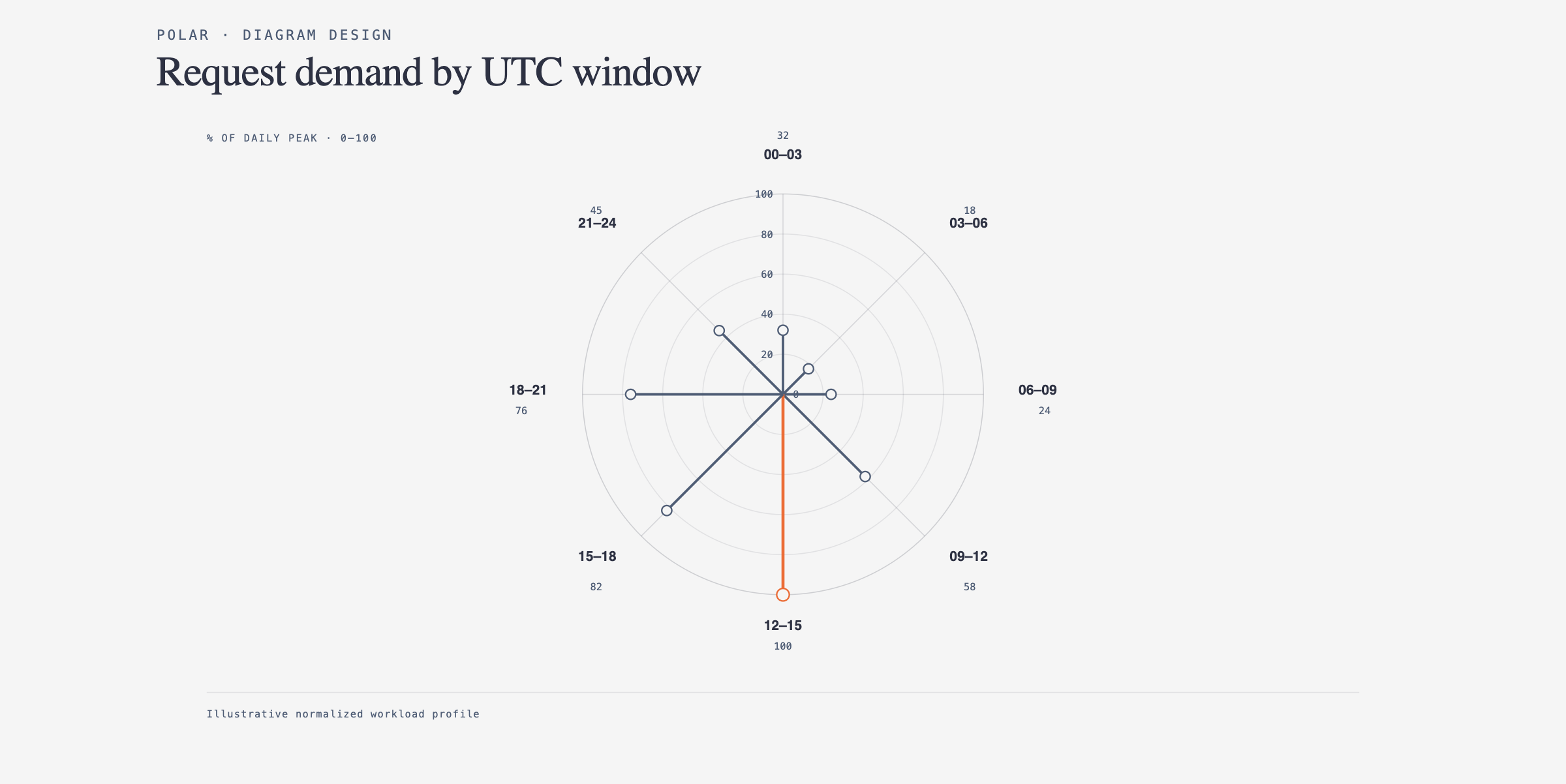 Polar chart Cyclic magnitude · linear radius |
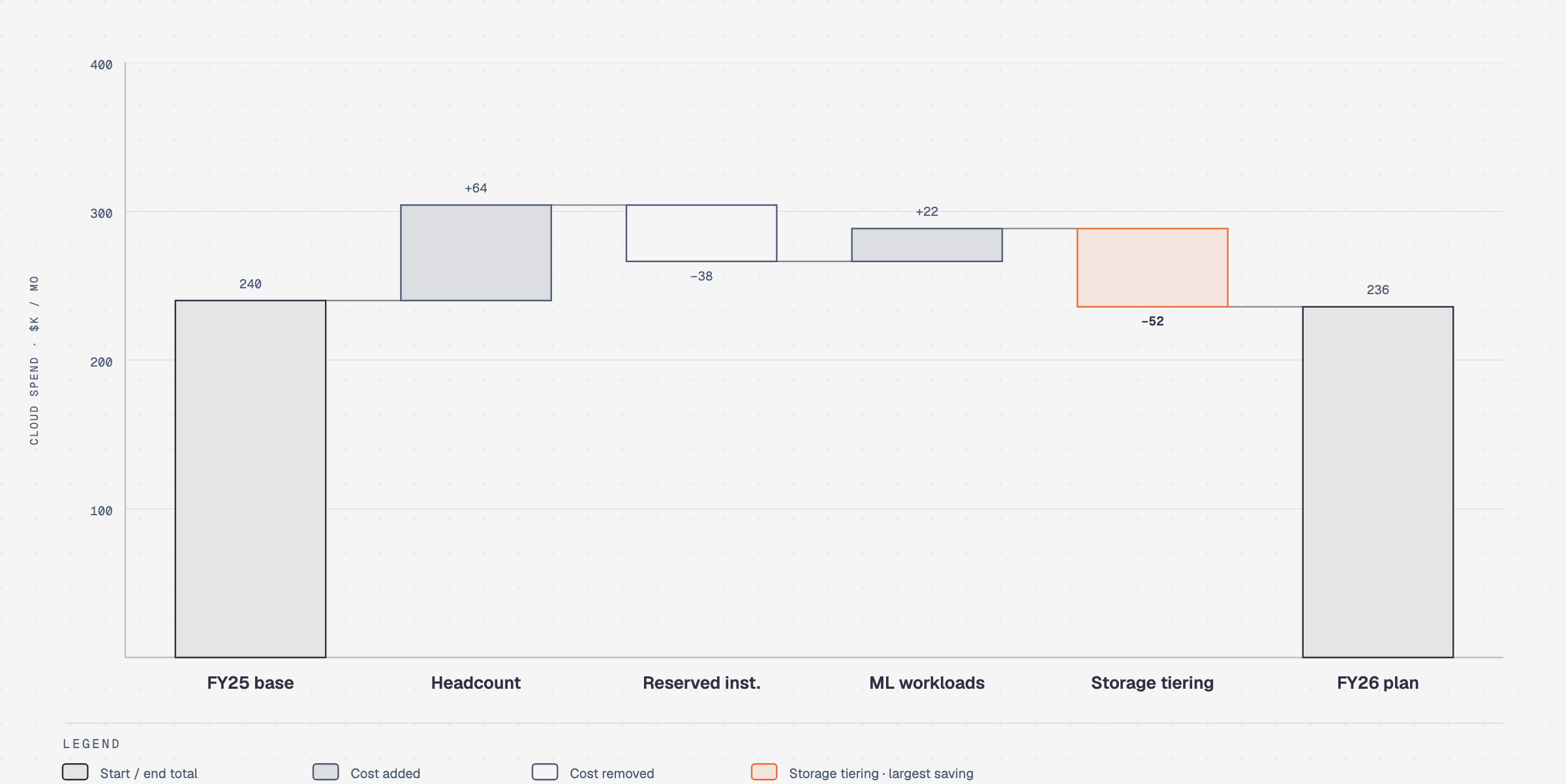 Waterfall Running total + signed bridges |
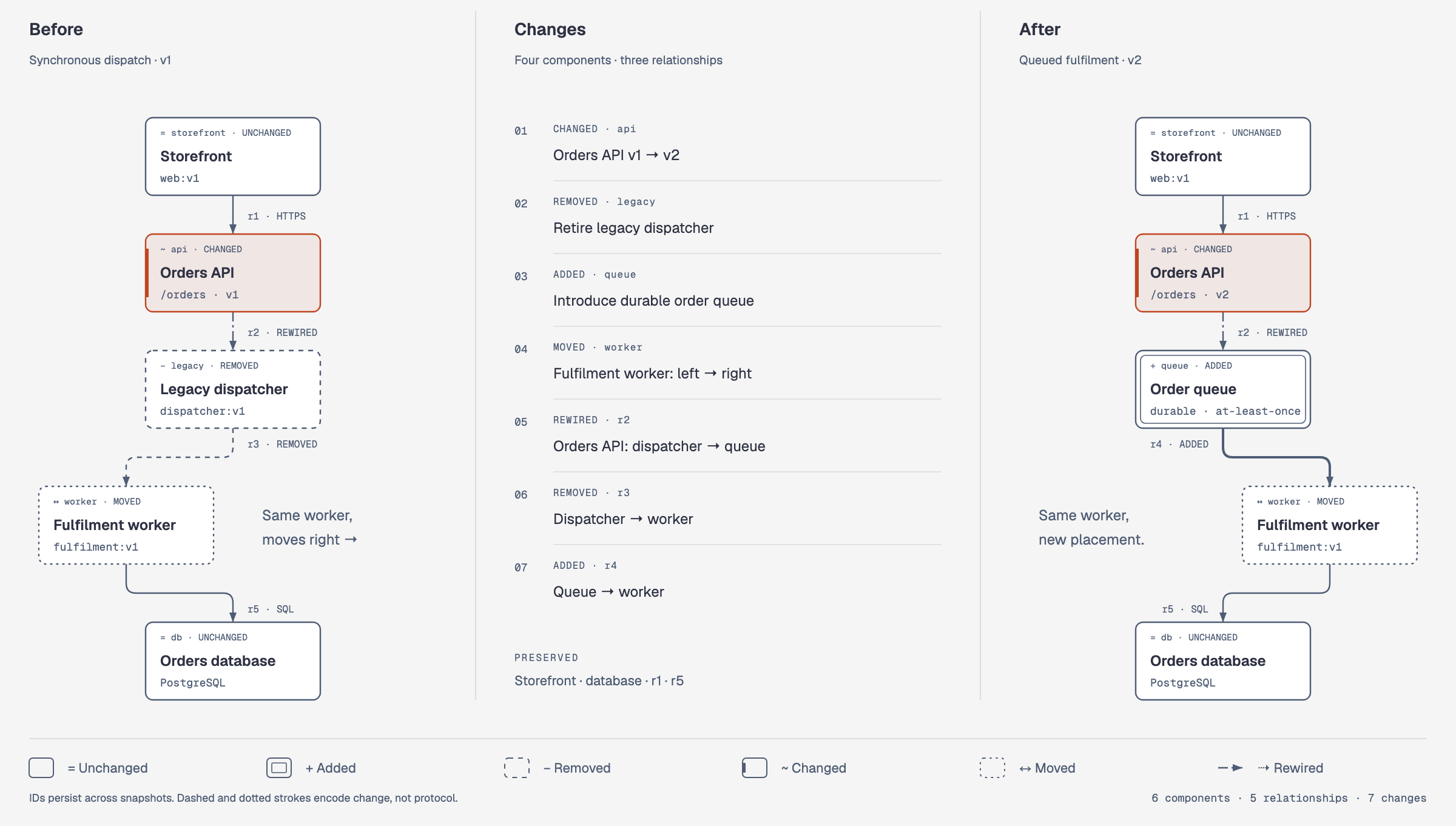 Architecture delta Before · Changes · After topology |
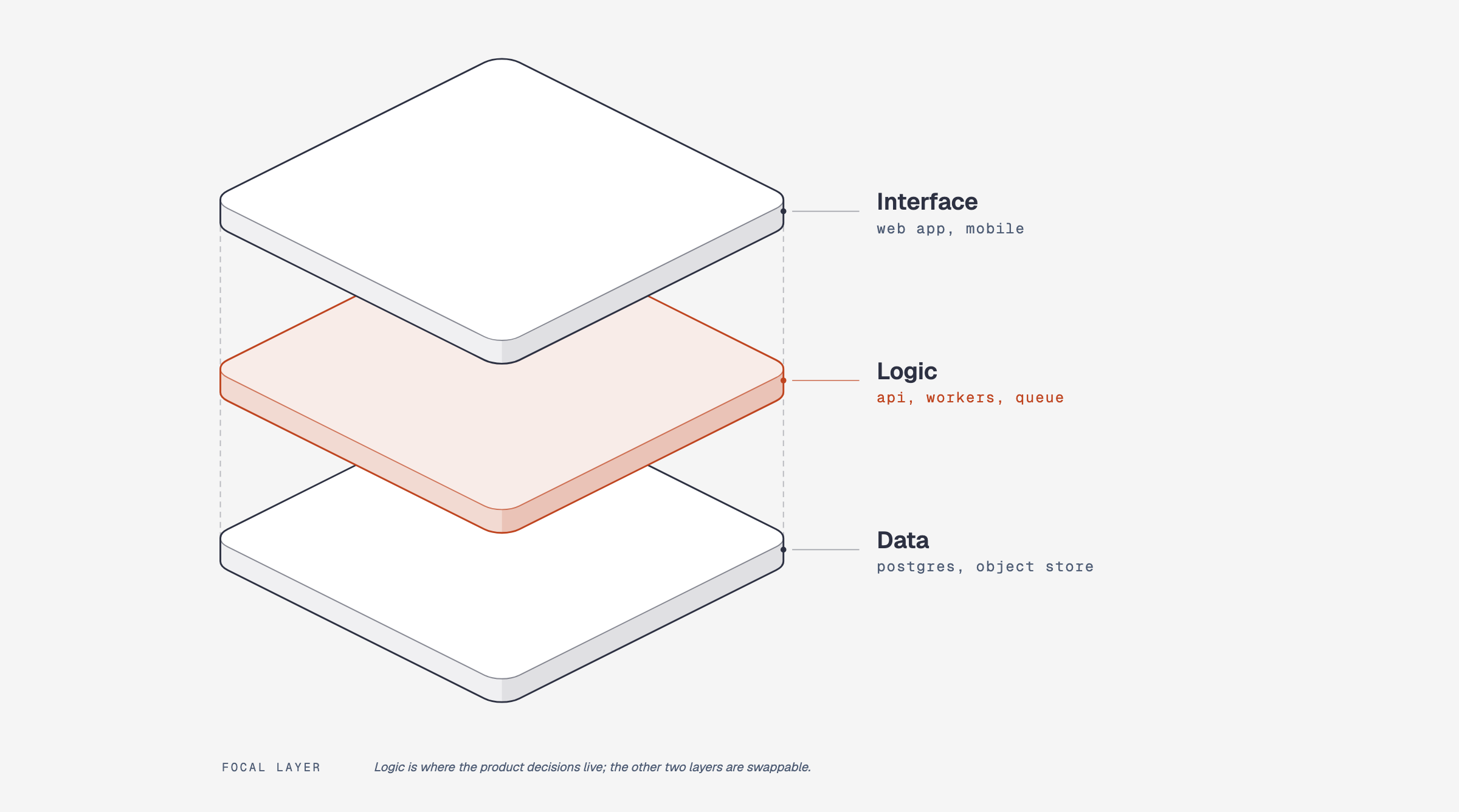 Exploded axonometric Parts pulled apart on one axis |
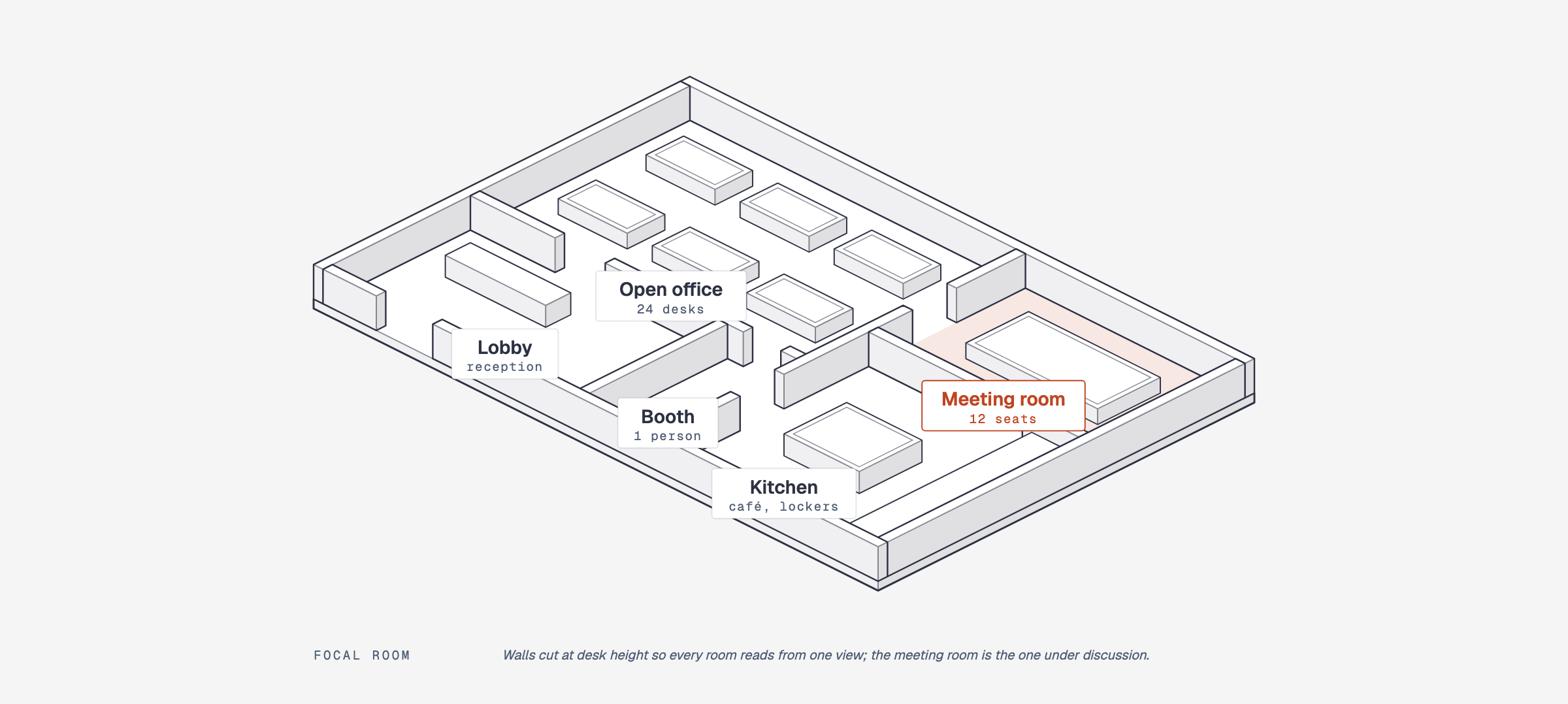 Axonometric plan Rooms and buildings on one plate |
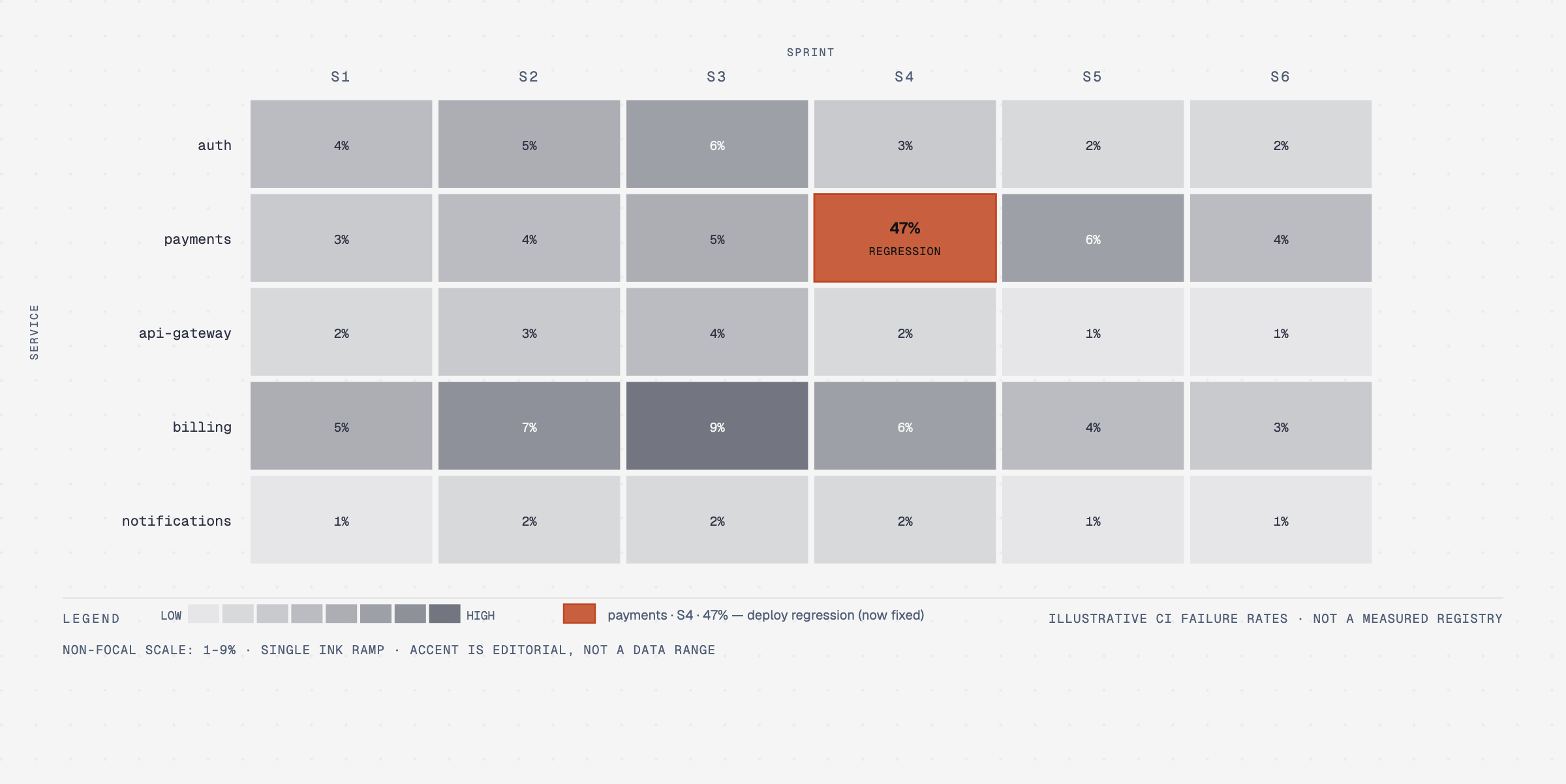 Heatmap Value per row × column cell |
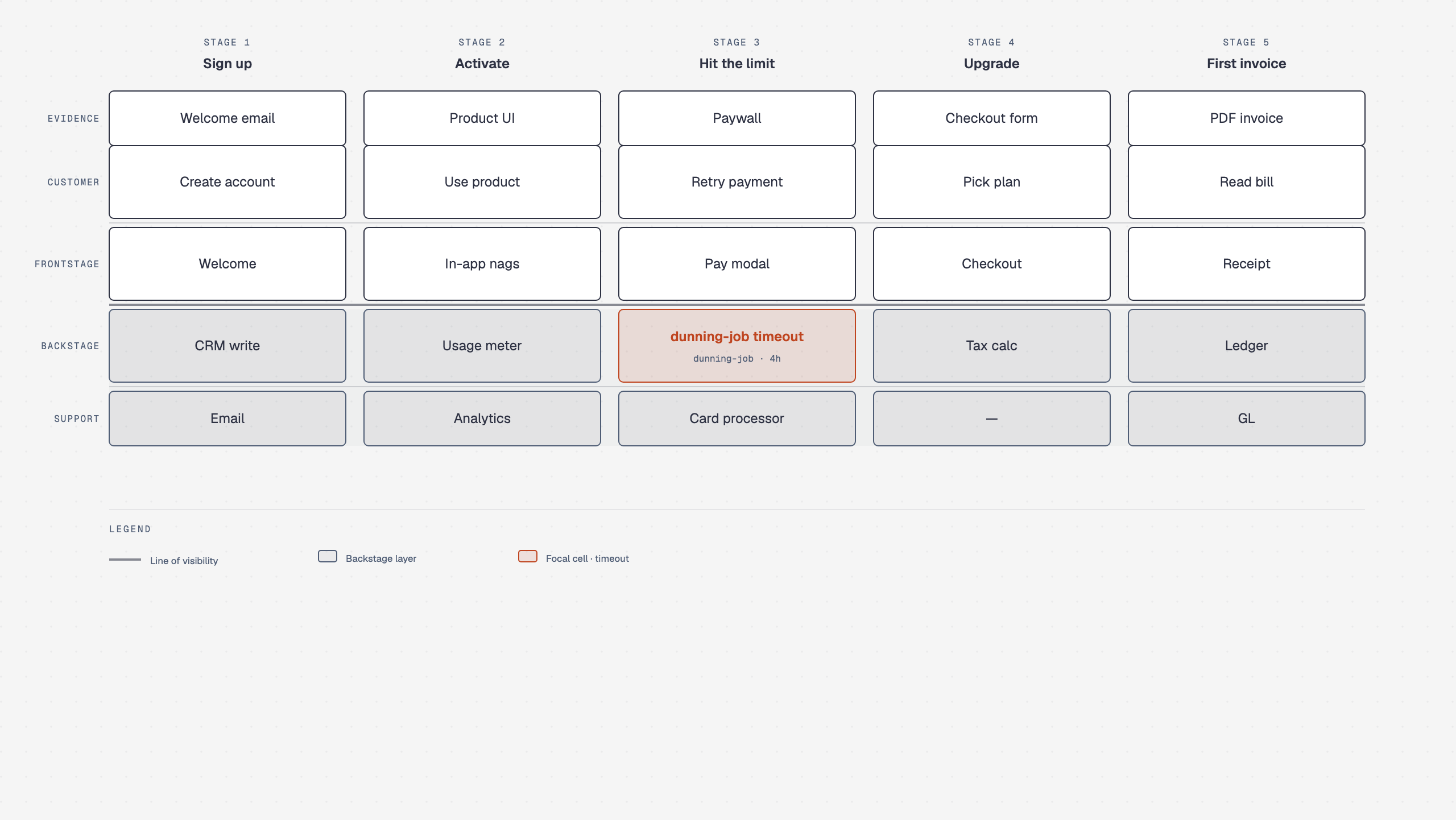 Service blueprint Frontstage and backstage on a shared stage grid |
Several types have named variants that share their reference: Line covers slopegraph, ridgeline, streamgraph and bump; Scatter covers bubble and beeswarm; Treemap covers marimekko.
Architecture can nest administrative bands and traffic boxes in one snapshot when the hierarchy itself is the claim: dashed rx=4 bands for billing and permissions, solid rx=8 boxes for networks, and managed services outside every subnet. See the containment example and type-architecture.md.
Architecture delta compares synchronized topologies through a Before · Changes · After ledger of added, removed, changed, moved, and rewired objects. See its reference and order-fulfilment example. Attribute-only comparisons remain tables; a single snapshot uses Architecture.
Exploded axonometric draws one object in 2:1 dimetric projection with its parts lifted apart at equal gaps: a phone teardown, an unboxing, an app stack, an AI agent stack, or a mechanical keyboard. Every coordinate comes from one projection function, and the animated phone opens assembled and explodes once. See its reference.
Axonometric plan uses the same projection for one floor or one site: walls cut at desk height so every room reads from a single view, or buildings on a campus tagged by build phase. See the office floor, the campus, the coffee shop, the fulfillment floor, the phased campus animation, and the reference.
Browse the live gallery: cathrynlavery.github.io/diagram-design, or open skills/diagram-design/assets/index.html locally to flip through every diagram with light / dark / full-editorial tabs. Each type has one number, 01 to 45; its variants and worked examples carry the same number with a letter. The searchable diagram navigation starts open; click the preview to collapse it and use Diagrams to reopen it. The active diagram name and variant controls stay visible.
Onboarding: make it look like your brand
The whole point is editorial diagrams in your colors and typography, not a generic template.
Out of the box, diagrams render in a jet-black + tangerine palette (white-smoke paper, jet-black ink, a darkened tangerine accent that clears 4.5:1 contrast as text, blue-slate muted, silver hairlines). Good enough to screenshot straight away. Sixty seconds of onboarding is better: the skill pulls your brand from your website and applies it across every diagram.
The flow
You:     "onboard diagram-design to https://yoursite.com"
Agent:   → fetches the homepage
         → extracts the dominant palette + font stack
         → maps detected values to semantic roles:
             paper, ink, muted, accent, link
         → shows a proposed diff
         → writes your tokens to references/style-guide.md
You:     "yes, apply it"
Every new diagram now uses your colors. Your website's paper color becomes the diagram background. Your CTA color becomes the focal accent. Your body font stack becomes the node label family.
Brand matching also emits a fidelity receipt: sampled URLs, exact color roles, font families and weights, font source URLs, and any fallback. Public site fonts are used directly and verified after rendering rather than silently replaced with generic system fonts.
What gets extracted
| Detected from your site | Becomes |
|---|---|
<body> background |
paper token |
| Primary text color | ink token |
| Secondary / caption text | muted token |
| Cards or containers | paper-2 token |
| Most-used brand color (CTA, link, heading) | accent token |
<h1> font family |
title font |
<body> font family |
node-name font |
<code> / <pre> font |
sublabel font |
Contrast checks happen automatically
Before writing tokens, the skill verifies WCAG AA contrast on ink over paper. If your site has a color that fails contrast at diagram sizes (9 to 12px), it proposes an adjusted value and explains why. The default skin is held to the same contract in CI: text roles clear 4.5:1 and essential marks clear 3:1 on both light and dark paper.
Accessible by default
Every diagram template gives the inline SVG an accessible name and description: role="img", a resolving aria-labelledby, and first-child <title> / <desc> slots. IDs are prefixed per diagram and variant, so multiple SVG exports can be safely inlined on one page without duplicate accessible-name IDs. Decorative specimen icons are hidden from assistive technology instead.
Offline fonts
By default a diagram loads Instrument Serif, Geist and Geist Mono from Google Fonts, the only network request it makes. Ask for system fonts (or set the font source to system in your style guide) and the file makes no network requests at all: the stacks fall back to the platform's own serif, sans and monospace faces. See Font source.
Manual override
Prefer to set tokens by hand? Open skills/diagram-design/references/style-guide.md and edit the table. Everything downstream reads from there: every diagram, the annotation primitive, and the gallery all use semantic role names (accent, not a hex value).
First-run gate
The skill won't silently ship default-skinned diagrams into a branded project. On first use in a new project, it checks if style-guide.md has been customized. If not, it pauses and asks:
"This is your first diagram in this project. The style guide is still at the default. Want to run onboarding, paste tokens manually, or proceed with default?"
See skills/diagram-design/references/onboarding.md for the full spec.
Working with multiple clients
Onboard a brand once, save the result as a named profile, then add a .diagram-design marker containing profile: <slug> to each client project. Marker projects read ~/.diagram-design/profiles/<slug>.md directly, so parallel workspaces can use different brands without overwriting a shared installed style-guide.md.
The profile library is shared across Claude Code, Codex, Factory Droid, and Pi. Use /diagram-design:profile in Claude Code, /profile in Factory Droid or Pi, or ask in natural language in any host. See profiles.md for the storage, marker, and recovery contract.
Quickstart
# From a cloned checkout, open the gallery to see every diagram
open skills/diagram-design/assets/index.html       # macOS
xdg-open skills/diagram-design/assets/index.html  # Linux
Then ask your agent for a diagram, like the prompts at the top of this page. A sequence with token refresh uses the ALT combined-fragment grammar in type-sequence.md; see example-sequence-oauth.html.
Operator recipes for editable installs, first diagrams, brand setup, import, export, validation, Windows junctions, and reusable prompts live in docs/cookbook.md.
You can also start from a template directly:
cp skills/diagram-design/assets/template.html my-diagram.html        # minimal light
cp skills/diagram-design/assets/template-full.html my-diagram.html   # editorial with summary cards
cp skills/diagram-design/assets/template-motion.html my-diagram.html # optional accessible motion
Semantic patterns and optional motion
When behavior matters, the skill chooses a semantic pattern first and a visual type second. The nine routed patterns cover fan-in queues and bottlenecks, repeated stage slots, unstructured-input transformation, paired policy traces, secure paved roads, governance catalogs, compensating security layers, traceable block decomposition, and lifecycle phase maps. Each pattern defines its triggers, primitives, budget, anti-patterns, static fallback, and nearest visual type in semantic-patterns.md.
Motion is optional and does not create another visual type. animation.md defines none, reveal, step, and loop modes with a complete static first frame, deterministic timing, and controls when interaction is available. Reduced-motion output shows the complete static frame and hides/disables playback controls. Motion HTML uses the exact reviewed controller from template-motion.html; arbitrary or modified inline scripts, remote assets, CSS imports, and executable HTML attributes are rejected. The default is none: ordinary output remains static and script-free. example-policy-trace-animated.html is the self-contained interactive example.
Import from draw.io, Mermaid, or Excalidraw
Already have diagrams in draw.io / diagrams.net, Mermaid, or Excalidraw? Point the skill at the source and it redraws them: same content, this design system, at whatever size the destination needs.
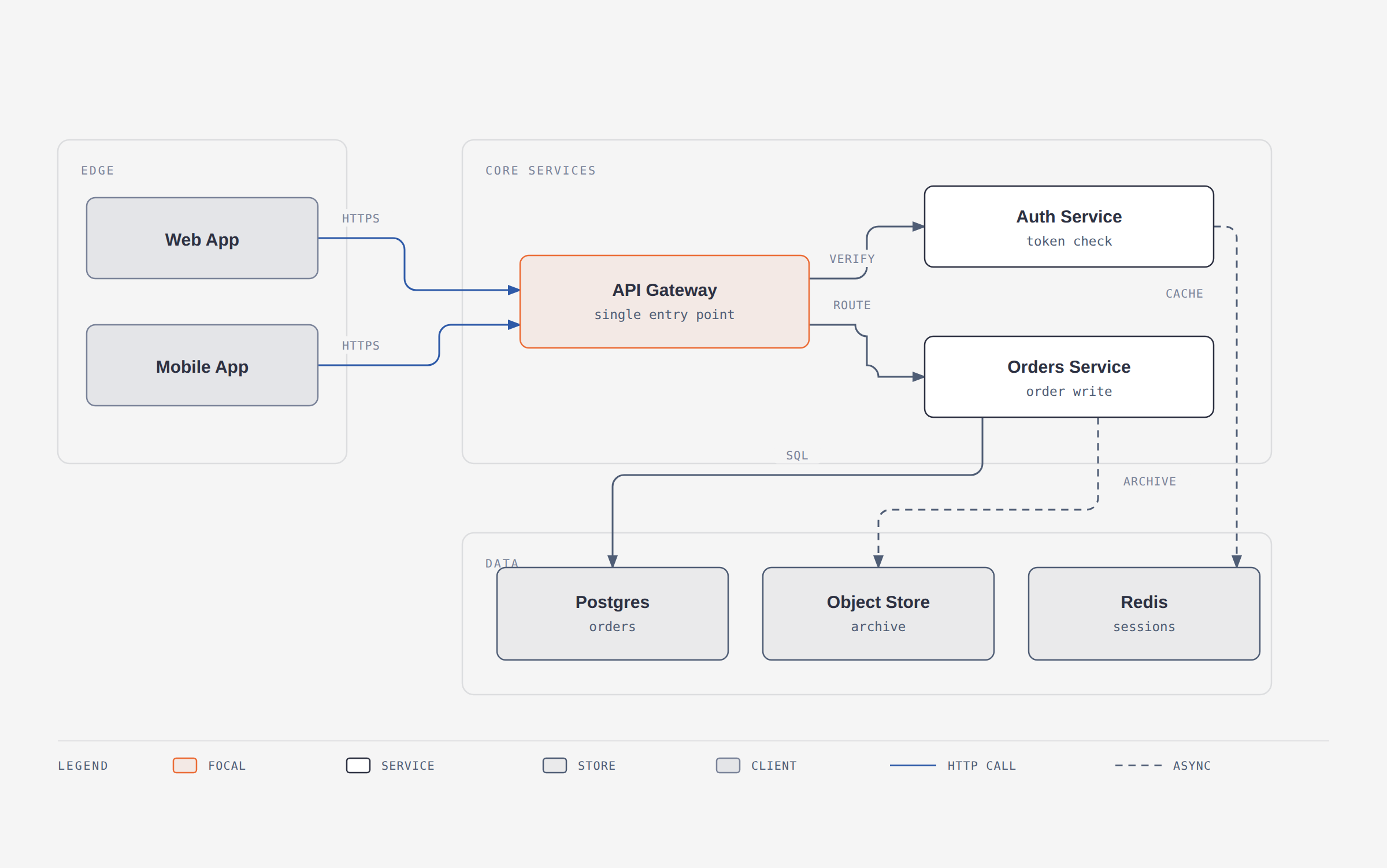
A 12-node draw.io file redrawn at balanced detail for a blog post. The source's six pastel fills became one accent; its hand-dragged coordinates became a 4px grid.
/diagram-design:import-drawio platform.drawio
/diagram-design:import-drawio platform.drawio --size=slide-16x9 --detail=simplified --audience=executive
/diagram-design:import-drawio platform.drawio --detail=faithful --format=png --page=all
/diagram-design:import-mermaid README.md --diagram=all
/diagram-design:import-mermaid architecture.mmd --size=slide-16x9 --detail=simplified
/diagram-design:import-excalidraw whiteboard.excalidraw --size=slide-16x9 --detail=simplified
Or just ask: "redraw this drawio file for my deck", "make this Mermaid block editorial", "make this whiteboard sketch presentable", or "この Mermaid をスライド用にきれいにして".
Reads the common containers draw.io writes (.drawio, .drawio.xml, .drawio.png with an embedded diagram, and .drawio.svg), including compressed payloads that look like base64 garbage in an editor.
For Mermaid, it accepts .mmd, .mermaid, and one or more fenced mermaid blocks in Markdown. UTF-8 files may include a byte-order mark.
For Excalidraw, it accepts .excalidraw and .excalidraw.json scene files (not .excalidraw.png/.excalidraw.svg exports). It parses text only: no rendering, JavaScript, browser, network, or followed click targets.
The four dials
The point isn't conversion, it's fitting the output to where it's going. Same source file, three different diagrams:
| Dial | Options | What it changes |
|---|---|---|
| Format | html · svg · png · html+png |
The deliverable. SVG for Figma, PNG for slides, HTML for the web. |
| Size | doc-inline · doc-wide · slide-16x9 · slide-4x3 · social-og · social-square · print-a4-landscape · print-a3-landscape · print-letter-landscape · fit |
The viewBox and the type ramp: a projected slide gets 16px node names, not 12px. |
| Detail | faithful (≤24 nodes, zoned) · balanced (≤12) · simplified (≤7) |
How much of the source survives, via a fixed degrade ladder: decorations, then duplicates, then leaf clusters, then infrastructure. |
| Audience | engineer · mixed · executive |
The wording, not the count. Auth Service / JWT · RS256 · :8443 → Auth Service / token check → Sign-in. |
Every import ends with a fidelity ledger listing what got merged, collapsed, or dropped. You know the source; you'd notice anyway.
Detail: balanced · 12 source nodes → 8 drawn
Collapsed: "Token valid?" decision → edge label on Gateway → Auth
Dropped:   1 sticky note ("legacy path, to be retired"), unconnected in source
Kept in full: the request path (Web/Mobile → Gateway → Orders → Postgres)
What never carries over: source or renderer coordinates, source palette, source fonts, draw.io's diagonal connector spaghetti, Mermaid's automatic layout, or Excalidraw's hand-drawn geometry. What always does: components, relationships, grouping, and direction. See references/import-drawio.md, references/import-mermaid.md, references/import-excalidraw.md, and references/output-spec.md.
Export to PNG / SVG
Diagrams ship as self-contained HTML, but you can export the diagram itself for Figma, slides, or social cards. SVG export also carries CDATA-wrapped diagram CSS, including selectors bound to the original SVG root, and preserves quoted selector values containing comment delimiters. Use the slash command for your agent:
Pi:
/export-diagram path/to/diagram.html
/export-diagram path/to/diagram.html --svg-only
/export-diagram path/to/diagram.html --png-only --scale=3
/export-diagram path/to/diagram.html --registry
Claude Code:
/diagram-design:export-diagram path/to/diagram.html
/diagram-design:export-diagram path/to/diagram.html --svg-only
/diagram-design:export-diagram path/to/diagram.html --png-only --scale=3
/diagram-design:export-diagram path/to/diagram.html --registry
Or just ask in natural language:
"Export this diagram as SVG and PNG."
"Save my-diagram.html as PNG."
- SVG extracts the
<svg>node and injects Google Fonts so it renders standalone in browsers, Figma, and Illustrator. Animation bindings follow namespaced keyframes even when property names use CSS escapes. Pass--system-fontsto skip the font import for offline use. - PNG rasterizes the diagram via Playwright at 2× by default. One-time setup:
pip install playwright && playwright install chromium.
Both formats are diagram-only: editorial cards and headers from -full variants aren't included. For a screenshot of the full editorial layout, use your browser's print-to-PDF or full-page screenshot. See skills/diagram-design/references/export.md for the full procedure.
--registry: for diagrams using the traceable block decomposition pattern, also emits<basename>.registry.json, a structured projection of every block'sdata-block-*metadata. Combine with either raster format or run alone. Seeskills/diagram-design/references/export-registry.md.
For motion-enabled HTML, export the explicit final state: open ?motion=static, wait for document.fonts.ready, and confirm the motion root has data-frame="static" before capture. Use ?motion=step&step=N only when a named intermediate frame was requested.
Architecture
Progressive disclosure. SKILL.md routes behavior first when needed, then layout. Semantic, type, and animation references load only when relevant.
diagram-design/
├── .agents/plugins/marketplace.json  # Codex marketplace catalog
├── .claude-plugin/                   # Claude marketplace + plugin manifest
├── .codex-plugin/                    # Codex plugin manifest
├── .factory-plugin/                  # Factory Droid marketplace + plugin manifest
├── .qoder-plugin/                    # Qoder native plugin manifest
├── commands/
│   ├── export-diagram.md             # plugin export command
│   ├── import-drawio.md              # plugin draw.io import command
│   ├── import-mermaid.md             # plugin Mermaid import command
│   ├── import-excalidraw.md          # plugin Excalidraw import command
│   ├── profile.md                    # plugin client-profile command
│   └── doctor.md                     # plugin environment diagnostics command
├── prompts/
│   ├── export-diagram.md             # Pi `/export-diagram` prompt template
│   ├── import-mermaid.md             # Pi Mermaid import prompt template
│   ├── import-excalidraw.md          # Pi Excalidraw import prompt template
│   ├── profile.md                    # Pi `/profile` prompt template
│   └── doctor.md                     # Pi `/doctor` diagnostics prompt template
├── skills/
│   └── diagram-design/
│       ├── SKILL.md                  # philosophy, selection guide, checklist
│       ├── references/               # loaded only when a type or primitive is chosen
│       │   ├── style-guide.md        # single source of truth for colors + fonts
│       │   ├── semantic-patterns.md  # behavior patterns independent of layout
│       │   ├── animation.md          # optional motion + accessibility contract
│       │   ├── onboarding.md         # the URL-to-tokens flow
│       │   ├── profiles.md           # named client profiles + project markers
│       │   ├── doctor.md             # environment diagnostics
│       │   ├── import-drawio.md      # draw.io redraw procedure
│       │   ├── import-mermaid.md     # Mermaid redraw procedure
│       │   ├── import-excalidraw.md  # Excalidraw redraw procedure
│       │   ├── output-spec.md        # format × size × detail level
│       │   ├── export.md             # SVG / PNG export + sizing
│       │   ├── export-registry.md    # block-metadata JSON sidecar export
│       │   ├── primitives-core.md    # exact markup for nodes, arrows, labels
│       │   ├── layout-budget.md      # 4px grid + per-type budgets
│       │   ├── primitive-annotation.md
│       │   ├── primitive-icons.md
│       │   ├── primitive-sketchy.md
│       │   ├── primitive-terminal.md
│       │   ├── type-architecture.md
│       │   ├── type-architecture-delta.md
│       │   ├── type-axonometric-plan.md
│       │   ├── type-bar.md
│       │   ├── type-data-flow.md
│       │   ├── type-db-schema.md
│       │   ├── type-dependency.md
│       │   ├── type-deployment.md
│       │   ├── type-dp-integration.md
│       │   ├── type-dp-security-matrix.md
│       │   ├── type-er.md
│       │   ├── type-exploded.md
│       │   ├── type-fishbone.md
│       │   ├── type-flowchart.md
│       │   ├── type-gantt.md
│       │   ├── type-heatmap.md
│       │   ├── type-high-level.md
│       │   ├── type-it-state.md
│       │   ├── type-journey.md
│       │   ├── type-kanban.md
│       │   ├── type-layers.md
│       │   ├── type-line.md
│       │   ├── type-loop.md
│       │   ├── type-medallion.md
│       │   ├── type-nested.md
│       │   ├── type-org-chart.md
│       │   ├── type-polar.md
│       │   ├── type-process.md
│       │   ├── type-pyramid.md
│       │   ├── type-quadrant.md
│       │   ├── type-radar.md
│       │   ├── type-sankey.md
│       │   ├── type-scatter.md
│       │   ├── type-sequence.md
│       │   ├── type-service-blueprint.md
│       │   ├── type-state.md
│       │   ├── type-story-map.md
│       │   ├── type-swimlane.md
│       │   ├── type-timeline.md
│       │   ├── type-tree.md
│       │   ├── type-treemap.md
│       │   ├── type-uml-class.md
│       │   ├── type-venn.md
│       │   ├── type-wardley.md
│       │   └── type-waterfall.md
│       ├── scripts/
│       │   ├── drawio_extract.py     # draw.io → structured IR
│       │   ├── mermaid_extract.py    # Mermaid → structured IR
│       │   ├── excalidraw_extract.py  # Excalidraw → structured IR
│       │   ├── export_svg.py         # standalone SVG export
│       │   ├── export_png.py         # Playwright PNG renderer
│       │   └── self_check.py         # packaged output self-check (runs installed)
│       └── assets/
│           ├── index.html            # live gallery, tabbed
│           ├── icons.html            # icon library browser
│           ├── template*.html        # scaffolds for new diagrams
│           ├── example-<type>.html   # 3 variants per type
│           ├── example-loop-terminal.html
│           ├── example-quadrant-consultant.html
│           ├── example-import-drawio.html
│           ├── example-import-mermaid.html
│           ├── example-import-excalidraw.html
│           ├── example-policy-trace-animated.html
│           └── example-sequence-oauth*.html
├── scripts/                          # CI gates and build helpers (see CONTRIBUTING.md)
│   ├── lint-skin.py                  # palette, fonts, a11y, single-file safety
│   ├── lint-render.py                # Chromium rendered-layout checker
│   ├── verify-docs-sync.py           # routing, gallery, README and count sync
│   ├── verify-geometry.py            # label, connector and port geometry
│   ├── render-canonical-screenshots.py  # deterministic per-type PNG catalog renderer
│   ├── build-readme-thumbs.py        # regenerates docs/screenshots/thumbs/
│   └── fixtures/                     # draw.io, Mermaid and Excalidraw test inputs
├── docs/cookbook.md                  # operator recipes for editable installs and common tasks
├── docs/adr/                         # short records of settled design decisions
├── docs/superpowers/                 # design specs and implementation plans (plans/, specs/)
├── docs/hero/                        # README demo GIFs (dark, light) and social preview image
├── docs/screenshots/                 # full-resolution images + source-digest manifest.json
├── docs/screenshots/thumbs/          # generated WebP previews the README renders
├── CHANGELOG.md                      # release history
└── CONTRIBUTING.md                   # validation gates and how each one works
This keeps the agent's working context tight: routine diagrams load one type reference; behavior-rich diagrams add the routed semantic reference; animation adds its contract only when selected.
What loads when
At startup, the agent sees only the skill name and description. When a request matches, it loads SKILL.md; semantic, type, and animation references are pulled in only when relevant.
| You ask for… | Agent loads |
|---|---|
| "Make me a flowchart" | SKILL.md + references/type-flowchart.md |
| "Build an architecture diagram" | SKILL.md + references/type-architecture.md |
| "Show nested admin vs traffic scopes" | SKILL.md + references/type-architecture.md |
| "Show what was added, removed, changed, moved, or rewired in this migration" | SKILL.md + references/type-architecture-delta.md |
| "Show what's inside this device, exploded" | SKILL.md + references/type-exploded.md |
| "Draw our office floor plan" | SKILL.md + references/type-axonometric-plan.md |
| "Compare why these two policy requests differ" | SKILL.md + references/semantic-patterns.md + references/type-flowchart.md |
| "Animate that policy trace" | Prior selection + references/animation.md |
| "Onboard this skill to my site" | SKILL.md + references/onboarding.md + references/style-guide.md |
| "Use my saved Acme client profile" | SKILL.md + references/profiles.md + ~/.diagram-design/profiles/acme.md |
| "Add an editorial callout to this diagram" | SKILL.md + references/primitive-annotation.md |
| "Give me a hand-drawn version" | SKILL.md + references/primitive-sketchy.md |
| "Give me a terminal / CLI-window version" | SKILL.md + references/primitive-terminal.md |
| "Redraw this .drawio file for my deck" | SKILL.md + references/import-drawio.md + references/output-spec.md + the chosen type's reference |
| "Redraw this Mermaid block for my deck" | SKILL.md + references/import-mermaid.md + references/output-spec.md + the chosen type's reference |
| "Redraw this Excalidraw sketch for my deck" | SKILL.md + references/import-excalidraw.md + references/output-spec.md + the chosen type's reference |
| Routine static diagram-making (any visual type) | SKILL.md + that one type's reference, plus references/primitives-core.md or references/layout-budget.md only when it needs exact markup or a per-type budget row |
No matter how many types exist, the agent only reads the one you need. Add a new type tomorrow and nothing else changes.
It's working if…
- A routine request ("make me a flowchart") loads
SKILL.md, exactly one type reference, and at most the two core references (primitives-core.md,layout-budget.md), and nothing else. - Before drawing, the agent states the chosen type, pattern, size, and planned cuts, then renders.
- The output is one
.htmlfile that opens double-clicked, offline, with no network requests beyond Google Fonts, and none at all with system fonts. - Screen readers announce the diagram's title and description;
prefers-reduced-motionshows the complete static frame. python3 skills/diagram-design/scripts/self_check.py <file>printsOKon the generated file (add--offlineto also fail on the Google Fonts link).- After brand onboarding, new diagrams use your site's paper, ink, accent, and fonts, with a fidelity receipt naming each.
If any of these fail, that's a bug worth filing.
The design system (in one paragraph)
One accent color, 1 or 2 focal elements per diagram. Three font families: Instrument Serif (title + italic callouts), Geist sans (node names), Geist Mono (technical sublabels). 1px hairline borders, no shadows, max border-radius 10px. Every coordinate, width, and gap is divisible by 4. That rule is non-negotiable; it's what keeps the diagrams from feeling AI-generated. Mono is for technical content (ports, URLs, field types), not a blanket "dev" aesthetic. Accent-tinted focal nodes draw the eye to the 1 or 2 things that matter. Full spec in SKILL.md.
Primitives
- Annotation callout: italic Instrument Serif + dashed Bézier leader, for editorial asides that sit in the margins. See
skills/diagram-design/references/primitive-annotation.md. - Sketchy filter: SVG turbulence + displacement map for a hand-drawn variant. Good for essays, not for technical docs. See
skills/diagram-design/references/primitive-sketchy.md. - Icon set: 87 monochrome IT/cloud icons (laptop, phone, user, server, database, Docker, Kubernetes, AWS, Azure, GitHub, Postgres…) for richer architecture and sequence diagrams. Stroked icons from Tabler Icons (MIT); brand silhouettes from Simple Icons (CC0). Each icon uses
currentColorso it inherits the editorial skin or your onboarded brand. Seeskills/diagram-design/references/primitive-icons.md; browse the gallery. Regenerate withpython scripts/build-icons.py.
When not to use this skill
- Diagrams that live in Git and change every sprint → Mermaid. It diffs, and GitHub renders it.
- Quick unicode diagrams for tweets or terminal output → wiretext-style skill.
- Lists of anything → a table or bullets.
- Before/after comparisons → a table.
- One-shape "diagrams" (a single box with a label) → just write the sentence.
Before drawing, ask: would a reader learn more from this than from a well-written paragraph? If no, don't draw.
Contributing
Contributions are welcome: new diagram types, import grammar support, examples, docs, and tooling. CONTRIBUTING.md covers the validation gates (skin lint, render lint, geometry and data-encoding verifiers, docs sync), how each one works, and the CI setup. Every pull request runs them on Linux, Windows, and macOS. See CODE_OF_CONDUCT.md for community standards and CHANGELOG.md for release history.
About
Made by Cathryn Lavery. I write about AI, entrepreneurship, and designing nice-looking things at littlemight.com, blog + newsletter.
Other things I've made:
- ShipRank: a public leaderboard for lines shipped.
- The Non-Technical Technical Dictionary: tech and AI terms explained in plain English, one analogy at a time.
- BestSelf.co: the SELF Journal and other paper tools for getting things done. Started on Kickstarter in 2015, sold to private equity in 2022, bought back 14 months later (the story).
If this is useful, star the repo and come say hi on X.
