Nightzuku
Nightzuku is a customized modern fork of Shizuku, maintained by kerneldroid. It provides a robust, high-performance interface for applications to use system APIs directly with elevated permissions (root/ADB).
This project tracks the latest Android platform developments, including Android 16/17 target stability, introduces a revamped Modern Material 3 Expressive UI using Jetpack Compose, a dual-wire server/client protocol, and a full ADB-backed ZIP modules runner.
Upstream project reference: https://github.com/RikkaApps/Shizuku
[!NOTE] Migration from Shizuku is smooth — you do not need to uninstall the official Shizuku app. Nightzuku no longer declares the legacy
moe.shizuku.manager.permission.API_V23permission (it is explicitly removed from the merged manifest), so there is no permission or authority conflict with the official Shizuku manager. See Dual-wire architecture & migration.
Fork additions
- Jetpack Compose manager UI with Material 3 Expressive components, motion, switches, and rounded icon treatment.
- Dual-wire server/client protocol: a native zero-stub Nightzuku wire alongside the classic Shizuku wire.
- Cryptographic SHA-256 package and manager certificate pinning (with Android 9+
signingCertificateHistorykey-rotation lineage support) across server,UserServicehosts, and ADB package reconciliation. - Global client access pause switch (
accessPaused), per-UIDUserServiceteardown, one-time grant process-death cleanup, and system Settings runtime permission revocation sync. - Hardened permission confirmation dialog (
RequestPermissionActivity) with overlay hiding (setHideOverlayWindows), tap-grace window, Unicode/Bidi label sanitization, and shared-UID sibling package disclosure. - Android 16/17 target work with current preview SDK/build tooling in this fork (including
Android17Compatand single-argumentIUserManager.getUsersfallback). - ADB Modules screen for installing and managing ZIP modules with streaming size budgets and isolated shell execution.
- Module features:
module.prop, banner, enable/disable switch,action.sh, policy-gatedservice.sh, local WebUI, delete, path checks, size limits, output limits, and last-run logs. - Module policy settings: Safe mode, Full access, and background action control.
- Online Module Catalog (GitHub Topics discovery) with downloads count and per-module out-of-date detection.
- NightDog watchdog for server health and recovery (monitoring critical and optional platform services).
- Debug test module under
test-modules/adb-test-module.zip.
Dual-wire architecture & migration
Nightzuku runs a native, zero-stub protocol alongside the classic Shizuku wire, and routes each client to the wire it declares.
- Native wire —
kerneldroid.nightzuku.INightService(NightClient/NightProtocol/NightServiceEndpoint): flatParceltransactions, per-UID capability masks, a guardedtransactRemote, and a fast one-shotexecFast. Nomoe.shizuku.apistub classes are required on the server side. - Legacy wire — the classic Shizuku binder, delivered to clients that still request the legacy permissions.
- Routing —
ClientRoutingdecides, per package, which wire(s) a client receives;TransactGuardverifies target binders before a transaction is forwarded.
This is what makes migration calm:
- The legacy
moe.shizuku.manager.permission.API_V23is not declared by Nightzuku (it is stripped viatools:node="remove"), so the official Shizuku app and Nightzuku can coexist and do not fight over the same permission/authority. - Apps that already integrate the Shizuku API keep working through the legacy wire — you can migrate to the native wire at your own pace.
Documentation
- ADB Modules guide
- ADB Modules API reference
- Nightzuku Connectors API
- Android 17 Compatibility
- Wear OS Compatibility
- Wear OS Pairing Guide
- Android TV Support
- NightDog Watchdog
Background
When developing apps that require root, the standard approach is running commands in a su shell. This is slow, unreliable due to text processing, and limited to available commands. Even with ADB, apps often require root for privileged operations.
Nightzuku provides a high-performance alternative by allowing apps to use system APIs directly with elevated permissions.
How does Nightzuku work?
Android uses binder for interprocess communication (IPC) between apps and the system server. The system server checks the UID/PID of the client to enforce permissions.
Nightzuku guides users to start a Nightzuku server process with root or ADB. When an authorized app starts, it receives a binder to the Nightzuku server.
Nightzuku acts as a proxy, receiving requests from the app and forwarding them to the system server. This allows apps to use system APIs with the server's elevated permissions (root or ADB), making it almost identical to using system APIs directly.
Screenshots
📸 Click to open Screenshot Gallery
Phone UI
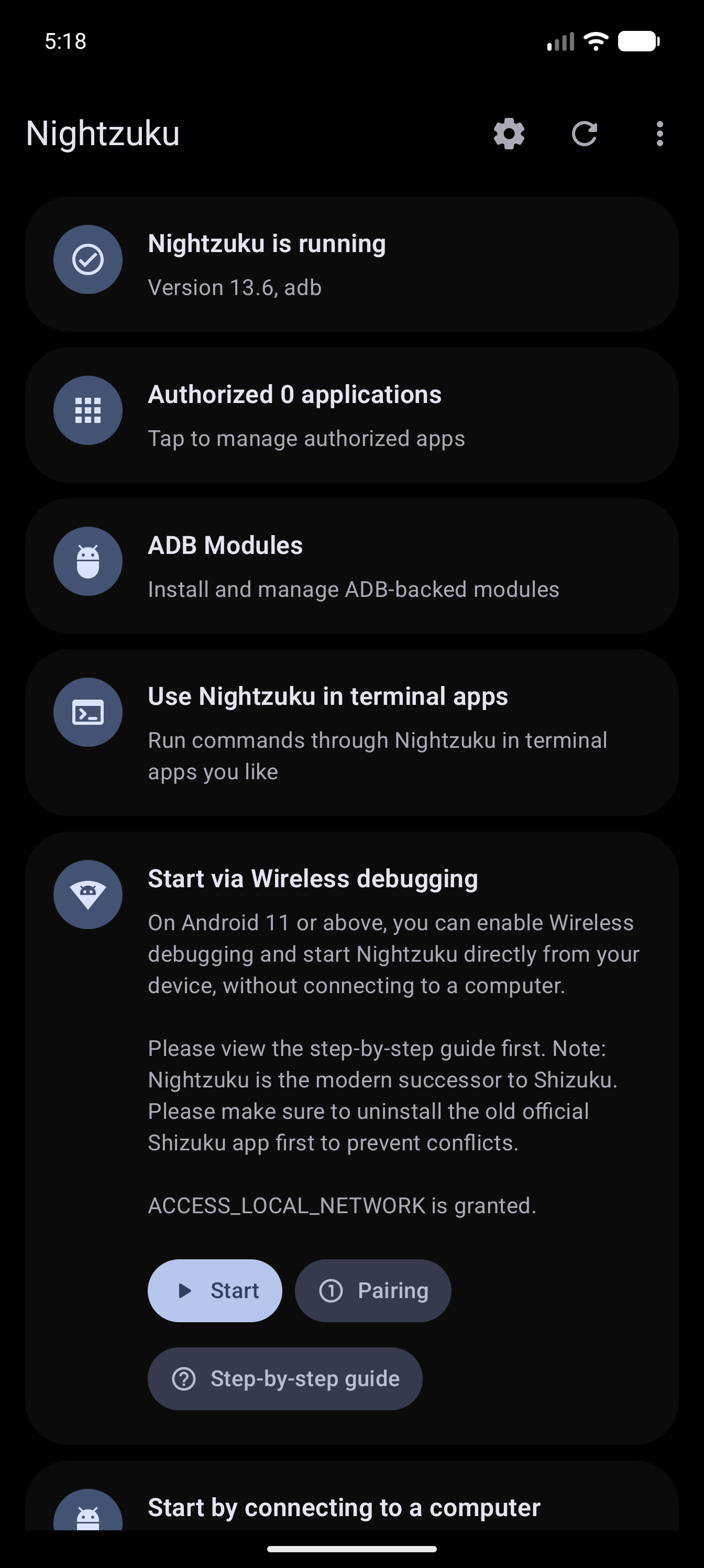 Main Screen |
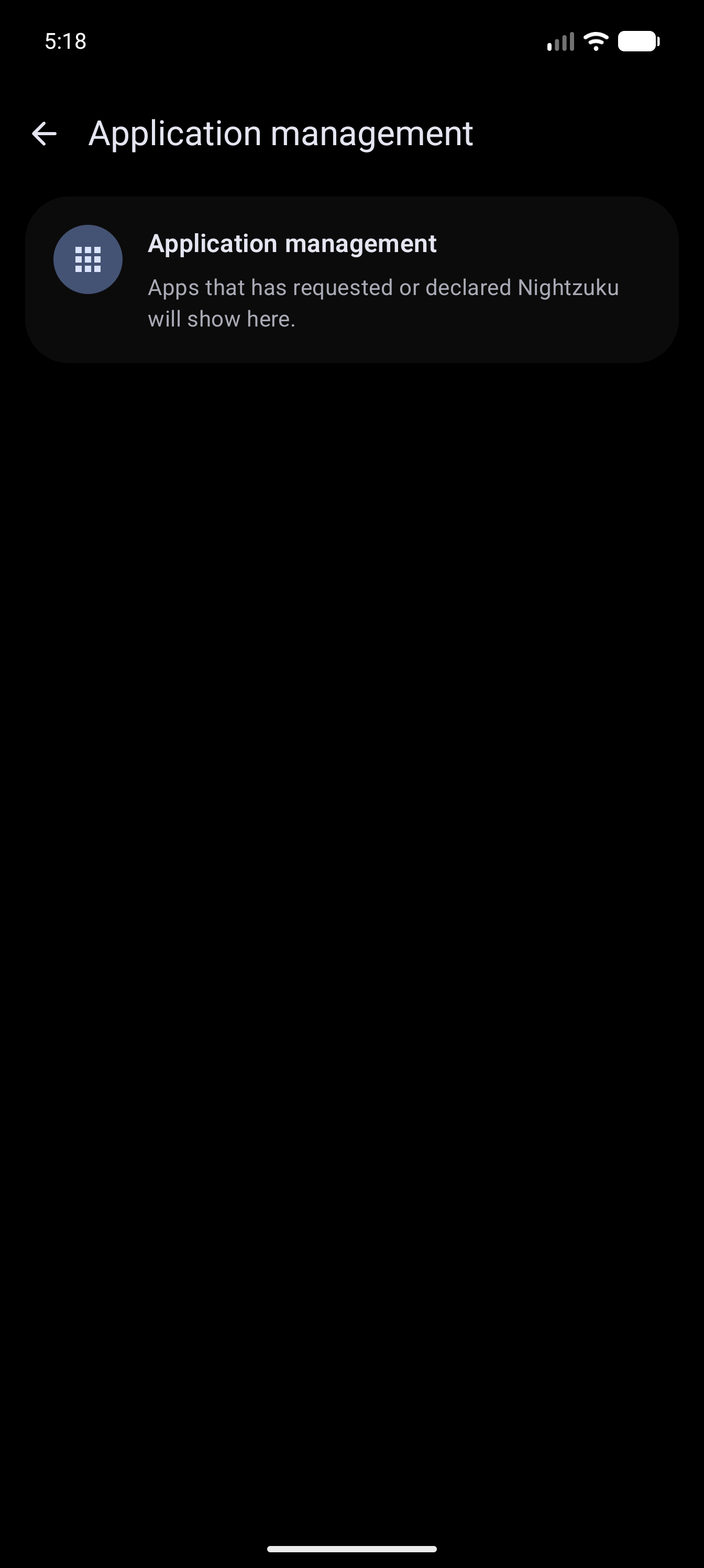 Authorized Apps |
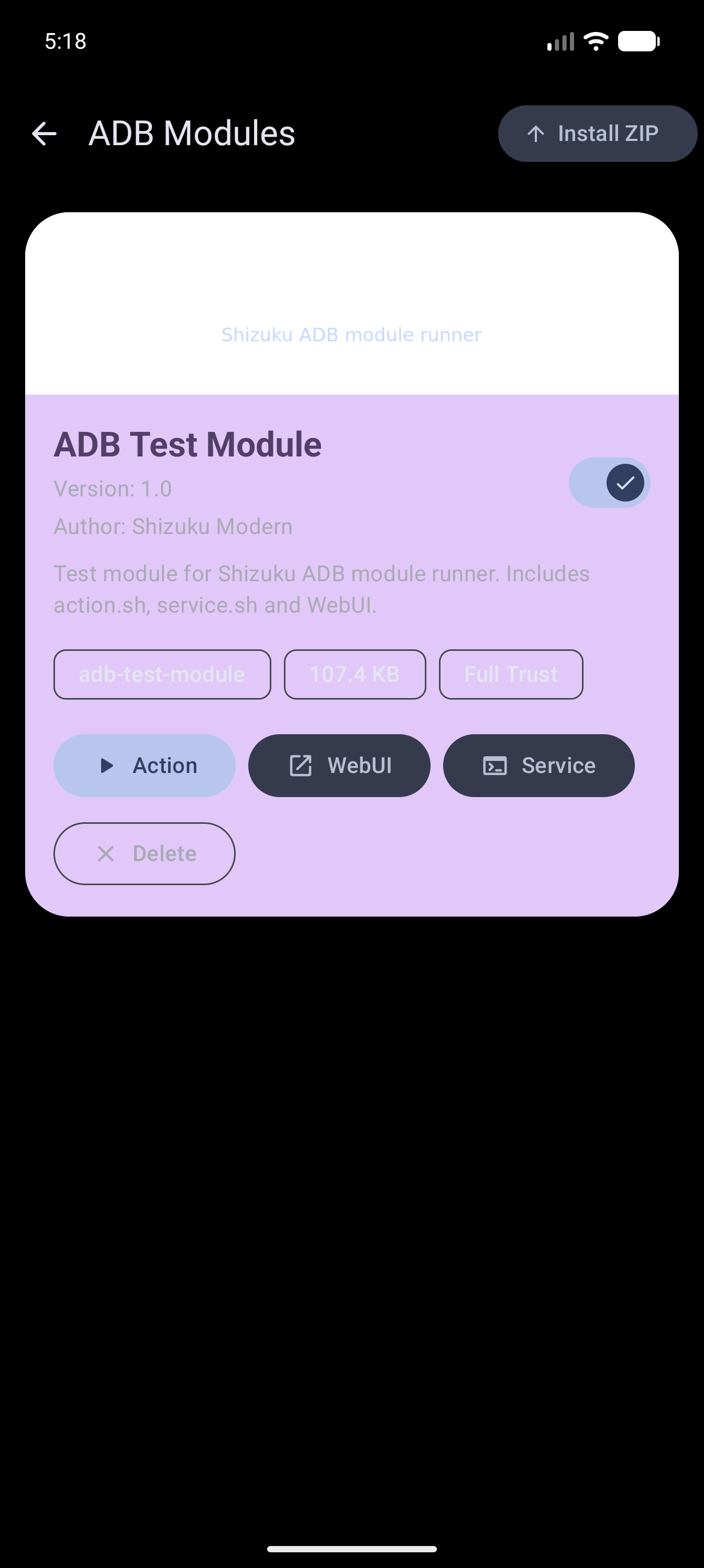 ADB Modules |
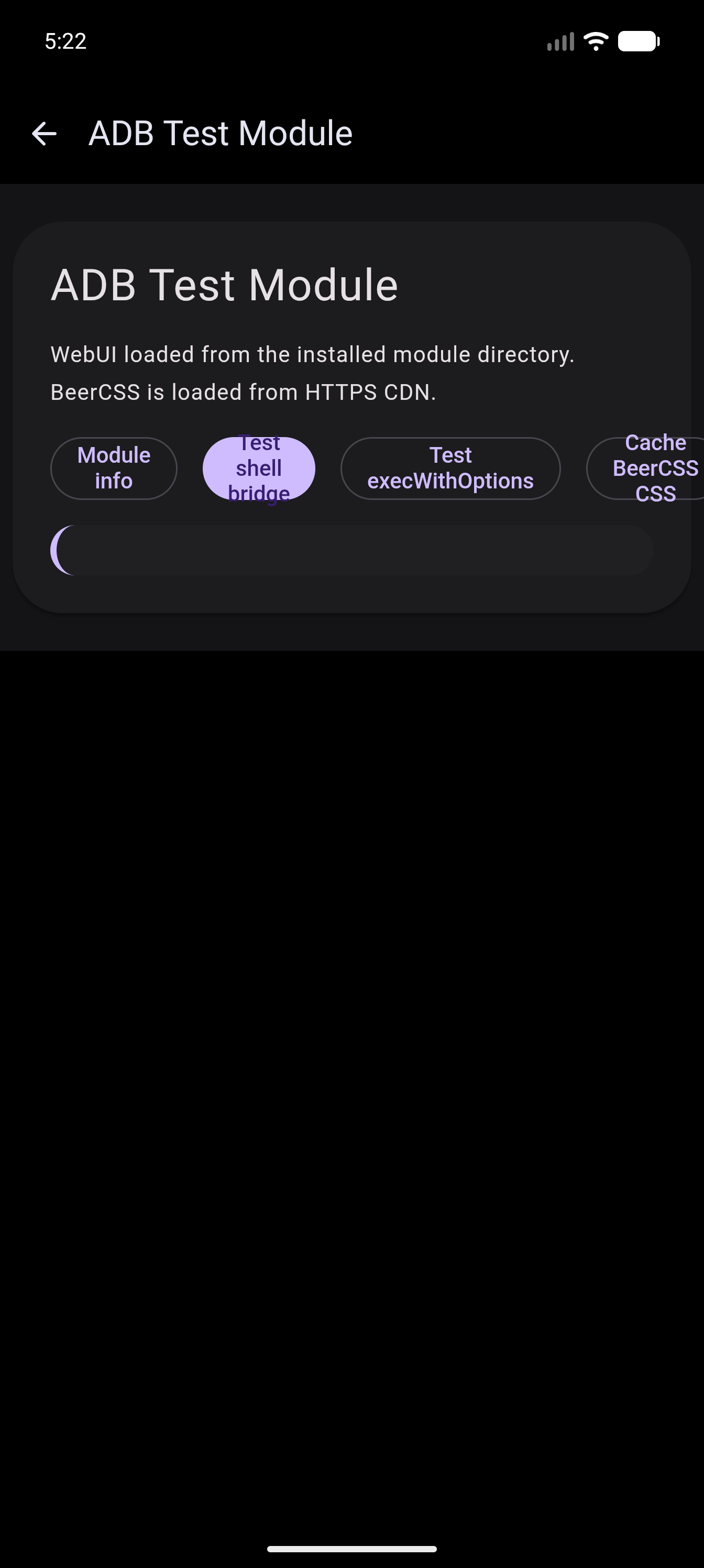 Module WebUI |
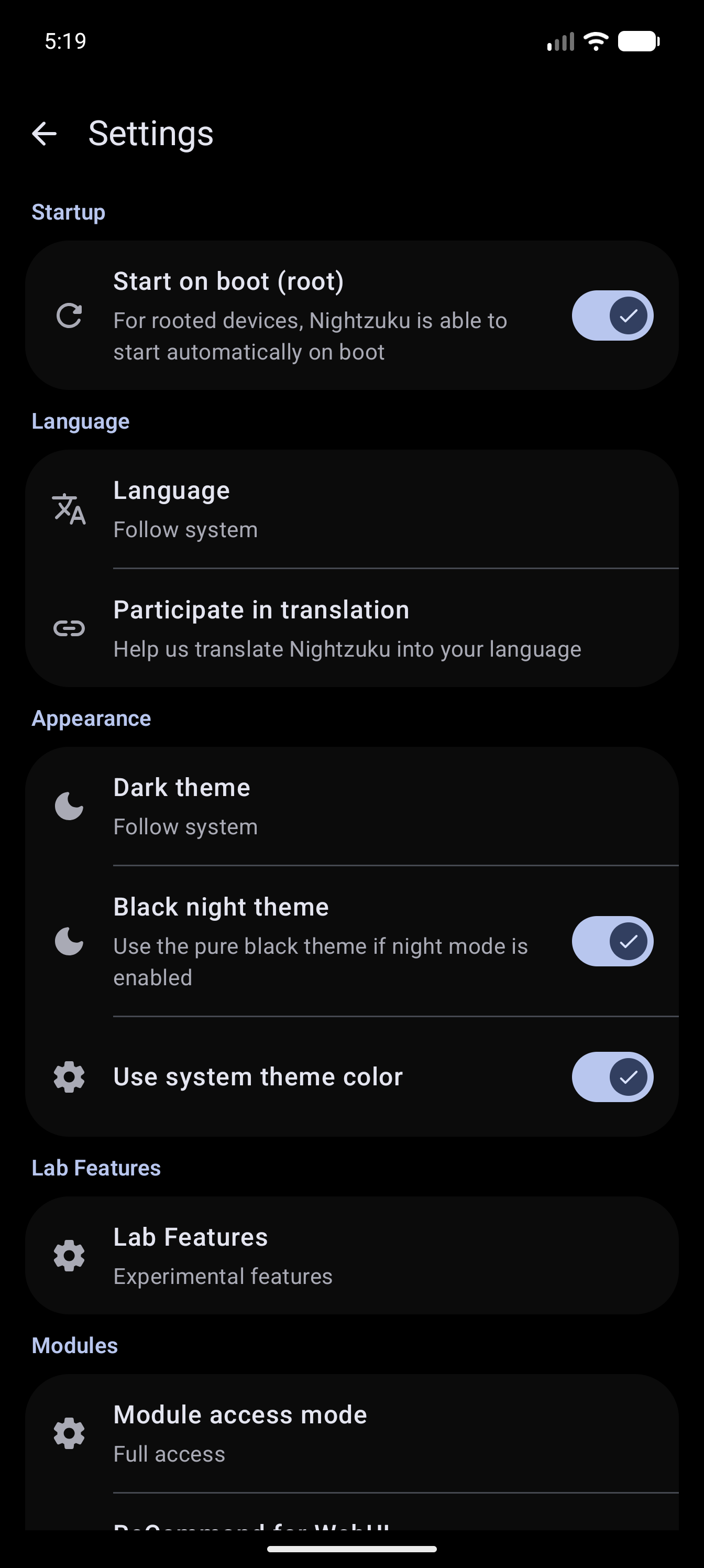 Settings |
|
Wear OS UI (Native Material 3)
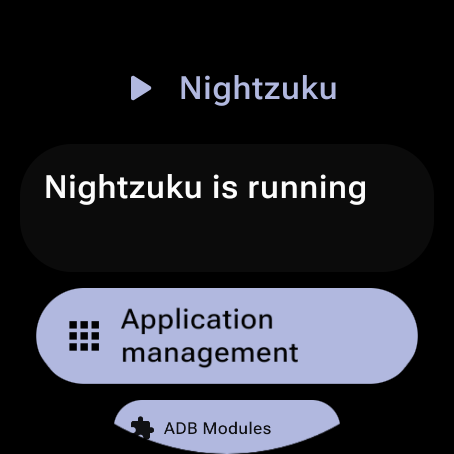 Main Screen |
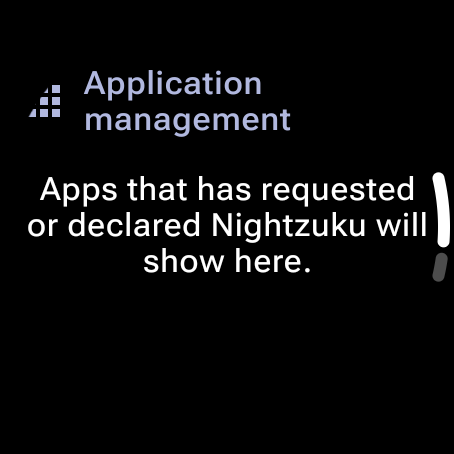 Authorized Apps |
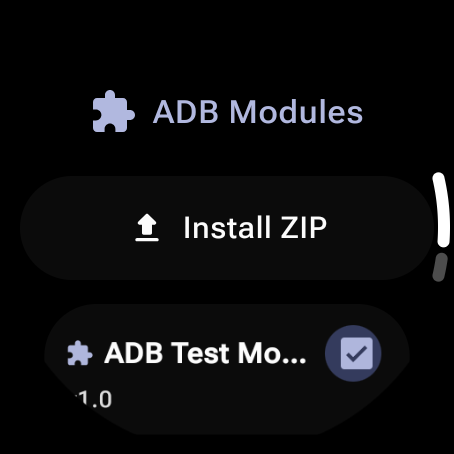 ADB Modules |
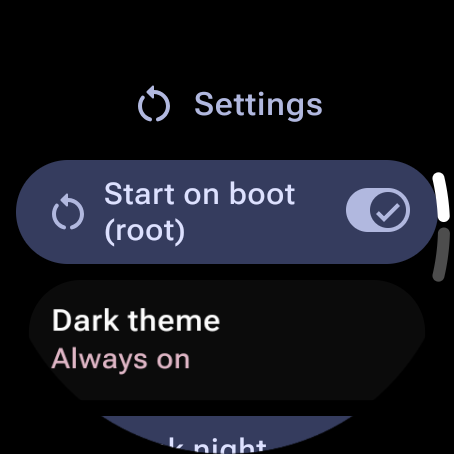 Settings |
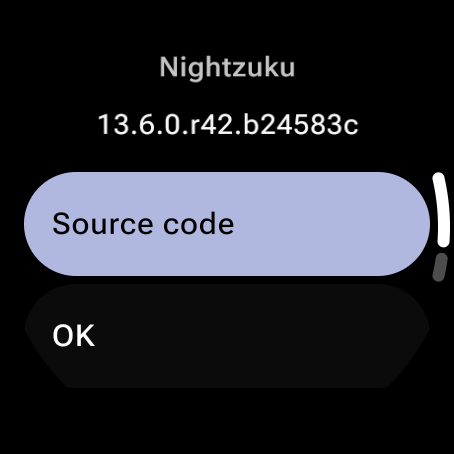 Theme Dialog |
|
Android TV UI (Native Material 3)
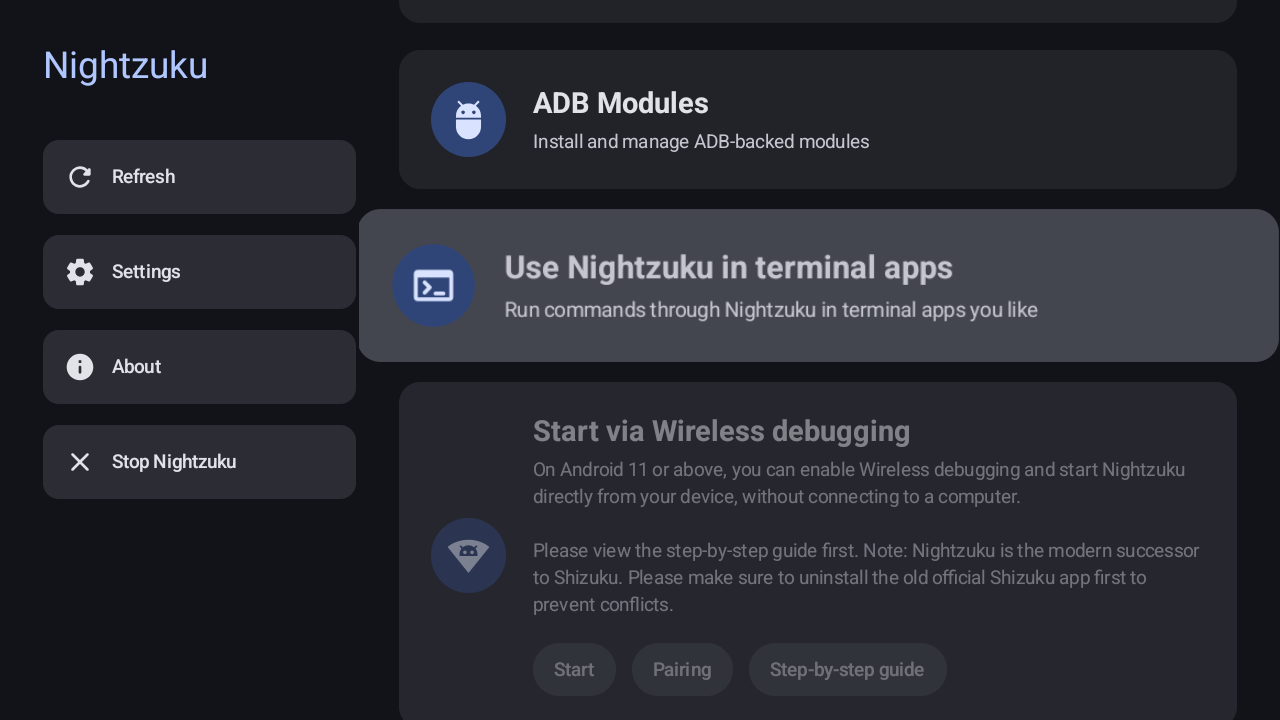 Main Screen |
|
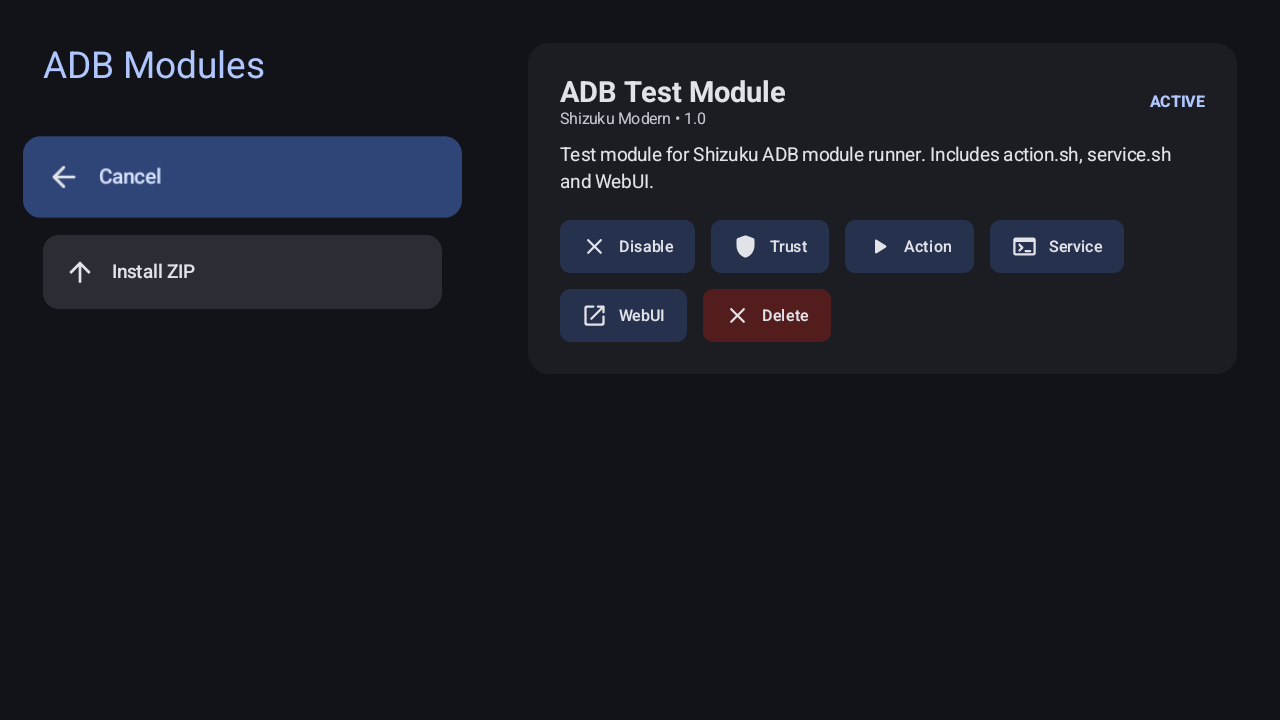 ADB Modules |
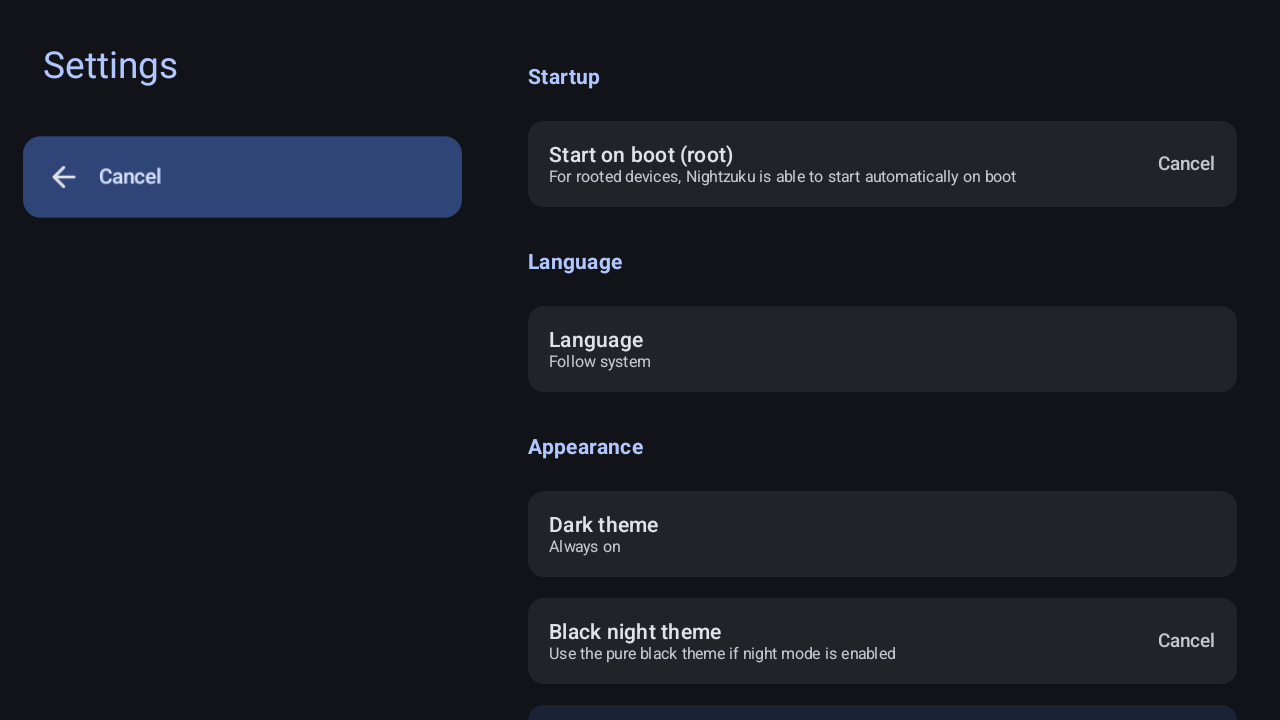 Settings |
Developer guide
API & sample
Official API and samples are available at: https://github.com/RikkaApps/Shizuku-API
Technical Details
ADB Permissions: ADB permissions vary by system version. Check available permissions in the Shell AndroidManifest. Use
ShizukuService#getUidorShizukuService#checkPermissionto verify server capabilities.Hidden API Restrictions: From Android 9, hidden API usage is restricted. Use tools like AndroidHiddenApiBypass if necessary.
Android 8.0 & ADB: On API 26, ADB lacks permissions to use
registerUidObserver. If your app process is not started by an Activity, you may need to start a transparent activity to trigger binder transmission.Direct
transactRemoteUsage: Signatures for hidden APIs change between Android versions. WhileShizukuBinderWrapperhandles most cases, direct transaction calls must be carefully verified against the target platform's AIDL definitions.
Developing Nightzuku
Build
- Clone with
git clone --recurse-submodules - Build with Gradle:
./gradlew :manager:assembleDebug
The :manager:assembleDebug task generates a debuggable server. Ensure "Always install with package manager" is checked in Android Studio to use the latest server code during debugging.
License
All code is licensed under Apache 2.0.
- Icon Usage: You may not use
manager/src/main/res/mipmap*/ic_launcher*.pngfor anything other than displaying Nightzuku. - Identity: You may not use
Shizukuas an app name or usemoe.shizuku.privileged.apias an application ID in derived works. The current package identity iskerneldroid.nightzuku.
Credits
- Razgame — for app list fix.
- Porter (d4rken-org) — for architectural and security hardening ideas (package signing identity verification, root/ADB config ownership handoff, permission dialog anti-spoofing, and wireless ADB/mDNS lifecycle edge-case analysis), re-engineered natively for Nightzuku's dual-wire architecture without code copying.
