TeleDrive
Back up and browse your files using a private Telegram channel as storage.










Contents
- About · Features · Screenshots
- Install: Windows · Linux (x86_64) · macOS (Apple Silicon) · Android
- Requirements · Getting started · Packaging the desktop app
- Bringing existing files in · Good to know
- Architecture · Security model · Testing
- Contributing · License
About
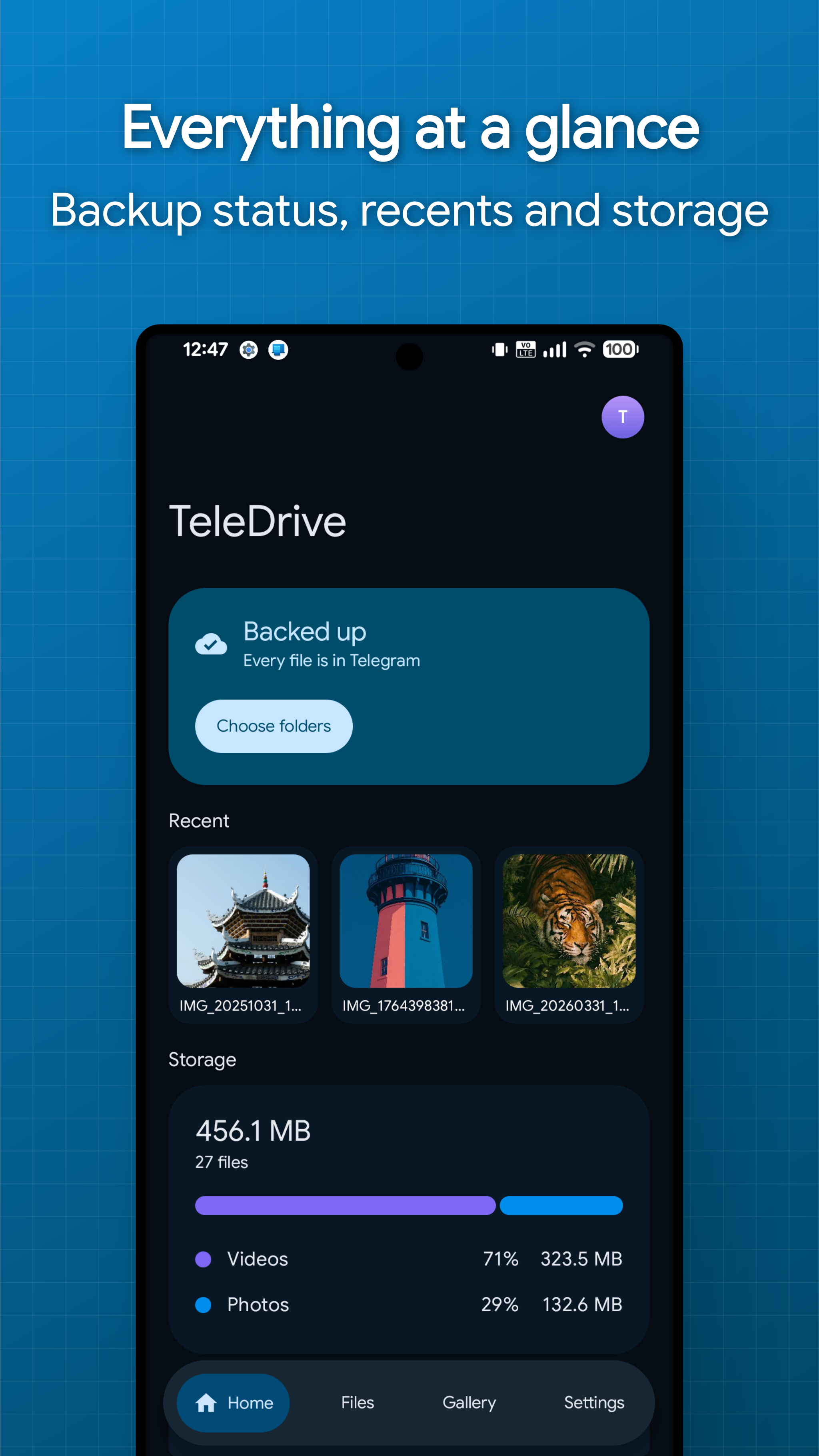
TeleDrive stores your files in a private Telegram channel on your own account. There is no TeleDrive server and no account to create with us. The app keeps a local index so browsing and search stay fast and work offline.
One Compose Multiplatform codebase ships the Android app and the Windows, Linux x86_64 and macOS desktop apps. They share the storage engine, encryption, transfers and the entire UI layer, and all of them browse the same drive.
Features
- Automatic backup: photos and chosen folders upload on their own on Android, with schedules, Wi-Fi and charging rules, and exclusion patterns
- No file size limit: a 20 GB video is one file in the app, whatever Telegram caps a message at
- Encryption: optional AES-256-GCM for file bodies, names, captions and the folder tree
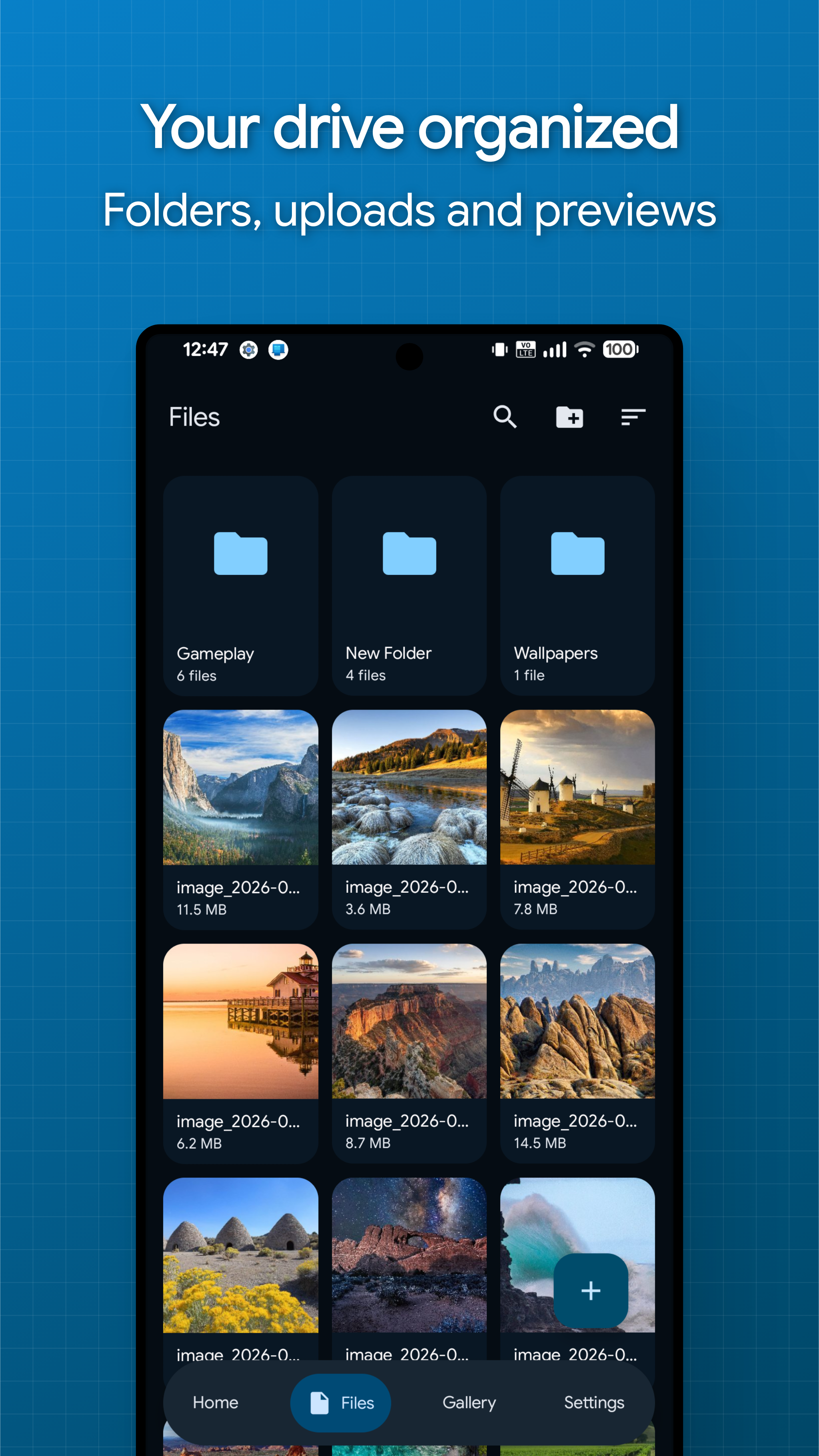
- File management: folders, favorites, hidden and archived items, trash and bulk actions
- Streaming: video and audio play straight from Telegram with seeking, encrypted files included
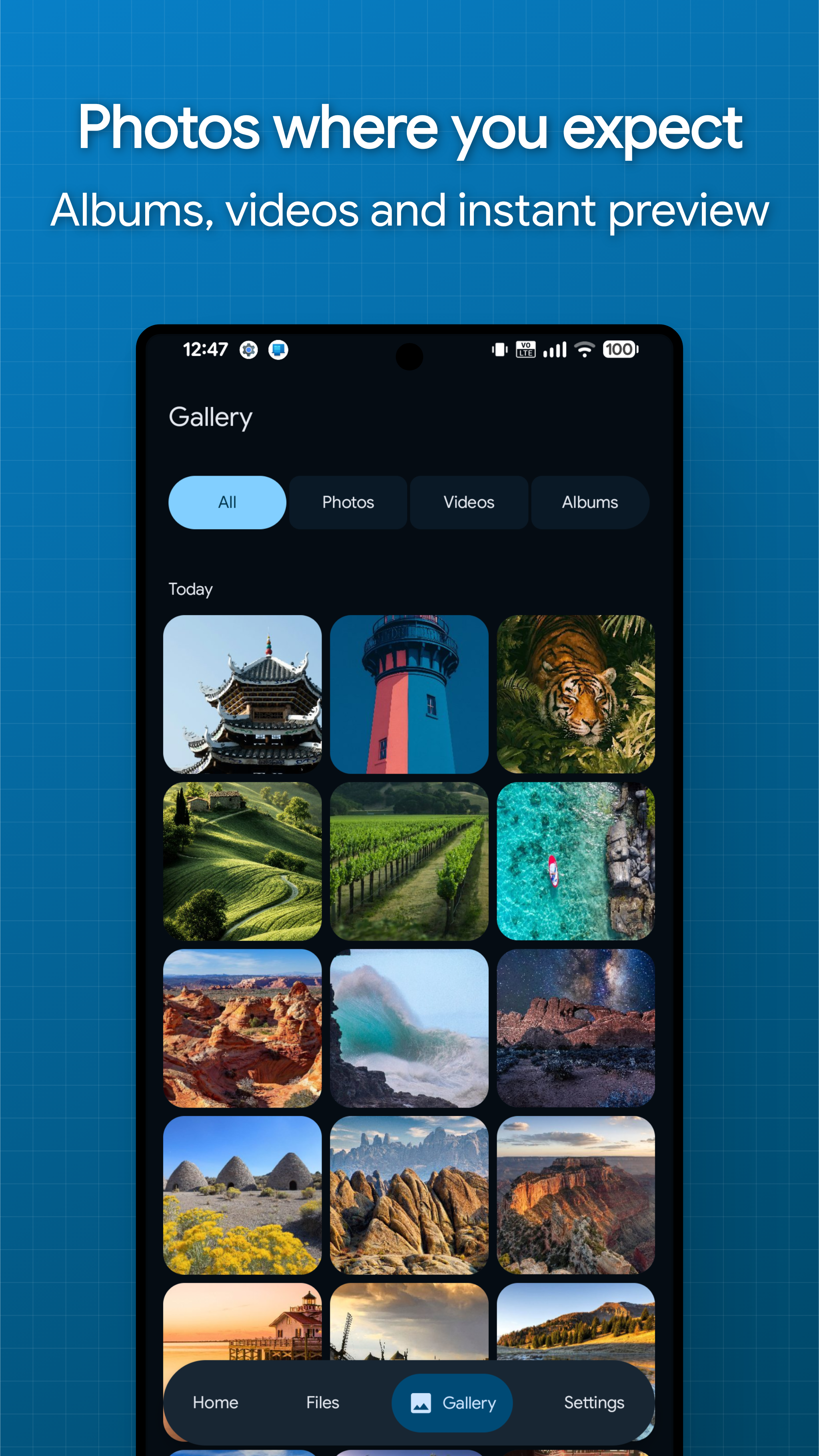
- Previews: images, PDFs, text and ZIP contents open inline
- Multiple drives: separate channels for personal, work or photos on one account
- Sharing: files arrive from the Android share sheet, and identical bytes are never uploaded twice
- Transfers: parallel queue with pause and resume that survives reboots
- Recovery: reinstall, sign in, enter your passphrase, and the whole drive is back
- Device security: biometric app lock, screenshot blocking and an encrypted local cache
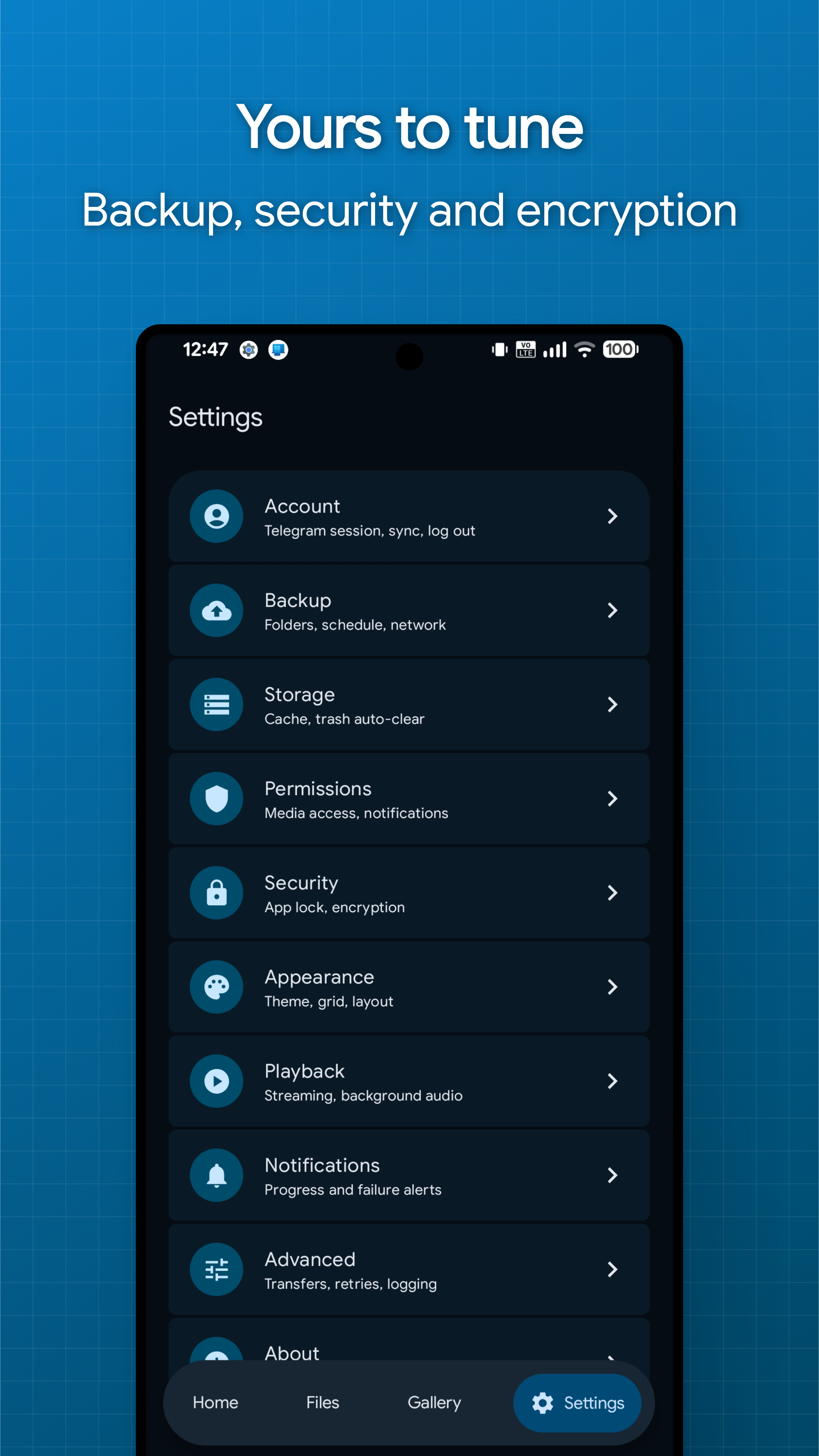
Screenshots
Install
Windows
Download TeleDrive-<version>.msi from the releases page and
run it. It installs per user with no admin prompt, adds Start menu and desktop
shortcuts, and uninstalls from Windows Settings. Your session and settings live
in %APPDATA%\TeleDrive and survive reinstalls.
Linux (x86_64)
Download from the releases page. Everything is included, so there is nothing else to install.
AppImage (most distros from 2022 or later)
- Download
TeleDrive-<version>-x86_64.AppImage. - Make it executable: right-click → Properties → Allow executing file as
program, or
chmod +x TeleDrive-<version>-x86_64.AppImage. - Double-click it.
.deb (Ubuntu 24.04, Debian 13 or newer)
sudo apt install ./teledrive_<version>_amd64.deb
Then open TeleDrive from the applications menu.
macOS (Apple Silicon)
Download TeleDrive-<version>.dmg from the releases page, open
it and drag TeleDrive to Applications. The build is Apple Silicon only, because
the Telegram native library TeleDrive uses has no Intel Mac build.
The app is not signed with an Apple Developer ID, so Gatekeeper blocks it on first launch. Clear the quarantine flag once and it opens normally from then on:
xattr -dr com.apple.quarantine /Applications/TeleDrive.app
Your session and settings live in ~/Library/Application Support/TeleDrive.
Media preview works out of the box. Like the Windows build, the app ships its
own copy of libVLC, so there is nothing else to install. If it ever fails to
load, a VLC in /Applications is used instead, and failing that the app still
opens, browses, uploads and downloads, with preview falling back to opening the
file in your default application.
Android
Grab an APK from the releases page. Builds are split per CPU architecture, so pick the one that matches your device:
| APK | Use it when |
|---|---|
TeleDrive-<version>-arm64-v8a-release.apk |
Almost every phone from the last several years |
TeleDrive-<version>-armeabi-v7a-release.apk |
Older 32-bit devices |
TeleDrive-<version>-x86_64-release.apk |
64-bit emulators and x86 Chromebooks |
TeleDrive-<version>-x86-release.apk |
32-bit x86, rare outside older emulators |
TeleDrive-<version>-universal-release.apk |
You are unsure, or sideloading somewhere unusual |
The universal one carries every architecture at once, so prefer a specific build unless you need the fallback. Most of that size is TDLib, the official Telegram library the app is built on.
Requirements
- Android 8.0 (API 26) or newer, 64-bit Windows 10+, Linux x86_64, or macOS on Apple Silicon
- A Telegram account
- Your own Telegram API credentials, free from my.telegram.org under API development tools
To get credentials: sign in at my.telegram.org, open API development tools, and fill in an app name and short name. Anything sensible works, and the platform and description do not matter. The page then shows an api_id and an api_hash, which is what TeleDrive asks for on first launch.
You enter the API ID and hash at runtime and they are stored encrypted on device. They are never bundled into the app, written to logs, or sent anywhere except Telegram. Because they are yours rather than shared, your usage is never pooled with anyone else's, and a rate limit on someone else cannot affect you.
Getting started
git clone https://github.com/Mahmud0808/TeleDrive.git
cd TeleDrive
./gradlew :android:installDebug  # Android
./gradlew :desktop:run           # Windows/Linux desktop
Then in the app:
- Enter your API ID and hash.
- Sign in, either by phone number and login code, or by choosing Sign in by QR code. If Telegram is installed on the same device, the QR step offers a Confirm in Telegram button instead, so nothing needs scanning.
- Choose the folders to back up.
- Optionally enable Encrypt uploads and set a recovery passphrase.
TDLib native libraries come prebuilt on every platform: the
tdlibx/td AAR via JitPack on Android and
tdlight on desktop (Windows,
Linux and Apple Silicon macOS), so no native toolchain is needed. The build
picks the native matching the host, so a package never carries an unused set.
Packaging the desktop app
jpackage does the packaging, and the Android Studio runtime does not ship it.
Point the build at a full JDK with a desktopJavaHome property in your global
~/.gradle/gradle.properties, then:
./gradlew :desktop:packageMsi           # Windows installer
./gradlew :desktop:packageDebUser       # Linux .deb with system dependencies
./gradlew :desktop:packageAppImage      # Linux AppImage for any distro
./gradlew :desktop:packageDmg           # macOS disk image
./gradlew :desktop:createDistributable  # portable app folder
packageDebUser produces desktop/build/deb/teledrive_<version>_amd64.deb. It
embeds a JVM runtime via jlink and declares its Debian dependencies, so end
users only need sudo apt install ./teledrive_<version>_amd64.deb. libVLC is
not bundled on Linux, it is pulled in as a package dependency instead.
packageAppImage produces
desktop/build/appimage/TeleDrive-<version>-x86_64.AppImage from the same app
folder and bundles the libVLC installed on the build machine along with the
libraries its plugins need. It runs
desktop/packaging/linux/build-appimage.sh,
which needs patchelf, desktop-file-utils, the libvlc5, libvlccore9,
vlc-plugin-base and vlc-plugin-video-output packages,
linuxdeploy and
appimagetool. Put the last two on
the PATH, or pass -Plinuxdeploy=/path/to/linuxdeploy and
-Pappimagetool=/path/to/appimagetool. Build on the oldest distro you want to
support, since the bundled libraries set the minimum glibc; release builds use
Ubuntu 22.04.
Bringing existing files in
Already have files sitting in a channel, a group, or Saved Messages? Forward them into the drive TeleDrive created and they appear in the app after the next sync. Forwarding happens on Telegram's servers, so nothing is downloaded or uploaded again, and files of any size come across in seconds.
Select the messages in the Telegram app, forward them to your TeleDrive channel, then pull to refresh in TeleDrive.
What to expect for forwarded files:
- Only messages sent as documents are picked up. A photo or video sent the normal way was compressed by Telegram into a media message, and those are skipped. Forward the original file version instead.
- Captions are replaced. TeleDrive stores each file's name, folder and flags in the caption, so the first rename, move or trash overwrites whatever text the message carried.
- No checksum is recorded, since the file is never read locally. Duplicate detection cannot match forwarded files, so uploading the same file later creates a second copy.
- Files land at the drive root and stay unencrypted, because they were already stored that way. Move them into folders in the app afterwards.
Architecture
Kotlin Multiplatform with Clean Architecture and MVVM. The dependency rule is
presentation -> domain <- data, with core shared by both sides. No TDLib
type leaves core/telegram. Almost everything lives in common code; each
platform contributes only what the other cannot share, like workers, the
Keystore, DPAPI or the desktop file-key store, and the app shells.
shared/               # KMP: storage engine, crypto, sync, transfers
├── commonMain/           # core, data, domain
├── jvmCommonMain/        # JVM pieces both apps use
├── androidMain/          # Keystore, MediaStore, WorkManager glue
└── desktopMain/          # tdlight client, platform ciphers, desktop schedulers
ui/                   # KMP: every screen, theme and string resource
├── commonMain/           # compose resources
└── jvmCommonMain/        # the entire presentation layer
android/              # Android shell: workers, notifications, media3 player
desktop/              # Windows/Linux shell: window, packaging, streaming bridge
Stack: Kotlin Multiplatform, Coroutines, Compose Multiplatform, Material 3 Expressive, Koin, Room KMP, DataStore, WorkManager, Paging 3, Media3, Coil, TDLib and tdlight.
Security model
| Layer | What is protected |
|---|---|
| On device | Room and TDLib databases sealed with a random, platform-wrapped key (Android Keystore, Windows DPAPI, or a local file key on Linux). Thumbnails and caches AES-GCM encrypted by default. |
| In Telegram | With encryption on, the channel holds only sealed bytes, random file names, encrypted captions and an encrypted folder tree. |
| Key custody | Content keys are random, wrapped by the platform master key, and never leave the device unwrapped. |
| Recovery | The content key is backed up to your channel, sealed with your passphrase (PBKDF2, 310k iterations). Restoring it on a new device unlocks everything. |
Someone who reads the channel without your key learns only the file count, sizes and timestamps. The passphrase has no reset path, which is the point, so set a hint when you create it and keep the passphrase out of the hint.
Good to know
- A file past Telegram's per-file cap is stored as several messages, so opening it in the Telegram app shows the parts rather than the whole file. Only TeleDrive puts it back together.
- Streaming authenticates the frames it plays, not the whole file. Downloading verifies everything, so use it when integrity matters more than starting fast.
- Telegram cannot rename a document inside a sent message, so a rename updates the caption manifest, which is what a rebuild reads.
- TDLib cannot resume a single upload, so pausing one that fits in one message restarts it. A split upload resumes at the last completed part, and downloads always resume.
Testing
./gradlew testDebugUnitTest          # Unit tests covering crypto, key backup,
                                     # query building, backup decisions, naming
./gradlew connectedDebugAndroidTest  # Room DAO behaviour on a device
./gradlew :desktop:test              # Desktop DI graph and platform seams
Contributing
Issues and pull requests are welcome. Keep the dependency rule intact, match the
surrounding code style, and add tests for changes in the domain or crypto
packages of shared/.
License
TDLib is BSL-1.0. The prebuilt Android wrapper (tdlibx/td) is Apache-2.0.
