android-layout-inspector
More stable Android Layout inspector than Android Studio Layout Inspector. Allows you to switch between displaying dimensions in PX and DP (only for new layout captures, not for opened files)
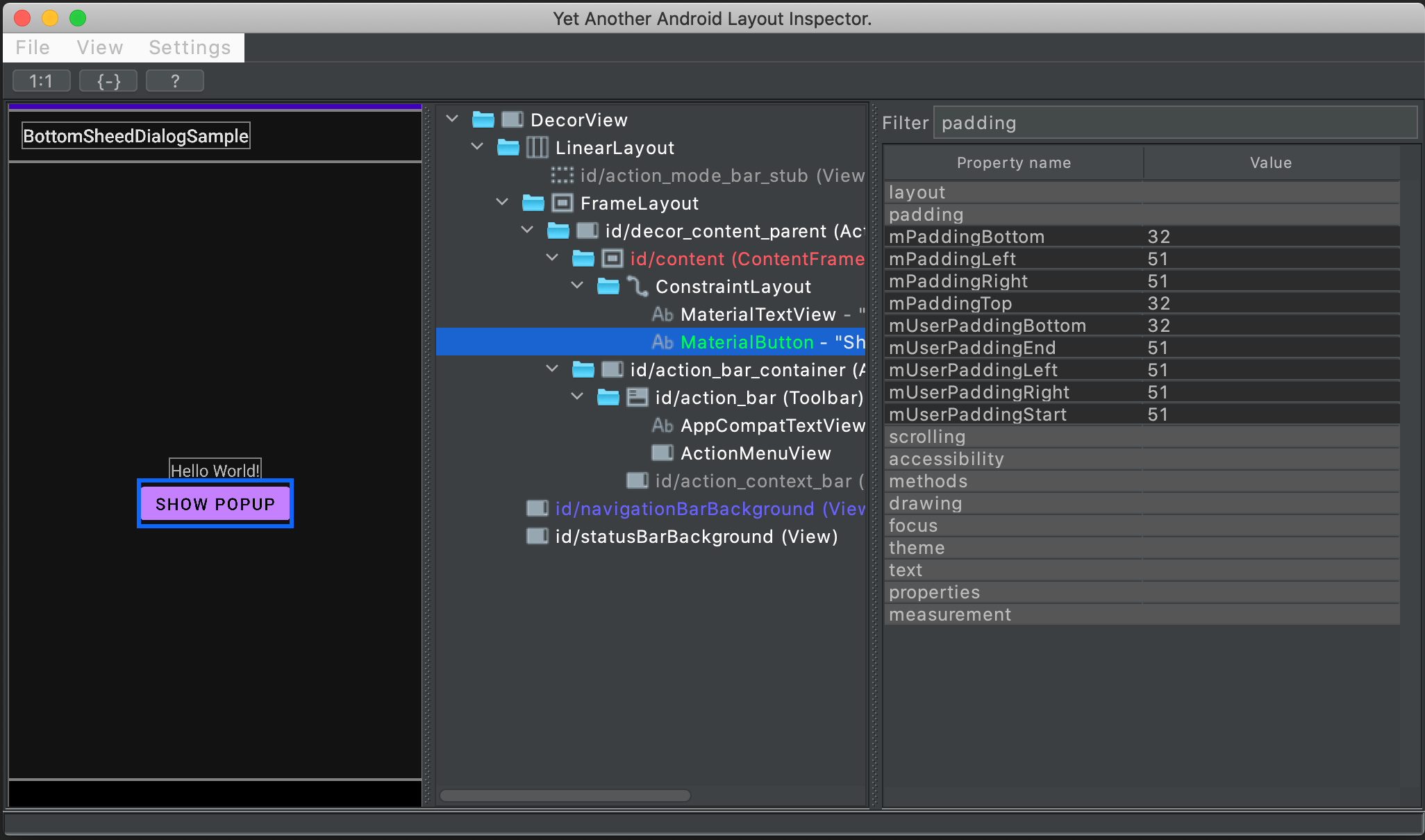
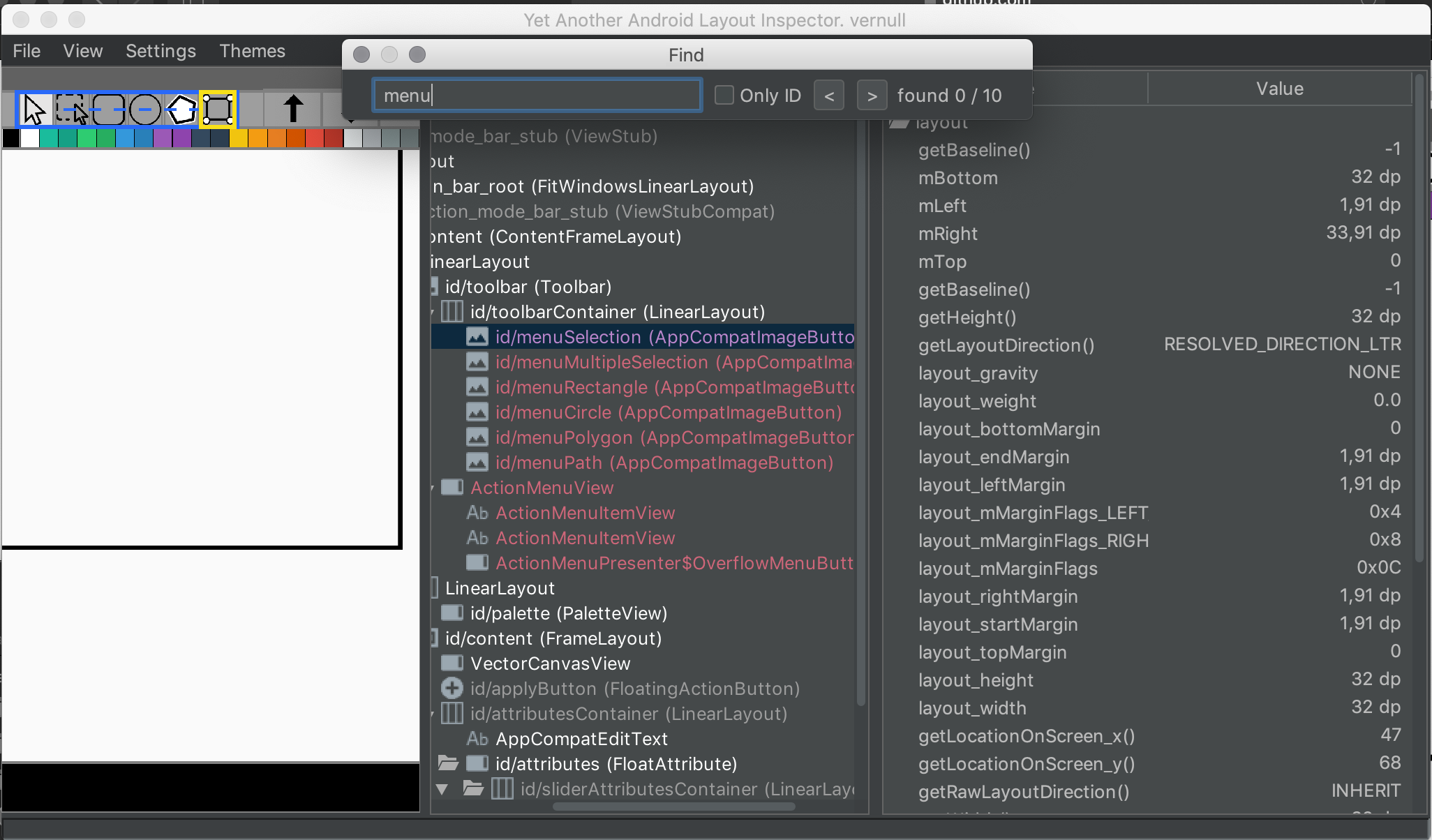
Download

Find YALI in AS plugins repository.
OR
- Download latest release
- Preferences -> Plugins -> Install plugin from Disk...
- Select android-layout-inspector-plugin-{VERSION}.jar
Getting started
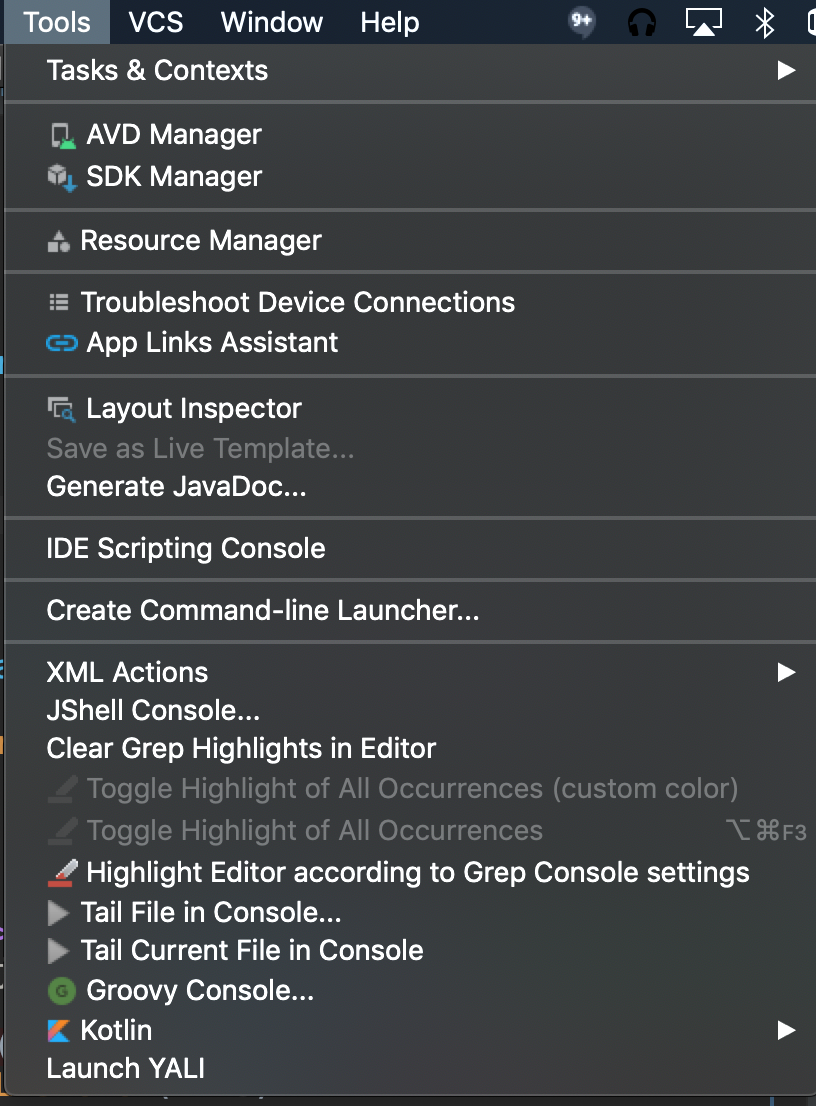 Menu Tools -> Launch YALI
Why Yet another android layout inspector?
Because AS layout inspector sometimes cannot download layouts for some reasons. Also you can switch to DP dimension mode.
Jetpack Compose
In the New Layout dialog select jetpack compose (beta). Along with the regular view hierarchy YALI
downloads the real Compose tree from the running app (same App Inspection service Android Studio uses)
and grafts it under the ComposeView nodes:
- composable names, source file and line of every call;
- exact pixel bounds (the same PX/DP modes, distance measures and search work on compose nodes);
- the rendered text of every
Textcomposable (tree label +compose:textproperty);
Requirements: the app is debuggable (debug build, without code shrinking), runs on the connected
device, and uses Compose UI 1.2.1+.
If the running process is invisible to App Inspection, YALI resets the on-device inspector
daemon (/data/local/tmp/perfd cache, transportd) and restarts the app automatically, the same
way Android Studio recovers its own process list. If the compose capture still fails (e.g. the
app is not debuggable), YALI shows the reason and the regular view hierarchy capture works as
before.
Measure distance between two element
- Select first element by Mouse click - it will be select by red square
- Select second element by Mouse click + Ctrl(Cmd) - it will be select by yellow square.
In the status bar will shown distance between first and second
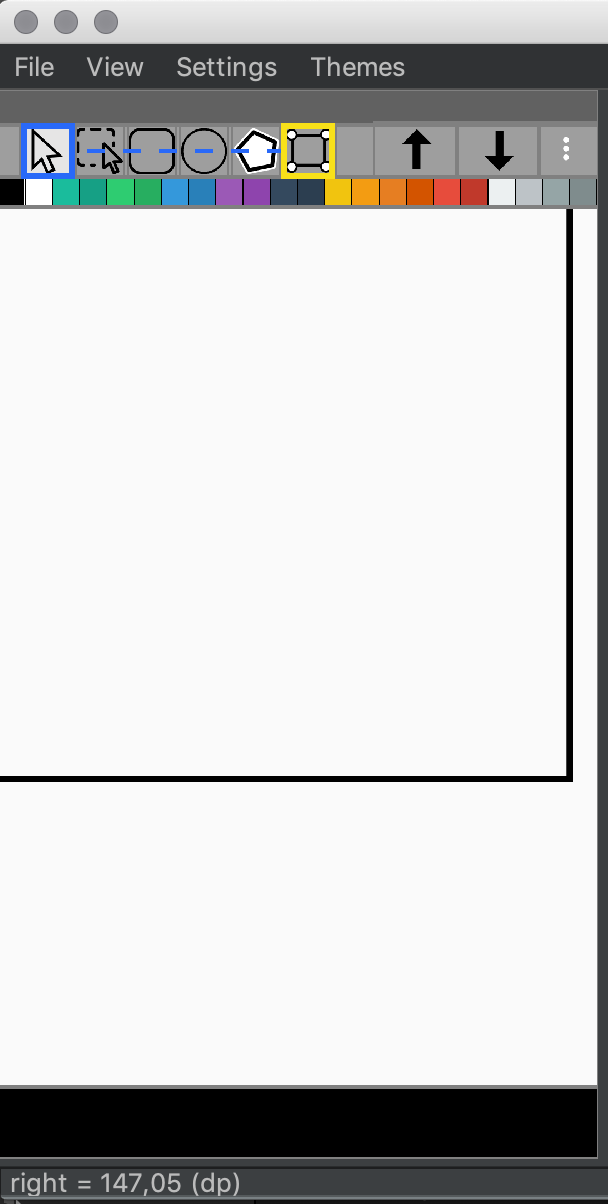
Measure distance with ruler
- Press Shift and move mouse to see where will be first point of ruler (black rectangle)
- Mouse click + Shift to start ruler mode
- Mouse drag + Shift to change ruler size You will see ruler size in current units in status bar
Hotkeys
Files
Ctrl + o - Open file dialog
Ctrl + n - Record new layout
Layout tree
Ctrl + c - Copy node name
Ctrl + Shift + c - Copy node ID
Mouse click + Ctrl - Select element to measure distance from selected to current.
Mouse drag + Shift - Measure ruler.
Mouse right click - Show distance from selected view to current point.
Properties table
Ctrl + c - Copy property value
Find
Ctrl + f - Open find dialog (type text and press Enter)
Layouts
z - reset zoom to 100% f - fit zoom to layout panel width
Support me if you like YALI =)
ETH ERC20 tokens : 0x25Ca16AD3c4e9BD1e6e5FDD77eDB019386B68591
BNB BEP20 tokens : 0x25Ca16AD3c4e9BD1e6e5FDD77eDB019386B68591
USDT TRC20 : TSo3X6K54nYq3S64wML4M4xFgTNiENkHwC
BTC : bc1qmm5lp389scuk2hghgyzdztddwgjnxqa2awrrue
https://www.tinkoff.ru/cf/4KNjR2SMOAj
License
Yet another android layout inspector is released under the Apache License, Version 2.0.