Smart-Edge
Tags:
A highly customizable Android side panel inspired by OriginOS.
Access your favorite apps, tools, and shortcuts with a single swipe.






 |
 |
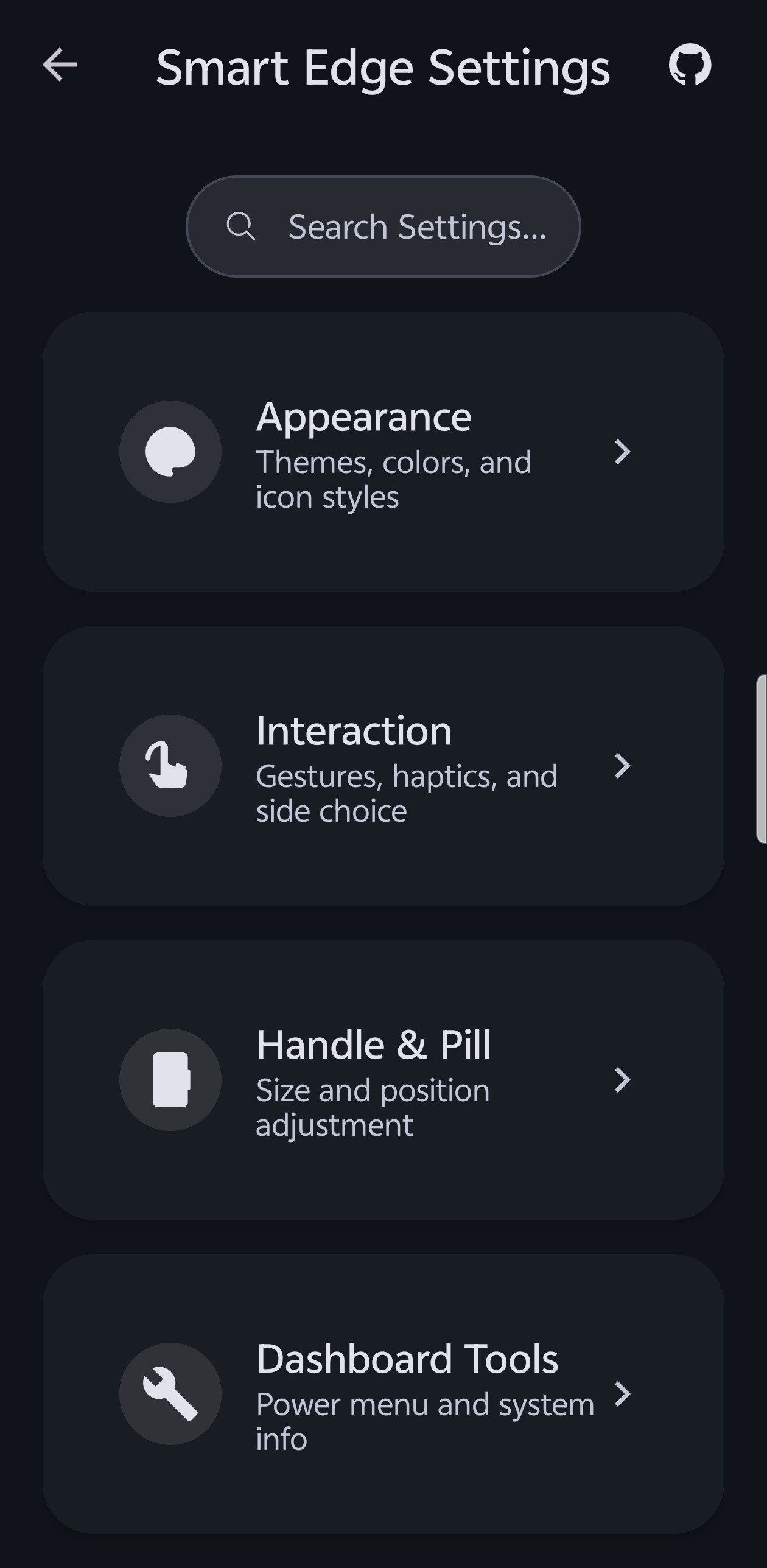 |
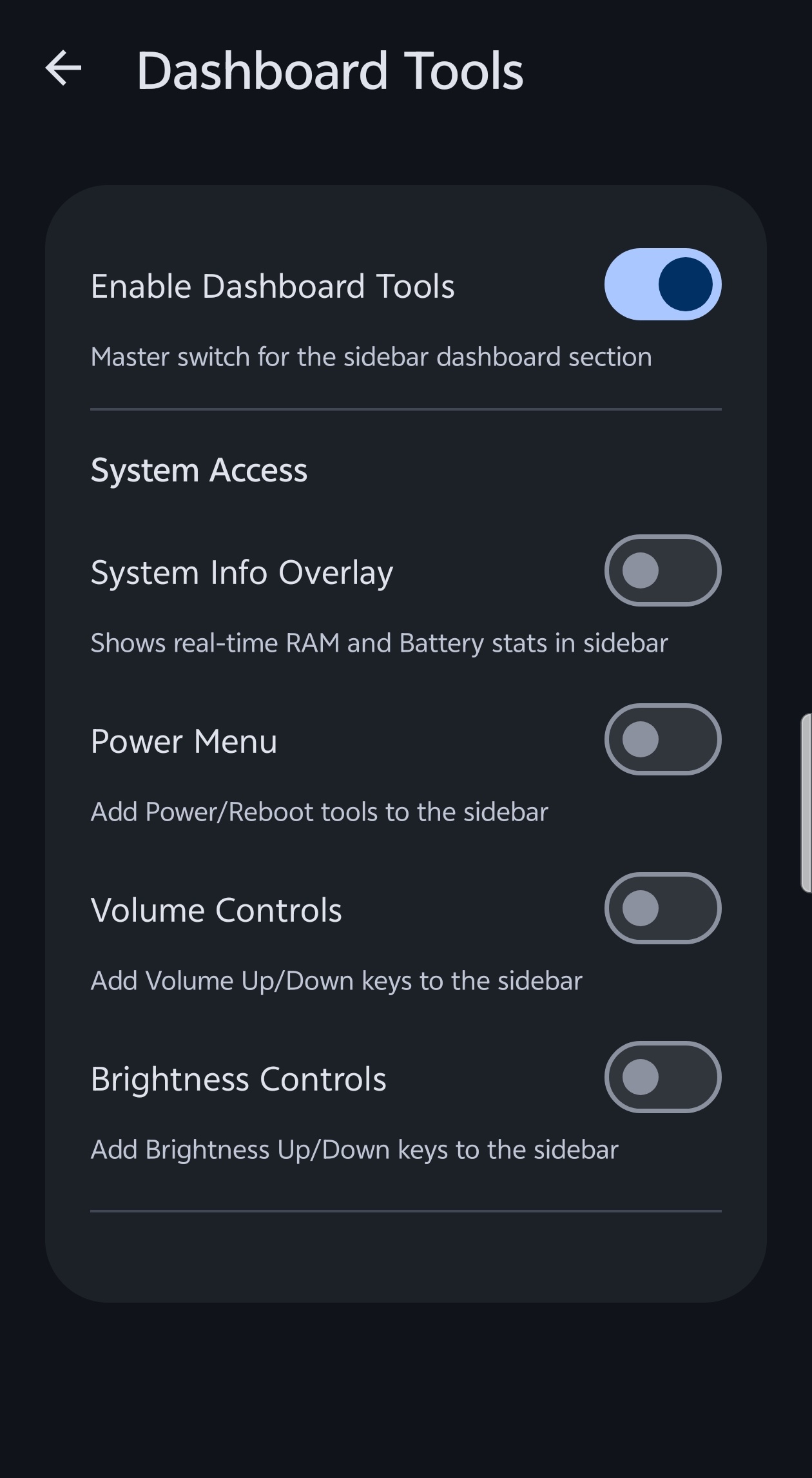 |
Key Features
- Custom UI Themes: Choose from OriginOS, HyperOS (Glass), Realme UI, and Rich UI styles.
- Glassmorphic Blur: High-quality real-time background blur with adjustable intensity (Optimized for Android 12+).
- Material You: Full support for dynamic accent colors and Material 3 components (Supports Android 12+ dynamic colors).
- Smart App Picker: Integrated search and management system to pin your most-used apps.
- Utility Tools: Built-in tools like Screenshot (one-tap) shortcut, Volume and Brightness controls.
- Premium Motion: Physics-based spring animations with customizable feel (Calm to Instant).
- Edge Gestures: Responsive edge-swipe triggers with adjustable height, width, and position.
- Icon Customization: Full support for Icon Packs and custom icon shapes (Circle, Squircle, Square).
- Productivity Hub: Active notifications section with instant Freeform Window launching.
- Multitasking: Drag-and-drop apps to Split-Screen or Freeform mode.
- Manual Hide: Select specific apps where the sidebar handle will automatically hide itself.
How to Use
- Install: Download and install the latest APK.
- Permissions:
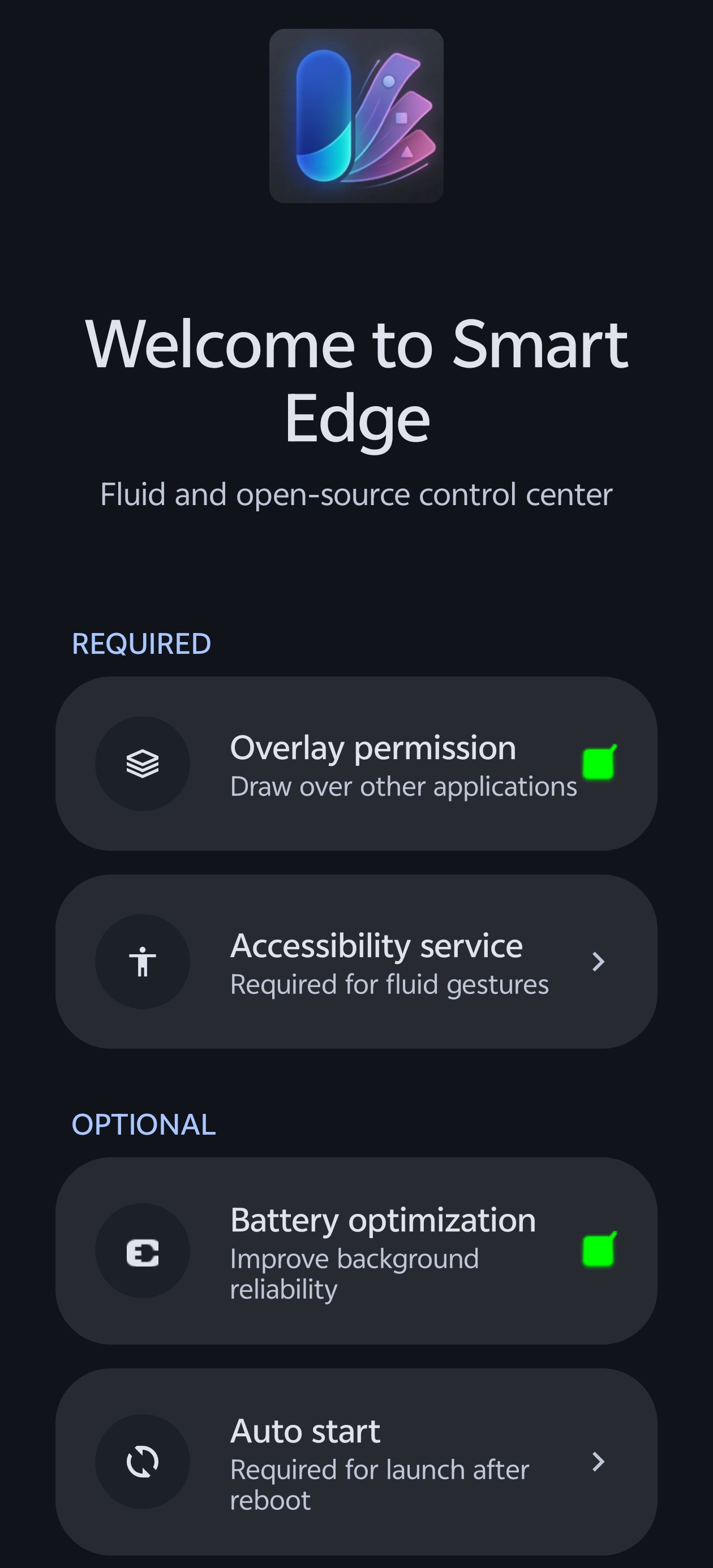
- Grant "Display over other apps" to allow the panel to float.
- Enable "Accessibility Service" for gesture auto-close and system shortcuts.
- Enable "Notification Access" for the Productivity Hub.
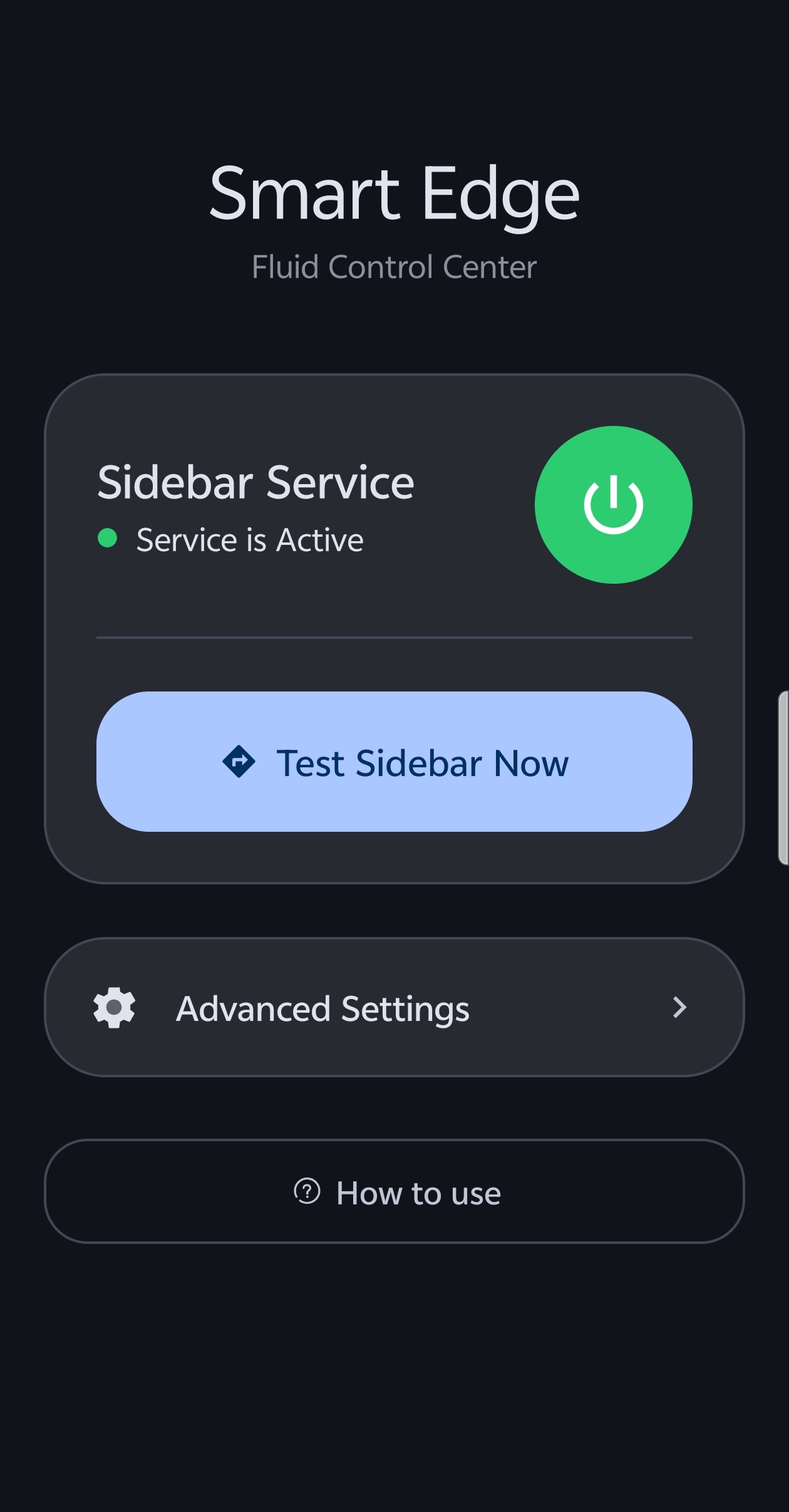
- Setup: Open the app and follow the onboarding guide to activate the service.
- Gesture: Swipe from the edge of your screen (where the handle is) to open your new panel!
Customization
Smart Edge is built to be yours. In the settings, you can adjust:
- Interaction: Gesture sensitivity, haptic feedback, and scroll memory.
- Animation: Choose your preferred animation speed (Calm, Balanced, or Snappy).
- Appearance: Background opacity, corner radius, blur intensity, icon scaling, and grid columns.
- Position: Move the trigger handle to either the left or right side and adjust its vertical offset.
Requirements
- Android 8.0 (API 26) or higher: Standard requirement for core functionality.
- Accessibility Service: Required for core interaction and multi-window features.
- Android 12+: Recommended for native real-time background blur and Material You dynamic color support.
Technical Details
- Kotlin: Written entirely in Kotlin for safety and performance.
- Spring Physics: Powered by
androidx.dynamicanimationfor natural, fluid motion. - Material 3: Implements the latest Material Design components and styling.
- Clean Architecture: Separated concerns between Service, Repository, and UI layers.
- Optimized Rendering: Uses hardware-accelerated layers and LruCache for smooth, lag-free icon loading.
License
This project is licensed under the MIT License - see the LICENSE file for details.
Credits & Acknowledgments
This project is made possible thanks to the following open-source contributions and inspirations:
- SmartDock (Axel358): Conceptual inspiration and desktop-style interactions on Android.
- HiddenApiBypass (LSPosed): A critical library for enabling access to restricted windowing and system APIs.
- ColorPickerView (skydoves): Modern and effective color picker for UI customization.
- Glide: Efficient media management and image loading framework for Android.
Built for the Android Community
