relay








Share your phone's internet with your PC — every app, TCP and UDP, over an encrypted WireGuard tunnel.
No root · No account · No server · Nothing leaves your two devices
| 1 · Phone | 2 · PC | 3 · Phone |
|---|---|---|
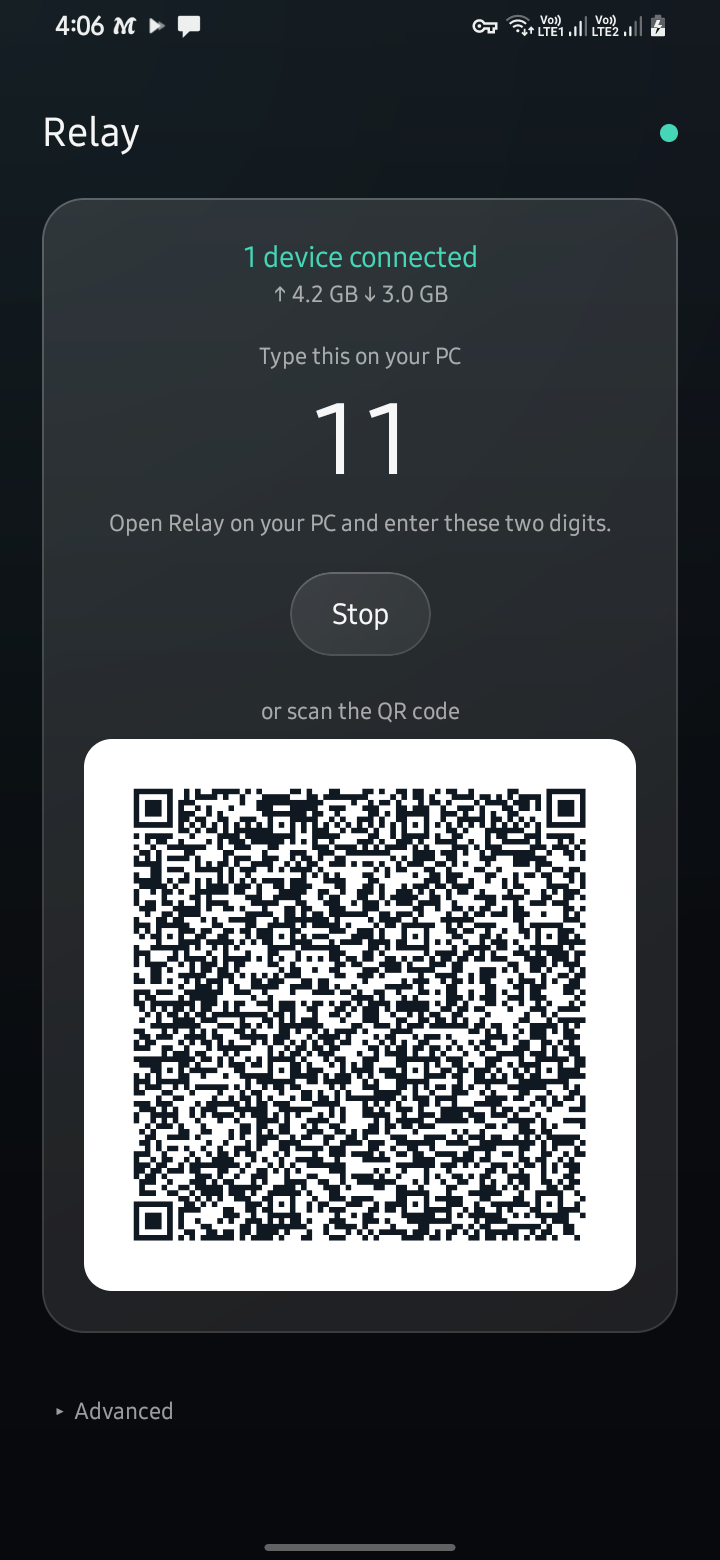
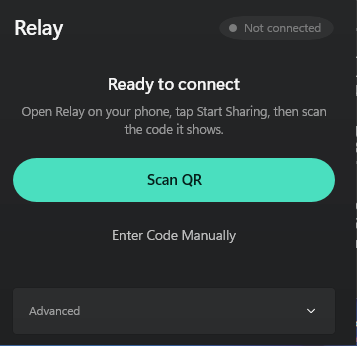
| Tap Start Sharing | Click your phone in the list or type the two digits it shows |
Tap Allow |
Use whatever already connects the two: your Wi-Fi, the phone's hotspot, or a USB cable. With a cable plugged in, Relay offers to turn USB tethering on. No camera on the laptop is fine; no list means you can scan the QR instead.
Watch it work
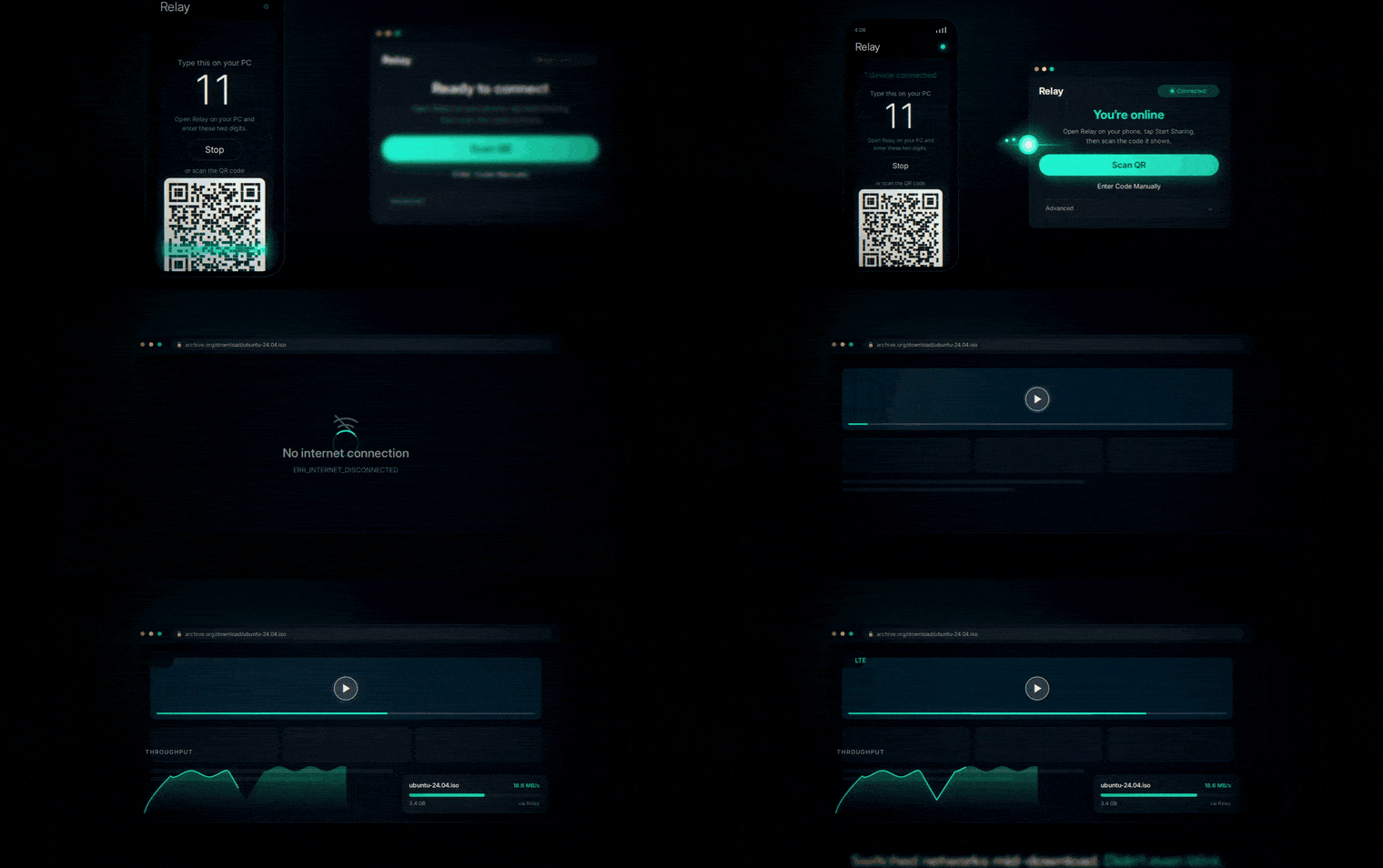
Sixty seconds, no narration: the two digits, the PC coming online, and a download that keeps running while the phone moves from Wi-Fi to LTE underneath it.
https://github.com/user-attachments/assets/fcfbc7ec-e61f-48c0-96b8-cd4713abb49b
The loop is drawn; the video above has sound. For the unedited real thing, KASRA MAX's four-minute walkthrough goes from install to browsing (Persian narration, English subtitles) — thank you, Kasra, for that and for the bugs you found.
Download
| File | For | |
|---|---|---|
| Windows | Relay-Setup-x64.exe | Windows 10/11 · installs for you alone, no admin |
| Android | Relay-android-arm64-v8a | Android 8+ · almost every phone since 2017 |
| Android, any CPU | Relay-android-universal | If the one above says App not installed |
| Windows 32-bit | Relay-Setup-x86.exe | Only if you know you need it |
- Windows warns on first run — the installer isn't code-signed yet: More info → Run anyway. Every release carries
SHA256SUMS.txtto check it. - "App not installed" on Android? Here is every cause seen so far.
- Updates: Windows updates itself when you're not connected. Android offers each update (the platform never allows a silent one), or use Obtainium to install them automatically.
With a VPN on the phone
Relay shares whatever the phone is connected to — including its VPN — and picks the route by itself, re-checking every ten seconds:
| Your VPN app… | What to do |
|---|---|
| Lets local traffic through (most do) | Nothing. It just works. |
| Has "local network access" / "LAN access" | Turn it on. |
| Has a per-app list or a proxy-only mode | Exclude Relay, or switch to proxy-only, then turn the VPN off and on. Relay finds the VPN's local proxy and the PC still gets the VPN. |
The honest limit: a VPN with none of those three options can't be shared — Android gives other apps no way around it. If one VPN doesn't work, its proxy-only mode or another VPN app usually will. The full story.
What you get
- Every app on the PC — one WireGuard tunnel carrying TCP and UDP, so games, calls and installers work, not just the browser.
- Honest status — "Connected" means a real handshake happened. The phone shows live speed; the PC shows speed, totals and latency.
- Keeps going — follows the phone to a new address and rides out packet loss and a switch from Wi-Fi to LTE.
- Leak protection — DNS and IPv6 can't slip around the tunnel, at 22 µs per connection. An optional kill switch blocks the internet if the phone stops answering.
- One tap away — Quick Settings tile, home-screen widget with the code, launcher shortcut; on Windows a tray app that can start with the system.
- English and فارسی throughout, right-to-left done properly, with screen-reader support on both platforms.
Privacy
- No accounts, no servers, no telemetry, no analytics. There is nowhere for your data to go.
- Keys are made per pairing and destroyed when sharing stops. They are never broadcast. A computer pairing by code gets nothing until you tap Allow on the phone, which shows its name.
- Nothing outlives the app. Relay changes no system-wide setting, so a crash cannot leave your PC broken.
Adding any network call beyond your own phone needs a written decision record — see CLAUDE.md and the ADRs.
Known limits
- One PC per sharing session, by design.
- IPv4 inside the tunnel; IPv6 is later.
- The Windows installer is unsigned for now; signing is next on the roadmap.
- What real hardware hasn't proved yet is listed in
docs/testing.md, not hidden.
For developers
android/   Kotlin + Compose            windows/   .NET 8 + WinUI 3
wg/        WireGuard endpoint (Go)     shared/    the contract both apps are tested against
There is no local build step — CI is the build system (ADR-0004).
Push a branch and it is built, tested on real Android images and a real Windows
runner, and can be released. Before your first PR: change /shared first, write
every string in English and Persian, and read docs/architecture.md
and CONTRIBUTING.md.





