Spotilol

Spotilol




an Android app that wraps Spotify's web player with built-in adblocking. no root, no shady mods, just your Spotify account on a slick WebView.
ported from smali to clean Kotlin by lyssadev, based on deviato's Spotifuck. free, open-source, and it just works.
download the .apk and install it on your device. you may need to toggle "Install from unknown sources" in your Settings.
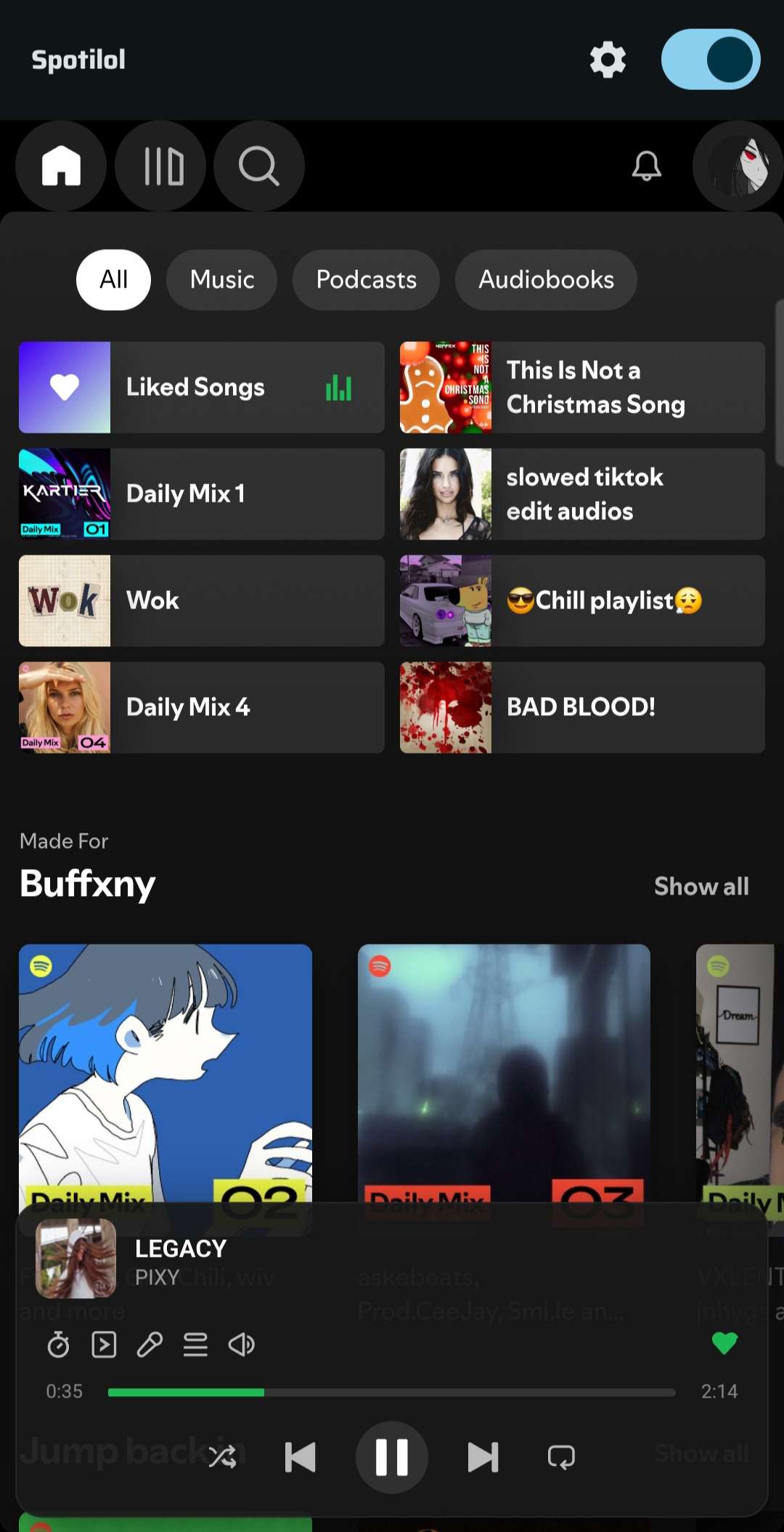
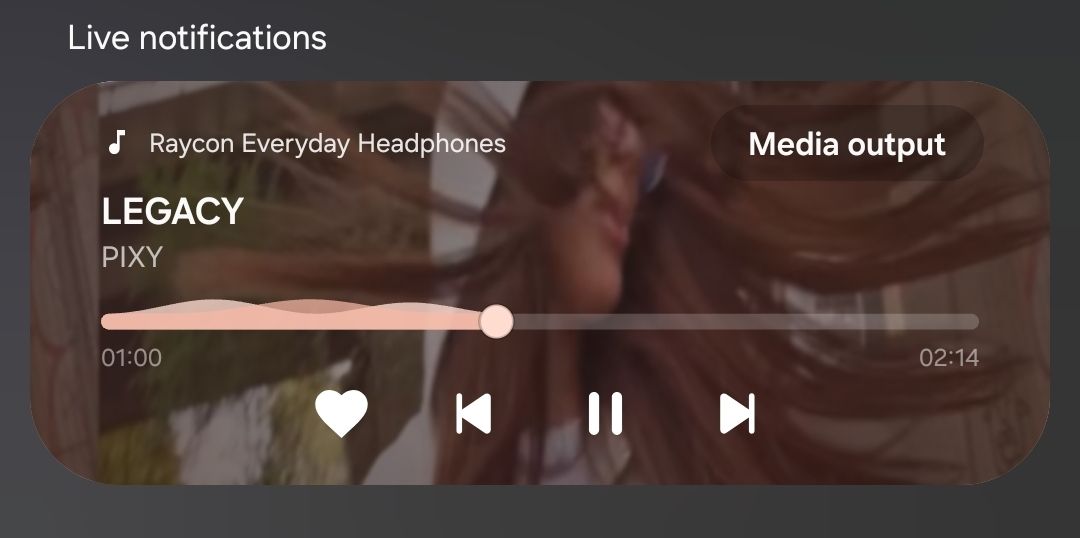
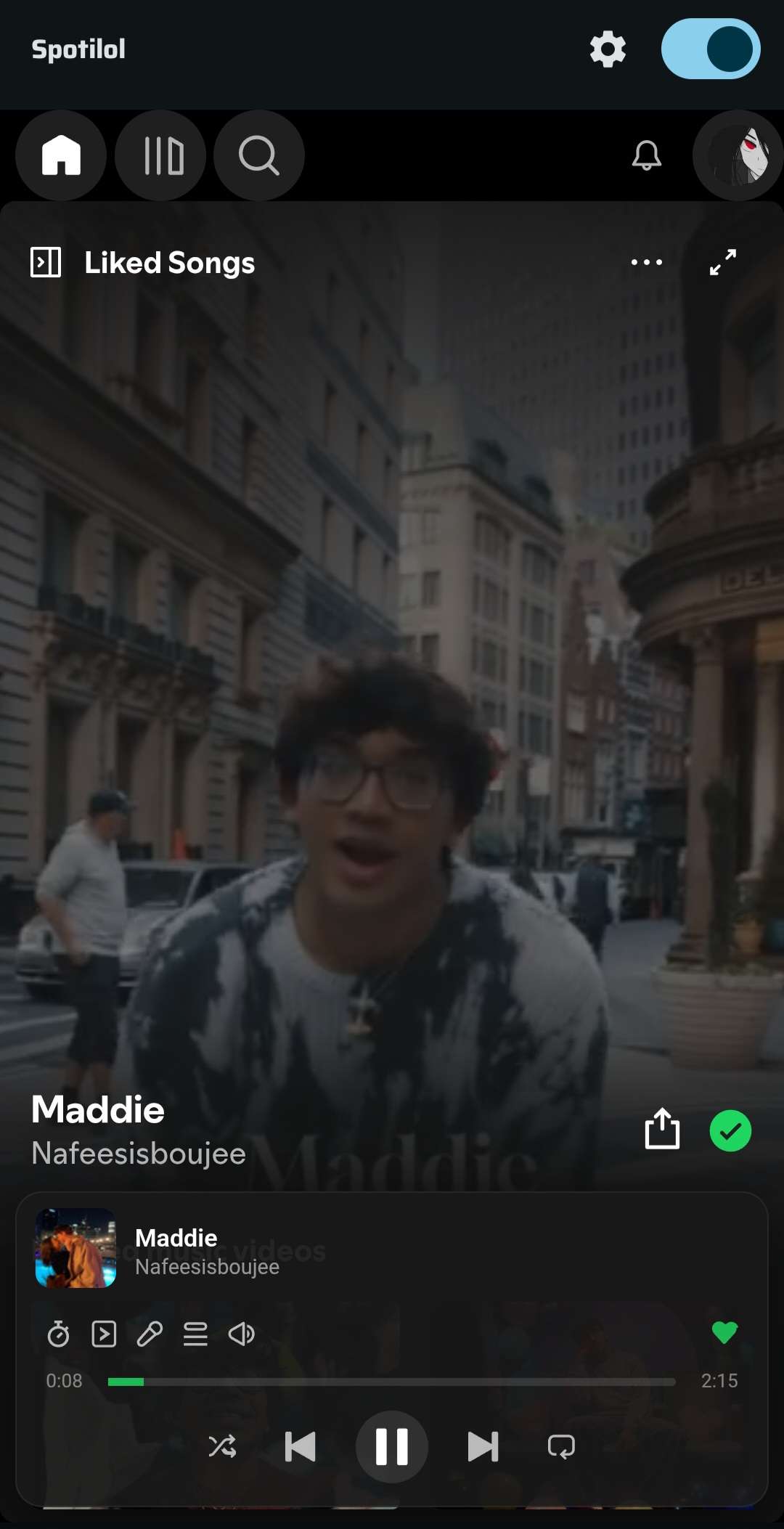
Preview
Features
- blocks audio ads, trackers and telemetry
- media notification with play, pause, skip, seek, like, shuffle and repeat
- lock screen, Bluetooth and headset controls
- home screen widgets for the player and album art
- Android Auto: browse and search your library from the car
- offline downloads via the InnerTube API, with tags and cover art
- multiple account profiles and a sleep timer
- lyrics with five styles and a picture in picture view
- AMOLED dark mode, Material You and accent color themes
- custom CSS, canvas and video podcasts
- mobile layout tweaks and playlist sorting
- wake lock and power save mode
- automatic and manual update checker
Requirements
- Android 9.0+ (API 28)
- a Spotify account
- Google Chrome / WebView (comes with your phone)
Quick Start
install the APK, open it, done. no setup, no certificates, no fuss. it just works out of the box.
Build It Yourself
git clone https://github.com/lyssadev/Spotilol
cd Spotilol
./gradlew assembleDebug
APK lands at app/build/outputs/apk/debug/app-debug.apk.
Google Services
this project uses Firebase (analytics, crash reporting, performance). to build, you need:
- create a Firebase project at console.firebase.google.com
- register an Android app with package name
com.project.lol - download the
google-services.jsonand place it inapp/
Contributing
contributions are welcome. open issues, throw PRs, suggest stuff. free for all.
Credits
deviato reverse-engineered the original Spotifuck. lyssadev ported the core logic from smali to Kotlin and maintains this project.
all rights reserved. lyssadev and deviato.
