Stash
your Spotify + YouTube Music library, on your phone or browser


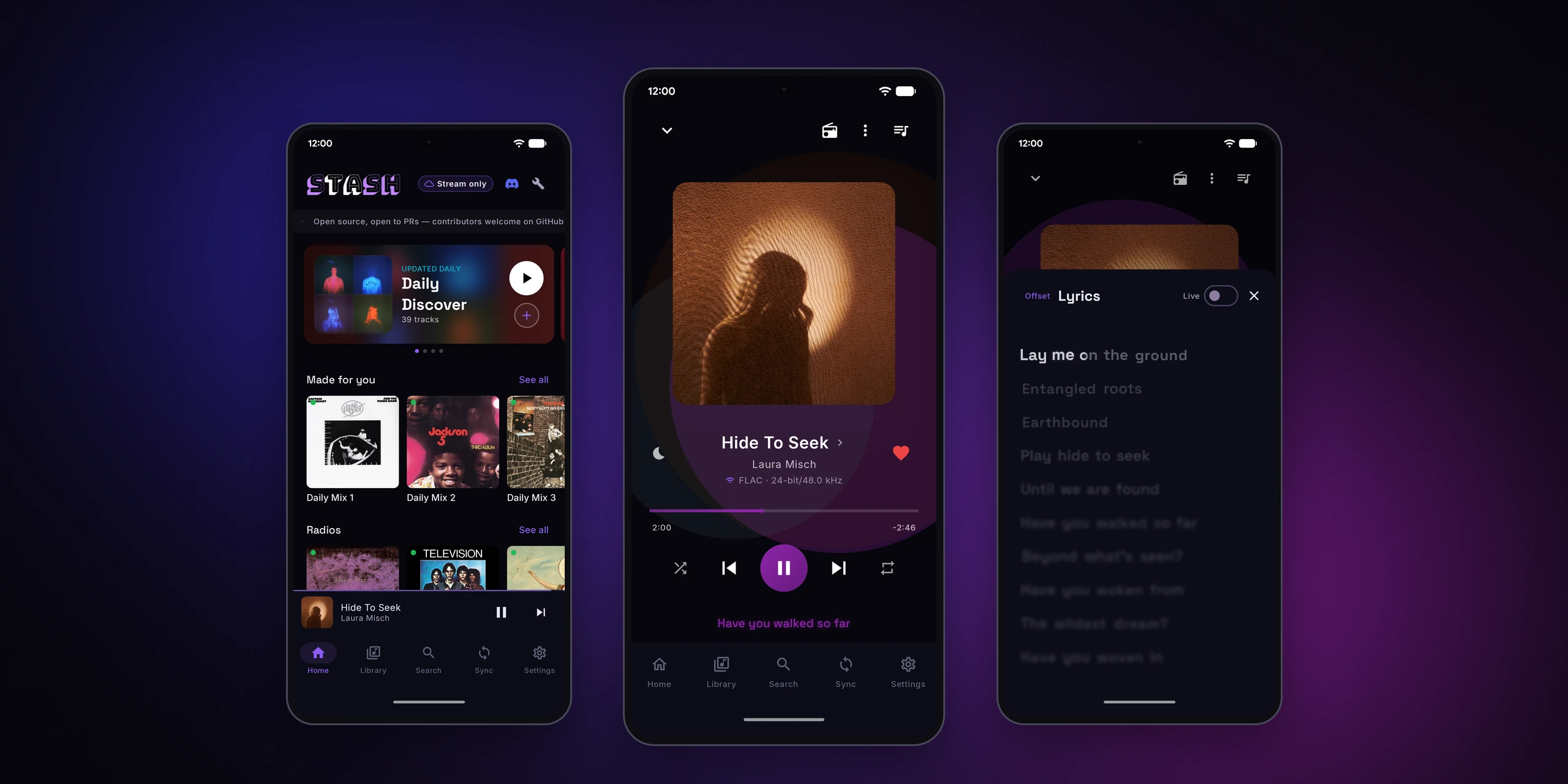
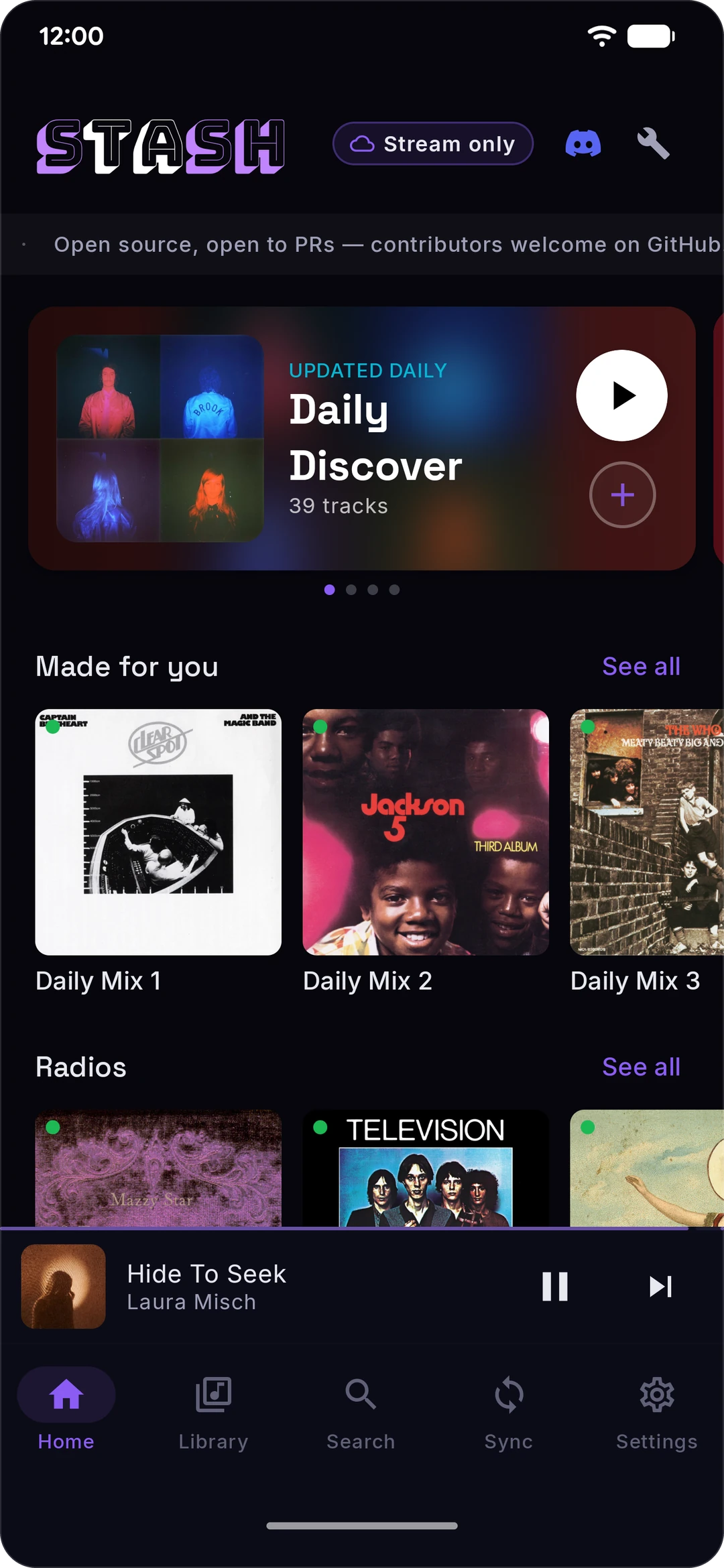
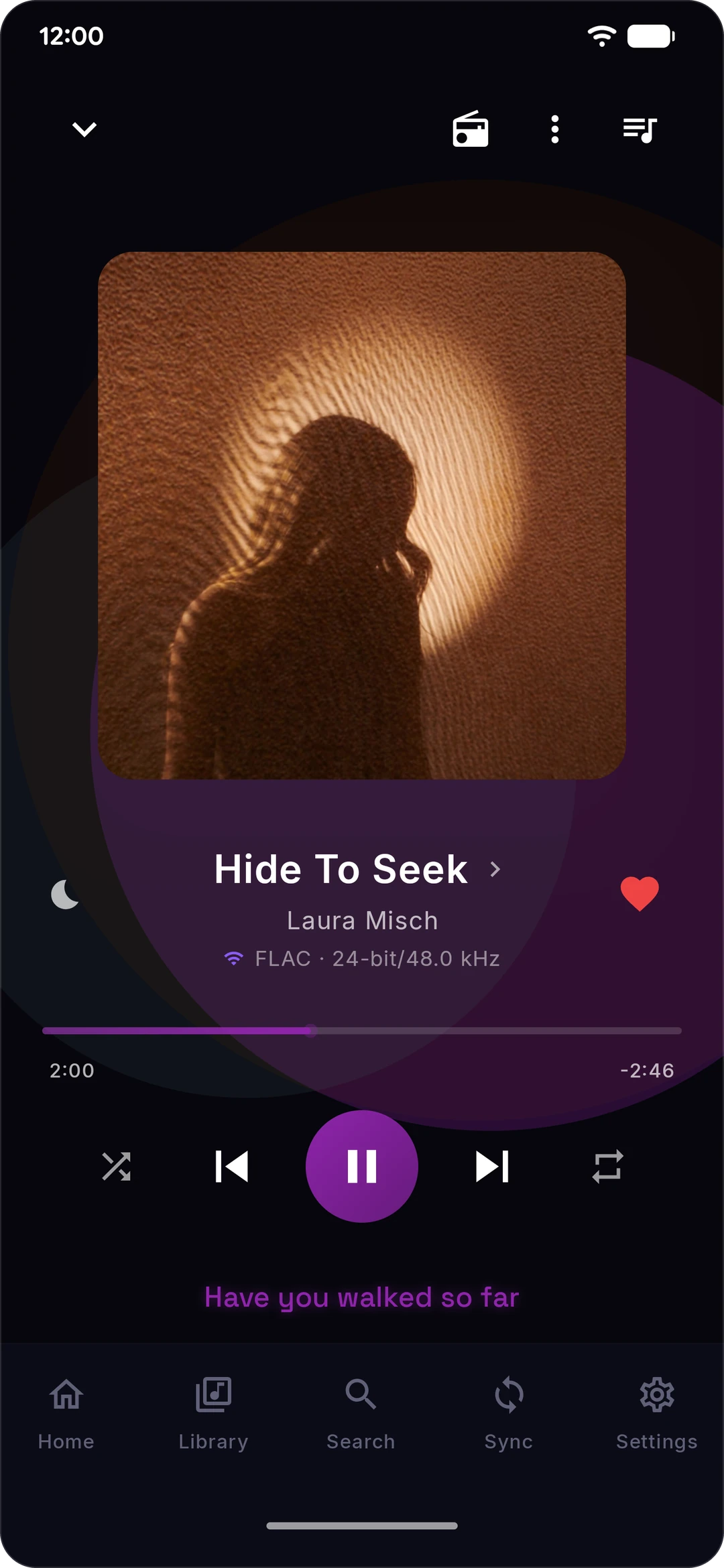
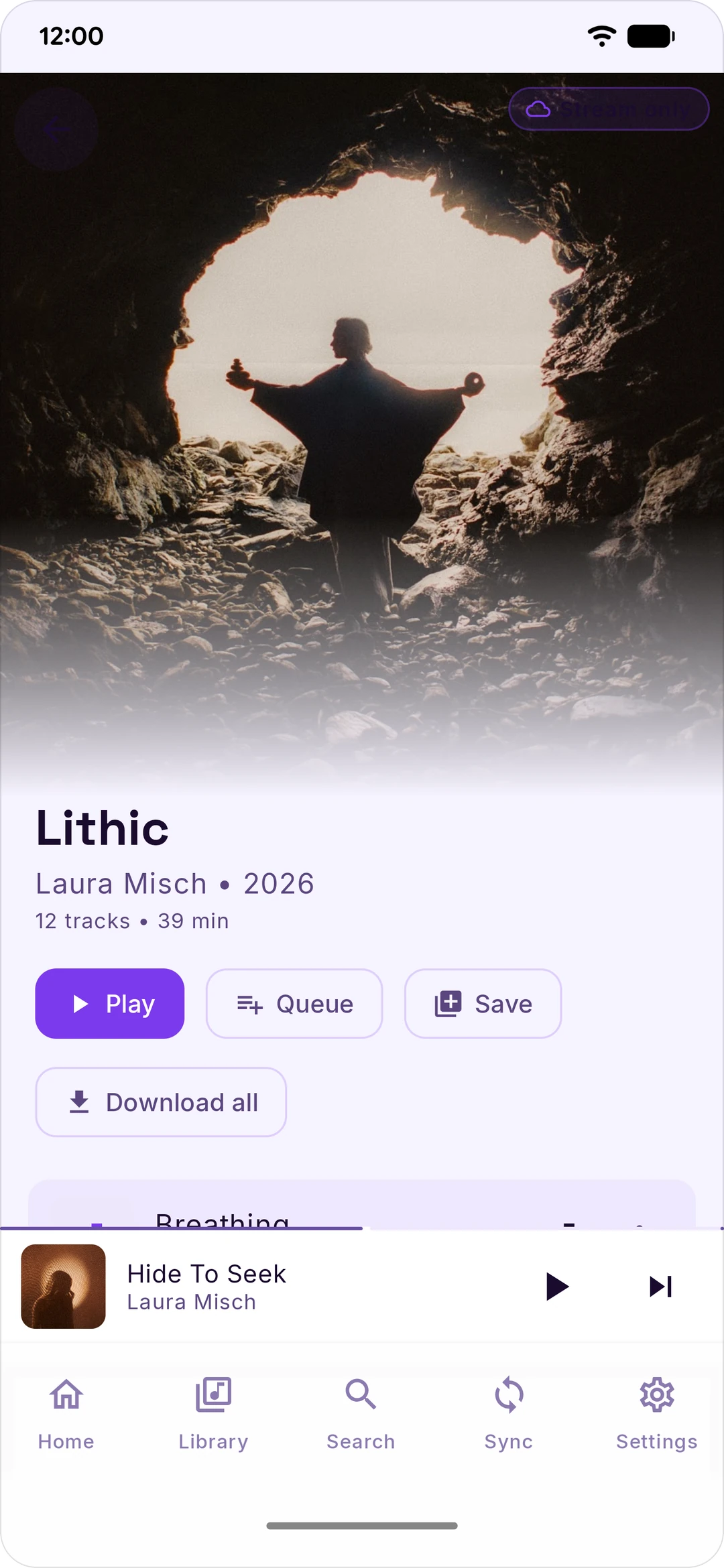
Stash grabs your Spotify and YouTube Music playlists and mirrors them on your Android phone. Download them, stream them, mix and match. Hi-res when it exists.
No Stash account, no analytics, your logins stay on your phone. Free and open source, forever.
What it does
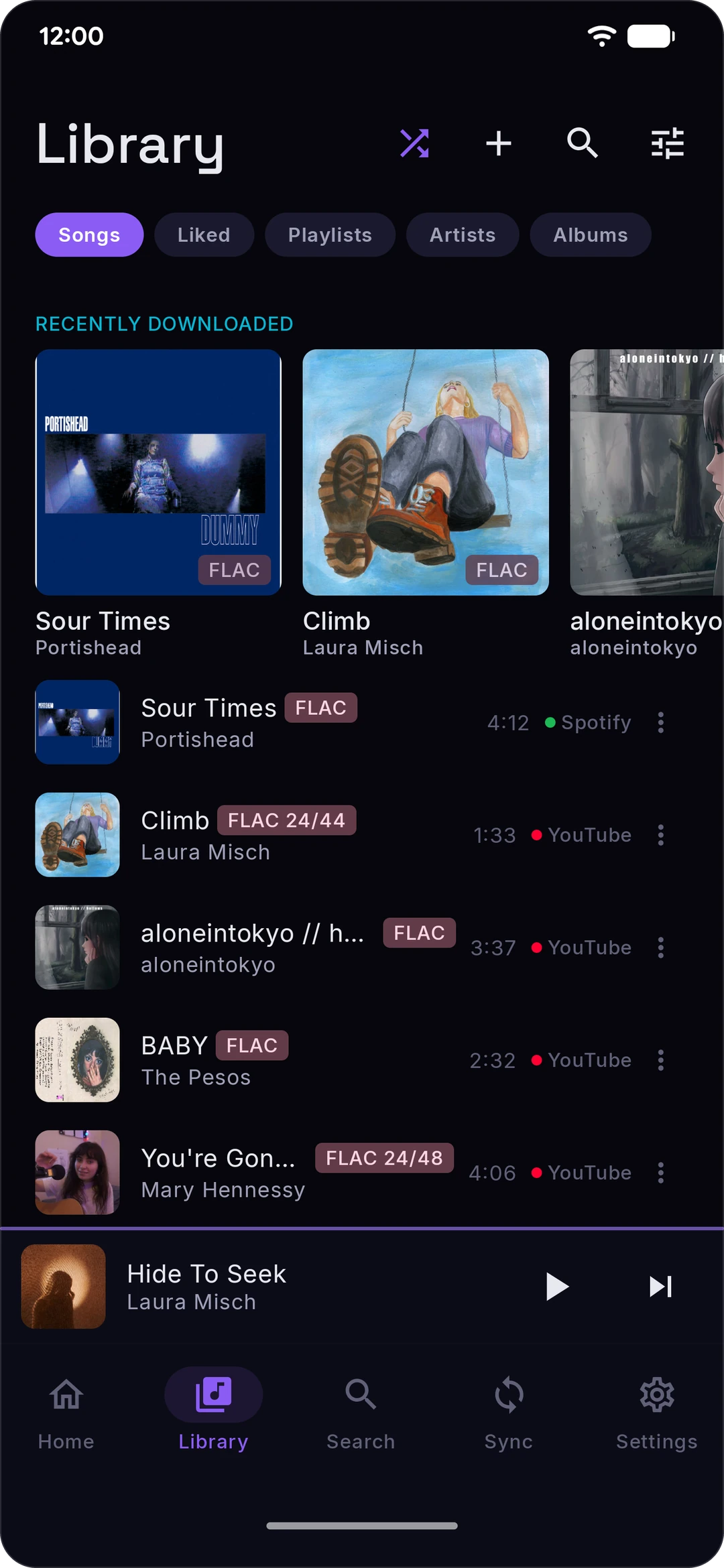
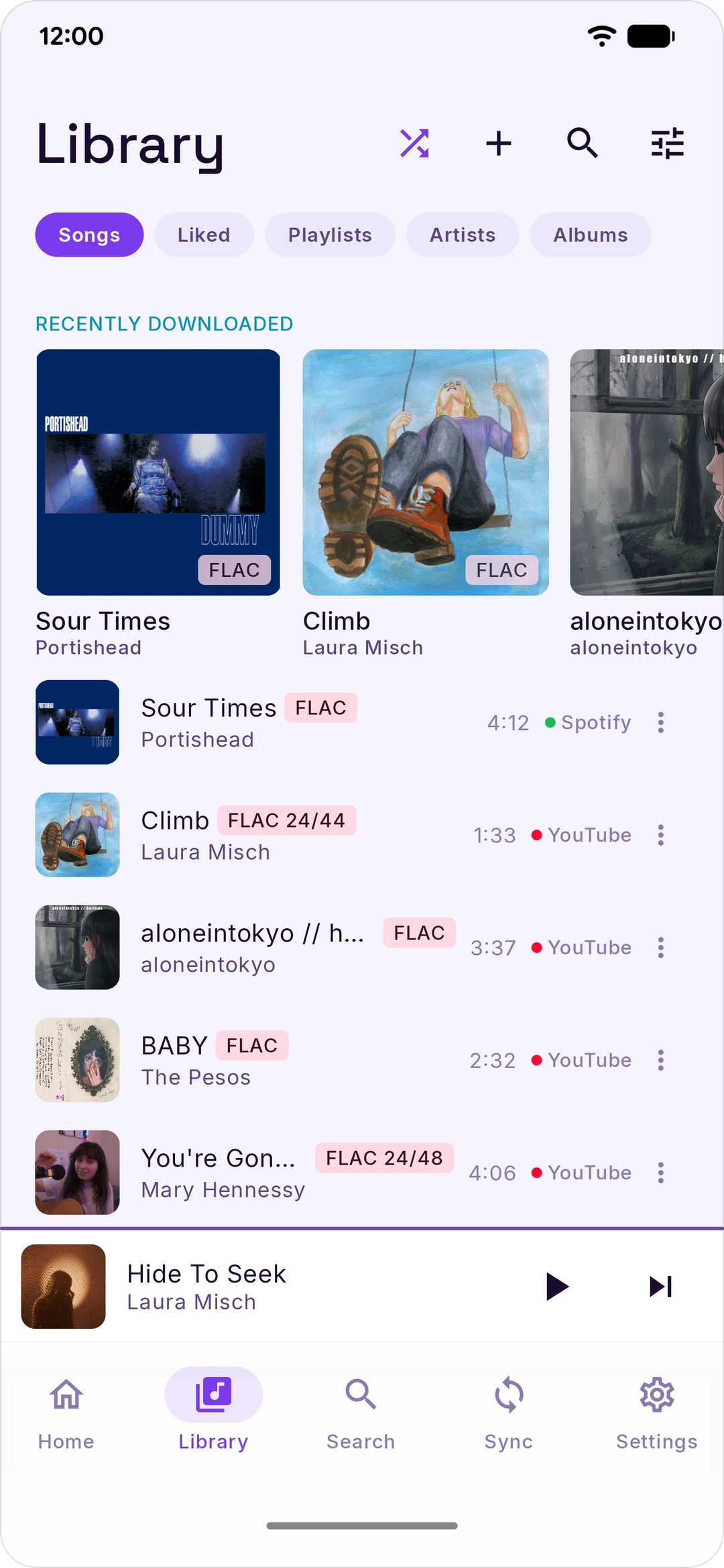
Your library, one place
|
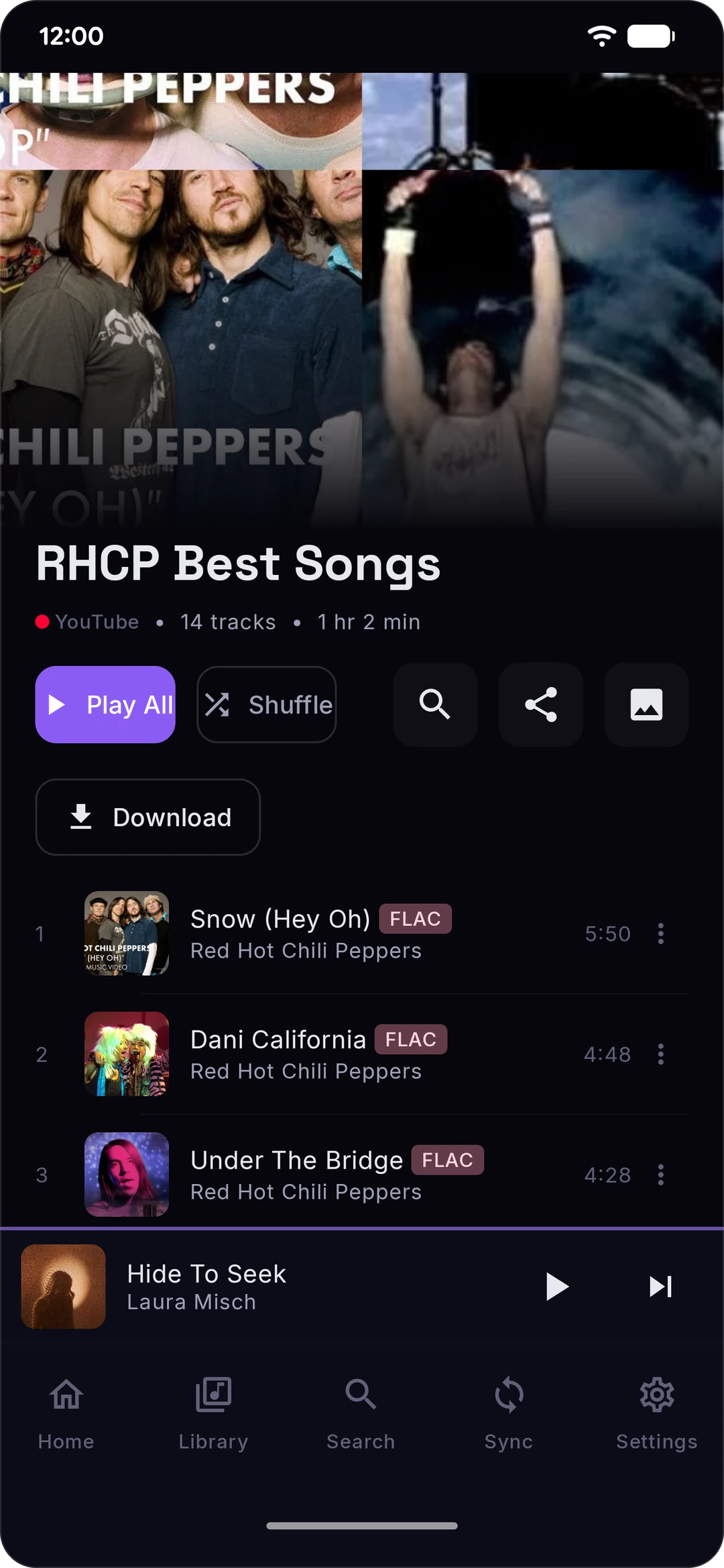
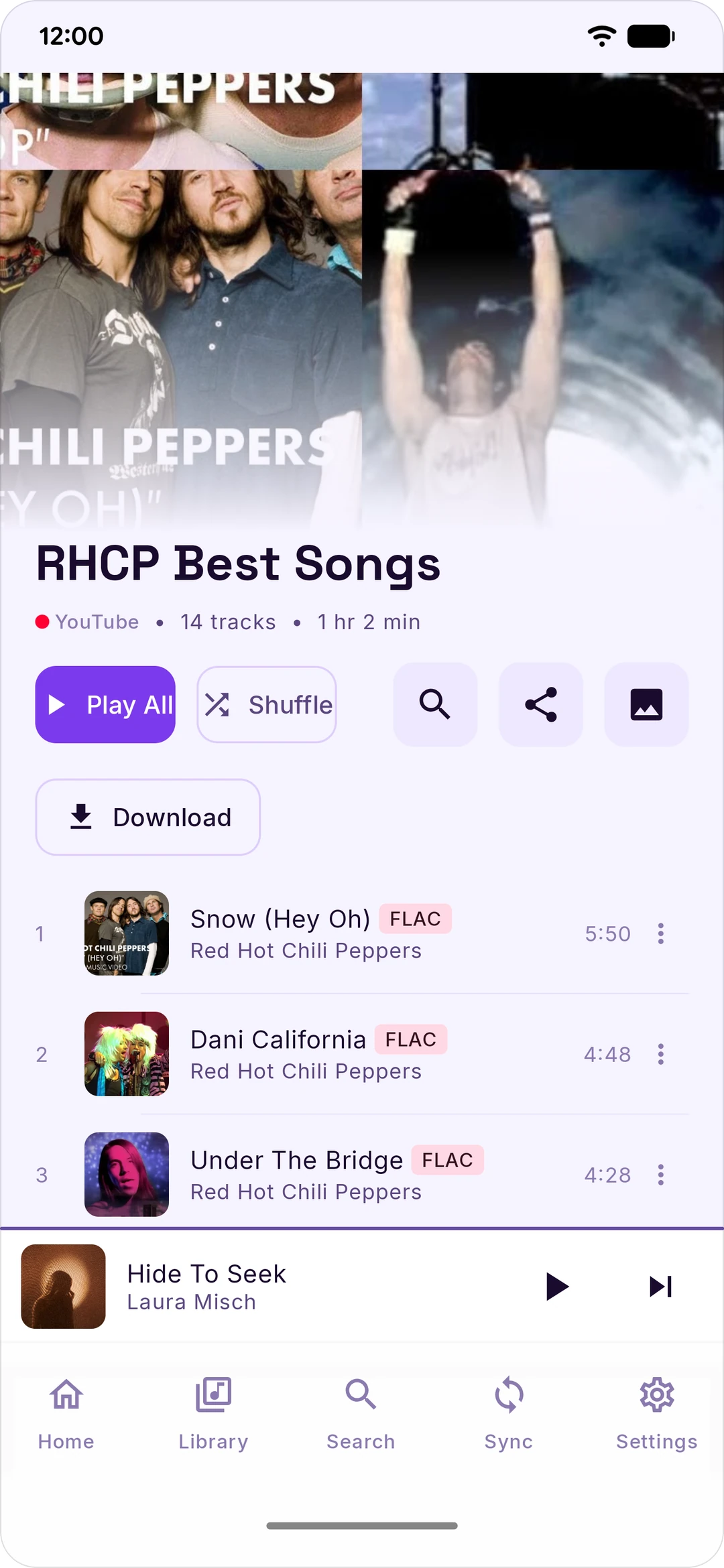
Download or stream
|
Sound
|
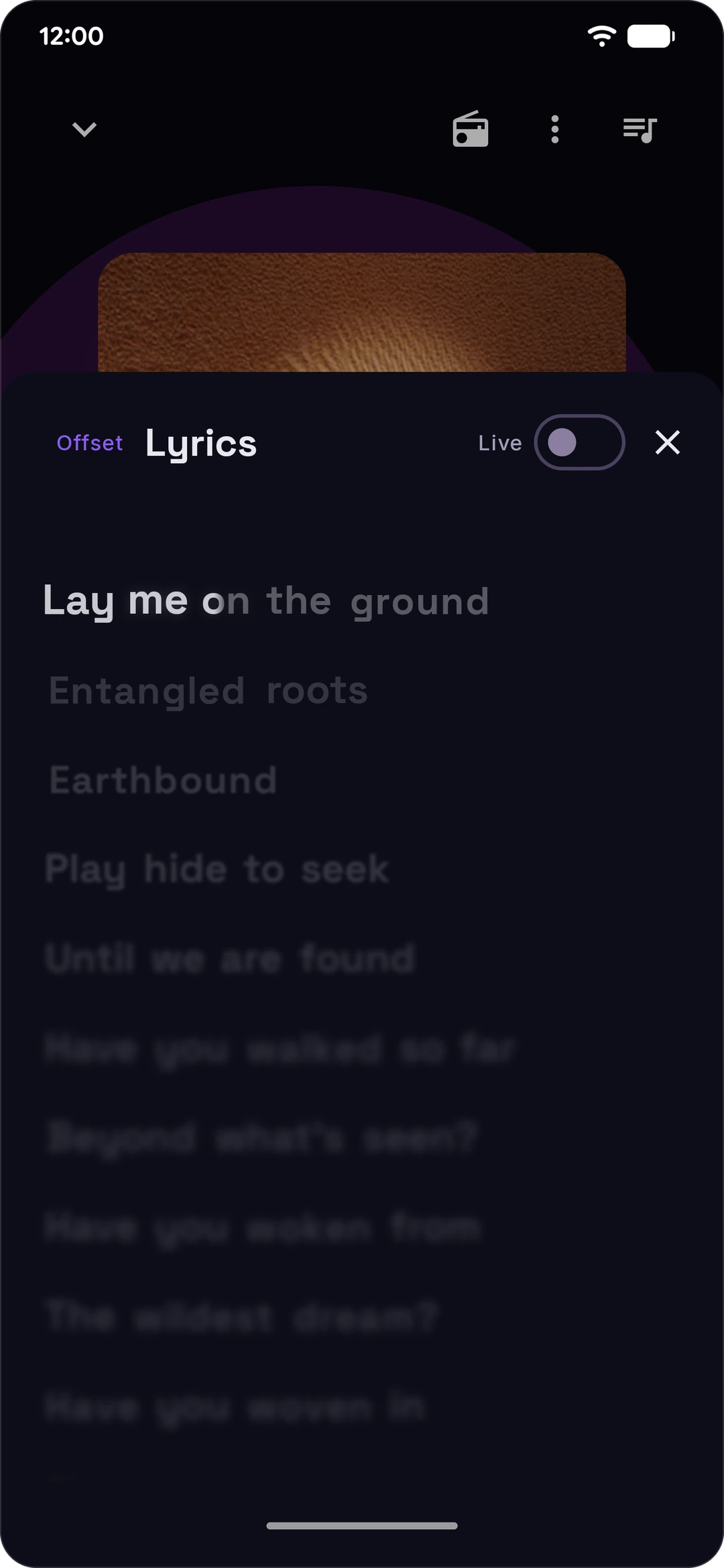
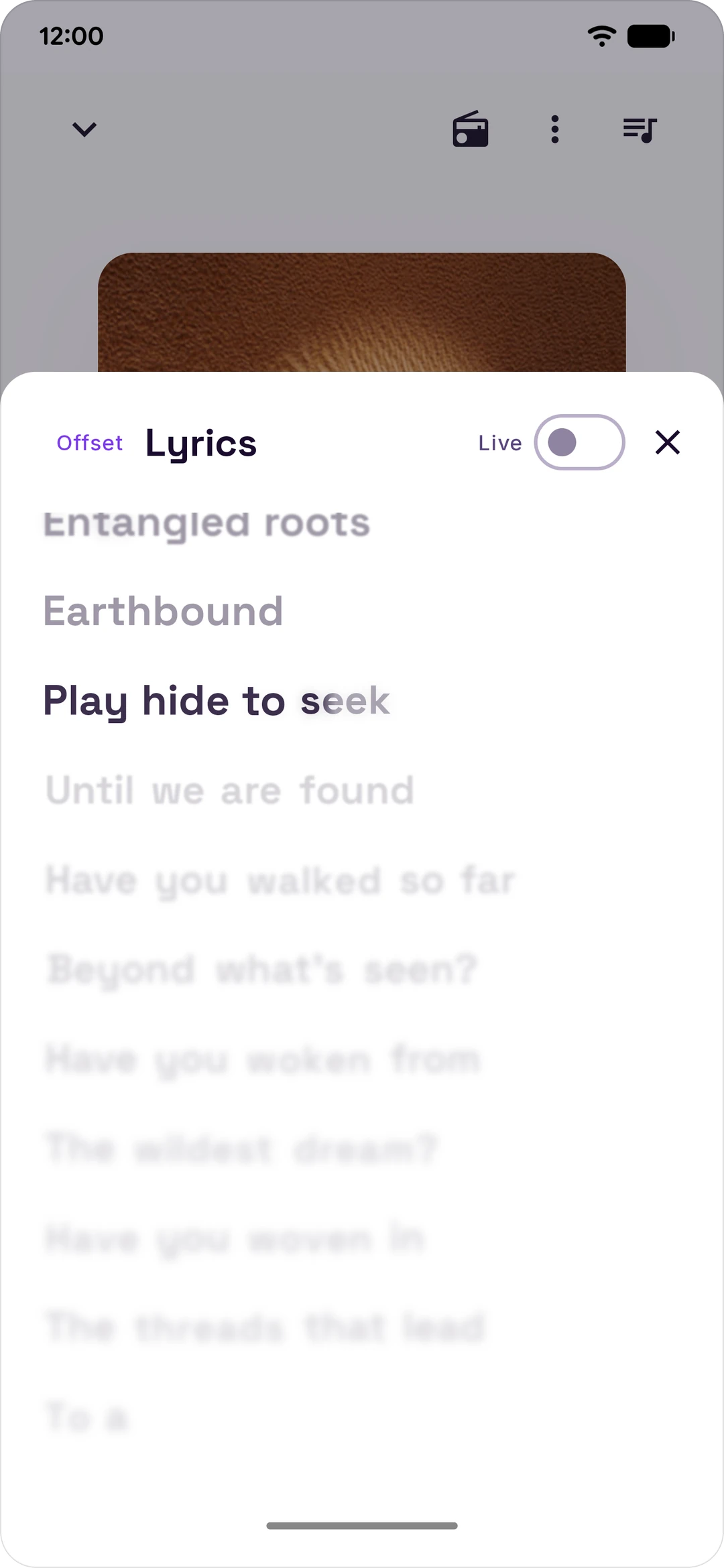
Lyrics
|
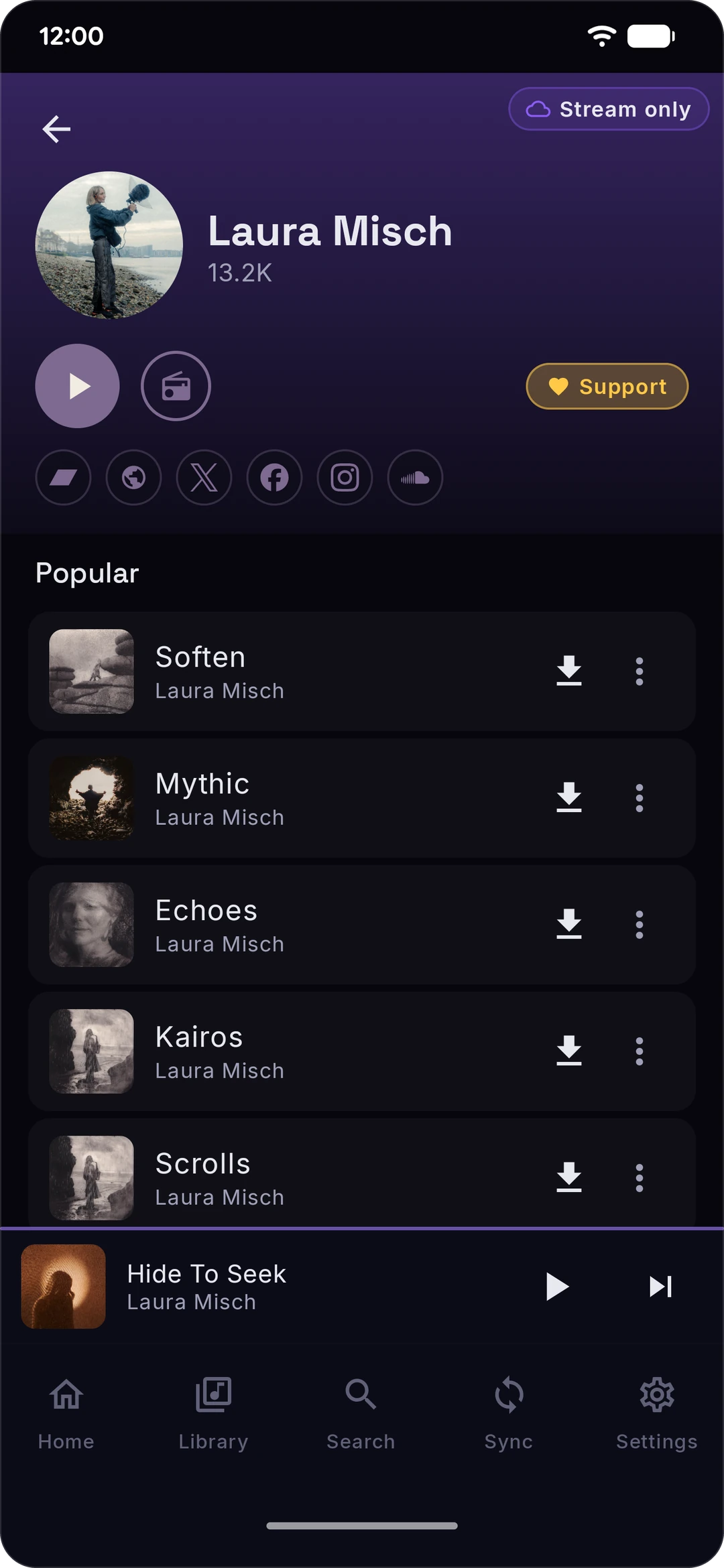
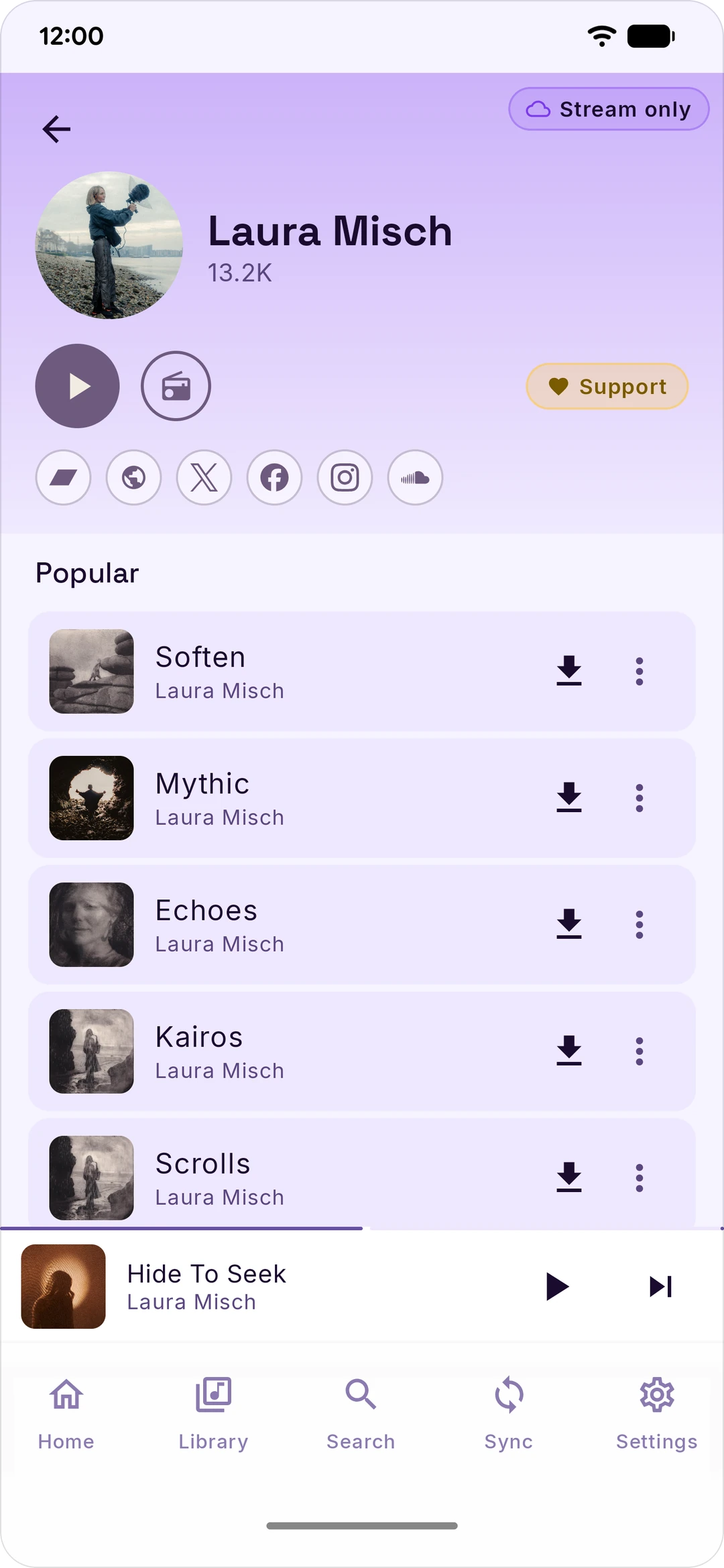
Finding new stuff
|
Social
|
Dark, light and pure black themes. Everything optional is off until you turn it on.
More screenshots
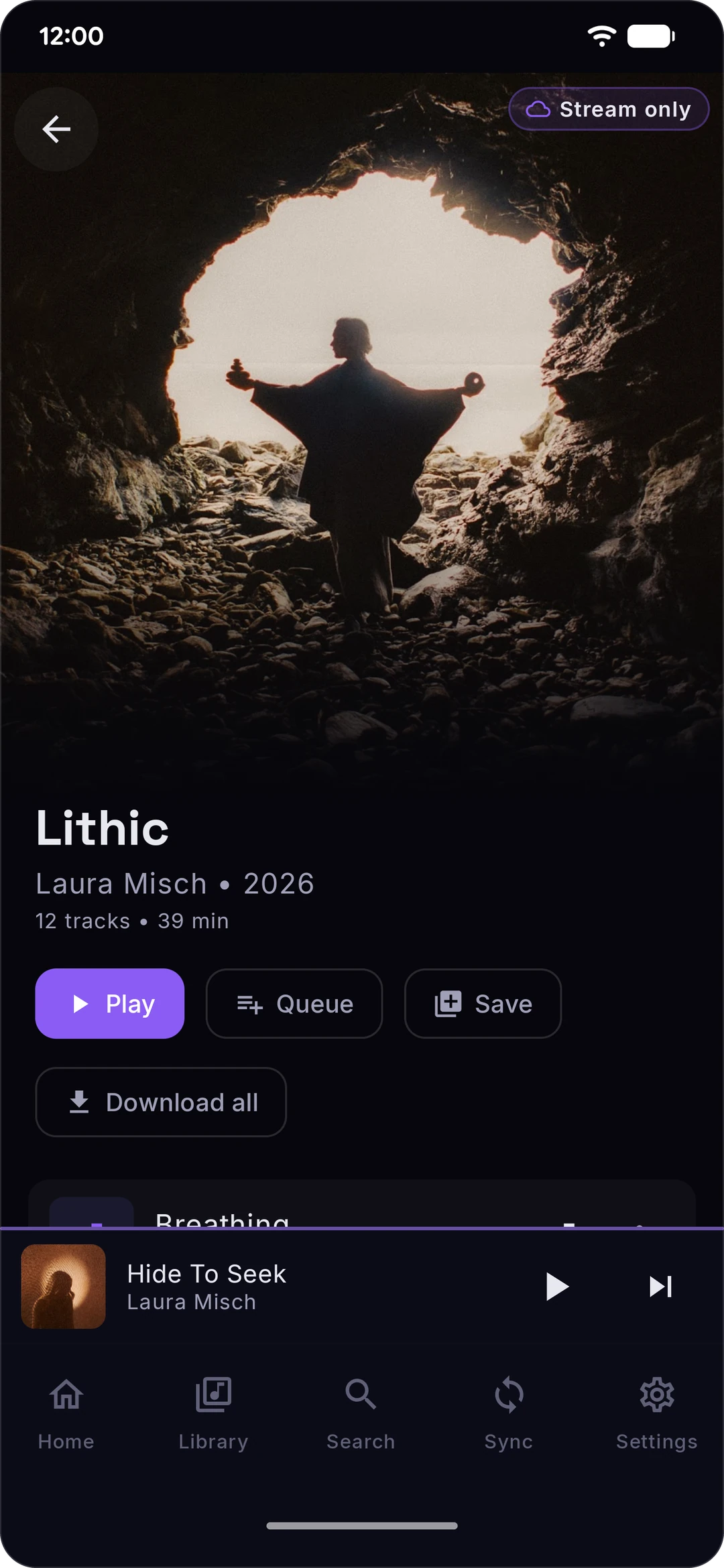
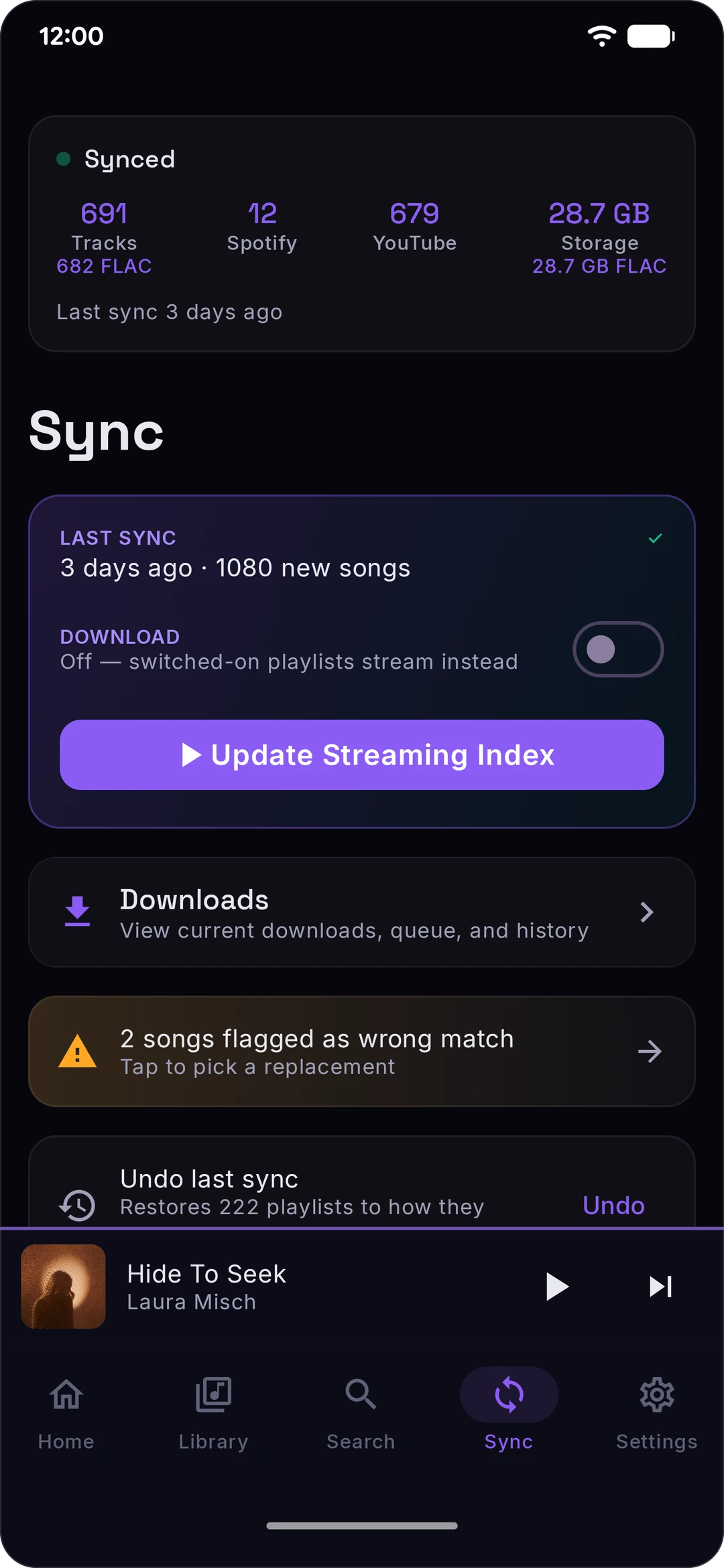
Dark
 |  |  |  |
 |  |  |  |
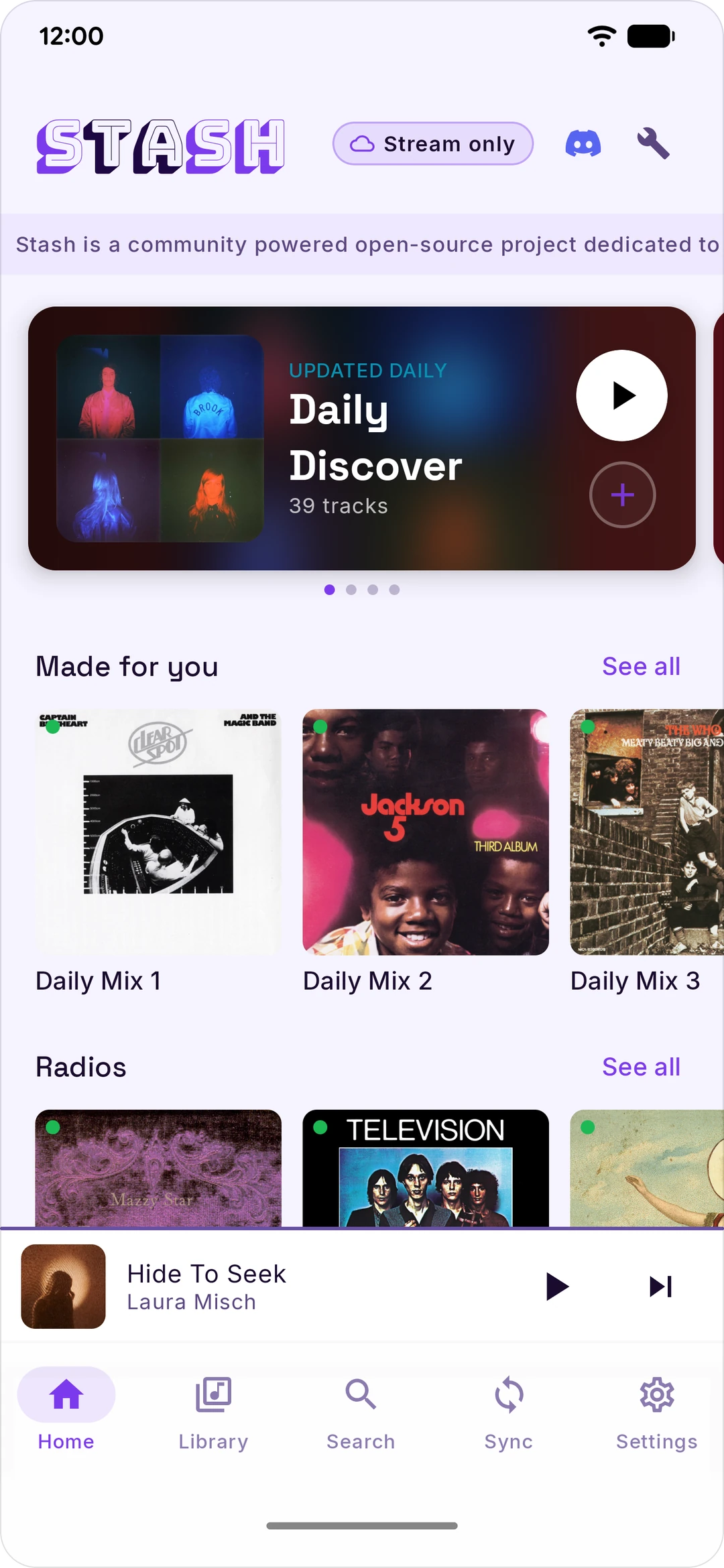
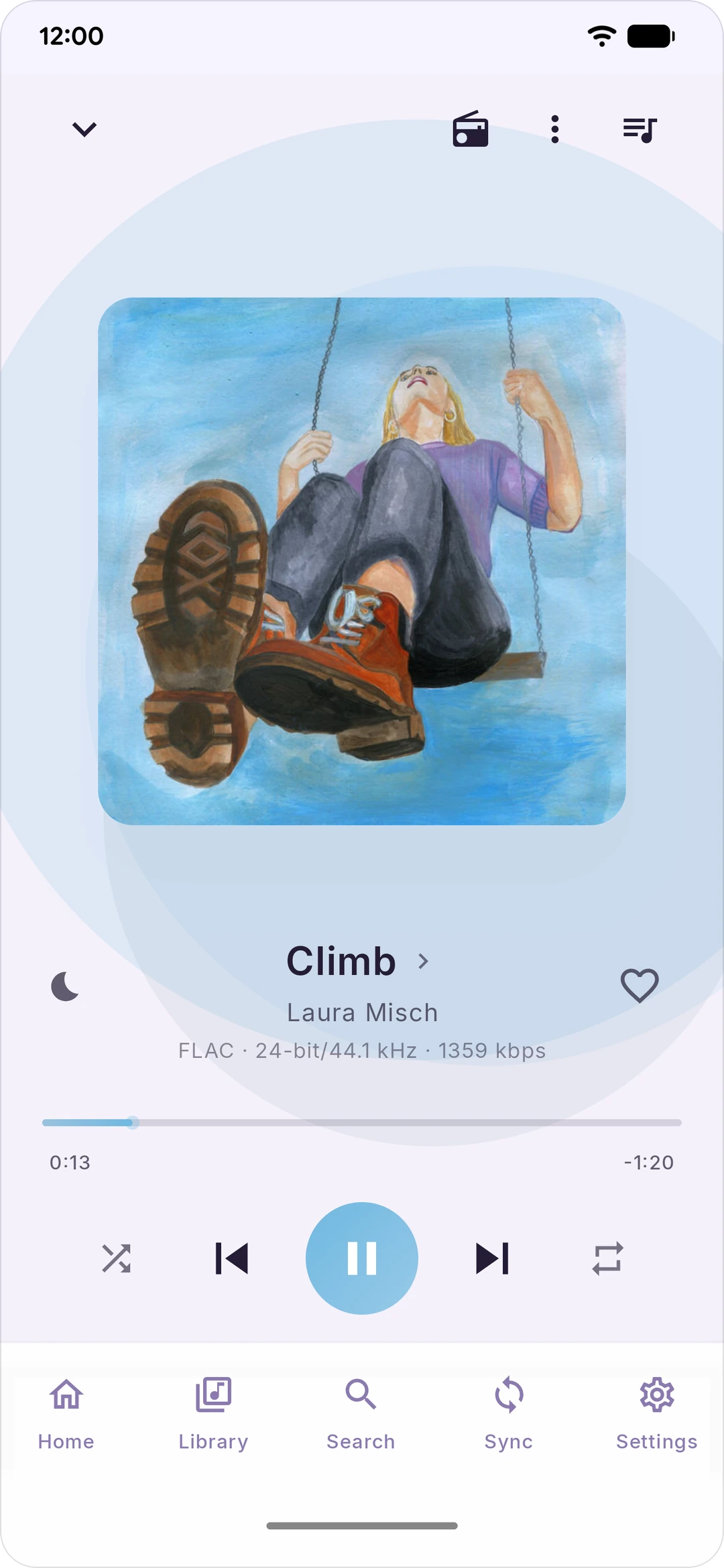
Light
 |  |  |  |
 |  |  |  |
Install
Easiest: grab Stash.apk from the latest release, open it, tap Install. If Android grumbles about unknown sources, allow it for your browser and try again.
Want auto-updates? Use Obtainium and add https://github.com/rawnaldclark/Stash. It'll ping you when there's a new version.
You need Android 8.0 or newer, and a Spotify and/or YouTube Music account.
Build it yourself
git clone https://github.com/rawnaldclark/Stash.git
cd Stash
./gradlew assembleDebug
# APK lands in app/build/outputs/apk/debug/
You'll need Android Studio Hedgehog (2023.1.1) or later, JDK 17, and Android SDK 35. A build from a plain checkout skips the project's lossless relay and Last.fm proxy. CONTRIBUTING.md has the rest.
First-time setup
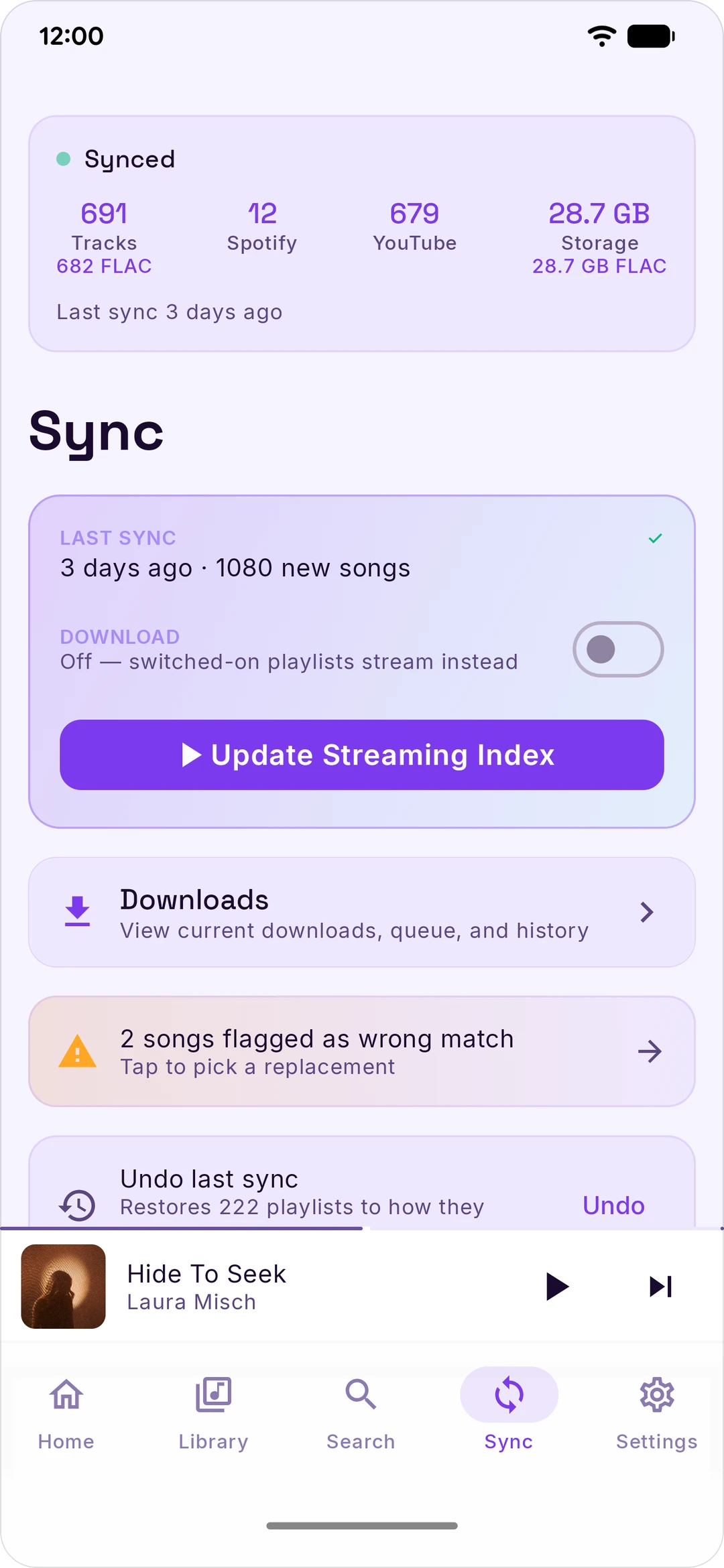
Open Settings, tap Spotify or YouTube Music under Accounts, tap Connect and sign in like normal. That's it. Then hit the Sync tab, pick the playlists and mixes you want, and tap Sync Now.
The first sync is the slow one (a big library with Download on can take an hour). After that it only grabs what's new. Turn on Auto-sync and forget about it.
Stash doesn't use Spotify's or YouTube's official APIs, because they don't let apps like this exist. It uses your login instead, the same way your browser does. Your login stays on your phone, encrypted, and only ever goes back to Spotify or YouTube.
🎵 Spotify sign-in not working? Paste the cookie
- On a computer, open open.spotify.com and make sure you're logged in.
- Press F12 to open Developer Tools.
- Open the Application tab (it's Storage on Firefox). Click the
>>arrows if you don't see it. - In the left sidebar, expand Cookies → click
https://open.spotify.com. - Find the cookie named
sp_dc, double-click its value and copy it. - In Stash: Settings → Spotify → Connect → Paste cookie (top right).
- Paste it and tap Connect.
Tip: cookies from incognito windows sometimes don't work. Use a normal window.
📺 YouTube Music sign-in not working? Paste the cookie
- On a computer, open music.youtube.com and make sure you're logged in.
- Press F12 and click the Network tab.
- Refresh the page (F5).
- Type
browsein the filter box and click any request in the list. - Under Request Headers, find the line starting with
cookie:and copy everything after it. It's long, that's normal. - In Stash: Settings → YouTube Music → Connect, paste it, tap Connect.
Same incognito tip as Spotify.
🎮 Discord status (read this first)
Discord has no official way for a phone app to show what you're playing, so Stash does it through your own account's session (the same trick PreMiD and similar tools use). It's not a bot and it only sets your status.
Heads up: Discord calls this kind of thing a self-bot in its Platform Manipulation Policy, and its support article says it can get an account banned. In practice they go after spam, not music statuses, so the risk is low. But it's your account, so it's your call. The app asks before connecting, and everything else in Stash works fine without it.
To connect: Settings → Discord → Connect, and sign in. If that fails, tap Paste token: sign in at discord.com/login on a computer, open DevTools (F12) → Application → Local Storage → https://discord.com, and copy the token value.
Disconnecting clears your status right away and deletes the token from your phone.
FAQ
Download or stream, what's the difference?
Flip Download on (Sync tab) and your playlists get saved to your phone so they play with no signal. Leave it off and they stream, taking almost no space. Either way, any single playlist has its own Download button. Stream on mobile data by turning on Stream on cellular in Settings.
Where does the FLAC come from?
Qobuz and Tidal. Stash looks every song up there. If you have a Qobuz account you can connect it in Settings and it uses yours. If not, it uses the project's relays, which hand your phone a link and the audio comes straight from Qobuz or Tidal. Everyone gets 500 lossless songs a day, which is a lot. No lossless copy? It plays AAC or Opus instead, and Now Playing tells you where it came from. The full details are in PRIVACY.md.
Is my login safe?
Your logins live on your phone, encrypted, and only ever get sent back to the service they came from. There's no Stash server holding your stuff and no analytics. Want every single host Stash talks to and why? It's all in PRIVACY.md. Yes, all of it.
Why isn't it on the Play Store?
Google Play doesn't allow apps that save audio from YouTube. So it lives here.
Stash never downloads audio from Spotify. It reads your Spotify library with your login and finds each song somewhere else. It isn't affiliated with any of the services it connects to, and you're responsible for how you use it.
Sync keeps stopping in the background
Some phones (looking at you, Samsung, Xiaomi, OnePlus, Huawei) kill apps to save battery. Go to phone Settings → Apps → Stash → Battery and set it to Unrestricted. Still dying? dontkillmyapp.com has a fix for your exact phone.
Something broke / I want a feature
Bugs and ideas go in Issues. For everything else, come hang out in the Discord. We're in there a lot and answer fast.
Support Stash
Stash is free and always will be. If it's earned a spot on your phone and you want to chip in, it genuinely helps. Thank you 💜

rawn made Stash, main dev 


|

Evo co-dev, makes the beta builds
|
Can't donate? A star, a bug report or telling a friend helps just as much.
Star history
Help out
Code: pull requests welcome. CONTRIBUTING.md has how to build it and a map of the code. For anything big, open an issue first so we can talk it through.
Translations: want Stash in your language? Join the Crowdin project and ask for translator access here.
Security: found a hole? Please follow SECURITY.md instead of opening a public issue.
Everyone who's helped build Stash:


Thanks to
Stash stands on a lot of great open-source work:
- yt-dlp, the YouTube extraction backbone, and youtubedl-android, its Android bindings
- QuickJS-NG, a tiny JS engine for YouTube's signature challenges
- Media3 / ExoPlayer for playback
- ytmusicapi, the YouTube Music reverse-engineering reference
- Spicy Lyrics, the reference for the word-synced lyrics look
- paxsenix's lyrics API and itunes.apple.com for word-synced Apple Music lyrics
- Bungee Shade, the wordmark font, by David Jonathan Ross (SIL OFL)
- Discord logo from Simple Icons (CC0)
Legal disclaimer
Stash is an independent, unofficial project. It is not affiliated with, endorsed by, or sponsored by Spotify, YouTube, Google, Qobuz, Tidal, Apple, Deezer, Discord, Last.fm, ListenBrainz, MusicBrainz, JioSaavn, KuGou, LRCLIB, or any other service it connects to. Third-party names and logos here are used only to identify the services they belong to, and all trademarks belong to their respective owners.
Stash is a tool for managing your own music library. You're responsible for complying with the Terms of Service of any music service you use Stash with. Downloading copyrighted content without a license may be illegal in your jurisdiction. The Stash project accepts no responsibility for misuse.
Takedown and abuse reports
Rights holders, service operators, and anyone else with a takedown or abuse report: email legal@stashfm.app, which reaches the maintainer directly. You can also open an issue on GitHub Issues or, if the report shouldn't be public, file a private security advisory. Reports are read, and a source can be removed from the app in a release.
License
Copyright © 2026 Rawnald Clark
Stash is free software: you can redistribute it and/or modify it under the terms of the GNU General Public License, either version 3 of the License, or (at your option) any later version.
This program is distributed in the hope that it will be useful, but WITHOUT ANY WARRANTY; without even the implied warranty of MERCHANTABILITY or FITNESS FOR A PARTICULAR PURPOSE. See the LICENSE file for the full text.
