MultiWindow

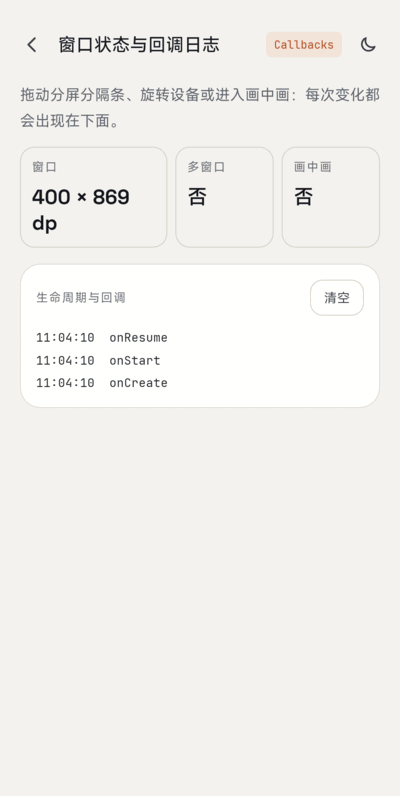
A Kotlin demo app for multi-window and large-screen behavior on Android: it shows the window size, multi-window and picture-in-picture state live, launches a page in the adjacent window, drags text across windows, and keeps its log across configuration changes. It is a demo app, not a library (no Maven coordinate).
- Version 2.0.0, minSdk 24, targetSdk 36, Kotlin, AppCompat DayNight (no Material Components).
Screenshot
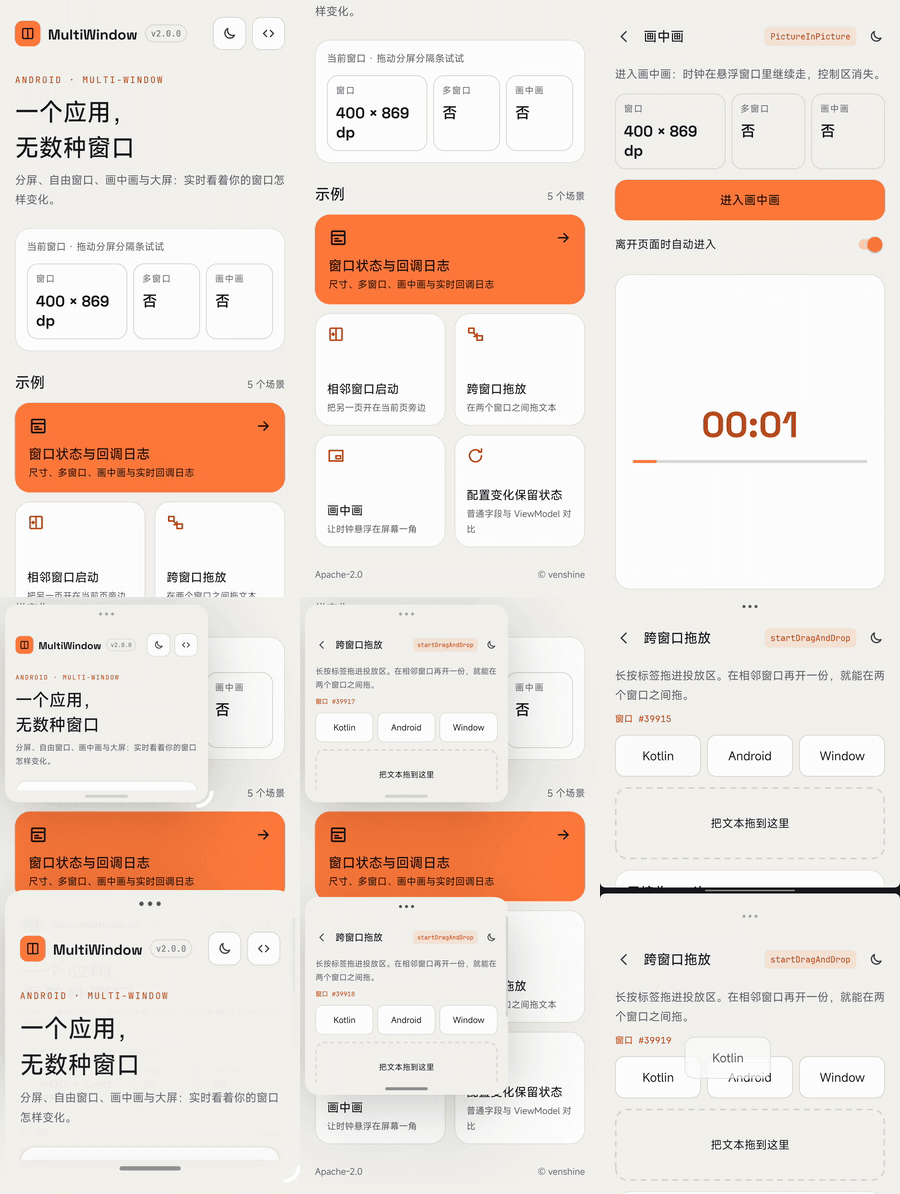
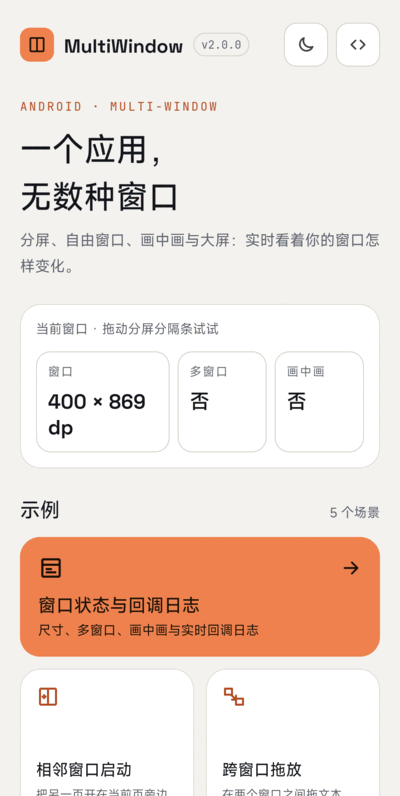
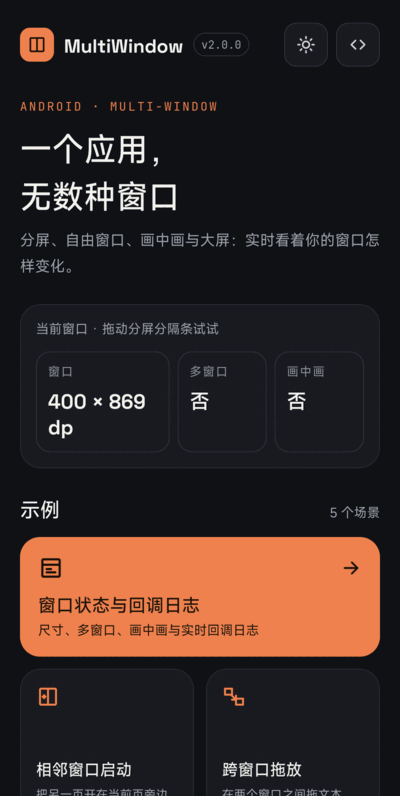
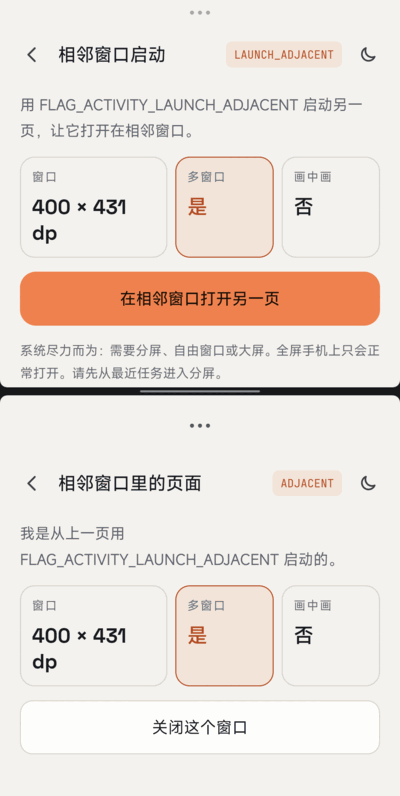
| Home | Dark mode | Status & callbacks | Adjacent launch |
|---|---|---|---|
 |
 |
 |
 |
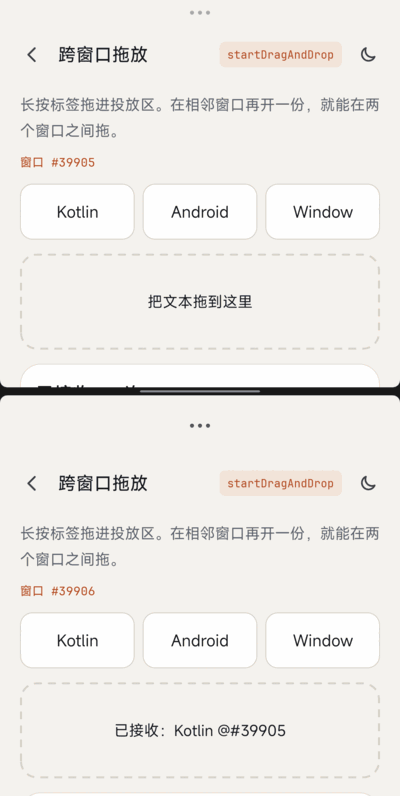
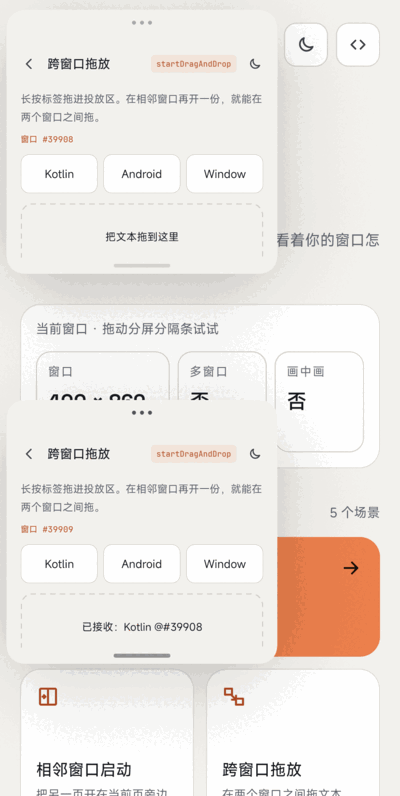
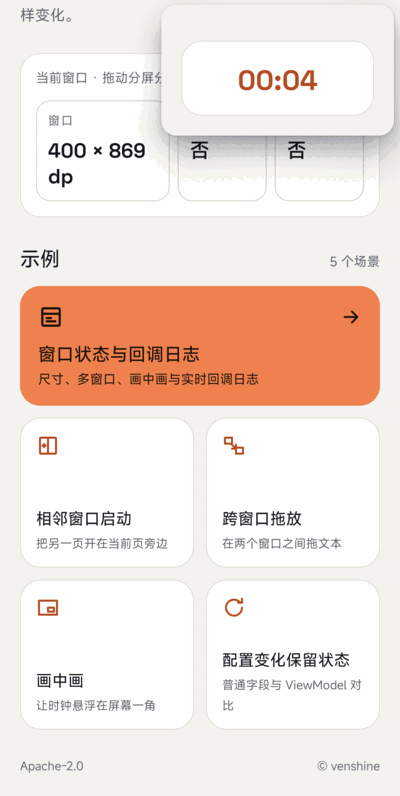
| Split-screen drag | Freeform drag | Picture-in-picture | ViewModel |
|---|---|---|---|
 |
 |
 |
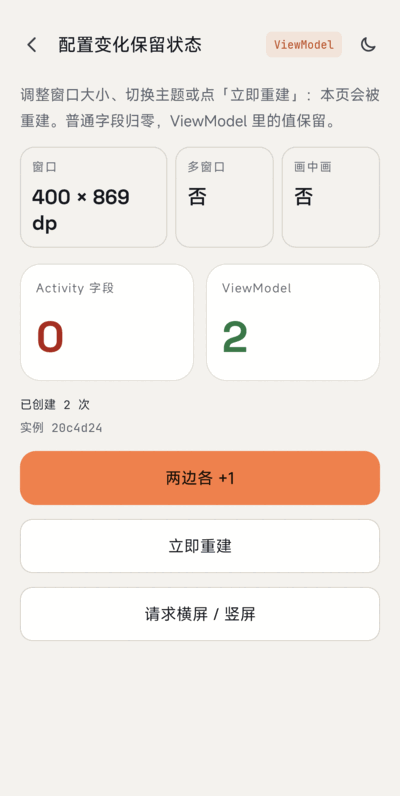 |
Captured on a real device running Android 17. Split screen comes from the adjacent-launch button, freeform windows from adb shell am start --windowingMode 5.
What the demo covers
| Feature | Where |
|---|---|
Live window size (Configuration.screenWidthDp/HeightDp), multi-window and PiP state |
BaseActivity, StatusActivity |
Callbacks: onMultiWindowModeChanged(Boolean, Configuration), onPictureInPictureModeChanged(Boolean, Configuration) |
BaseActivity.onWindowEvent() |
Launch in the adjacent window: FLAG_ACTIVITY_LAUNCH_ADJACENT or FLAG_ACTIVITY_NEW_TASK |
AdjacentActivity |
Cross-window text drag and drop (startDragAndDrop + DRAG_FLAG_GLOBAL, OnDragListener) |
DragActivity, DropParser |
Keep state across recreation with ViewModel |
ConfigActivity, ConfigViewModel, WindowViewModel |
Handle configuration changes yourself (configChanges) + PiP |
PipActivity (and configChanges in the manifest) |
// Query and callback (the single-argument overload is deprecated since API 26)
val inMultiWindow = isInMultiWindowMode
override fun onMultiWindowModeChanged(isInMultiWindowMode: Boolean, newConfig: Configuration) { ... }

// Open another activity in the adjacent window (best effort, not guaranteed)
startActivity(
    Intent(this, PeerActivity::class.java)
        .addFlags(Intent.FLAG_ACTIVITY_LAUNCH_ADJACENT or Intent.FLAG_ACTIVITY_NEW_TASK)
)
What changed in Android (checked against the official docs)
All statements below were checked against the page quoted in the link.
- Android 12 (API 31) makes multi-window standard. On large screens (medium / expanded window size class) all apps support multi-window regardless of configuration;
resizeableActivity="false"puts the app in compatibility mode when needed. On small screens the system checksminWidth/minHeight, andresizeableActivity="false"still blocks multi-window. Support multi-window mode - Android 12L (API 32): the Recents screen gets a Split action, and
FLAG_ACTIVITY_LAUNCH_ADJACENTcan make a full-screen app enter split-screen and open the target in the adjacent window (same page, "Programmatic split-screen"). OEMs can enable this behavior on older versions. - Multi-resume (Android 10+): all visible activities stay
RESUMEDin multi-window; useonTopResumedActivityChanged()for exclusive resources such as camera / microphone. Before Android 10 only the most recently used one is resumed. Same page. - Android 16 (API 36), apps with targetSdk 36: on displays with smallest width >= 600dp,
screenOrientation,resizeableActivity,minAspectRatio,maxAspectRatio,setRequestedOrientation()andgetRequestedOrientation()are ignored (the app is resizable and fills the window, no pillarboxing). Exceptions: games (android:appCategory), users who opt in to the app's default behavior in the aspect-ratio settings, and displays smaller than sw600dp. A temporary opt-out isPROPERTY_COMPAT_ALLOW_RESTRICTED_RESIZABILITY, and it will not work for apps targeting API 37. Behavior changes: Android 16, App orientation, aspect ratio, and resizability- Consequence for this demo: the
resizeableActivity="true"inAndroidManifest.xmlonly matters below sw600dp or below targetSdk 36; on large screens it is ignored. Rotation and window resizing recreate activities more often, so state must be preserved (Save UI states).
- Consequence for this demo: the
- How to enable freeform (desktop) windows today: the official docs only say desktop windowing "can be enabled by manufacturers of large screen devices" (Support multi-window mode). The official developer-preview post says to use a Pixel Tablet on Android 15 QPR1 Beta 2 or the Pixel Tablet emulator, then select Enable freeform windows in Developer options; it does not mention root (Android Developers Blog, Sep 2024). So the old recipe of rooting and running
settings put global enable_freeform_support 1is no longer the documented path. Tested on a real device running Android 17:pm has-feature android.software.freeform_window_managementreturns true, theenable_freeform_supportglobal setting is unset, andadb shell am start --windowingMode 5 -n <activity>opens the activity as a freeform window (two such windows can be resized witham task resizeand dragged between).
Migration from 1.x (Android N demo)
- Rewritten in Kotlin;
compileSdk/targetSdk36,minSdk24 (unchanged). - Dropped the
com.wx.android.commondependency and the old support library; the old log buffer (a staticStringBuilder) is replaced by aViewModel. - Drag and drop now carries plain text only (the old image drag is removed).
- Not applicable: Android N-only instructions in the old README (rooting for freeform mode); see item 5 above.
Alternatives
For apps with multiple panes use Activity embedding (Jetpack WindowManager); for adaptive layouts use window size classes. Google's old MultiWindowPlayground sample is the official reference for Android N.
Maintenance
Maintained as a small demo. Adjacent launch (it produces a real top/bottom split screen), cross-window drag, PiP and freeform windows have been checked by hand on a real device running Android 17.
Credits
The sample app bundles these fonts, both licensed under the SIL Open Font License 1.1 (license texts in app/licenses/):
- Space Grotesk: Copyright 2020 The Space Grotesk Project Authors
- JetBrains Mono: Copyright 2020 The JetBrains Mono Project Authors
License
Apache License 2.0, see LICENSE.
