TouchRegion
English | 简体中文


Enlarge the touch and click area of small views. Written in Kotlin, no dependencies besides the Kotlin standard library.
Screenshot
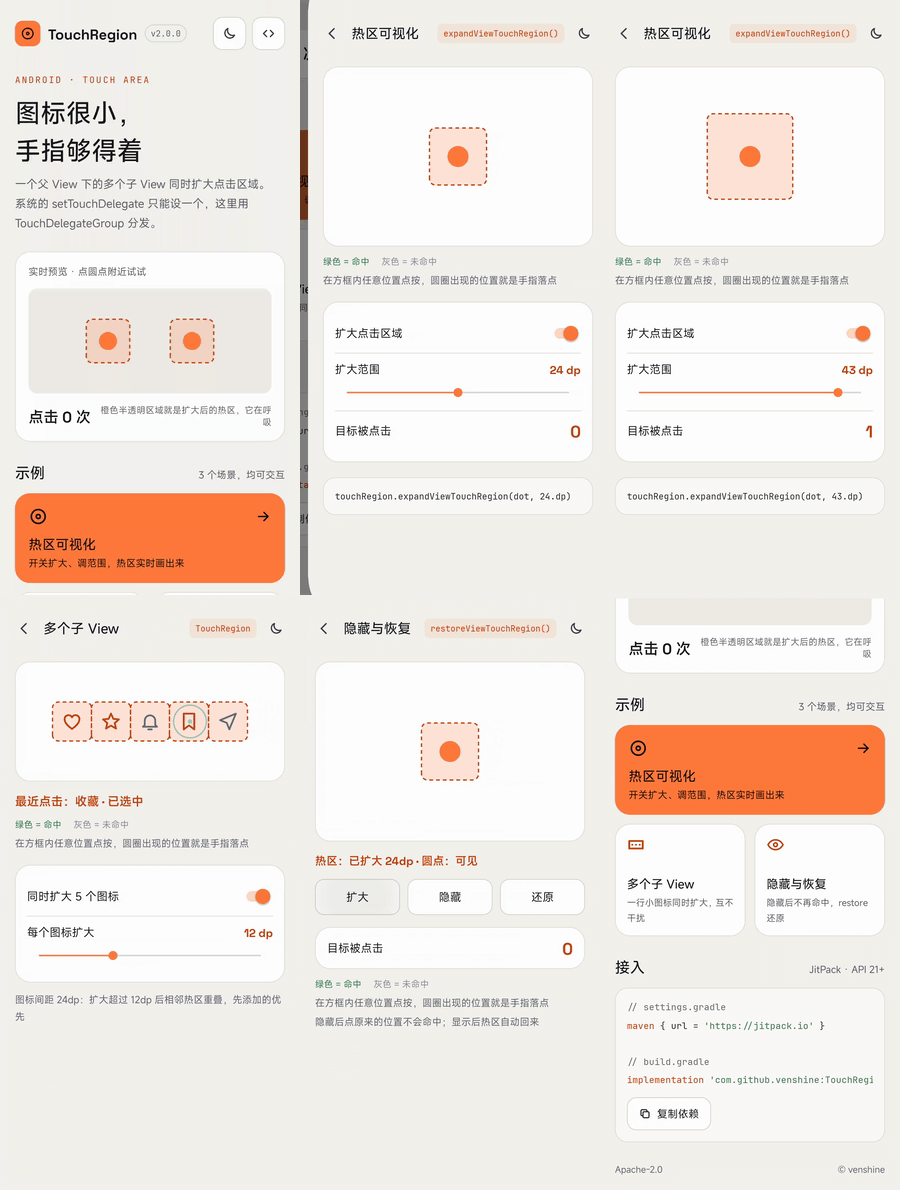
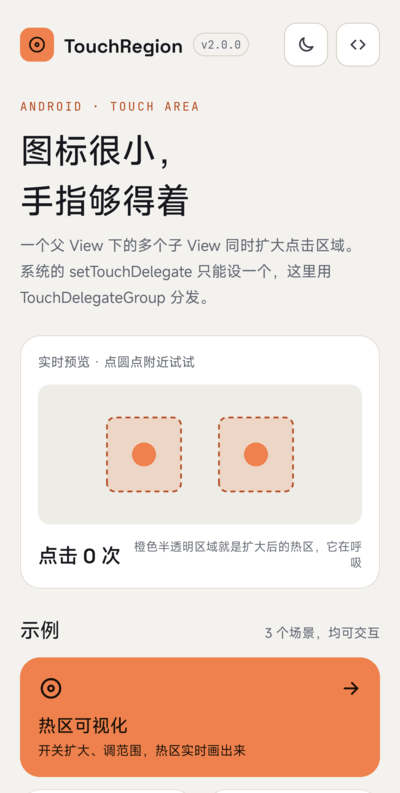
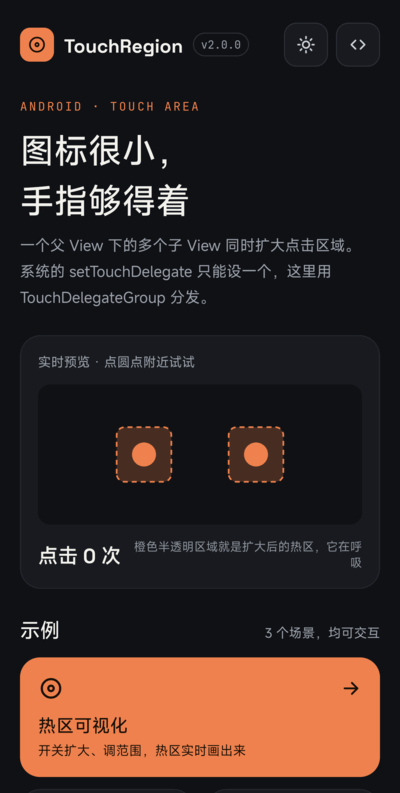
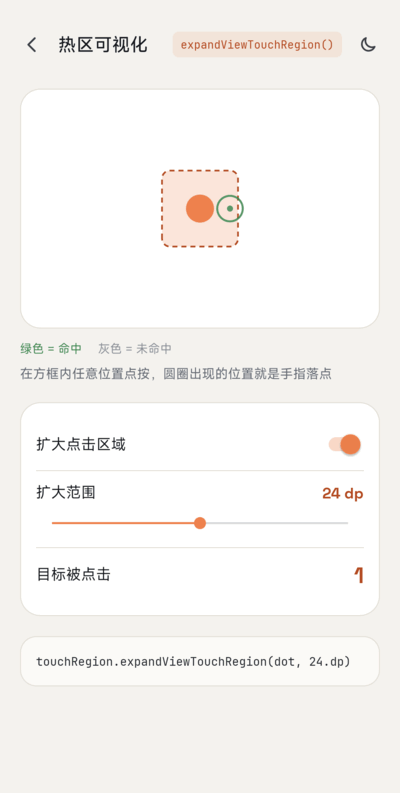
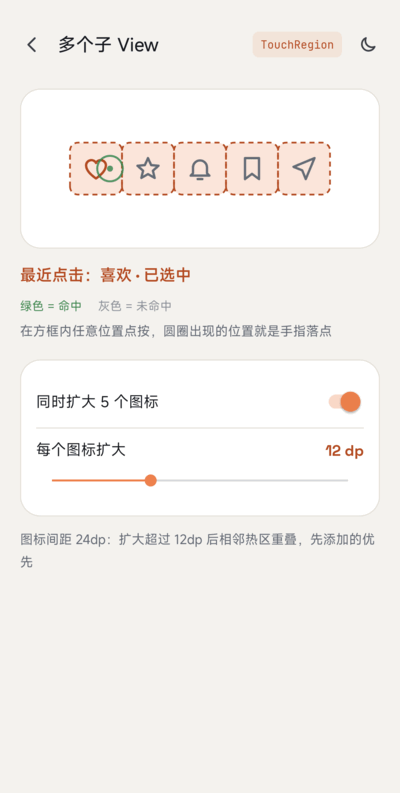
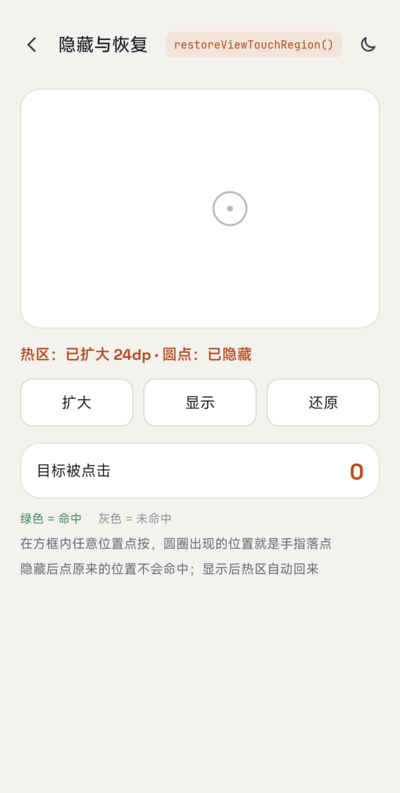
| Home | Dark mode | Hot zone | Multiple views | Hide & restore |
|---|---|---|---|---|
 |
 |
 |
 |
 |
Do you need it?
For a single view, the platform already has what you need: TouchDelegate on the parent, or simply larger padding / minWidth / minHeight on the view.
The catch is that a view group has only one touch delegate (View.setTouchDelegate). TouchRegion's value is a TouchDelegateGroup that dispatches to many delegates, so several children of the same parent can all get a larger click area. It also computes the area at touch time, so it follows layout changes and ignores children that are hidden or removed (a plain TouchDelegate keeps the rectangle from when it was created).
Accessibility guidance recommends touch targets of at least 48dp x 48dp. Prefer fixing that in the layout when you can; use TouchRegion when the visual size must stay small.
Usage
Gradle:
- Add the JitPack repository to
settings.gradle:
dependencyResolutionManagement {
    repositories {
        google()
        mavenCentral()
        maven { url = 'https://jitpack.io' }
    }
}
- Add the dependency to your module's
build.gradle:
implementation 'com.github.venshine:TouchRegion:2.0.0'
Gradle Kotlin DSL:
// settings.gradle.kts
dependencyResolutionManagement {
    repositories {
        google()
        mavenCentral()
        maven("https://jitpack.io")
    }
}

// build.gradle.kts
implementation("com.github.venshine:TouchRegion:2.0.0")
Since 2.0.0 the library is written in Kotlin and published via JitPack. The old coordinate
com.wx.touchregion:touchregioncan no longer be downloaded.
Demo
The package name is still com.wx.touchregion. The sample app visualizes the enlarged hot zones: a zone viewer with an adjustable range, a row of icons enlarged together, and hiding / restoring a view; it supports light and dark themes.
Kotlin:
val touchRegion = TouchRegion(parentLayout)          // the common parent of the views
val margin = (16 * resources.displayMetrics.density).toInt()
touchRegion.expandViewTouchRegion(button1, margin)   // 16dp on every side
touchRegion.expandViewTouchRegion(button2, 40, 8, 40, 8)  // left, top, right, bottom in px
touchRegion.restoreViewTouchRegion(button1)          // back to its own size
Java:
TouchRegion touchRegion = new TouchRegion(parentLayout);
touchRegion.expandViewTouchRegion(button1, 300);
touchRegion.expandViewTouchRegion(button2, 500, 100, 500, 100);
Methods:
| method | description |
|---|---|
TouchRegion(ViewGroup parent) |
Create a region helper for the children of parent |
TouchRegion(View child) |
Same, using the parent of child (it must already be attached; otherwise IllegalArgumentException) |
expandViewTouchRegion(View view, int margin) |
Enlarge by margin px on every side |
expandViewTouchRegion(View view, int left, int top, int right, int bottom) |
Enlarge by a different amount per side (px) |
restoreViewTouchRegion(View view) |
Back to the view's own bounds |
Notes:
viewmust be a direct child of the parent given toTouchRegion; otherwiseIllegalArgumentException.- Calling
expandViewTouchRegionagain for the same view replaces the earlier margins. - The area never extends beyond the parent, because touches outside the parent never reach it.
- Where the areas of two children overlap, the one that was enlarged first gets the touch.
TouchDelegateGroupis public:addTouchDelegate,removeTouchDelegate,clearTouchDelegates. You can use it alone to combine ordinaryTouchDelegates.
Migrating from 1.x
- Coordinate:
com.wx.touchregion:touchregion:1.0.0becomescom.github.venshine:TouchRegion:2.0.0;minSdkis now 21. expandViewTouchRegiontakes effect immediately. 1.x applied it withpostafter layout and computed the area once.restoreViewTouchRegionnow really restores. In 1.x it added an empty delegate behind the enlarged one, which did nothing.- Expanding the same view twice replaces the first margins instead of stacking up.
- The area follows the view when its layout changes, and hidden (
INVISIBLE/GONE) or removed views no longer receive touches. expandViewTouchRegionno longer callsview.setEnabled(true)as a side effect.- The view passed to
expandViewTouchRegionmust be a direct child of the parent given to the constructor. Other views used to be accepted and misbehaved. - The javadoc of 1.x listed the margin order as top, bottom, left, right; the real order was and is left, top, right, bottom.
Status
Maintained on a best-effort basis. The 2.0.0 rewrite has been checked on a real device running Android 17, and Robolectric unit tests dispatch real touch events.
Credits
The sample app bundles these fonts, both licensed under the SIL Open Font License 1.1 (license texts in sample/licenses/):
- Space Grotesk: Copyright 2020 The Space Grotesk Project Authors
- JetBrains Mono: Copyright 2020 The JetBrains Mono Project Authors
The library itself bundles no fonts.
License
Copyright (C) 2016 venshine.cn@gmail.com

Licensed under the Apache License, Version 2.0 (the "License");
you may not use this file except in compliance with the License.
You may obtain a copy of the License at

http://www.apache.org/licenses/LICENSE-2.0

Unless required by applicable law or agreed to in writing, software
distributed under the License is distributed on an "AS IS" BASIS,
WITHOUT WARRANTIES OR CONDITIONS OF ANY KIND, either express or implied.
See the License for the specific language governing permissions and
limitations under the License.
