openshelf
An app store for Android TV that lists open-source TV apps from GitHub and installs them from each project's releases, using only the remote.
Google Play on TV only carries apps that publish there. Plenty of good TV apps only live on GitHub, where installing one means a phone, a download link and a guess at which APK fits your box. Open Shelf does that part for you.
To install it, open the Downloader app on your TV and enter the code 3399820.
Questions, app suggestions and release news: join the Discord. Bugs go to GitHub issues.
If Open Shelf made your TV nicer to use, you can buy me a coffee.
What it does
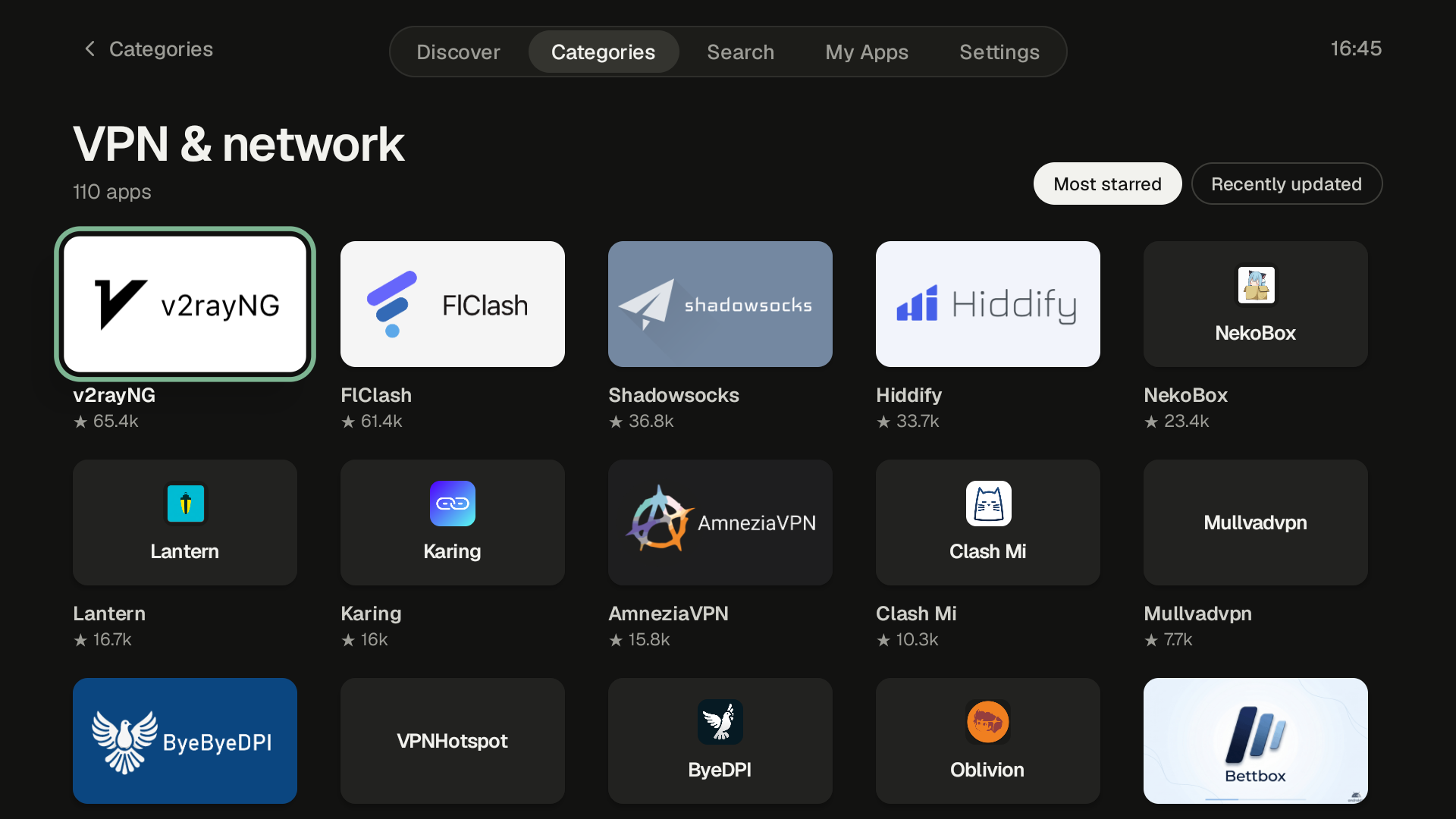
- Lists about 3,000 Android TV apps from GitHub, in 18 categories
- Every app in the list declares TV support in its manifest and ships an APK in its latest release
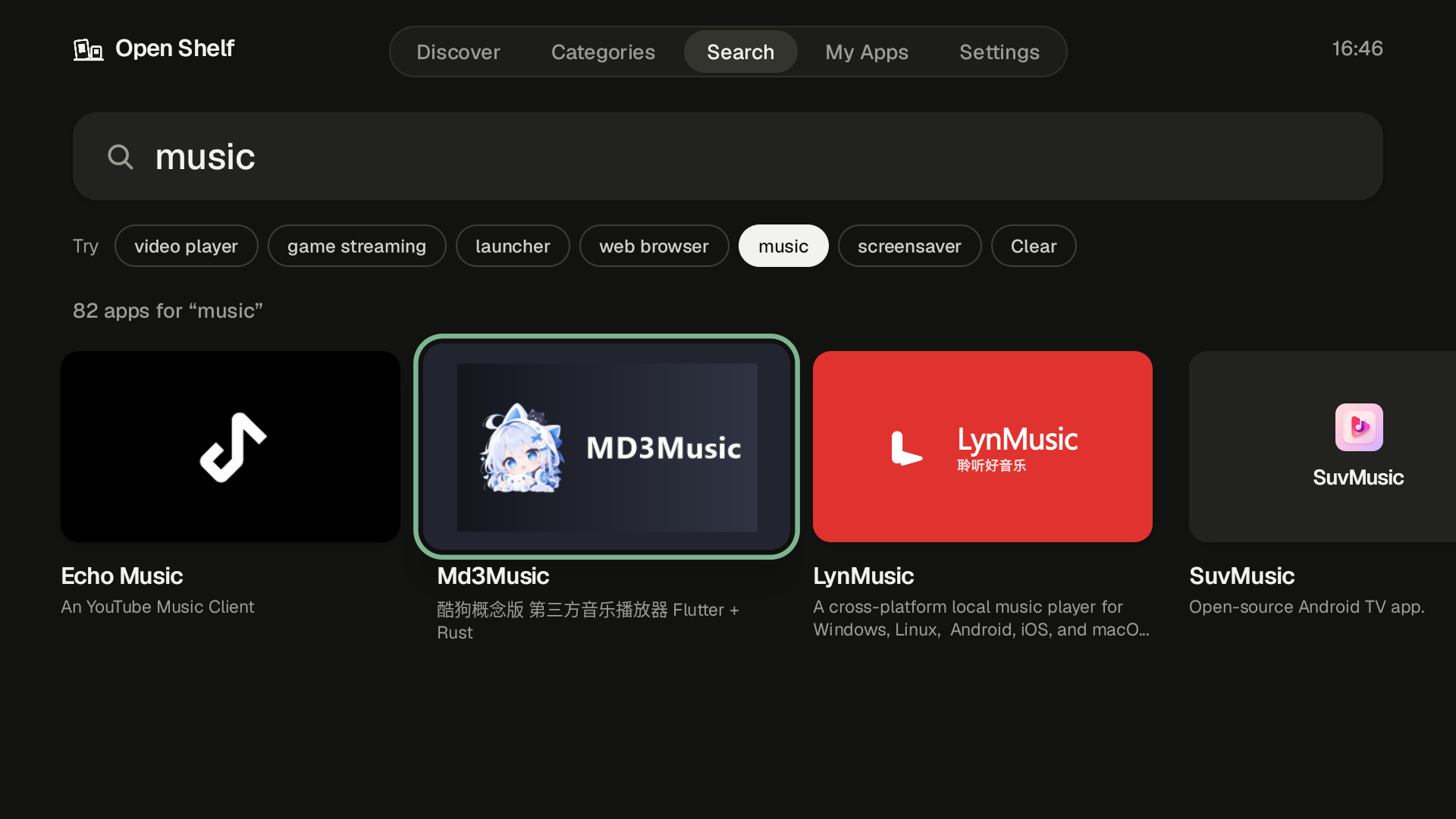
- Search by name or by what an app does, like "video player" or "launcher"
- Picks the APK that matches your TV's CPU
- Checks the signing key before installing an update, and holds the update if the key changed
- My Apps shows what's installed, with updates for apps in the catalog and a count of waiting updates on the tab
- On Android 12 and newer, updates to apps Open Shelf installed skip Android's confirmation screen, so Update all just runs
- App pages show screenshots from the project's README, the latest release notes, and older releases you can install
- Light and dark themes, and a choice of accent colours
- IPTV players and debrid or Stremio streaming clients are hidden by default, with a switch in Settings to show them
- When an app looks abandoned, its page points to a maintained fork if one ships a newer TV build
- In English, German, Spanish, Arabic, Japanese and Chinese (Simplified and Traditional), with a language switch in Settings. Arabic runs right to left
- Updates itself: when a new version is out, Open Shelf offers to install it
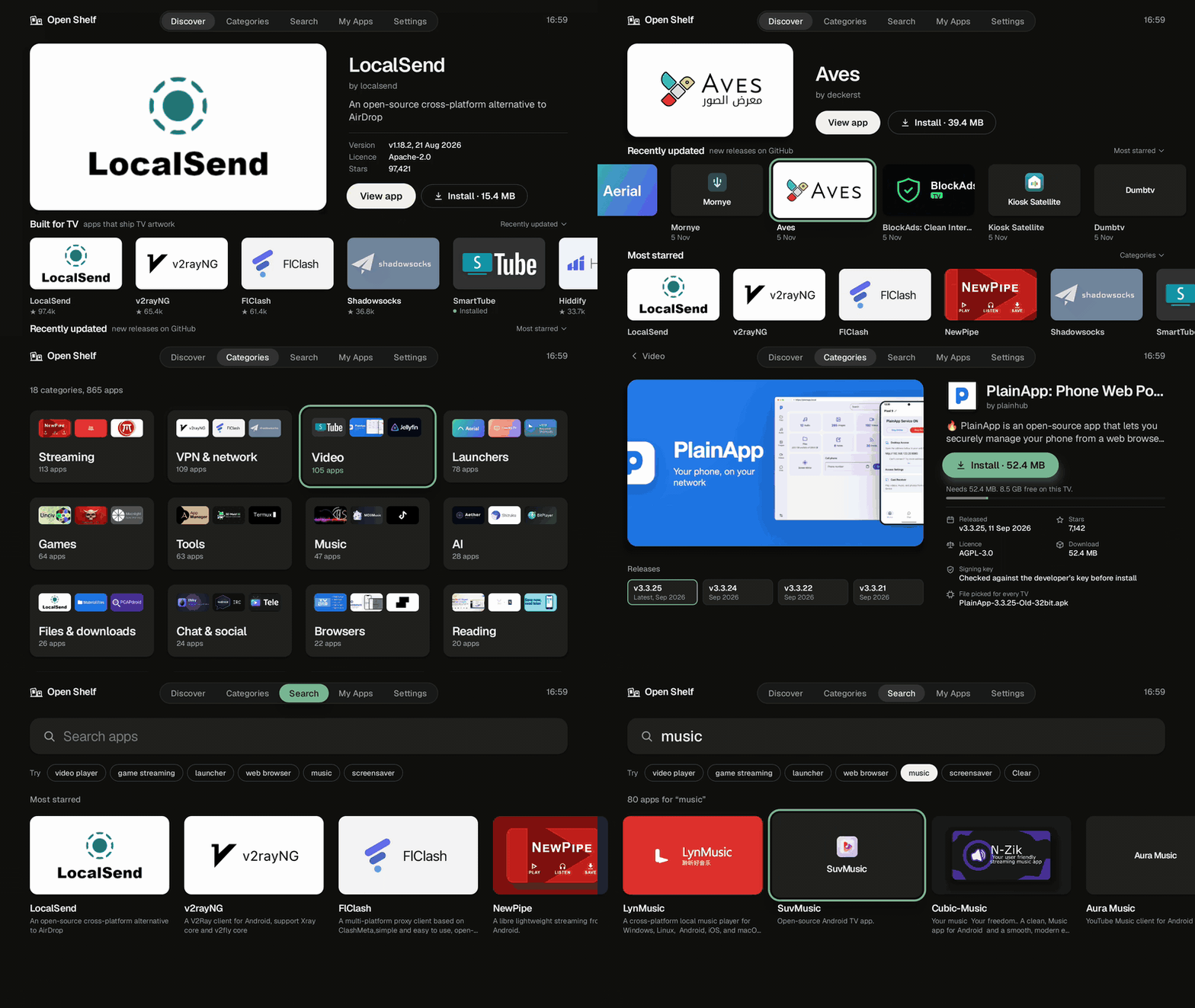
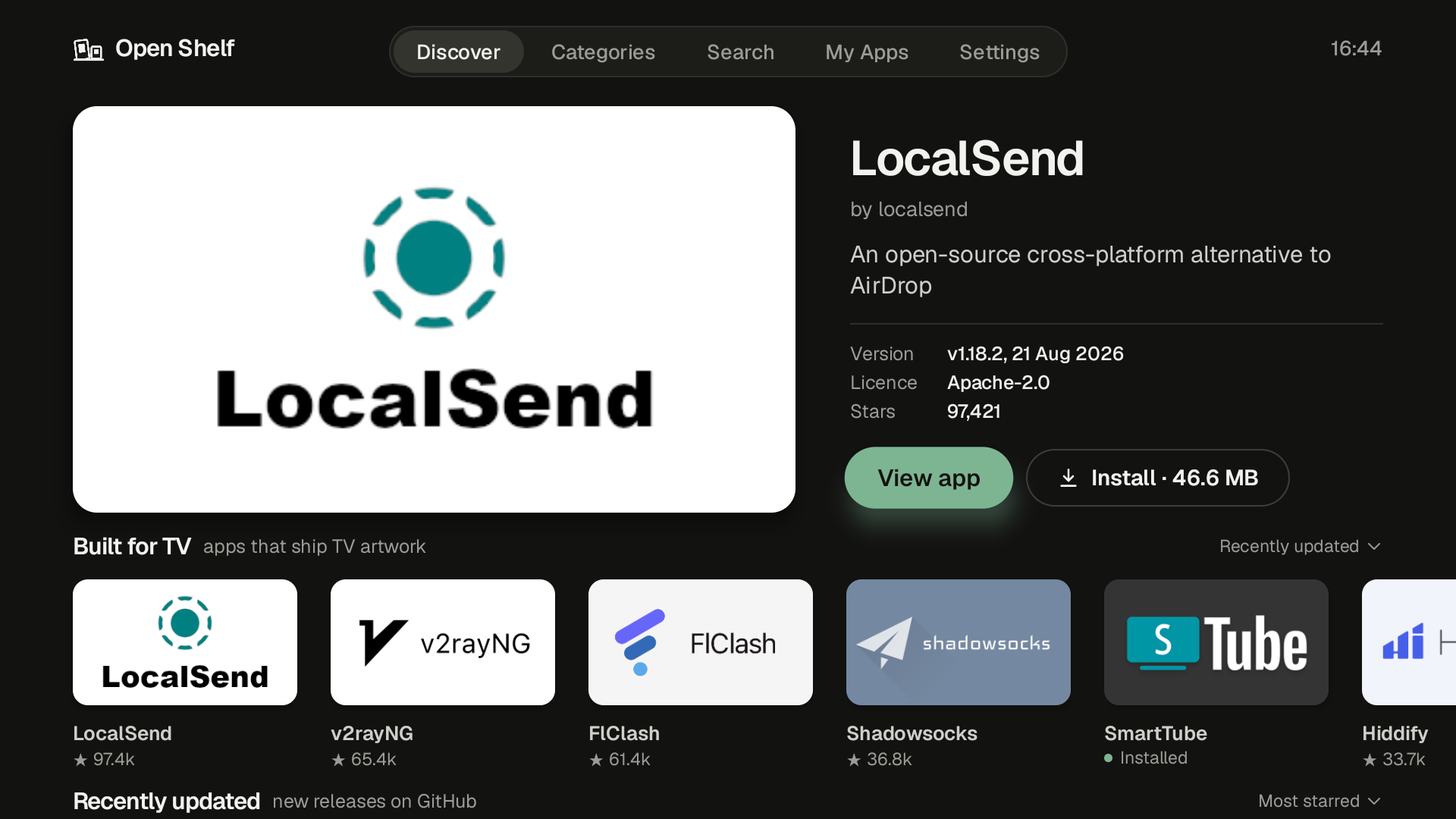
Screenshots
 |
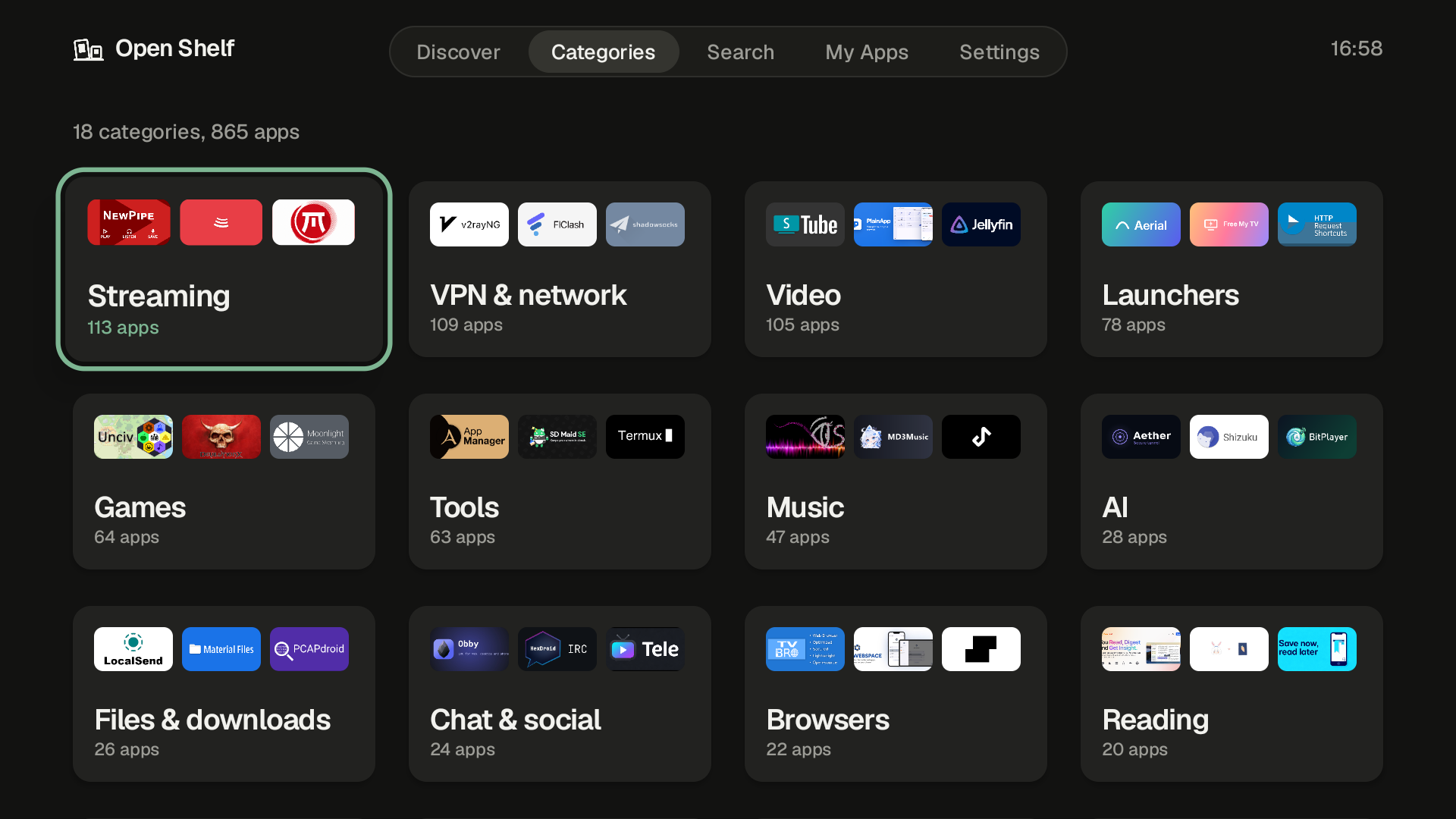 |
| Discover | Categories |
 |
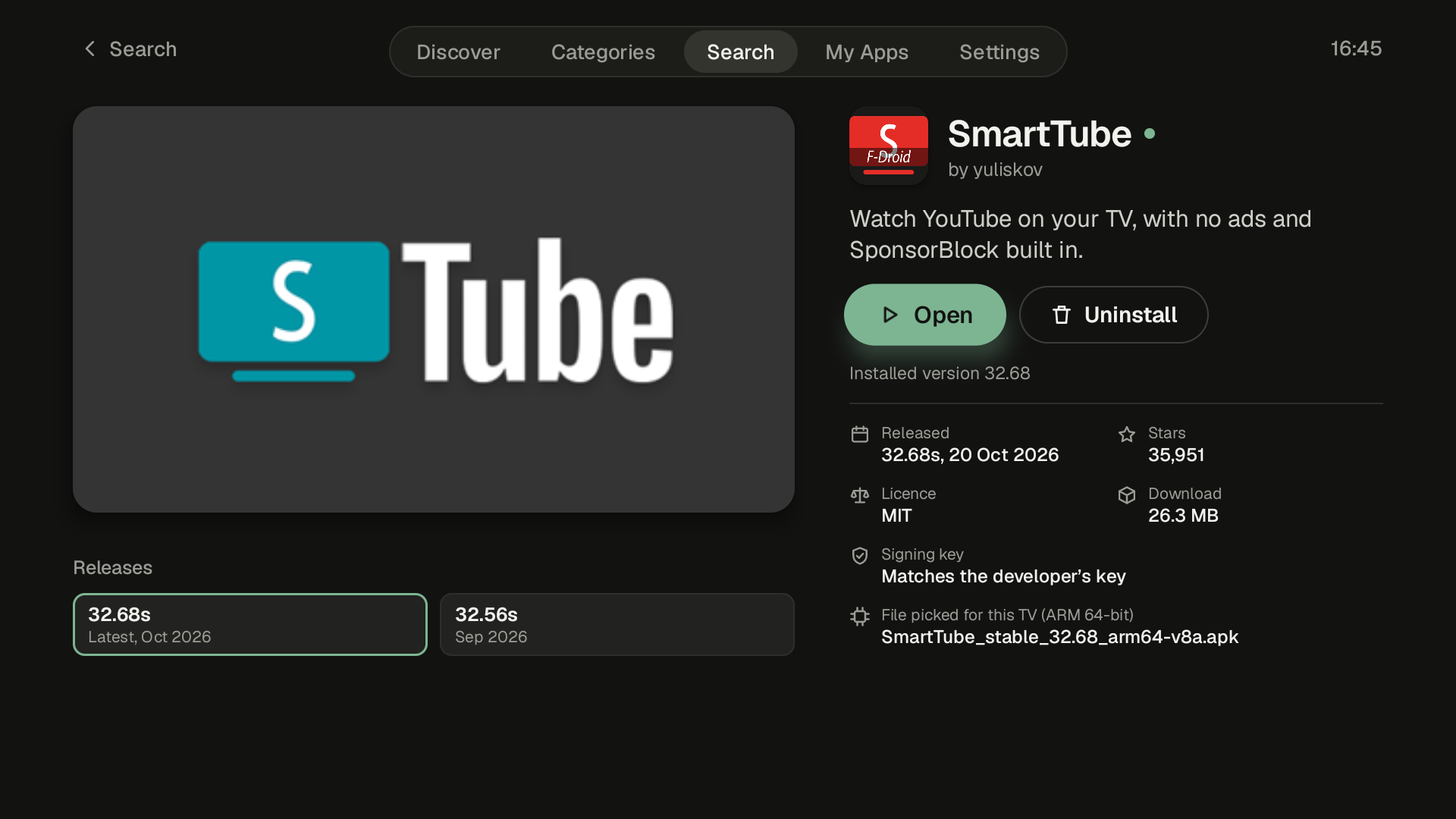 |
| A category | An app page |
 |
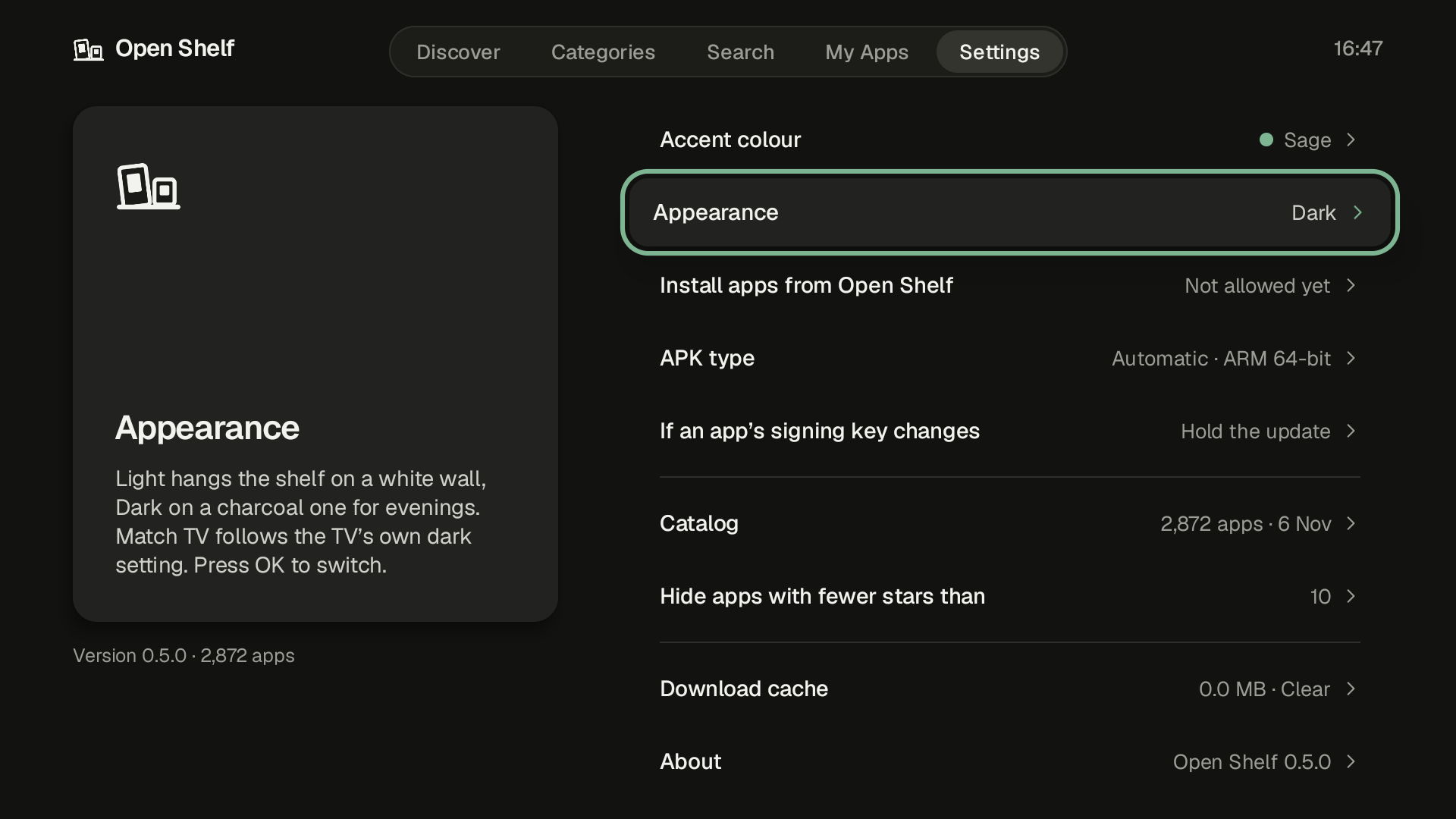 |
| Search | Settings |
Install
You need an Android TV, Google TV, Fire TV or other Android box running Android 9 or newer.
- On your TV, install Downloader from the Play Store, open it and enter the code
3399820. It always fetches the latest version. - Or download the latest
OpenShelf-x.y.z.apkfrom Releases and install it from a computer withadb install OpenShelf-x.y.z.apk. - The first time you install an app, Android asks you to allow installs from Open Shelf. Allow it once.
After that, new versions of Open Shelf show up in My Apps, so you only sideload it once.
Troubleshooting
Play Protect says "Harmful app blocked"
Play Protect is wary of new apps that can install other apps. Tap More details, then Install anyway. If that option isn't there, open the Play Store, go to Play Protect, turn off "Scan apps with Play Protect", install Open Shelf and turn scanning back on.
"App not installed"
- Compare the downloaded file's size with the one on the Releases page. A smaller file means the download was cut short.
- If Play Protect showed a warning first, see above.
- From a computer,
adb install OpenShelf-x.y.z.apkprints the exact reason, likeINSTALL_FAILED_....
The switch to allow installs won't turn on
Apps that draw over the screen, like blue light filters or floating buttons, stop Android from accepting presses on permission switches. Turn them off and try again, or run this from a computer:
adb shell appops set io.github.wingedpanther.openshelf REQUEST_INSTALL_PACKAGES allow
My TV runs Android 8 or older
Open Shelf needs Android 9 or newer, so it won't install there.
The catalog
The app list is built from public GitHub data and ships inside the APK. An app is included when:
- the repository isn't a fork, unless the fork has at least 10 stars and either:
- adds a TV build to an app that never had one,
- turns a TV app into its own app, under a different package name, or
- ships a newer TV build of an app that's archived or hasn't had a release in a year
- its latest release has an APK, published in the last 3 years
- that APK's manifest has the Android TV launcher entry
Apps with fewer than 10 stars stay out of browsing, but search still finds them by their exact name.
Build
Needs JDK 17 or newer and the Android SDK. Point local.properties at the SDK (sdk.dir=...), then:
./gradlew assembleRelease
Release builds are signed with the debug key unless a keystore.properties file sits in the project root with storeFile, storePassword, keyAlias and keyPassword.
Translations
All the app's text is in app/src/main/res/values/strings.xml. To add a language, copy that file to values-<code>/strings.xml (for example values-de for German), translate the text and open a pull request.
- Keep placeholders like
%1$sand%1$das they are. They're filled in with names and numbers. fmt_date,fmt_short_dateandfmt_month_yearare date patterns. German would used. MMM yyyy.- App descriptions come from each project's GitHub page and stay in English.
Licence
Open Shelf is licensed under the GNU General Public License v3.0. See LICENSE.
The Geist font is licensed under the SIL Open Font License 1.1. See FONT-LICENSE-OFL.txt.
App names, descriptions and artwork in the catalog belong to their projects.