OpenMonoAgent.ai
Built to democratize AI. Powered by .NET.







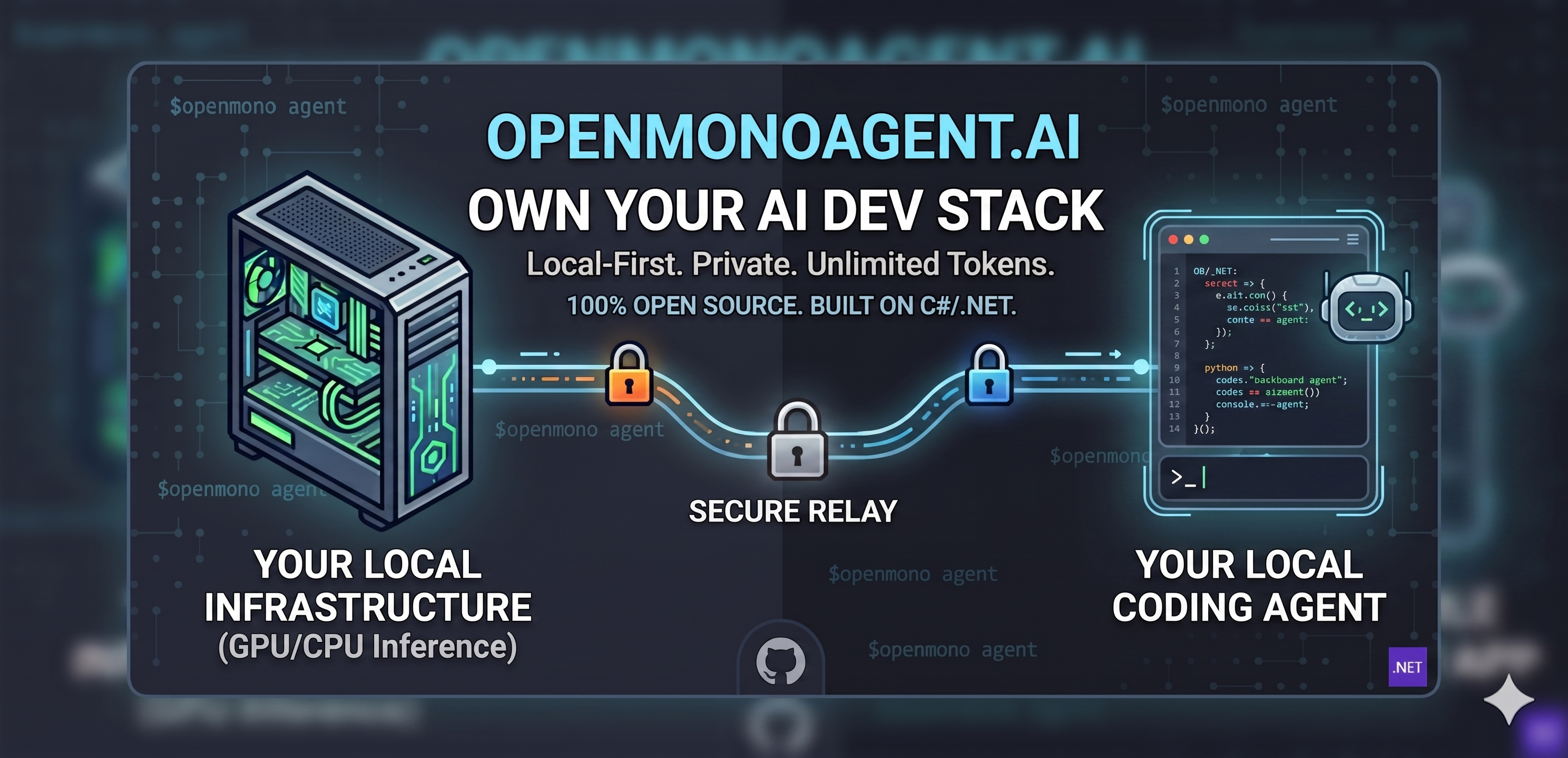
OpenMono is a coding agent that runs entirely on your hardware — no subscriptions, no data leaving your network, no per-token billing. It pairs a .NET 10 CLI with its own llama.cpp inference server, giving you a full agentic loop with 20 built-in tools, Docker sandboxing, and deep code intelligence. GPU or CPU, it auto-configures itself. You own the model, the compute, and the data.
bash <(curl -fsSL https://raw.githubusercontent.com/StartupHakk/OpenMonoAgent.ai/refs/heads/main/get-openmono.sh)
Then from any project:
cd your-project/

openmono agent          # TUI mode (default)
openmono agent --classic    # classic scrolling terminal
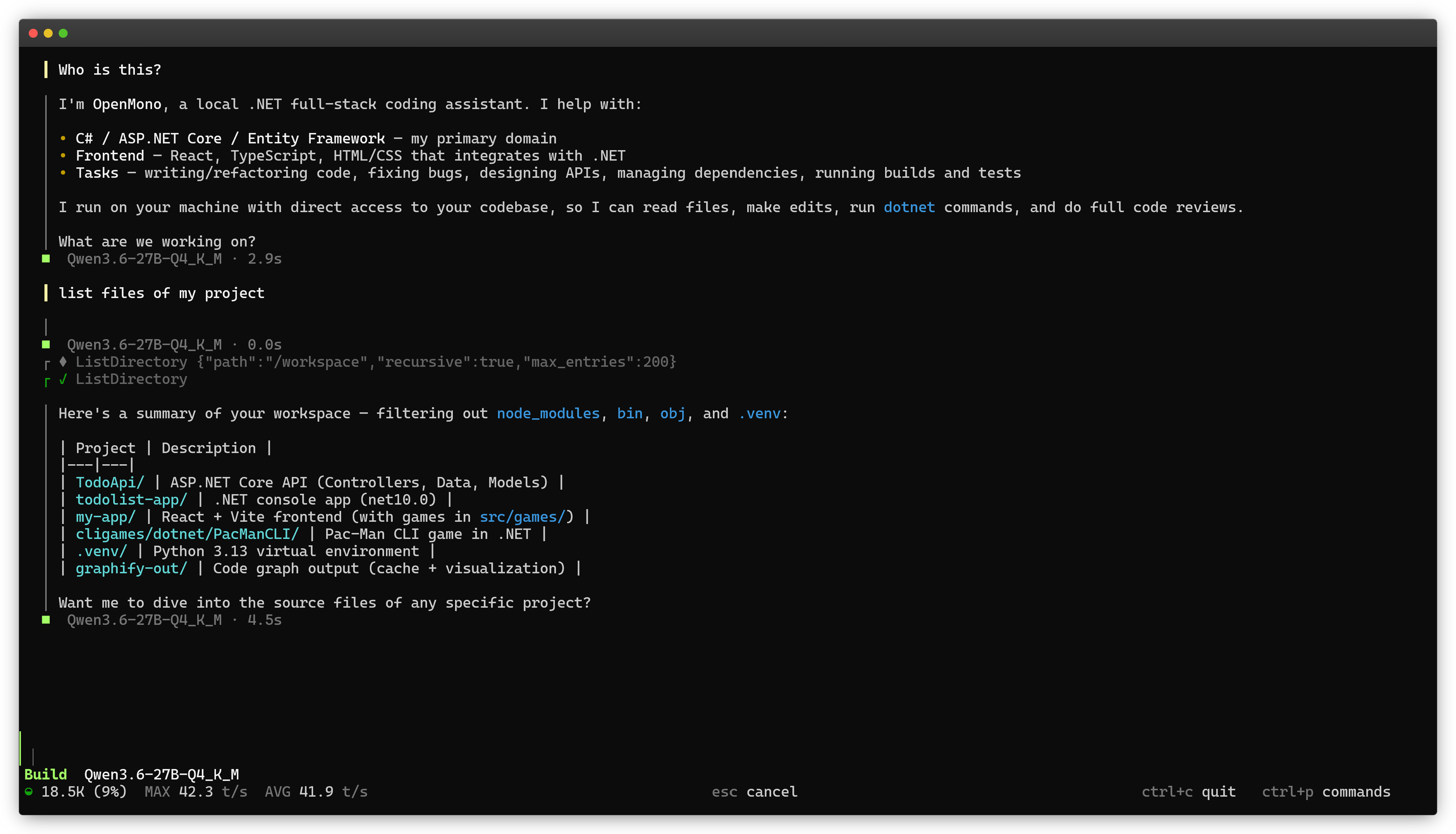
[!NOTE] TUI mode is the default for interactive terminals. Use
openmono agent --classicfor CLI.
→ Full command reference — daily commands, setup flags, GPU/CPU options
How it compares
Most coding agents are cloud products wearing an open-source label. Your prompts, your code, and your context hit someone else's servers on every keystroke. You pay per token, forever, with no ceiling.
OpenMono runs the model on your hardware via llama.cpp — an RTX 3090 or a workstation NUC is all you need. After the one-time setup, inference costs nothing. Your code never leaves the machine. No account, no usage dashboard, no API key.
It's a full agentic loop: 20 tools, sub-agents, Docker sandboxing, LSP code intelligence, native Roslyn C# analysis, MCP integration, and playbooks. Runs at ~45 tok/s on GPU, ~20 tok/s on CPU.
| OpenMono | Claude Code | OpenCode | |
|---|---|---|---|
| Inference cost | Zero per token (local) | Per-token billing | Per-token billing |
| Data privacy | Fully offline capable | Cloud only | Depends on provider |
| Default inference | llama.cpp bundled, zero config | Anthropic API required | BYO provider, no bundled inference |
| Sandboxing | Docker-native | Host process | Host process |
| Code intelligence | LSP + Roslyn + MCP graph tools | File reads | LSP (30+ servers) |
| Extensibility | Playbooks (typed, composable) | Skills (markdown) | Plugins (TS SDK) |
| MCP | Client (stdio) | Full client | Full client |
| UI | TUI + CLI | Web, Desktop, VS Code, CLI | TUI, Desktop, Web |
What's inside
|
01 · Bundled inference — zero config, zero cost
|
02 · Agentic loop that earns its name |
|
03 · 20 tools, 12-step pipeline |
04 · 5 specialist sub-agents
|
|
05 · Docker sandbox |
06 · Deep code intelligence Auto-detects graphify (semantic concept graph, 25+ languages) and code-review-graph (structural call graph via MCP, ~22 tools) if installed — no config needed. |
|
07 · Playbooks |
08 · 4 providers, hot-swappable |
|
09 · Distributed inference |
10 · Vision |
Supported Hardware
| VRAM / RAM | Model | Accuracy | Speed |
|---|---|---|---|
| GPU 24 GB+ | Qwen3.6-27B-Q4_K_M | Full | ~45–70 tok/s |
| GPU 16 GB | Qwen3.6-27B-UD-IQ3_XXS | Lower | ~20–42 tok/s (4060 Ti → 4080) |
| GPU 12 GB | Qwen3.5-9B-Q4_K_M | Lower | ~38–40 tok/s (RTX 3060) |
| CPU 24 GB RAM | Qwen3.6-35B-A3B-UD-Q4_K_XL | Full | ~17–20 tok/s |
[!NOTE] The installer detects your hardware and selects the right model automatically — no config needed. 12 GB and 16 GB GPU cards are supported but run lower accuracy models. For best results, use a 24 GB card. Requires Ubuntu 26.04 LTS (recommended) or 25.10.
Architecture
A .NET 10 CLI driving a local llama.cpp inference server over HTTP, everything sandboxed in Docker. The agent streams tokens, dispatches tool calls through a 12-step pipeline, and loops until done.
Configuration
Settings load from ~/.openmono/settings.json (user-level) or .openmono/settings.json (project-level) — reference, providers, permissions, MCP servers
→ Full configuration reference
Commands & shortcuts
14 slash commands including /think, /undo, /resume, and /export. Full keyboard shortcut reference for TUI mode.
→ Commands, slash commands & keyboard shortcuts
Docs
- Roadmap
- Setup & commands — daily commands, TUI vs classic, flags
- Architecture — .NET CLI + llama.cpp + Docker, full diagram
- Models & reasoning mode
- Configuration — settings.json, providers, permissions, MCP servers
- Tools
- Playbooks
- graphify — semantic code graph, 25+ languages
- code-review-graph — structural call graph via MCP
- Contributing
[!NOTE] OpenMono is in Public Beta. Early access is open, and we're shipping updates fast. Try it out and tell us what you'd like to see next.
Contributing
OpenMono is early and moving fast. Contributions are welcome — new tools, providers, LSP servers, playbooks, bug fixes, or docs.
Read the contributing guide before opening a PR.
"AI shouldn't be a subscription you rent. It should be infrastructure you own —
sitting on your desk, serving your code, answering only to you."
— Startup Hakk

GNU AFFERO GENERAL PUBLIC LICENSE v3.0 · © 2026 StartupHakk
