
Flectar Mail
English · Español · Deutsch · Français · Português (Brasil) · Русский · हिन्दी · العربية · 简体中文
Email, made fast again
Built from the ground up for speed. Flectar Mail delivers native performance, instant startup, and about 20 MB of private memory at idle.
Website · Report an issue · Contribute





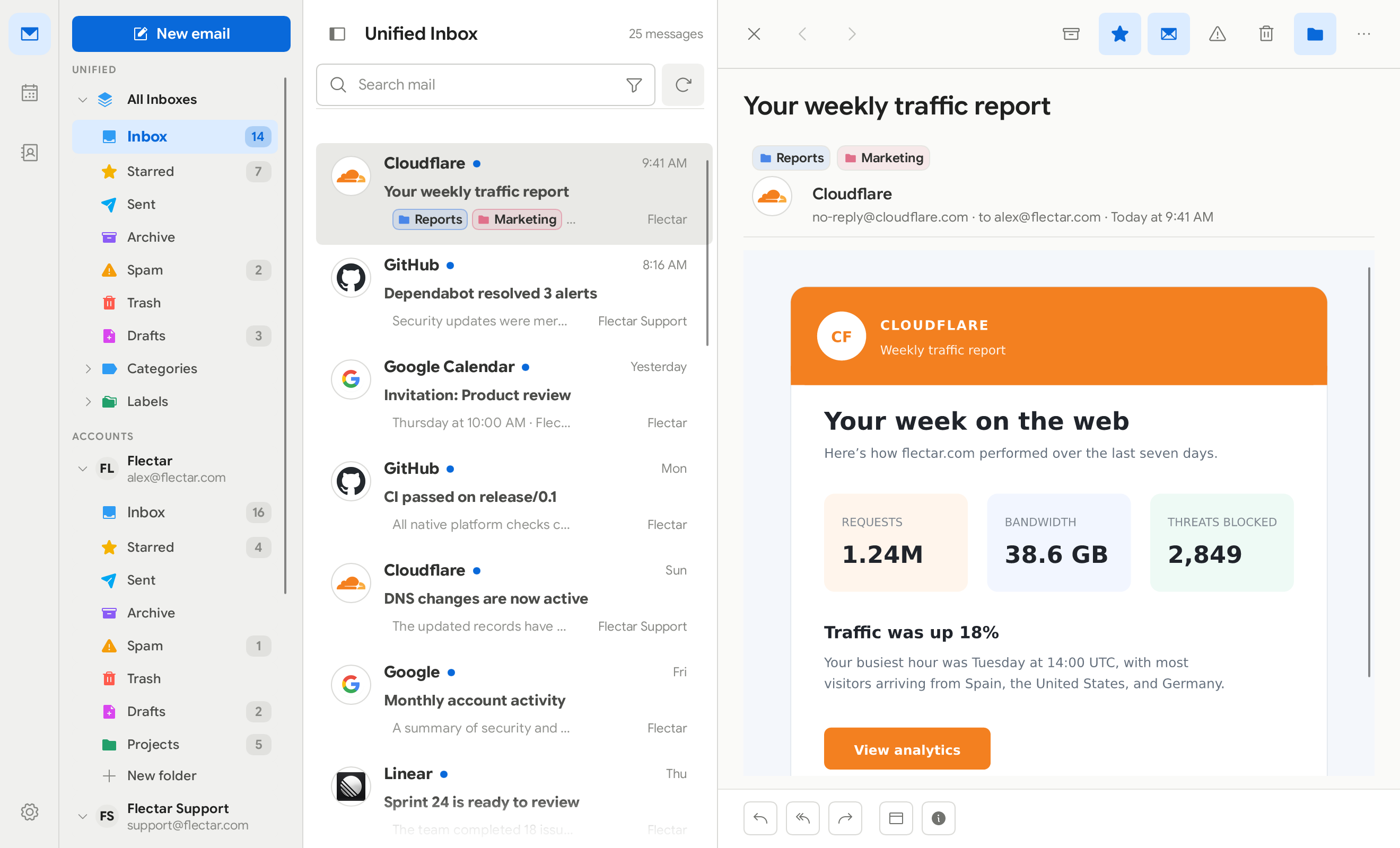
Flectar Mail is a lightweight, native home for your email, calendars, and contacts. It is engineered to open instantly, stay responsive, and use a fraction of the memory of a typical web-based mail client.
| Benefit | Details |
|---|---|
| Fast from the first click | A native interface and local-first data path get you to your inbox without waiting on a browser runtime. |
| About 20 MB of private memory at idle | About 85 MB counting its code and libraries, and a twelfth of Thunderbird's private memory with the same mailbox. See Performance. |
| Everything in one place | Move between mail, calendars, and contacts without stitching together separate apps. |
| Offline by design | Your mailbox and calendar are stored locally, so your synced data stays useful without a connection. |
| Works with your accounts | Gmail, Outlook and Microsoft 365, or standards-based IMAP, POP3, SMTP, JMAP, CalDAV, and CardDAV services. |
| Privacy-conscious defaults | Remote images are blocked until you allow them, so tracking pixels can't report when you read a message. |
| Security by architecture | Email is never opened in a WebView. A Rust-native pipeline renders its HTML and CSS without running email scripts, avoiding the embedded-browser attack surface. |
| An experimental Rust renderer | Rendering email without a browser engine is new territory. Complex messages may not render correctly yet while compatibility improves. |
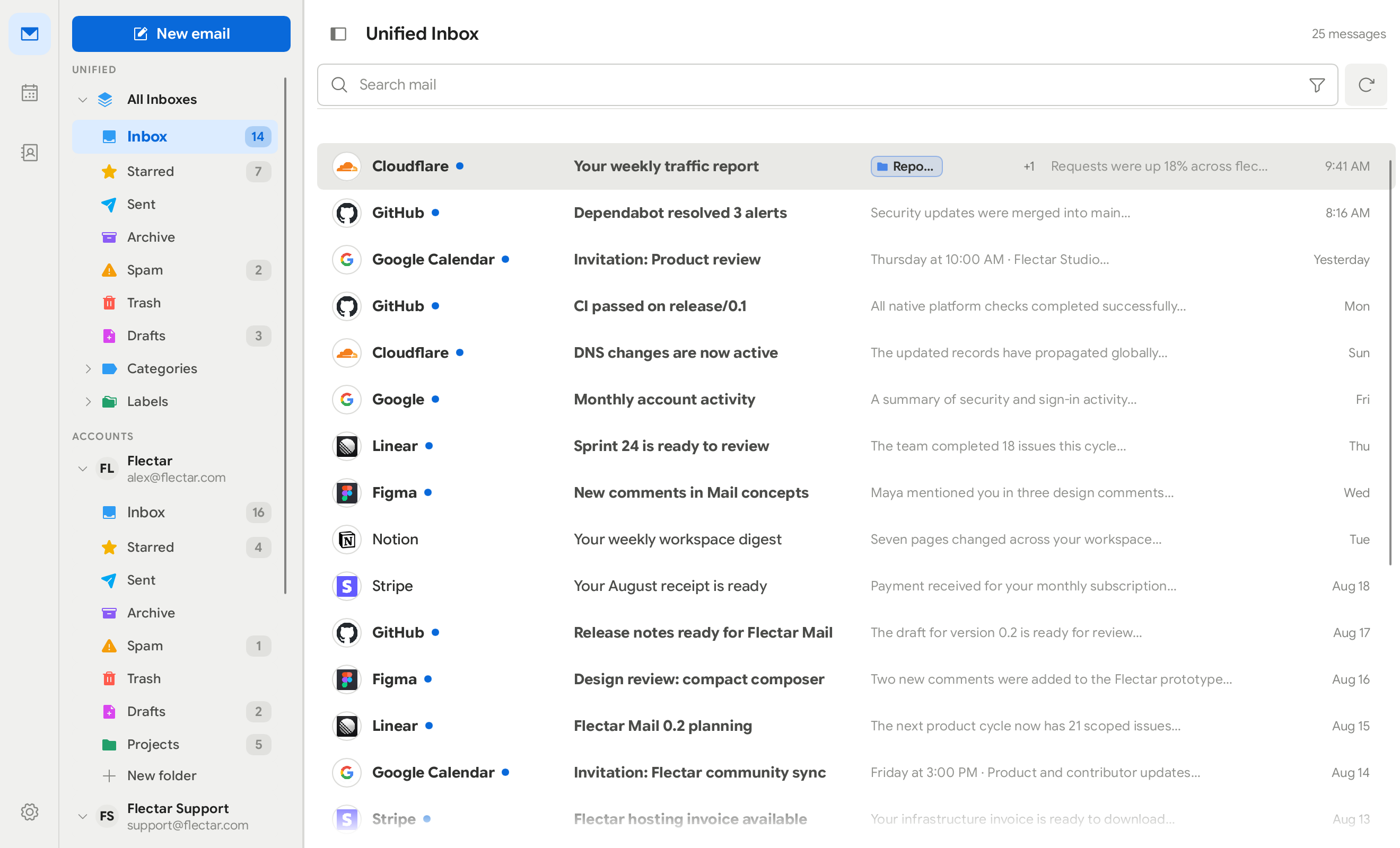
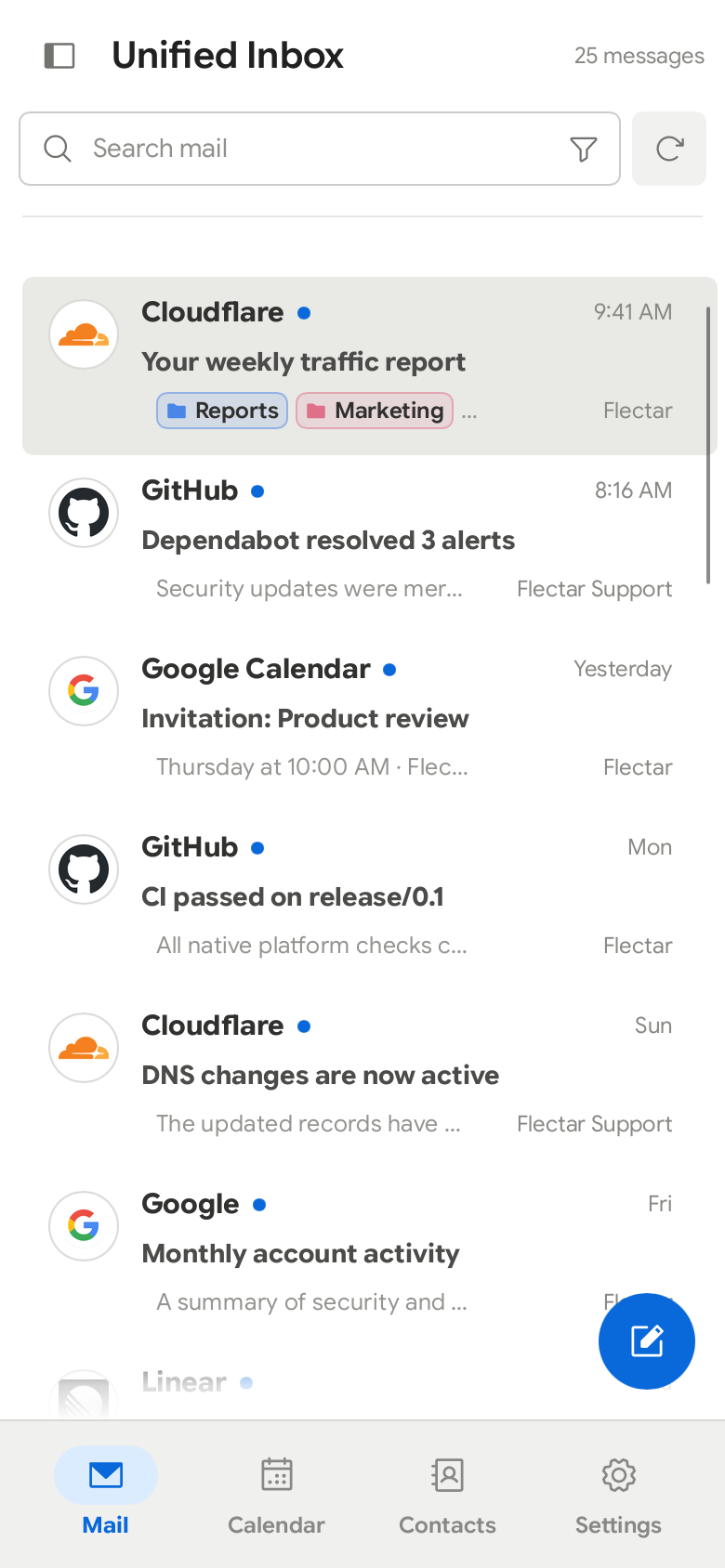
| Made for every screen | Spacious and minimal desktop layouts share the same experience as the touch-friendly compact interface. |
| Native and open source | Built from the ground up with Rust, not a browser wrapped in a window, and released under the AGPLv3. |
⚡ Performance
| Idle, same mailbox | Private memory | Including code and libraries (PSS) | Renders email with |
|---|---|---|---|
| Flectar Mail | 17.2 – 17.4 MiB | 79.1 – 80.0 MiB | Blitz |
| Geary 46 | 126.1 – 126.2 MiB (+629%) | 309.6 – 311.4 MiB (+290%) | WebKitGTK |
| Evolution 3.56 | 191.0 – 192.2 MiB (+1,008%) | 395.0 – 395.9 MiB (+397%) | WebKitGTK |
| Thunderbird 159 | 244.1 – 248.1 MiB (+1,323%) | 424.4 – 427.1 MiB (+435%) | Gecko |
| Betterbird 153 | 243.9 – 247.8 MiB (+1,321%) | 411.9 – 419.7 MiB (+423%) | Gecko |
| Mailspring 1.26 | 311.4 – 314.9 MiB (+1,710%) | 551.1 – 551.7 MiB (+593%) | Chromium |
| Aerion 0.3.6 | 421.9 – 437.3 MiB (+2,383%) | 660.4 – 678.0 MiB (+741%) | WebKitGTK |
Measured on Linux with one IMAP account (860 messages), the inbox open and an HTML newsletter displayed, 60 seconds after launch, with the default CPU renderer. Each range covers two runs, and each percentage shows how much more memory an app uses than Flectar Mail, comparing the means of those runs. Every process an app starts is counted. Private memory is what Windows Task Manager lists as Memory. On Windows, with 7 real accounts and about 69,000 unread messages, Task Manager showed 37.8 MiB with the window open and 4.2 MiB once it was closed to the tray. See how we measure and how to check it yourself.
How it compares
| Email client | Interface | Renders email with | Platforms |
|---|---|---|---|
| Flectar Mail | Native Rust app | Blitz, a Rust HTML/CSS renderer; no WebView | Windows, macOS, Linux, Android, iOS (sideloaded) |
| Thunderbird | Gecko-based desktop app | Gecko | Windows, macOS, Linux, Android |
| Outlook for Windows | Windows shell with a web UI | Microsoft Edge WebView2 | Windows |
| Spark | Electron app | Chromium | macOS, Windows, iOS, Android |
| Aerion | Go app with a Wails web UI | System WebView | Linux, macOS, Windows |
| Gmail in a browser tab | Web app | Chrome or another browser | Web |
✨ Features
| Feature | What it does |
|---|---|
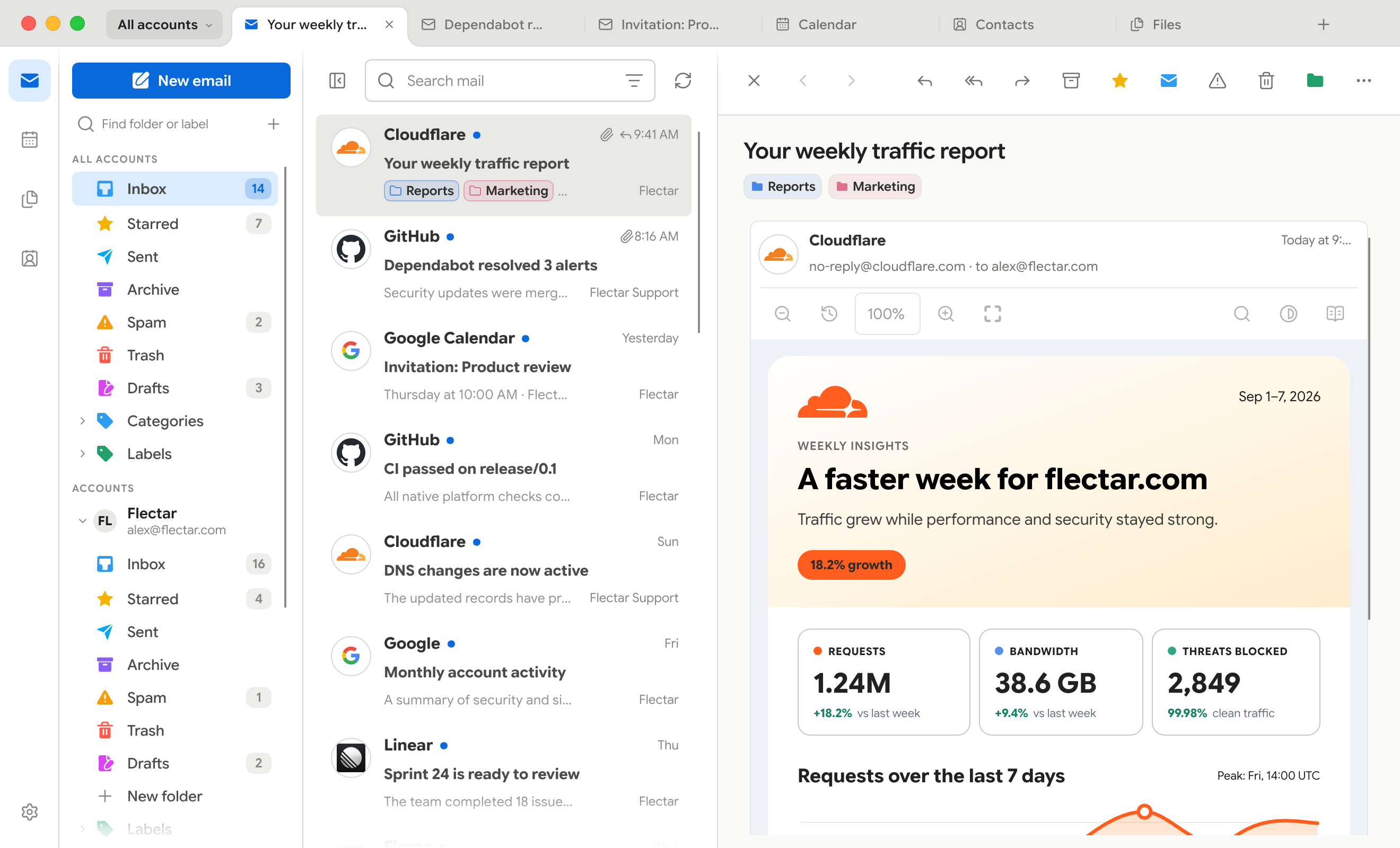
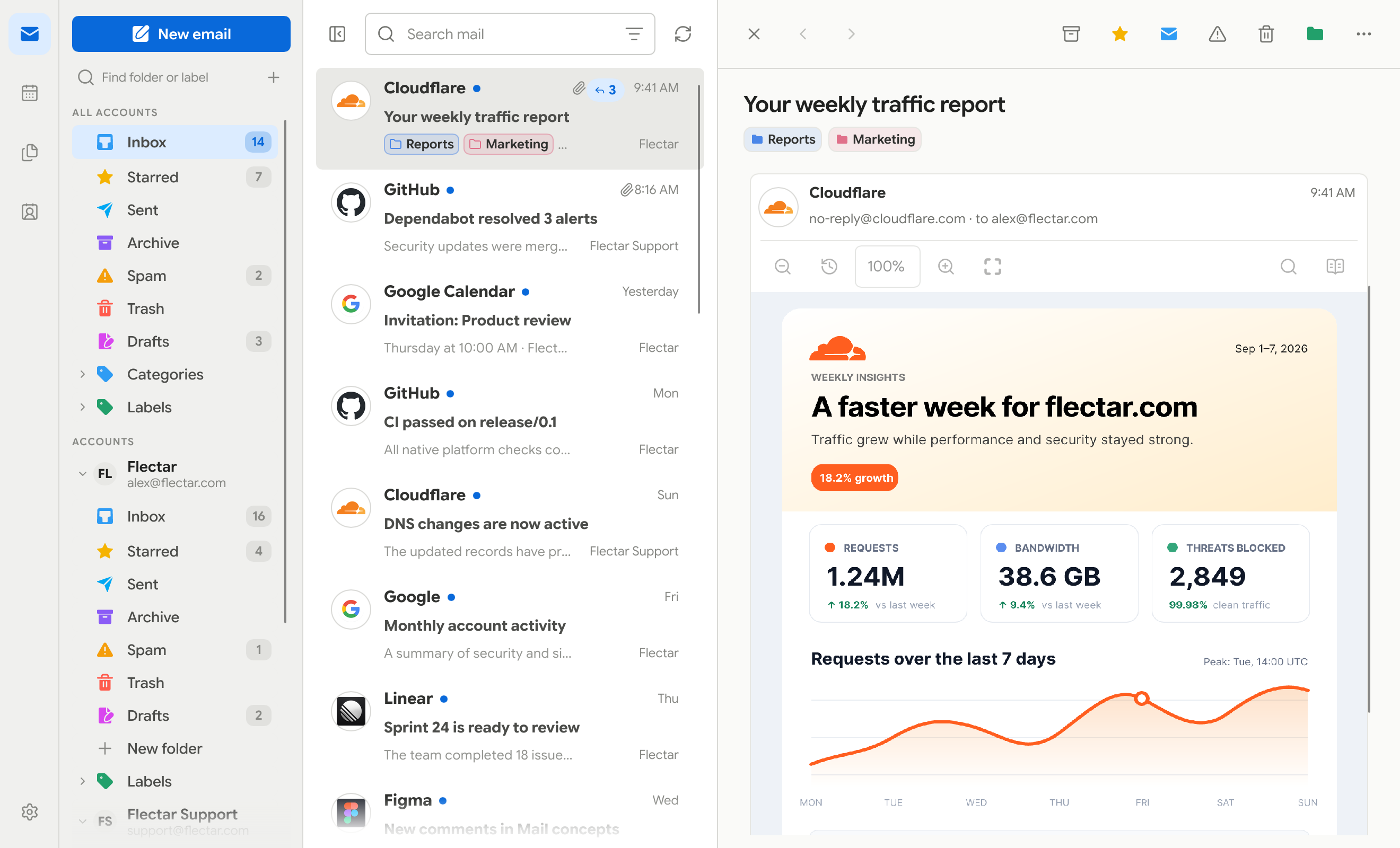
| Conversation threads | Groups replies in chronological order, with full keyboard navigation. You can turn it off. |
| Tabs | Browser-style tabs that remember their place, with shortcuts on desktop and a tab switcher on phones. |
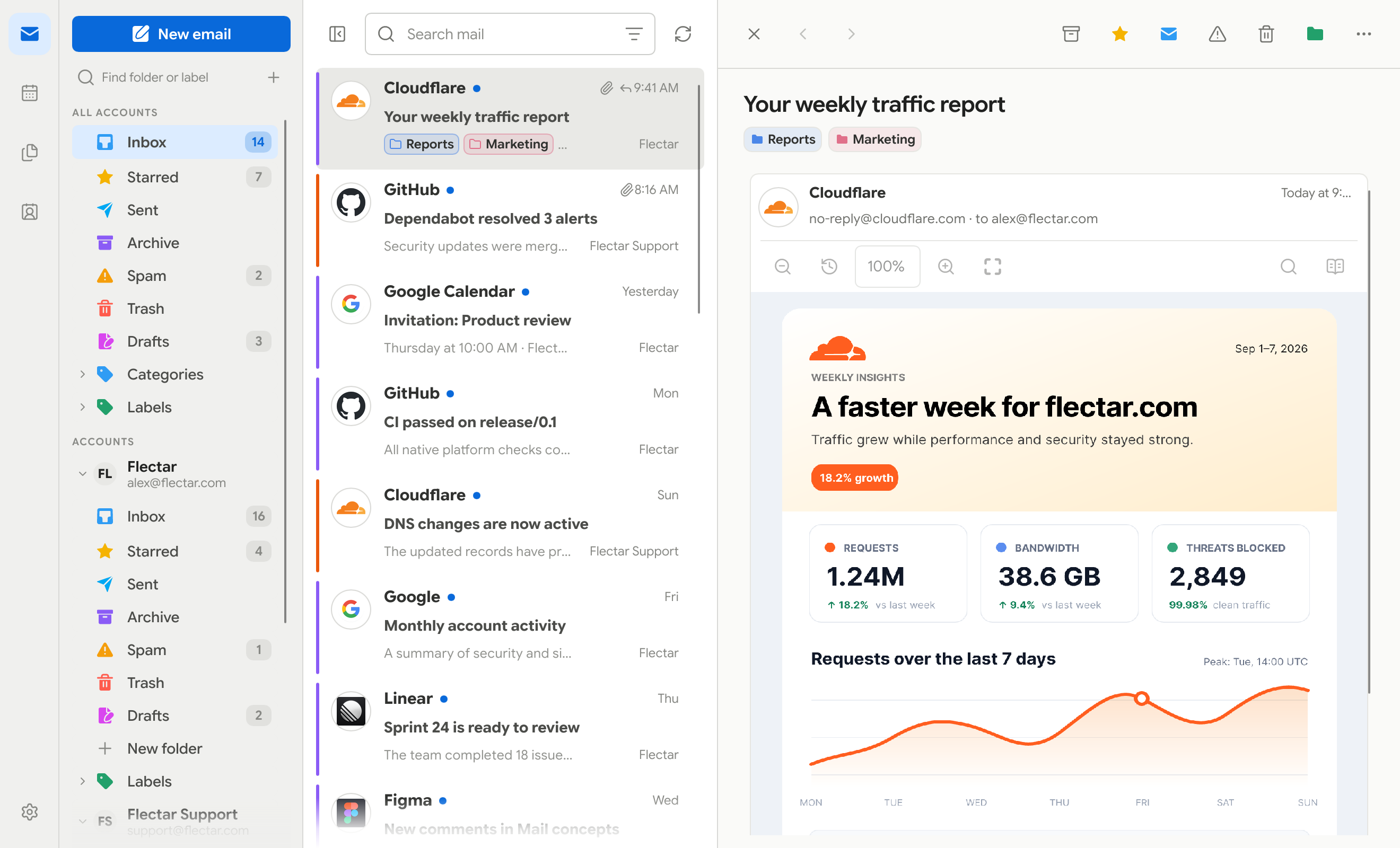
| Profiles and account colors | Groups accounts into profiles such as Work or Personal and color-codes every message. |
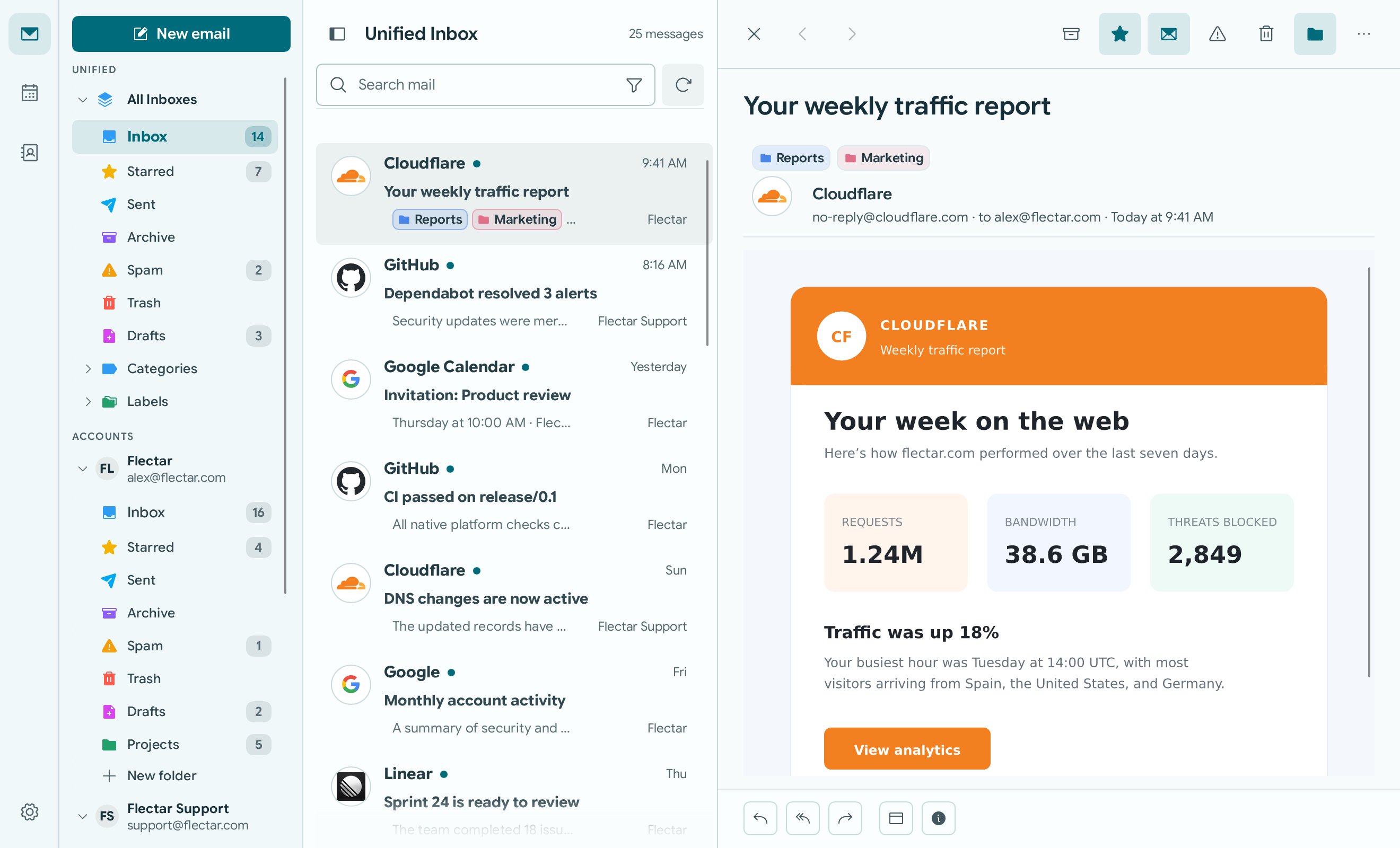
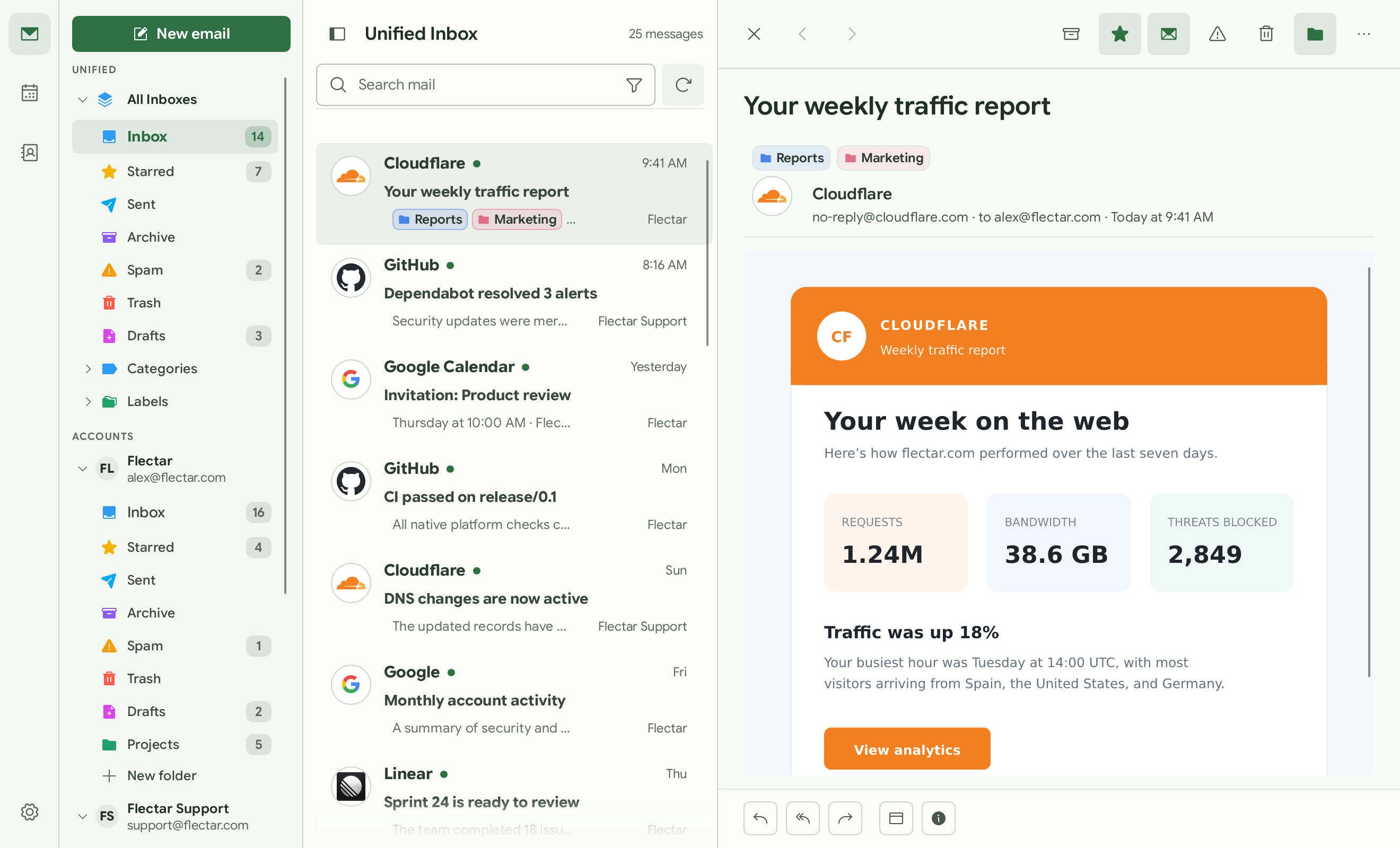
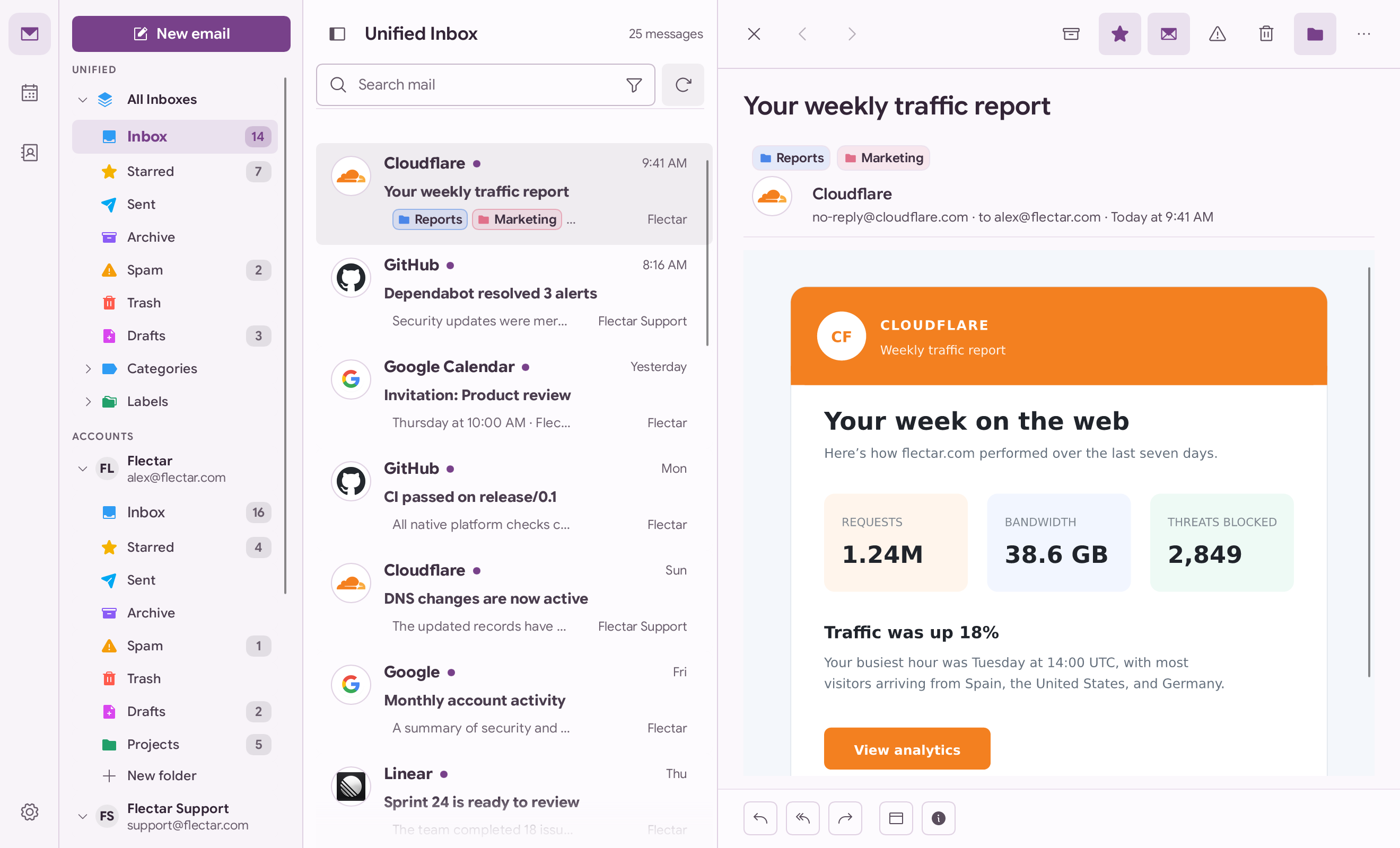
| Appearance | Full or minimal layout, light or dark theme, color palettes, sender avatars and app icon colors. |
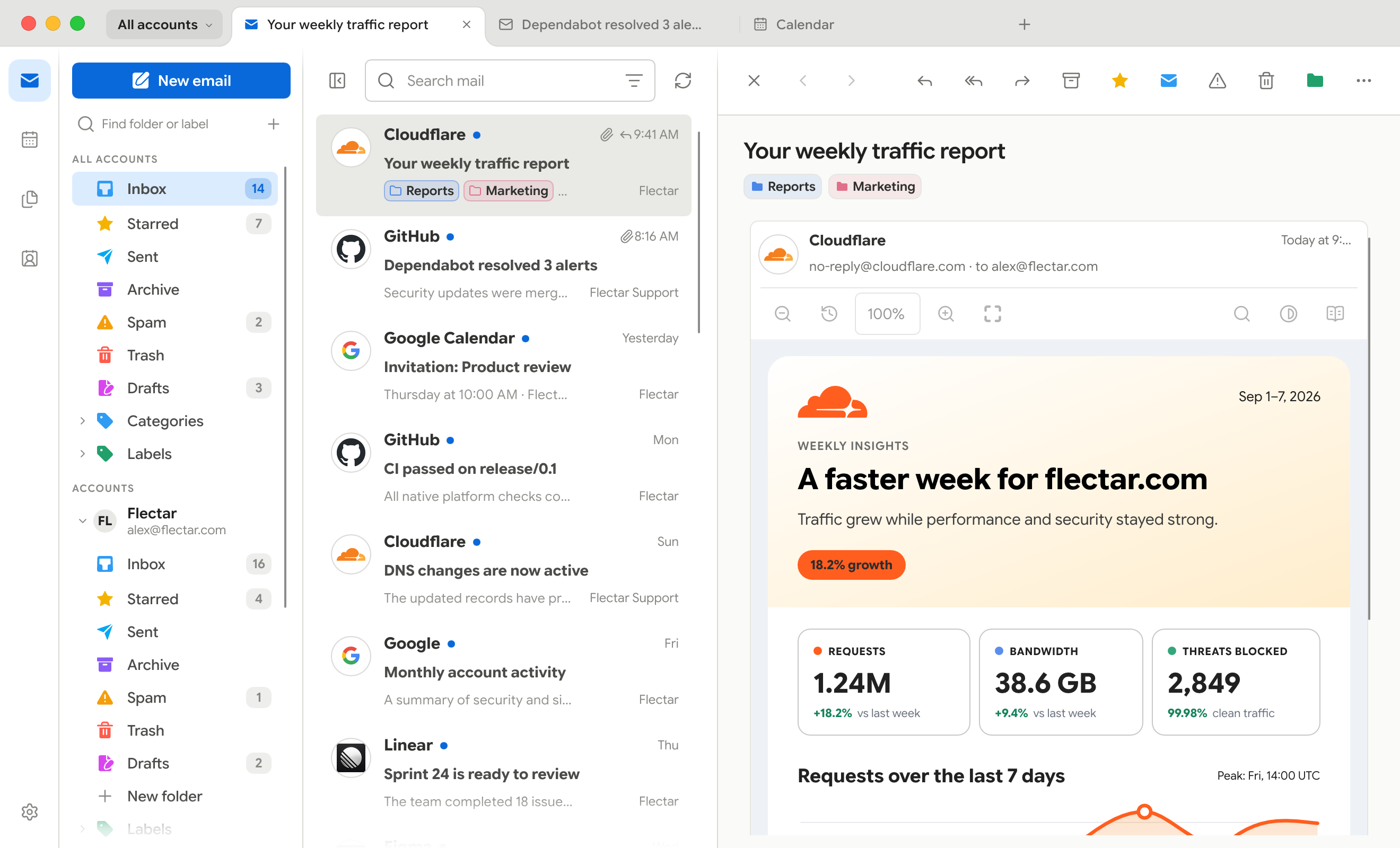
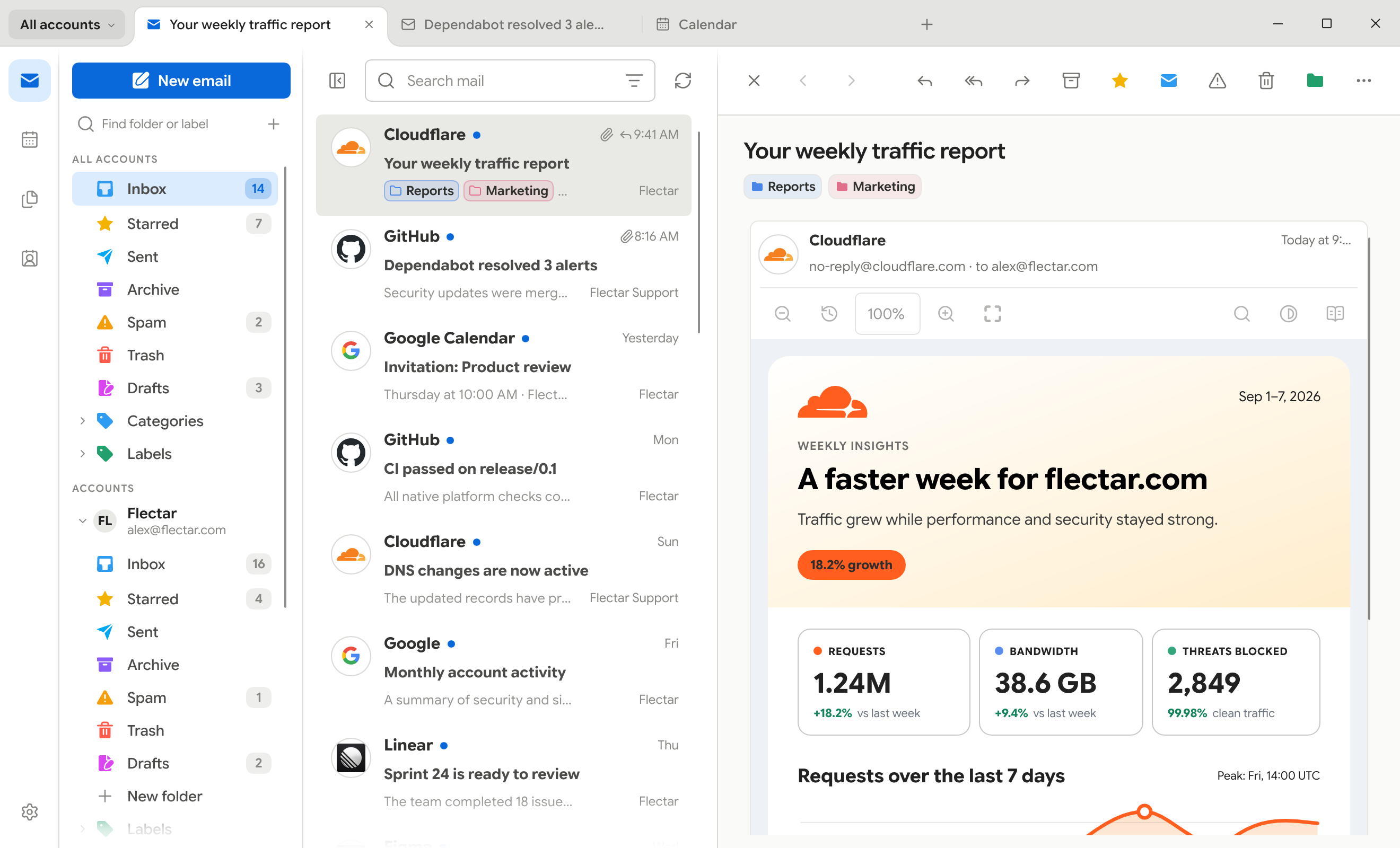
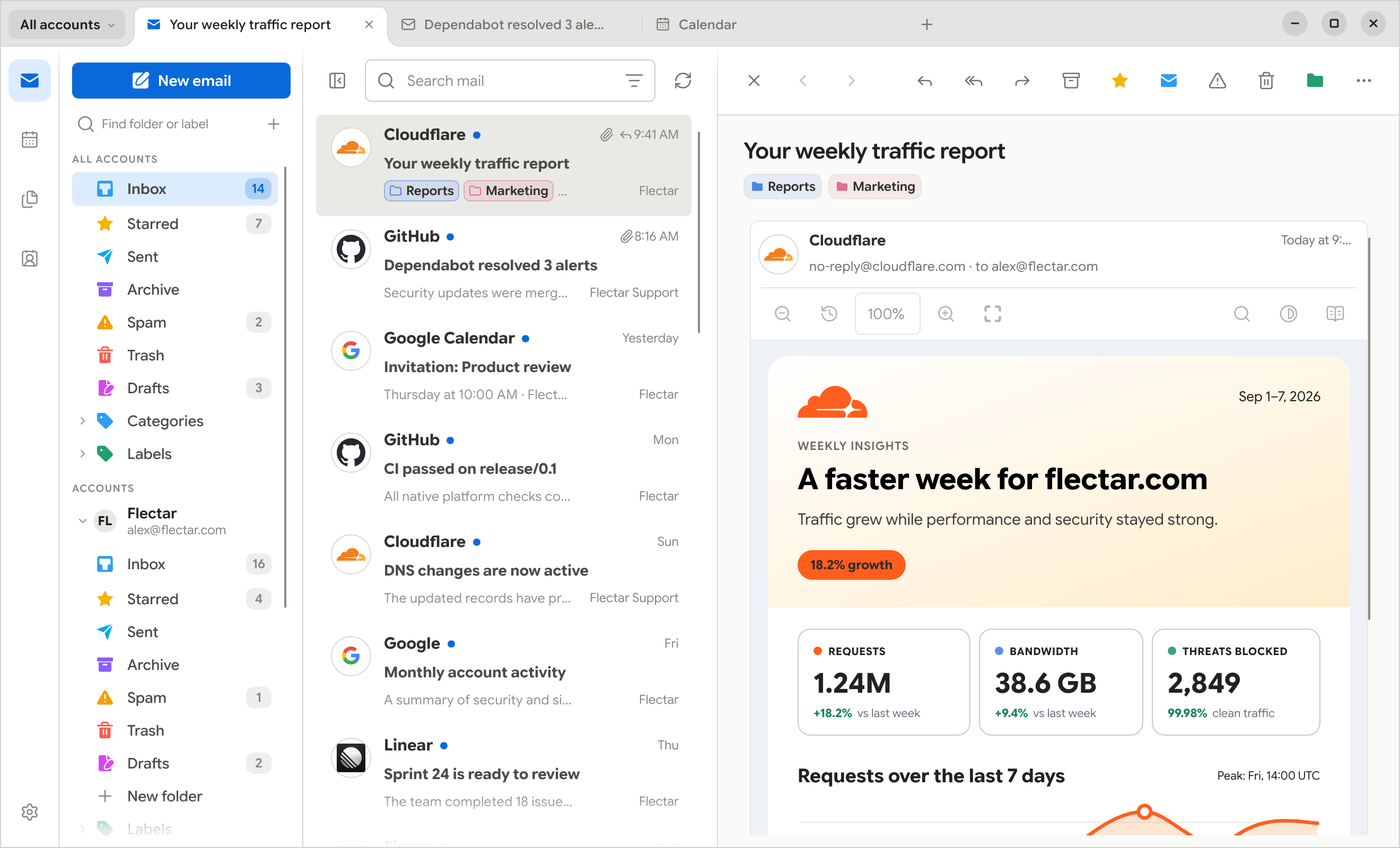
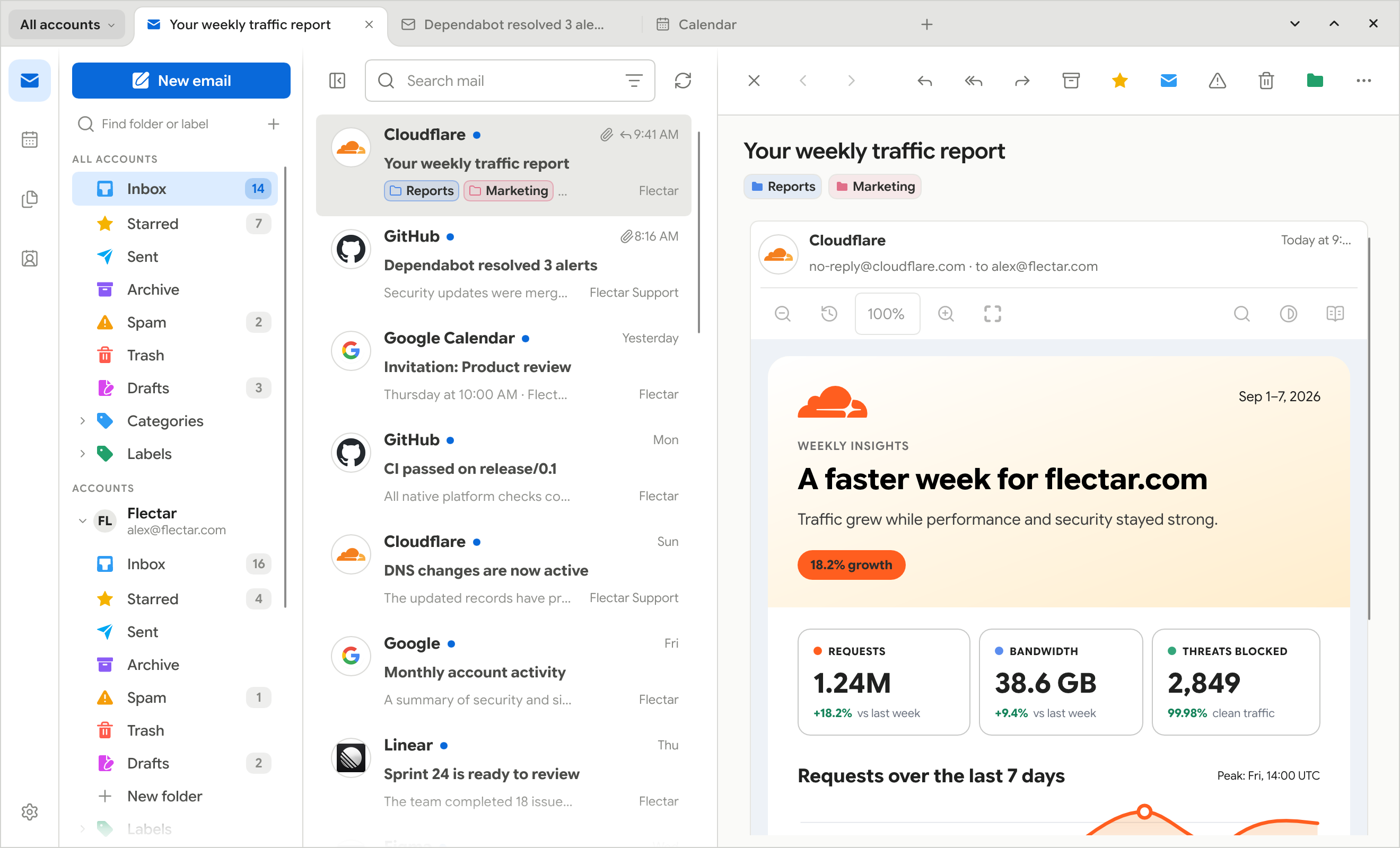
| Frameless window | Window controls in the toolbar that keep each platform's behavior. |
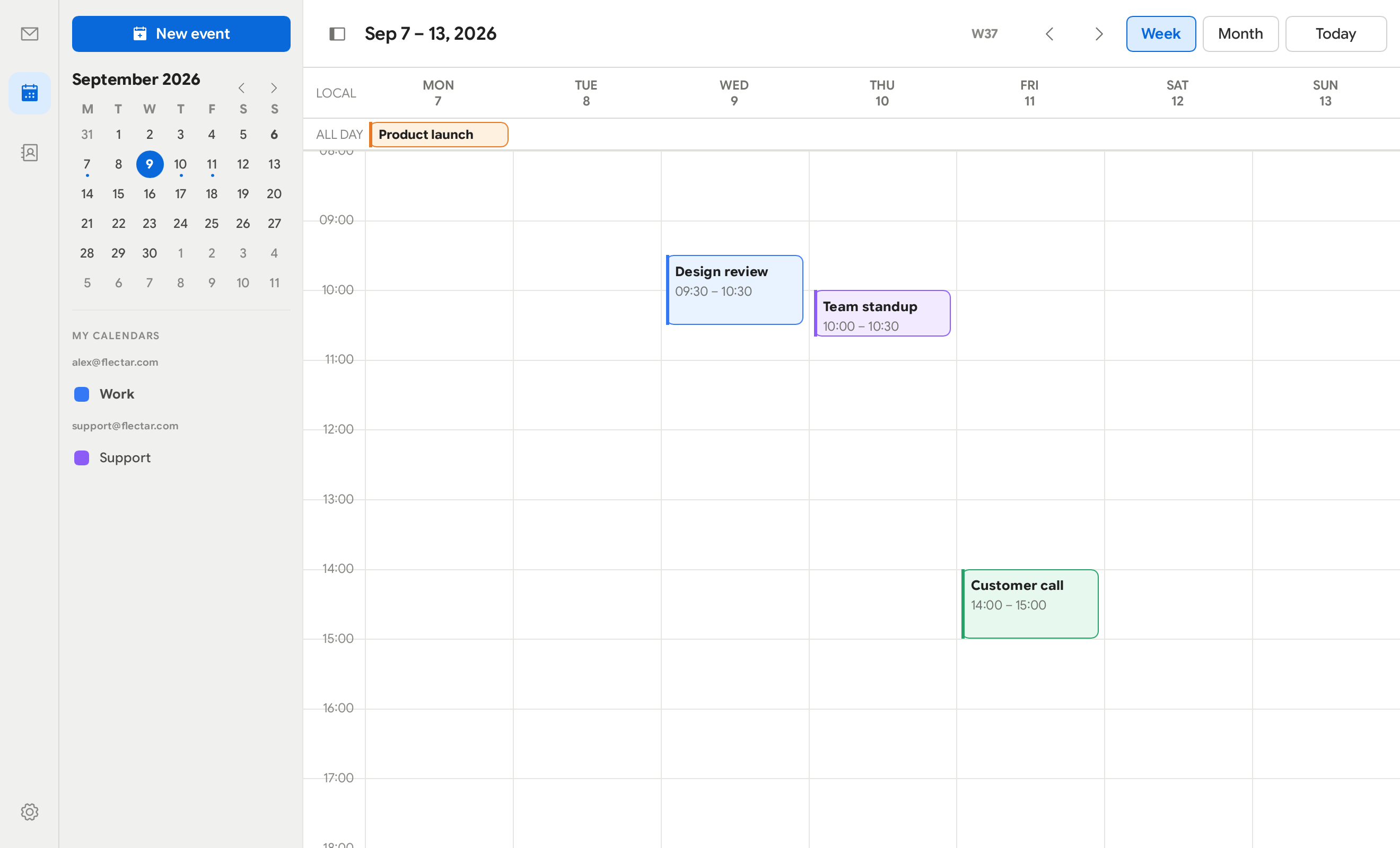
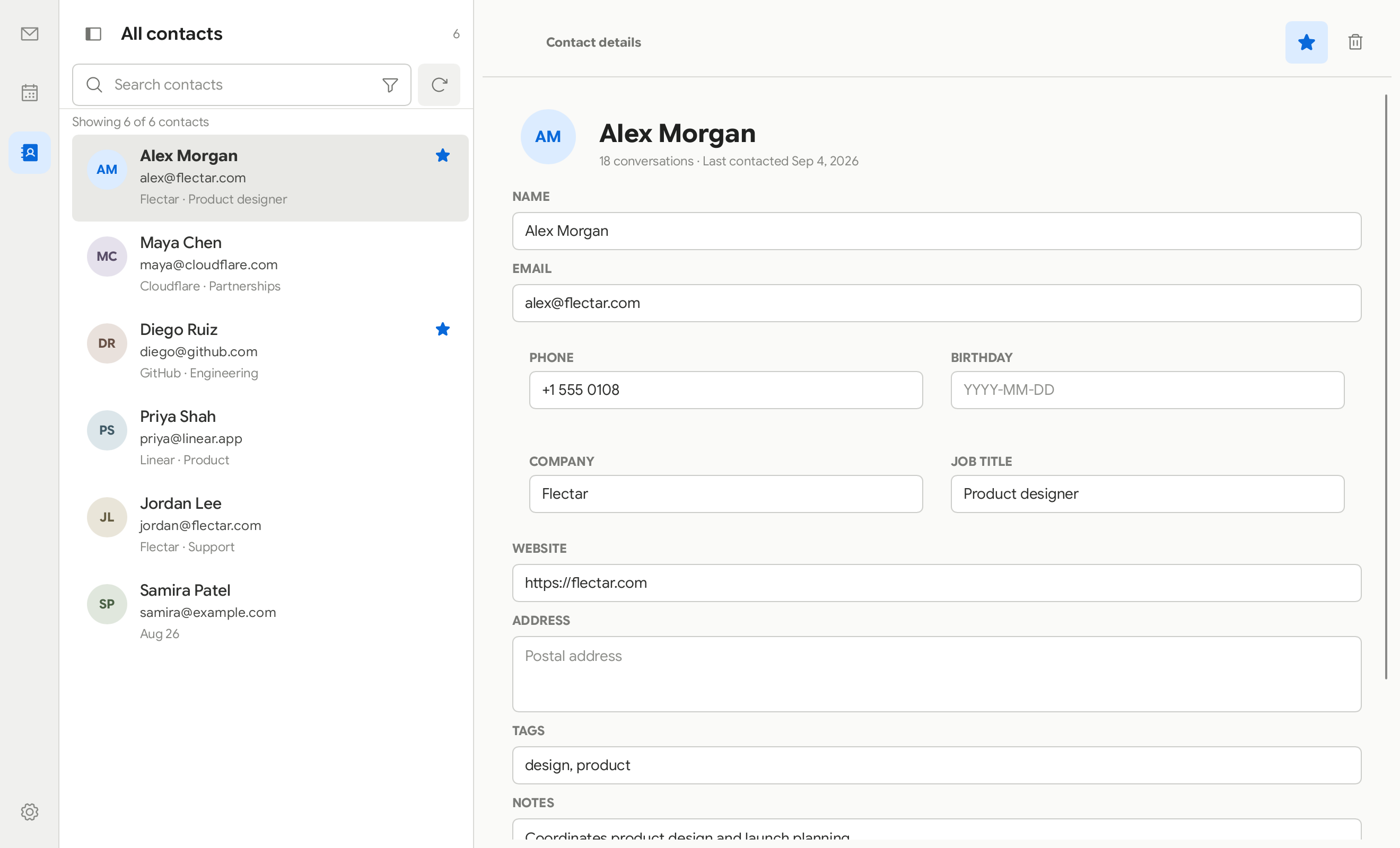
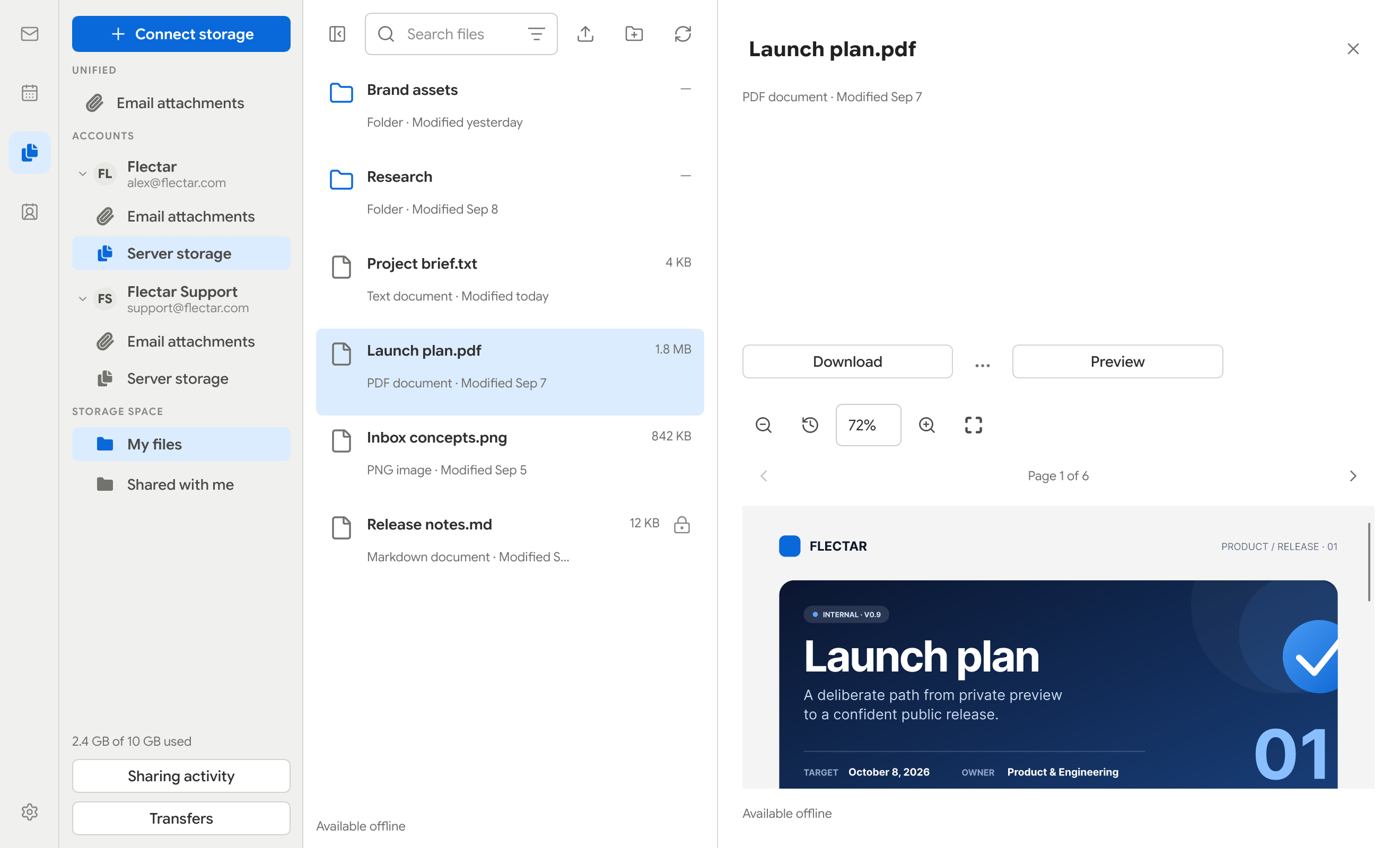
| Calendar, contacts, and files | CalDAV and CardDAV sync, JMAP and WebDAV files, attachment search, offline files and previews. |
| Signatures and OpenPGP | Named signatures, and OpenPGP/MIME signing and encryption on desktop through GnuPG. |
| Storage and backups | Space used per type, database snapshots, account backups and POP3 server rules. |
| Importing accounts and mail | Thunderbird, K-9 Mail, mbox, .eml, maildir, Apple Mail and ZIP archives. |
| HTML rendering | Email HTML rendered in Rust with Blitz, on the CPU or the GPU. |
Full and minimal workspaces
| Full workspace | Minimal workspace |
|---|---|
|
|
|
Tabs, conversations, and profiles
| Tabs | Conversation | Profile colors |
|---|---|---|
|
|
|
Color palettes
| Teal | Green | Purple | Custom |
|---|---|---|---|
|
|
|
|
Frameless window
| macOS | Windows |
|---|---|
|
|
| Linux (GNOME) | Linux (KDE) |
|
|
Calendar, contacts, and files
| Calendar | Contacts | Files (WebDAV/JMAP) |
|---|---|---|
|
|
|
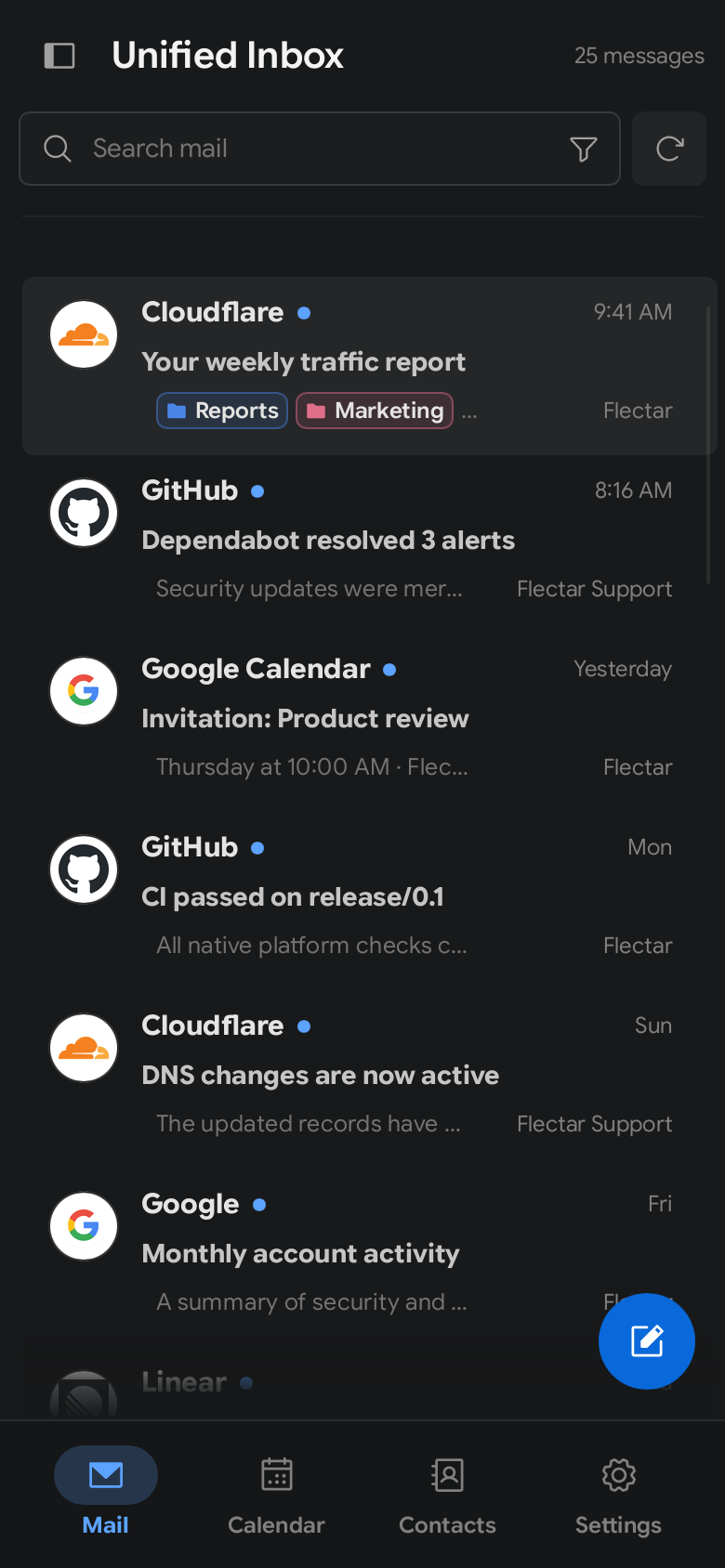
Made for smaller screens
| Light | Dark |
|---|---|
 |
 |
🧪 Experimental HTML rendering
[!WARNING] HTML email rendering is currently the most experimental part of Flectar Mail. Some messages, especially those with complex or unusual markup and CSS, may not render correctly yet.
Flectar Mail renders email with Blitz, a Rust HTML/CSS renderer from the Dioxus team, instead of embedding a browser or WebView. If a message renders incorrectly, please report it. Read more about the renderer and the CPU and GPU options.
📥 Get Flectar Mail
Flectar Mail is in development and not yet stable. Preview builds are on GitHub Releases.
[!WARNING] Google OAuth verification requires an annual CASA security assessment. Flectar is a community open-source project, so completing this assessment depends on sponsor support. Until the required verification is funded and complete, a stable release with Gmail OAuth configured by default will not be possible. If you want to help make built-in Gmail sign-in available, please sponsor Flectar.
| Platform | Download | Notes |
|---|---|---|
| Linux x64 and arm64 | AppImage, Debian/Ubuntu .deb, Fedora 43/44 .rpm, or a Flatpak bundle |
Needs a Secret Service keyring. The Flatpak is a sideloaded preview, not on Flathub yet. |
| Windows x64 and arm64 | Setup .exe or portable ZIP |
Unsigned previews |
| macOS 14+ (Apple silicon or Intel) | DMG or application ZIP | Ad-hoc signed, not notarized |
| Android 8.0+ (arm64) | Signed APK | Previews and stable releases share one app identity. |
| iOS 17+ (iPhone and iPad) | Unsigned .ipa |
Sideload it with AltStore, SideStore, or Sideloadly and your Apple ID. |
| HarmonyOS and OpenHarmony | Community port by springmin | Not part of GitHub releases; build it from source. |
Builds without OAuth app keys keep Gmail and Outlook sign-in disabled. Use the Sign-in settings cog on the welcome screen to add your own Google or Microsoft app registration, or connect an IMAP, POP3, or JMAP account.
The installation guide covers install commands, the Linux
keyring and desktop portal, Flatpak and RPM notes, verifying downloads, Android
signing, iOS sideloading, and building from source with
cargo run --bin flectar-mail.
🤝 Get involved
| Topic | Details |
|---|---|
| 🌍 Translate | Translate the app, improve a translation, or review strings on Weblate, with no programming or GitHub experience required. Translations reach this repository as pull requests, with GitHub attribution for contributors. README translations live here; see Contributing translations. |
| ♿ Accessibility | Keyboard navigation, light and dark themes, and flexible layouts, with work ongoing. ACCESSIBILITY.md covers current features, testing limitations, and how to report a barrier. |
| 🔒 Security | Report vulnerabilities privately as described in SECURITY.md, and keep their details out of public issues. |
| 🌐 Open source | One open-source application with no separate community edition, licensed under the GNU Affero General Public License v3. The licensing overview has the practical details. |
| 🛠️ Contribute | CONTRIBUTING.md explains how to help shape the project. |
🫡 Acknowledgements
Flectar Mail is made possible by the work of these projects and their contributors:
- Slint, the native UI toolkit that powers the Flectar Mail interface.
- Blitz, the Rust HTML/CSS renderer from the Dioxus team that powers the email reading experience.
