lottie




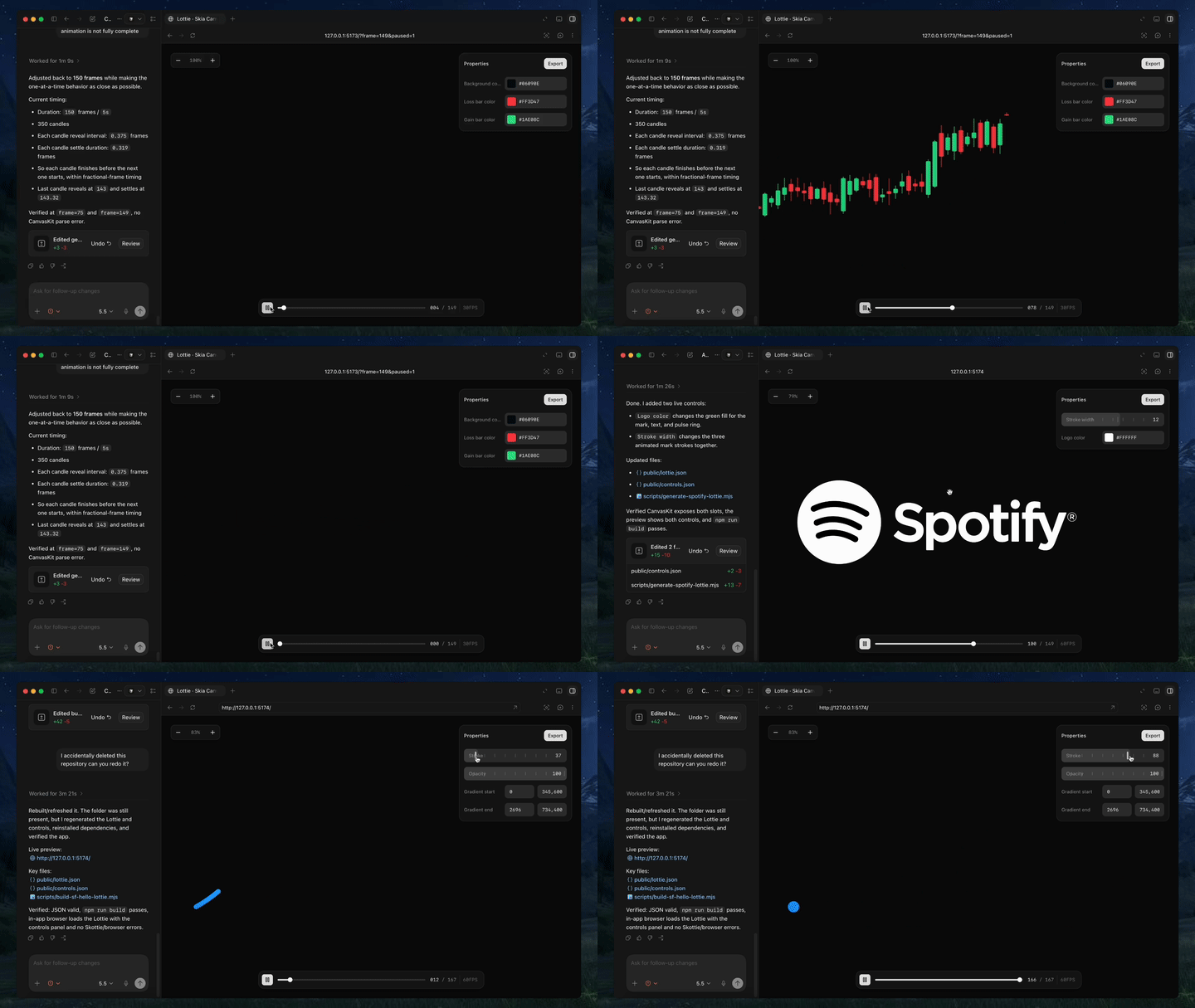
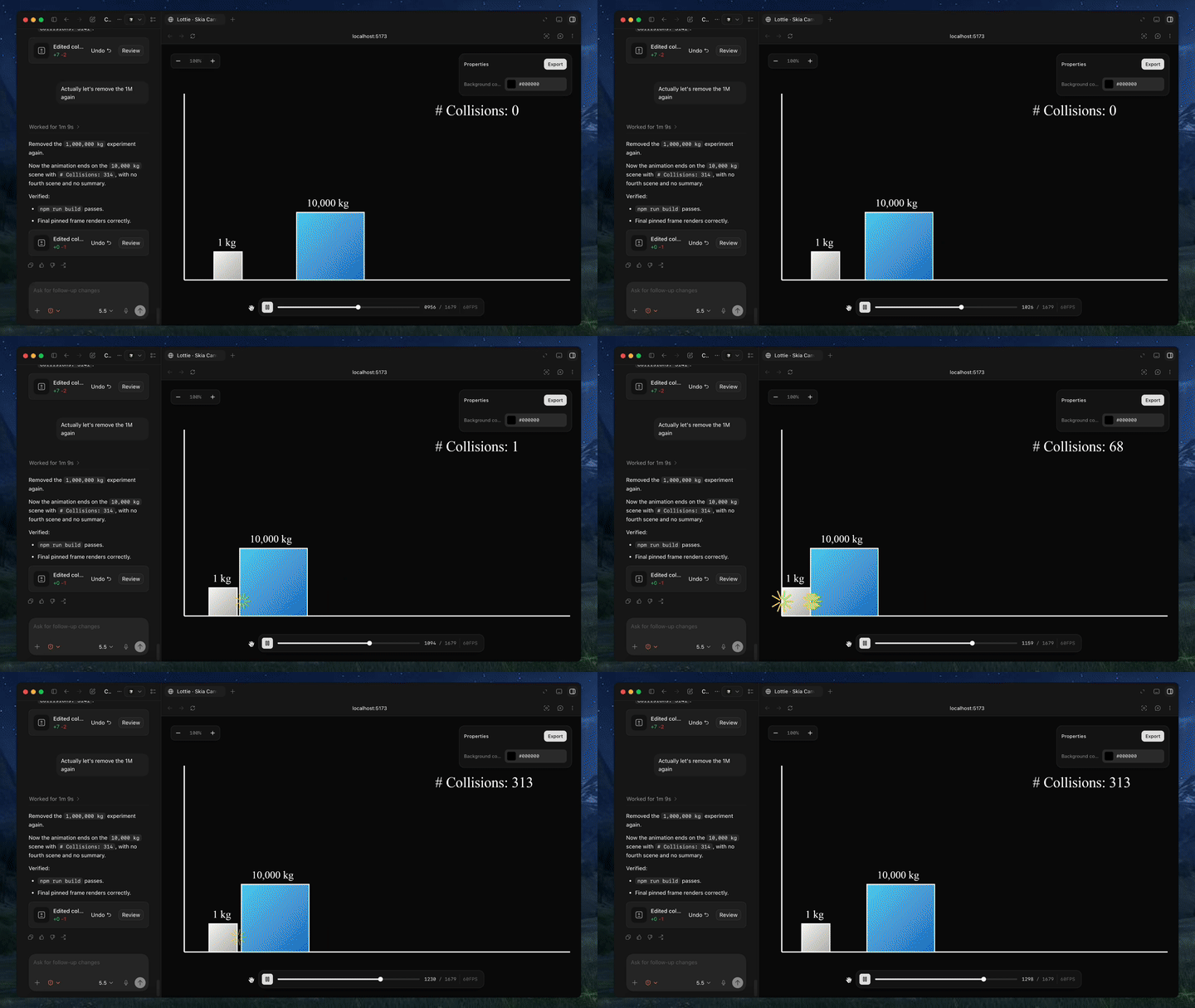
Text-to-lottie is an open-source framework for generating production ready Lottie animations with claude code/codex or any other coding agent supporting skills.
|
|
Quick Start
Install the skill:
npx skills add diffusionstudio/lottie
Then ask your coding agent to generate a Lottie animation using text-to-lottie.
Example prompt:
Create a Lottie animation from the SVG path in https://github.com/JaceThings/SF-Hello/blob/main/SVG/hello-en.svg. Reveal the path with an animation that follows the natural path direction. Apply a premium apple themed gradient to the path. Use ease-in-out timing, a transparent background, and preserve the original SVG geometry.
The agent sets up the workspace and the included player, where each animation lives as a scene inside a project. Scenes load automatically from public/projects/<project>/<scene>/lottie.json and live-update in the player as the agent edits them — so you can inspect, scrub, and refine the generated Lottie in real time.
Prompt guide
1. Ground the model
Provide SVGs, real-world data, or screenshots whenever possible. Results are significantly better when the animation is based on concrete assets.
2. Use motion design terminology
Describe timing and movement using motion design language like ease-in, ease-out, and ease-in-out.
3. Think like a camera operator
Professional motion graphics often rely on camera movement. Include camera pushes, pans, zooms, and rig-like motion in your prompt.
4. Request the controls you need
By default, outputs usually only expose a background color control. If you want to customize other properties, explicitly ask the agent to create controls for them.
5. Specify FPS and duration
If your animation requires a specific frame rate or length, include the desired FPS and total frame count in the prompt.
Using the Generated Animation
Generated animations can be used directly as Lottie JSON files or imported into After Effects for further refinement.
Web / vanilla HTML
<script src="https://unpkg.com/lottie-web/build/player/lottie.min.js"></script>

<div id="anim"></div>

<script>
  lottie.loadAnimation({
    container: document.getElementById("anim"),
    renderer: "svg",
    loop: true,
    autoplay: true,
    path: "/animations/my-animation.json"
  });
</script>
React Native
Use React Native Skia to render Lottie animations via its Skottie module. It supports iOS, Android, and web, and lets you customize animation properties, assets, and typographies at runtime.
import { Skia, Canvas, Skottie, useClock } from "@shopify/react-native-skia";
import { useDerivedValue } from "react-native-reanimated";

const animation = Skia.Skottie.Make(JSON.stringify(require("./animation.json")));

export default function Loader() {
  const clock = useClock();
  const frame = useDerivedValue(
    () => ((clock.value / 1000) % animation.duration()) * animation.fps()
  );
  return (
    <Canvas style={{ width: 200, height: 200 }}>
      <Skottie animation={animation} frame={frame} />
    </Canvas>
  );
}
iOS Swift
import Lottie

let animationView = LottieAnimationView(name: "animation")
animationView.frame = view.bounds
animationView.contentMode = .scaleAspectFit
animationView.loopMode = .loop
view.addSubview(animationView)
animationView.play()
Android Kotlin
val view = findViewById<LottieAnimationView>(R.id.animationView)
view.setAnimation(R.raw.animation)
view.loop(true)
view.playAnimation()
Flutter
dependencies:
  lottie: ^1.0.0
import 'package:lottie/lottie.dart';

Lottie.asset('assets/animation.json')
